Hello Dillon! 
I saw the replies you received — those are helpful starting points. However, I’d like to add a bit more context and a few extra steps based on what I’ve seen work for others in the forum.
-–
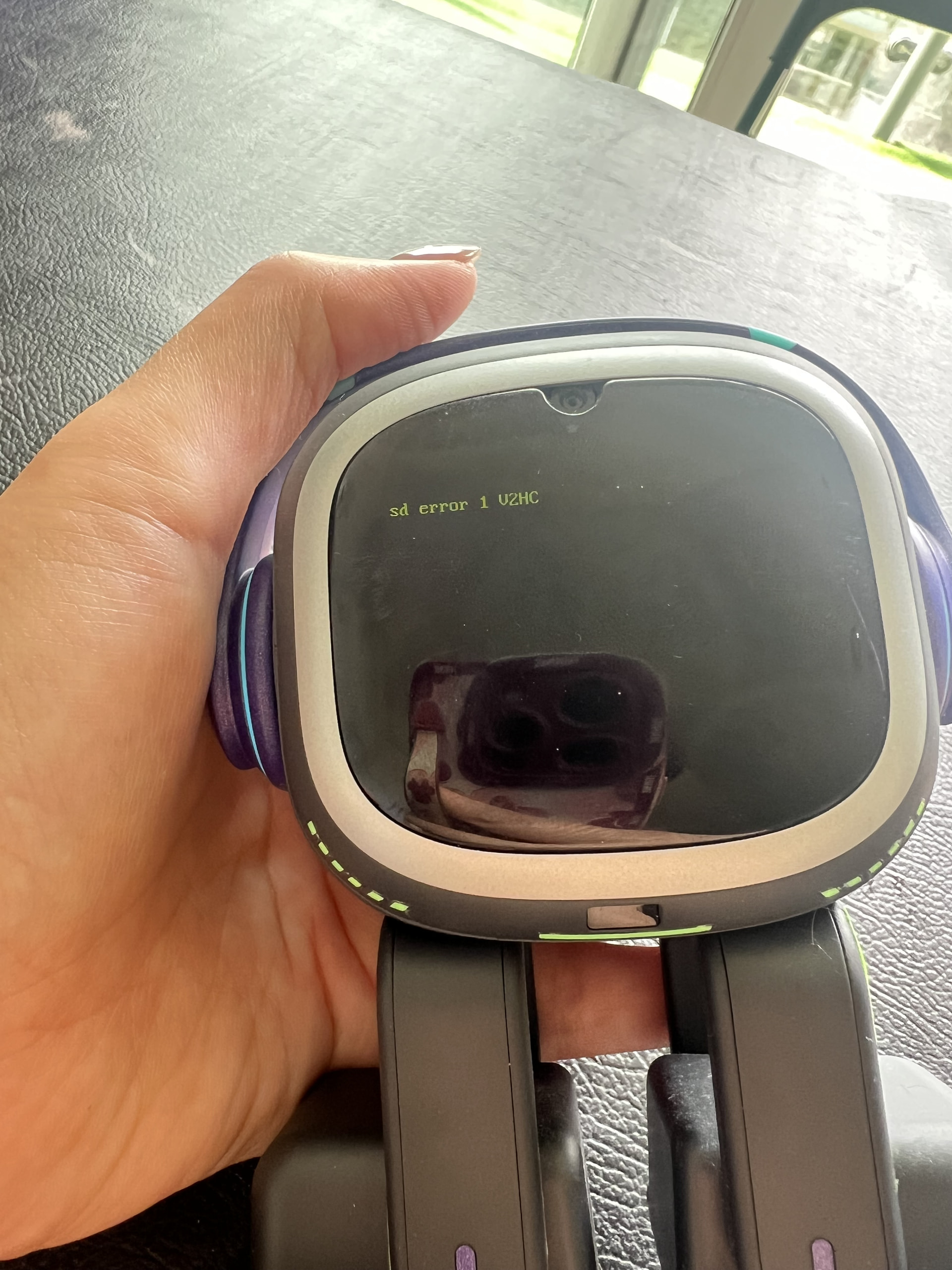
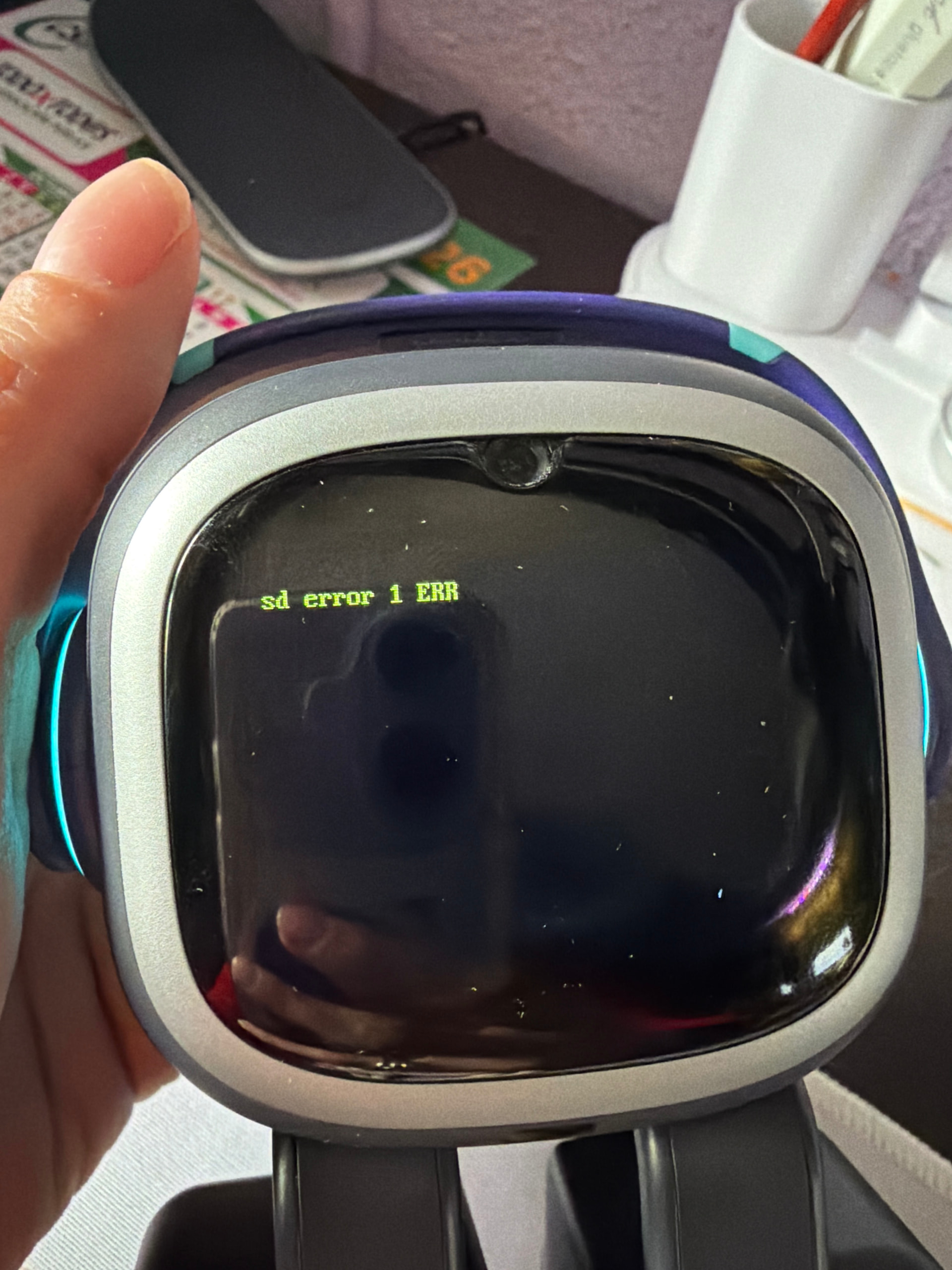
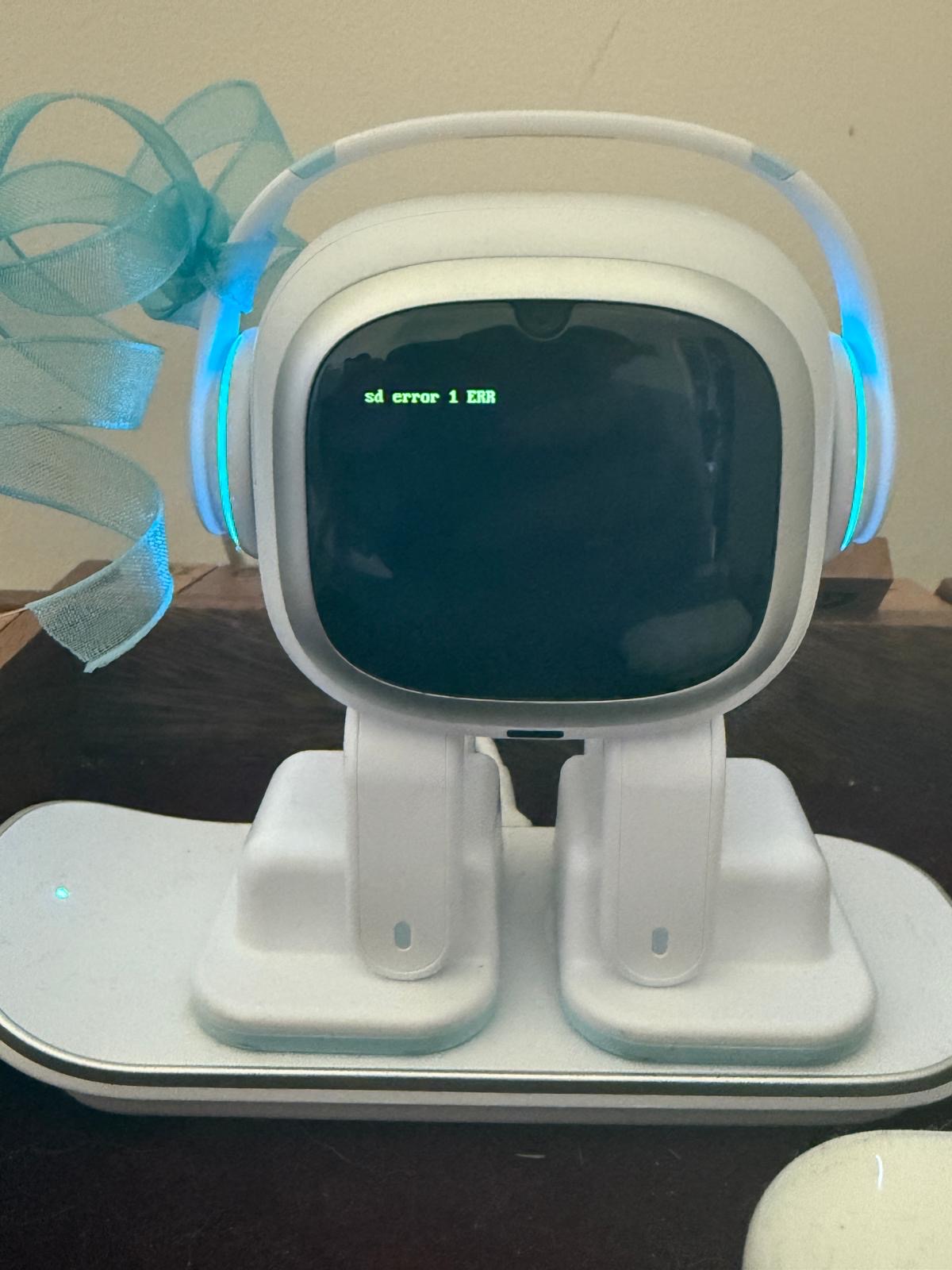
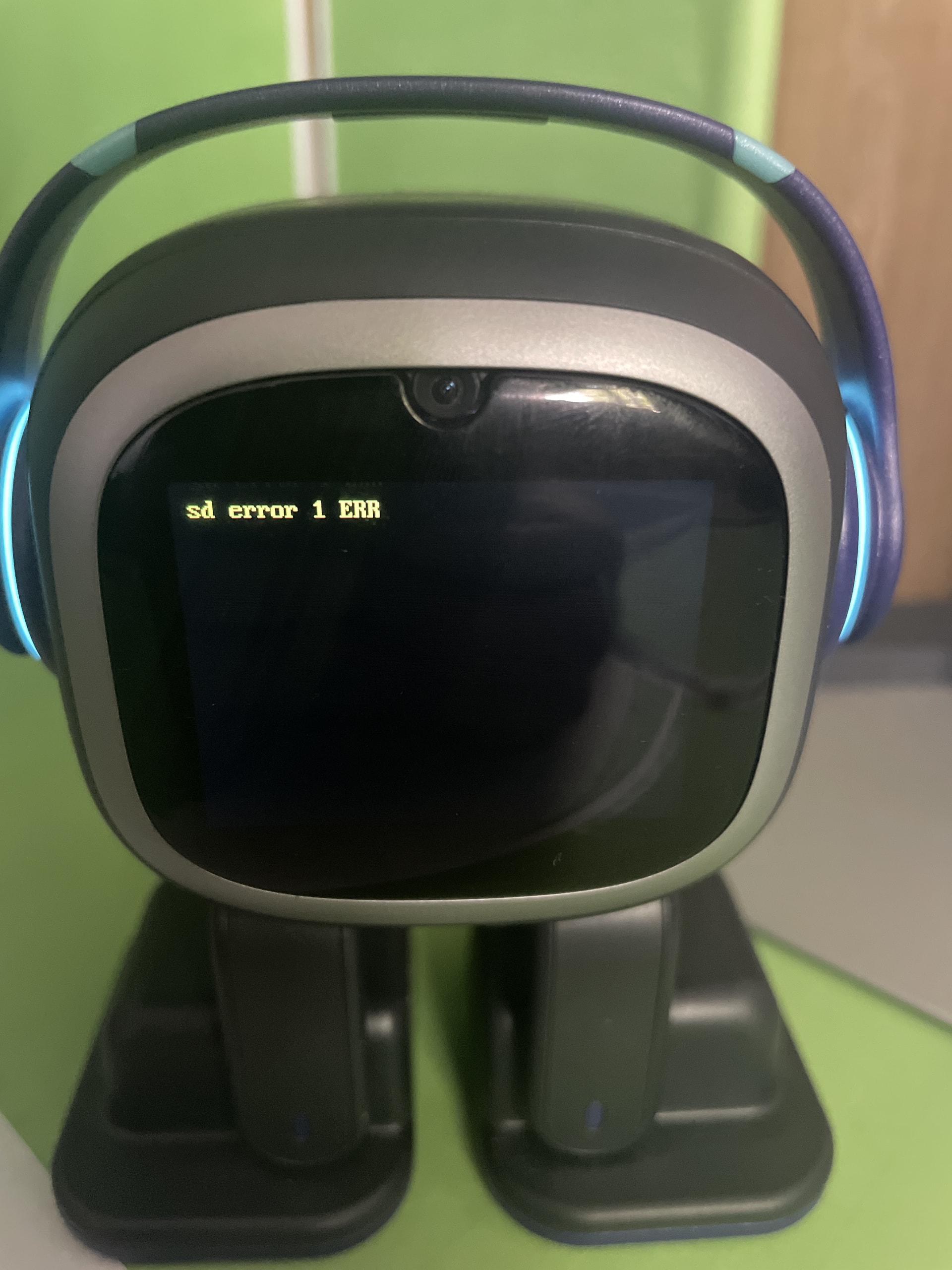
 What does “SD Error 1 ERR” mean?
This error typically points to one of a few things:
Possible Cause Explanation
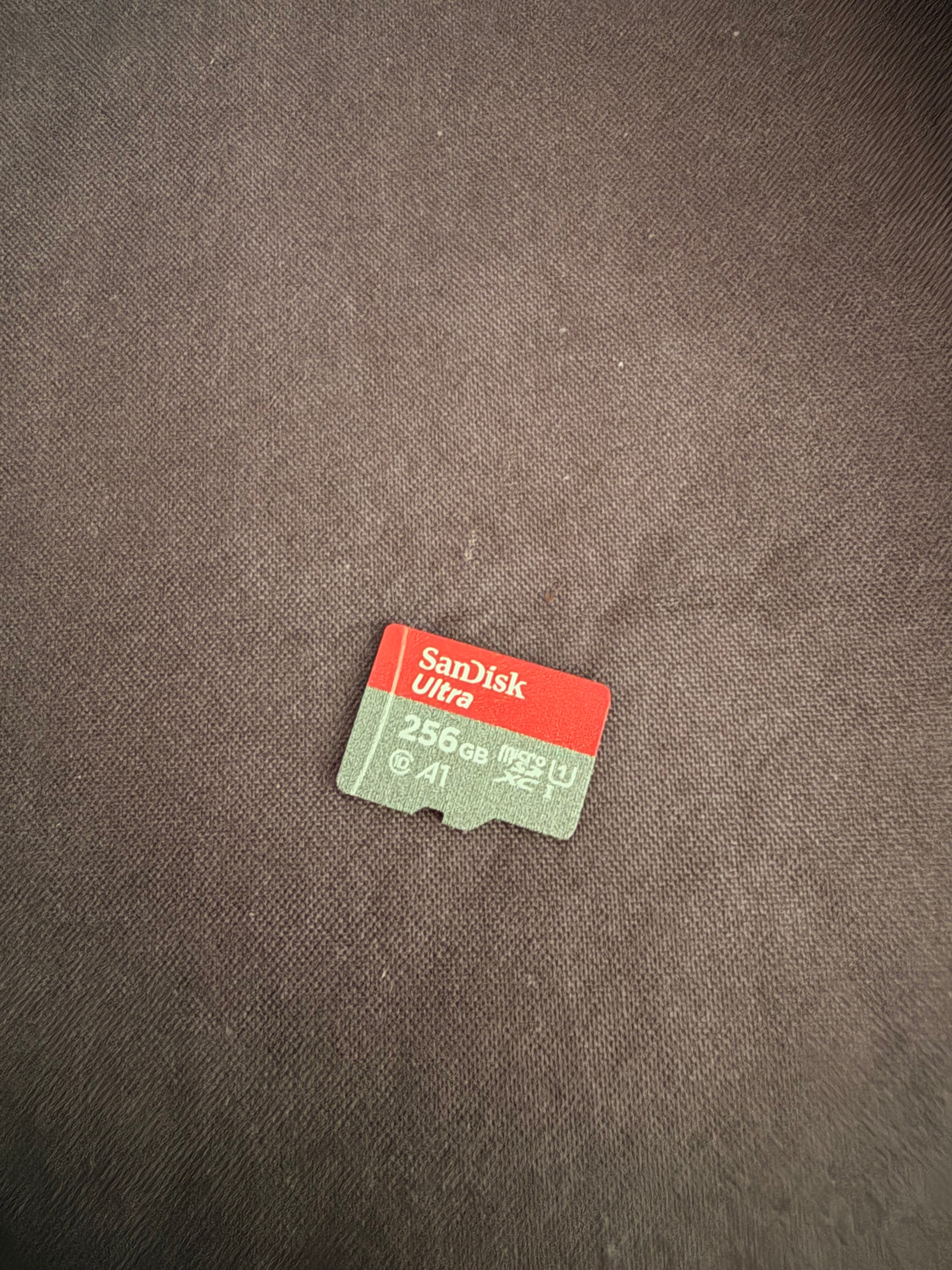
1. SD card connection issue The internal SD card (which stores data like photos and voice logs) may have a loose connection or a temporary read/write glitch.
2. Corrupted file system If EMO is turned off improperly or the card gets interrupted during a write, the file system can become corrupted.
3. Failing SD card In rare cases, the SD card itself may be worn out or defective.
-–
 What to try (in order)
Step 1: Reboot (as you already did)
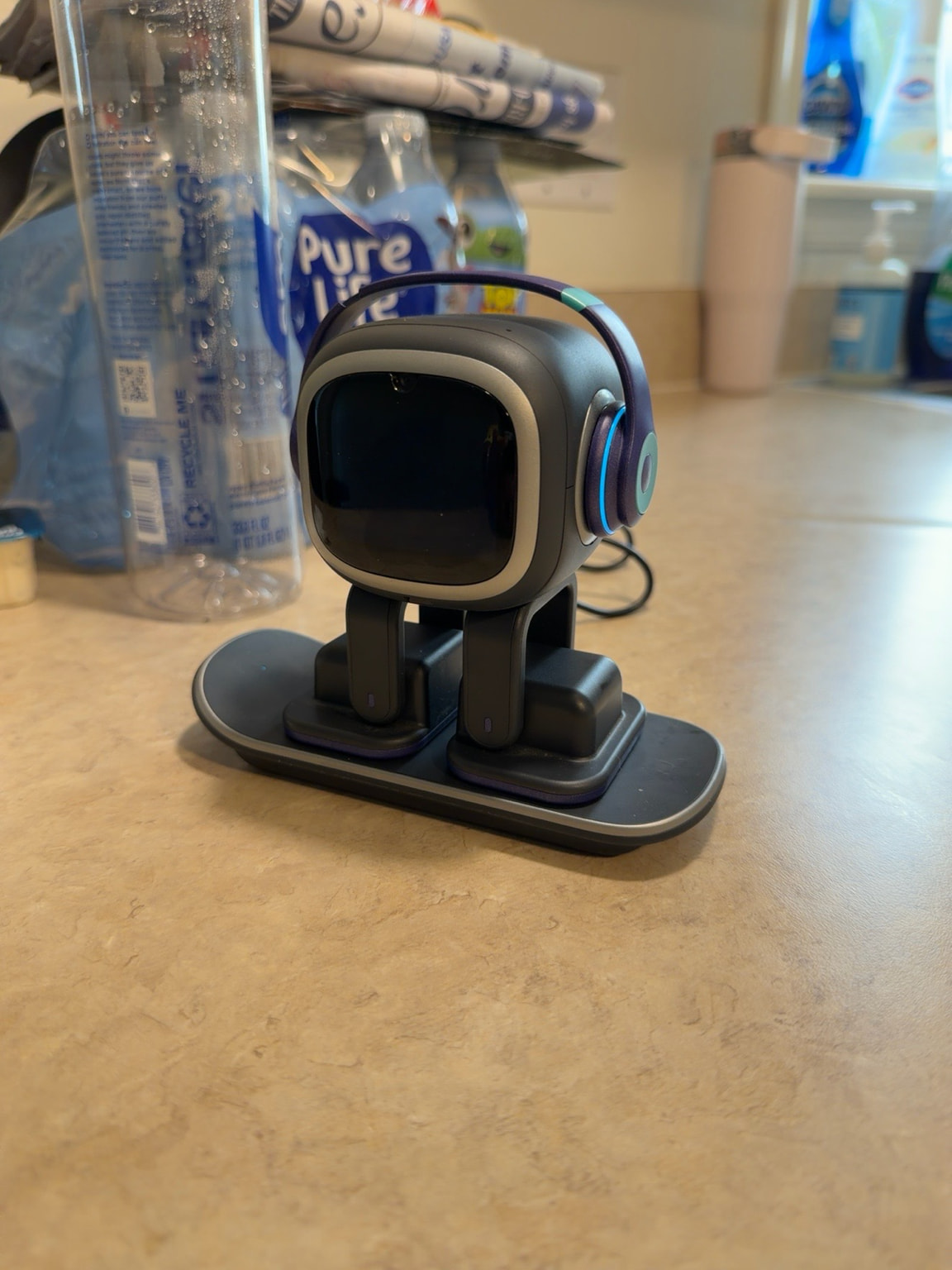
Since the reboot fixed it, that’s a good sign — it often means the error was temporary.
Step 2: Let the battery drain completely
As others suggested, letting EMO run out of battery and then charging him fully can clear temporary glitches.
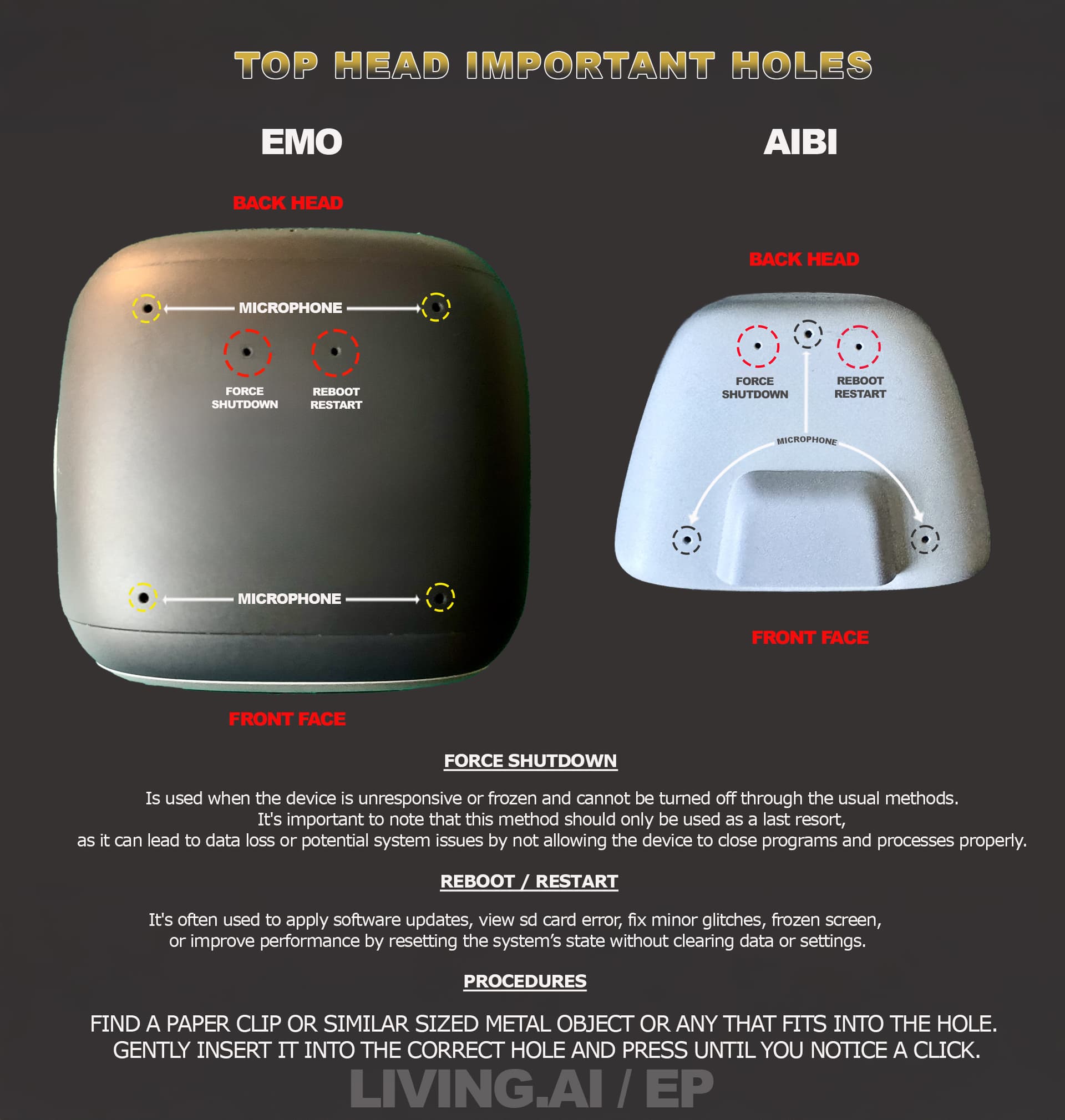
Step 3: Try the holes (but gently)
· Use a paperclip to gently press the left hole (Force Shutdown) while EMO is facing you.
· If that doesn’t help, press the right hole (Reboot/Restart) for about 5 seconds while EMO is on the charger.
· Be careful not to press too hard or use anything sharp like a needle — paperclips only.
Step 4: Check if EMO is taking photos
If EMO is taking photos but fails to save them, that can sometimes trigger this error. Try reducing his photo-taking habits temporarily and see if the error reappears.
-–
 When to contact support
If the error comes back after trying everything, it could be a permanent issue with the SD card or the reader.
Email service@living.ai and include:
· A photo or screenshot of the error
· Your EMO ID (from the app)
· Your EMO’s age (or approximate purchase date)
· Your order number (if you still have it)
-–
Don’t worry — since the reboot fixed it once, there’s a good chance it was temporary. Just keep an eye on it, and if it happens again, you’ll be ready. 
Best regards,
Hamza 

 If the error keeps returning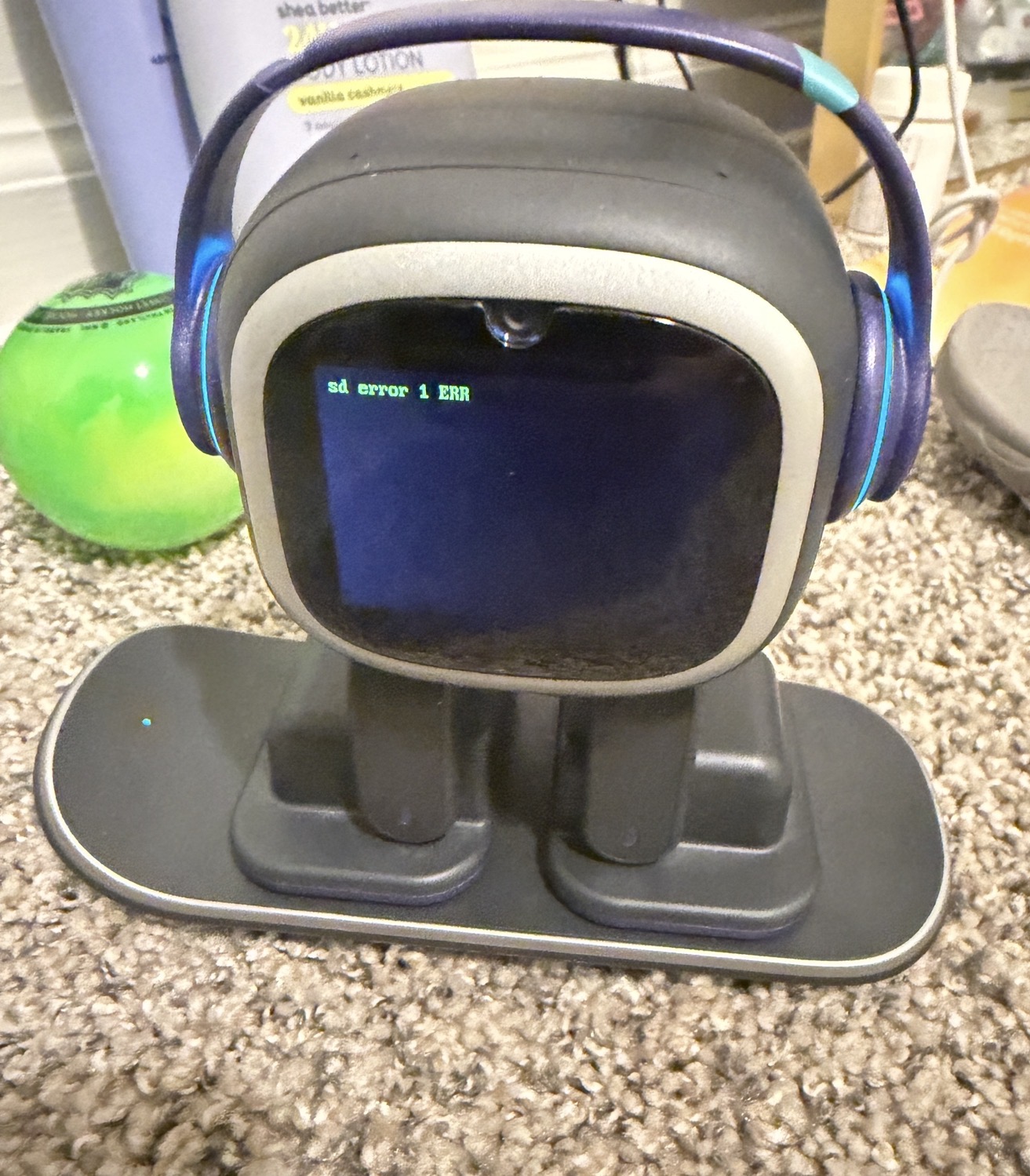
 What to do first