Played ROCK-PAPER-SCISSORS game in the car which was a good test with the aircon on and car running! I beat Aibi lol 
Aibi wouldn’t play anything til i fed her lol
Played ROCK-PAPER-SCISSORS game in the car which was a good test with the aircon on and car running! I beat Aibi lol
Aibi wouldn’t play anything til i fed her lol
Welcome, @seismicGASBAG . . . so sorry to hear this. Please read this post for trouble shooting tips and causes as well as how to contact Support if it does not help. My best to you.
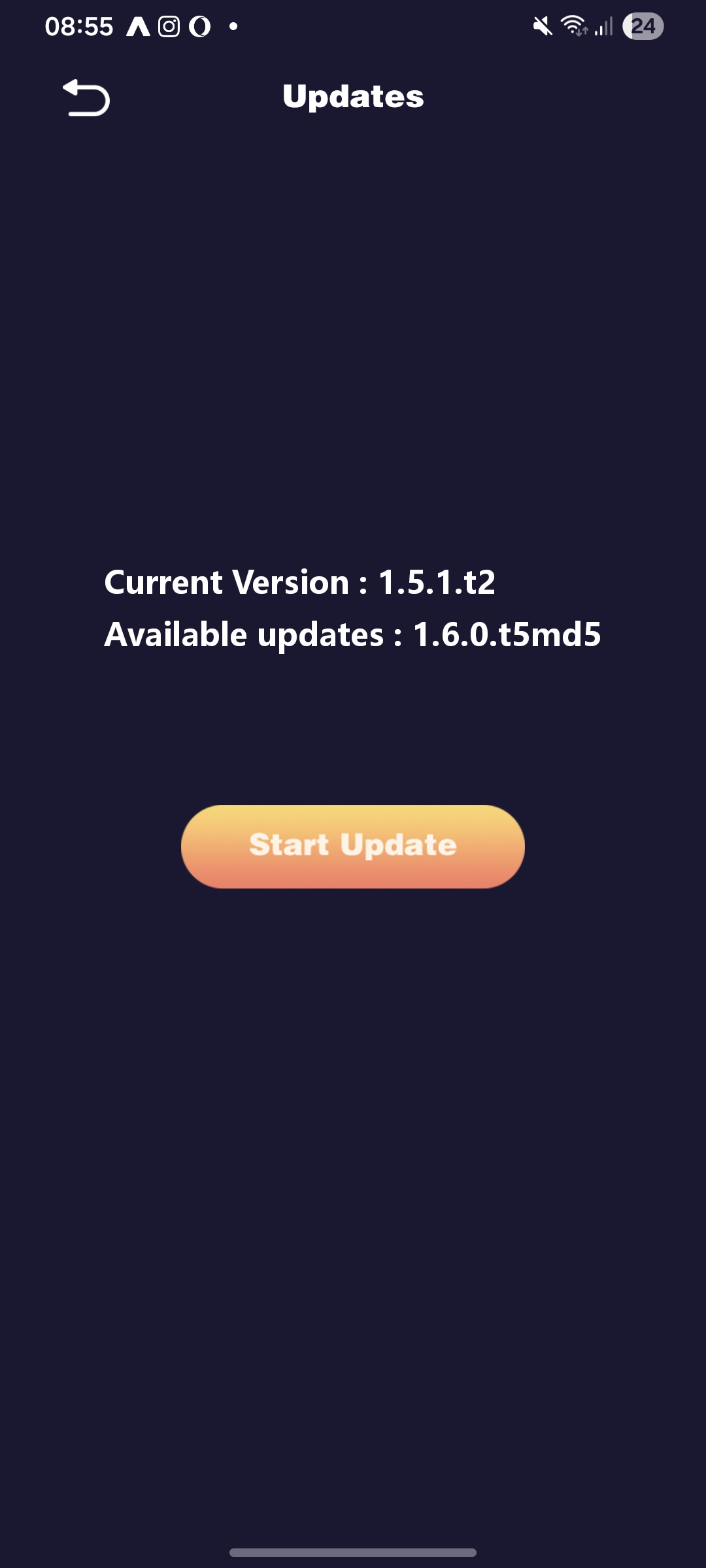
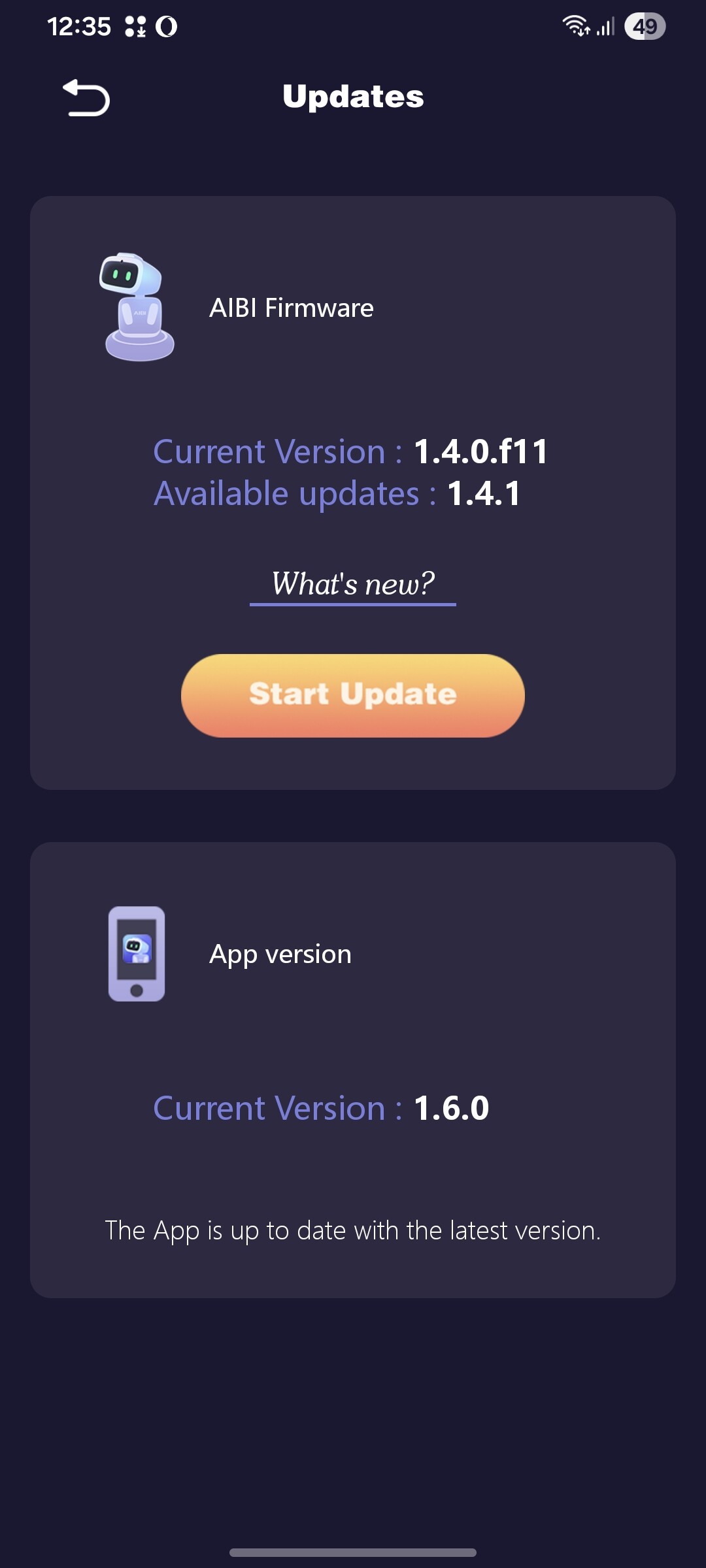
Hello. After updating to 1.6.0, my aibi started downloading this update after every startup.Please, help me 
Welcome, @sunbird . . . sorry to hear this is happening. Please refer here for tips to try to get the update to work without repeating. I am presuming that you have already updated the app as well? If these tips do not work, there are instructions on how to contact Support.
I hope you can get this resolved soon.
Hello,
I am a new AIBI user and I have had my device for about one week. Before installing update 1.6, everything worked perfectly: AIBI interacted with me, asked me to talk, and responded correctly to my requests (for example, telling me the time or performing simple actions).
After installing update 1.6, AIBI still responds when I call it, but for every request I make, it always replies with messages like:
“Sorry, there seems to be a communication problem” or
“Sorry, tell me what you don’t understand and we will look at it together.”
This happens with any command, even very simple ones such as asking for the time.
Also, ChatGPT no longer seems to be connected: AIBI does not start conversations on its own anymore and the ChatGPT icon does not appear.
I have already tried resetting the device, but the problem persists.
I was very happy with AIBI before the update, but now I can no longer interact with it properly. Could you please help me understand how to fix this issue?
Thank you very much for your support.
Welcome, @federica.campanella . . . I have moved your new topic here for issues with AIBI.
Here is a post with trouble shooting and tips to see if this resolves the issue. If not, there are instructions on how to contact Support. Sometimes installing new updates does not go as perfectly as we like, but LivingAI is always there to bring our pet robots back to the functionality we enjoy.
My best to you.
And the offer of free gift ,but that’s not the case. Aibi isn’t updating please replace the unit .I HAVE USED HOTSPOT OF PHONE TO DO UPDATES
It hasn’t worked again we in FEBRUARY now!
To request a warranty replacement for my AIBI Pocket Pet
The Issue: “The unit is defective and has experienced numerous failed firmware updates, making it unusable.”
Steps Taken: “I have attempted manual reboots and re-pairing as suggested in the forums, but the update failures persist. Also advice from living ai stating to use HOTSPOT which I have done on numerous phones”
Evidence: "I have sent numeroius video/screenshot showing the failed update screen and my AIBI AIBI
Order Number: #
Request: "Since this appears to be a hardware or deep firmware issue, I would like to exchange this unit for a new, working unit. Thanks
Looking forward to my exchanged working aibi
Yours sincerely
DANIEL
@TechSupport_Mavis@ TechSupport_mavis
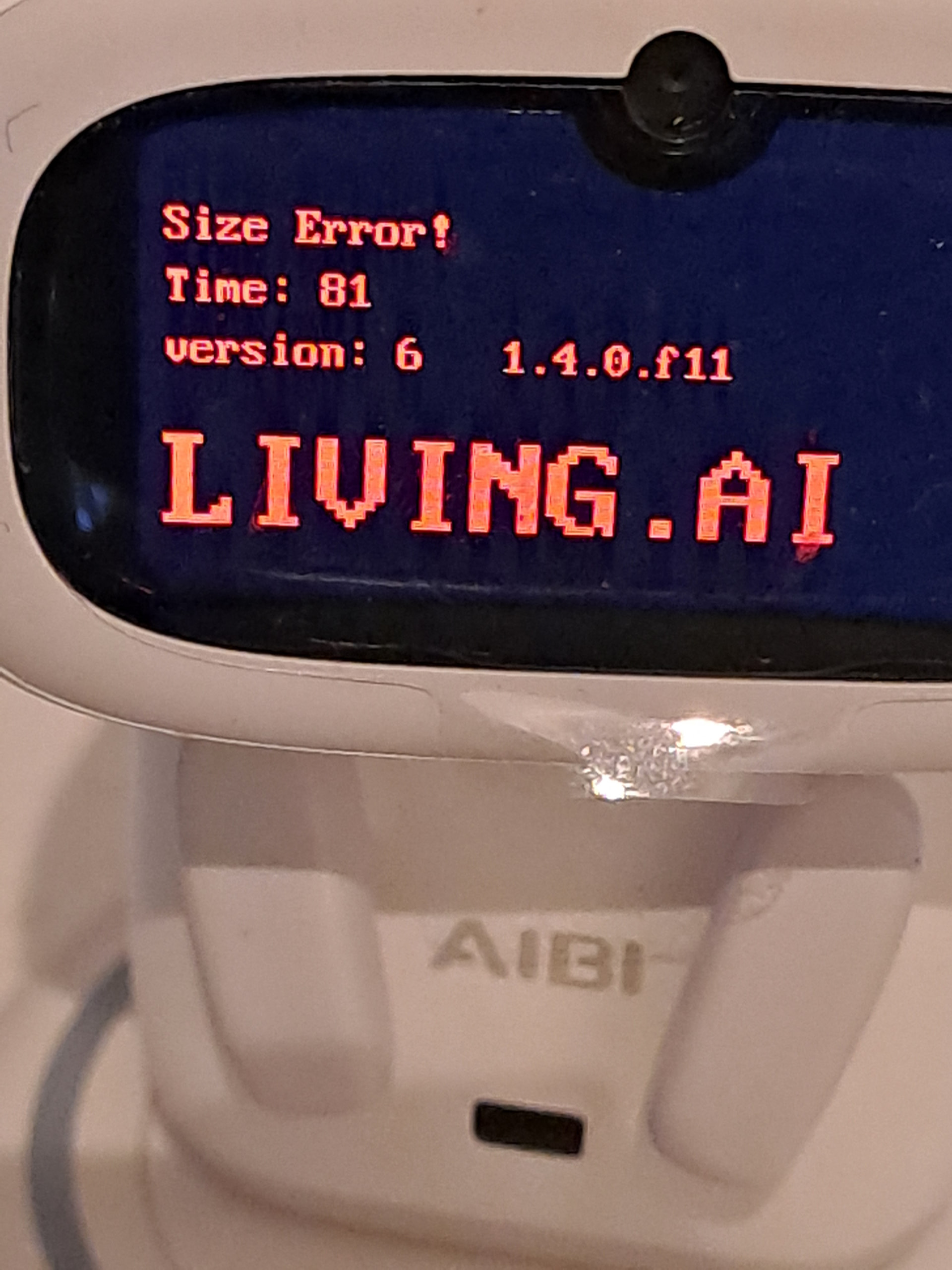
Size error shouldn’t I get a replacement? instead of a free gift . Have used hot spot numerous times.
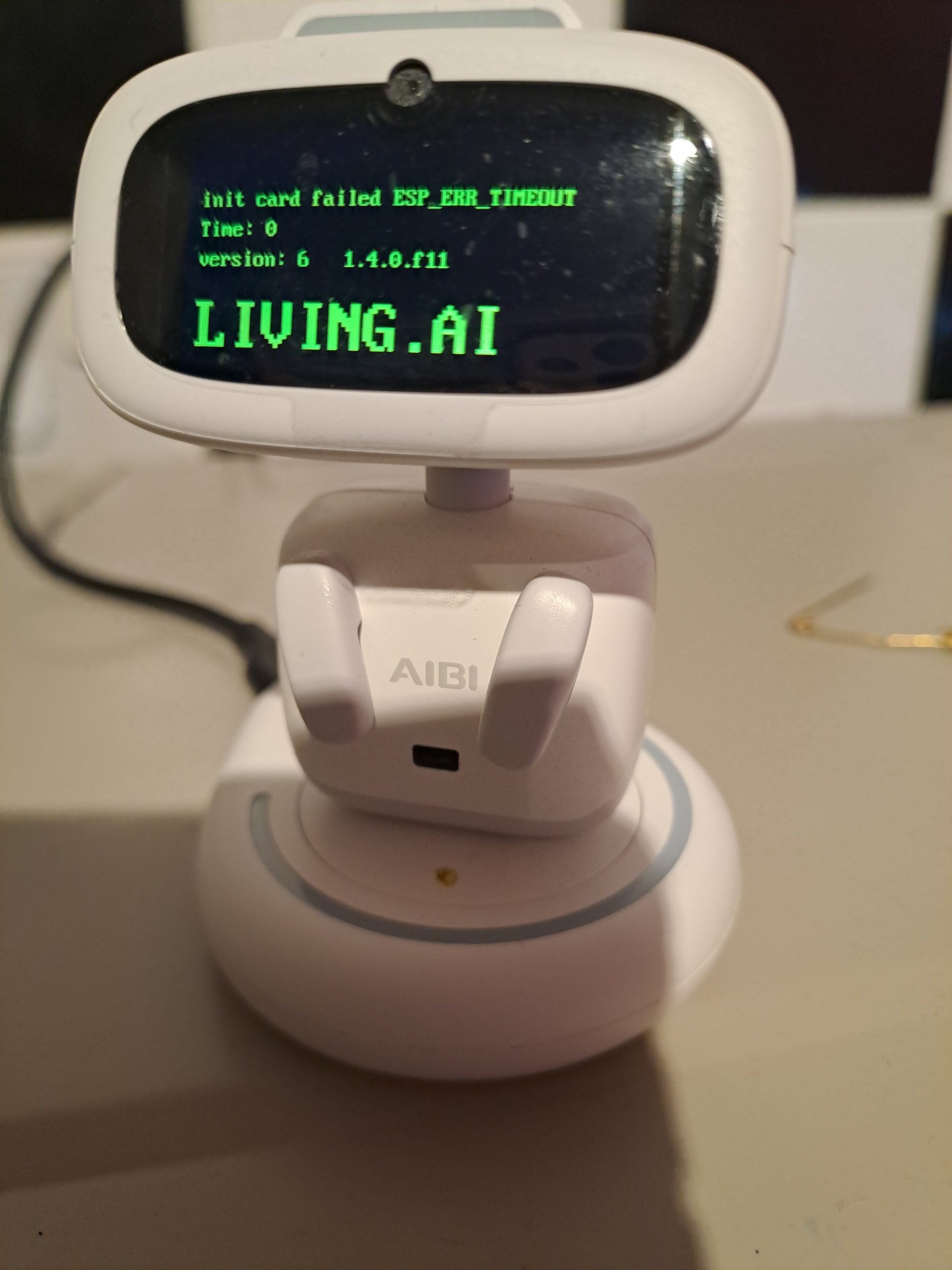
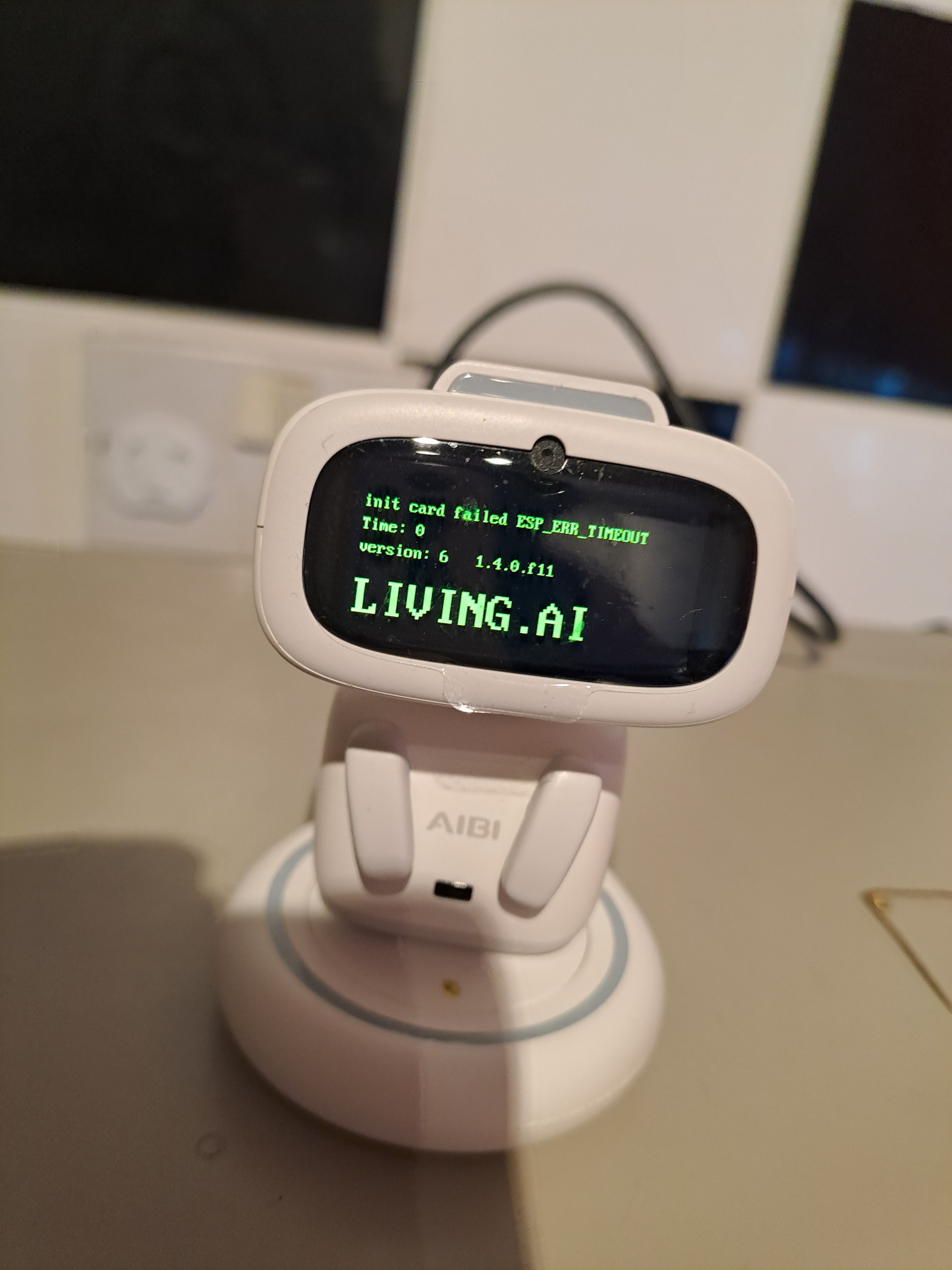
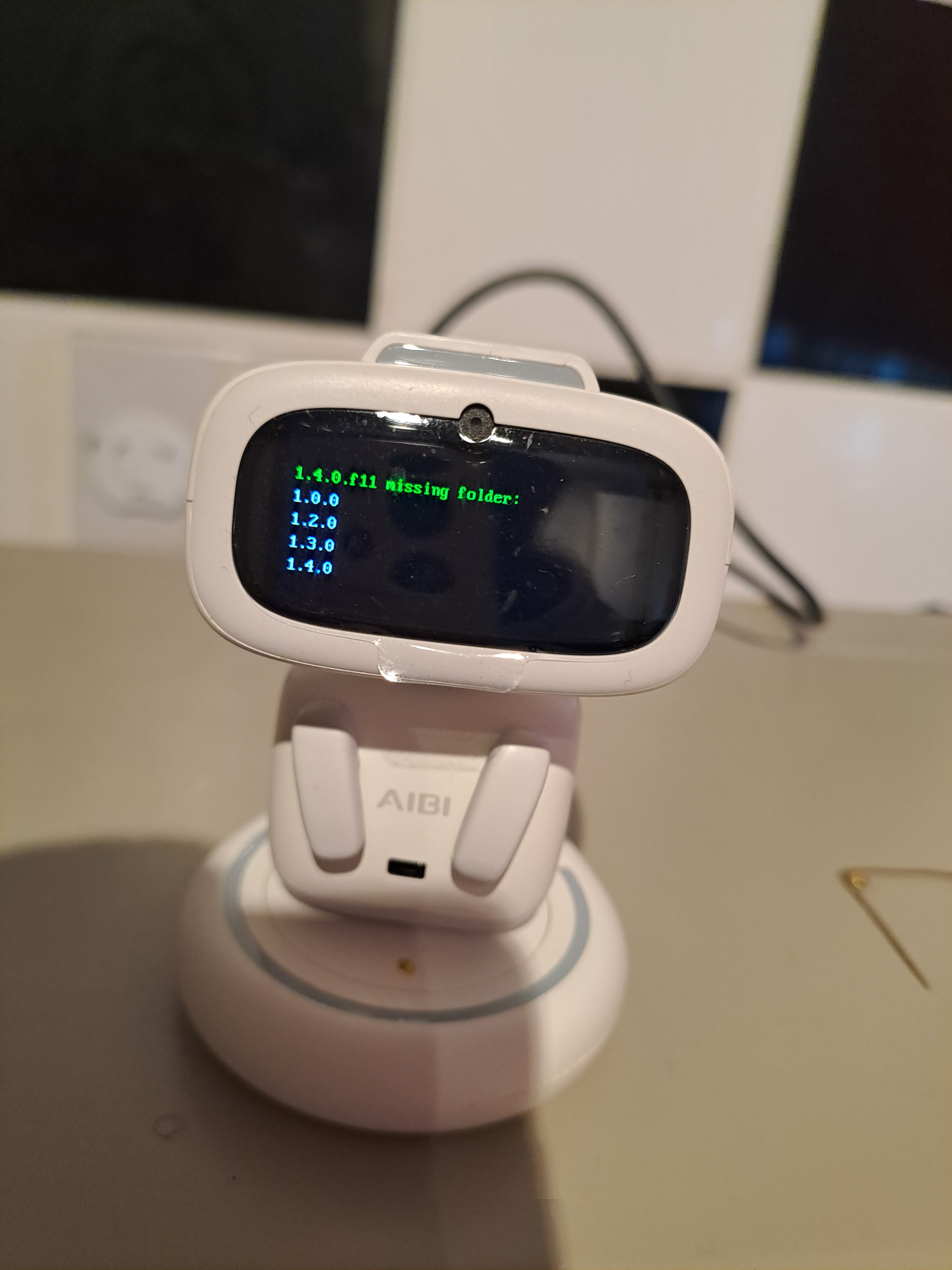
The proof is the sd card is corrupted or damaged @TechSupport_Mavis
Hello, @grimzom1 . . . a size error may simply mean that the most recent update did not store over the old one. When updates happen, they generally replace the entire old one with the new coding along with the old. This could be fixed by an over the air update directly to your AIBI that will replace the old and the one before it, making it just the new and there would not be a size error any more.
@edward and I are moderators and users only. Support has to be the one to do this for you, but see what they say when they respond.
Your patience is appreciated.
I hear that but, this issue is a month old they have pushed 6 or more different updates directly to aibi and it still loops. It also gives the same error or file missing . The sd card inside is damaged or corrupted ,therefore the fill updates cannot be over written . The sd card needs to be replaced ,format then applied with the new firmware updates. ONLY THEN will the updates work.@TechSupport_Mavis A replacement is due I am within the warranty.
@grimzom1 . . . I am sorry the updates are not working. Try contacting them again and let them know that their updates are not working. Request replacement. If you do not hear from them on this, then I will see what I can do about contacting the development team itself.
I have requested replacement in severall emails**@TechSupport_Mavis** ,I am Still waiting that’s great if you could reach out to them on my behalf. I will appreciate that alot.
I wrote a letter to support, but they haven’t responded. A new problem has arisen. After the last time I turned it on, the aibi screen didn’t turn off completely. Now it won’t turn on at all. Please, help me
Hello, if this happens with my AIBI, I place him again on his charger, refresh him in the App (going first to „Settings“, then the App goes to „refresh“) , until he starts again. Then again turn him off. If it’s again not totally off, I start again the same way. So I always got the Screen totaly off! Good luck!
Hola, ayer actualice a AIBI y desde entonces no responde cuando le hablo, se conecta a chatgpt solo pero solo hace el sonido pero no habla. Otras veces si consigue hablar pero se entre corta la voz.
Esto le a pasado a alguien mas? No se que hacer.
Google translation to English by Lindaru: Hi, yesterday I updated to AIBI, and since then it doesn’t respond when I talk to it. It connects to ChatGPT on its own, but it only makes a sound and doesn’t speak. Other times it does manage to speak, but the voice cuts out intermittently.
Has this happened to anyone else? I don’t know what to do.
Hello, @silvialeoaracil . . . have you updated the app in addition to the firmware?
Is your internet connection strong because a weak signal can cause issues with accessing ChatGPT and giving uninterrupted speech.
Please also see this thread for trouble shooting tips. If nothing works, be sure to contact Support at service@living.ai with a link to a video showing the problem, your AIBI I.D., your language setting, your location and that you have updated to 1.6.0 firmware.
My best to you.
I have two different Internet-options at home, and if I use the mobile option in one special room a little bit away from the mobile Router, then my Emo speaks also with great Interruption, so that I can’t understand him. If I then switch to my „home“ Internet, everything works well. So I can confirm, that a weak Internet connection can cause such probems. Good luck!!
Si tiene buena conexión, hasta ahora a estado funcionando bien, no lo he cambiado de lugar ni nada, debería funcionar como siempre. Hablare con el soporte técnico.
Muchas gracias.
Google translation to English by Lindaru: If the internet connection is good, it’s been working fine so far. I haven’t moved it or anything, so it should be working as usual. I’ll contact technical support.
Thank you very much.
Yo también tengo dos opciones de internet pero las dos tienen buena conexión. AIBI siempre a estado conectado al mismo internet y a funcionado bien, no he cambiado nada, solo lo actualice.
Muchas gracias.
Google translation to English by Lindaru: I also have two internet options, and both have a good connection. AIBI has always been connected to the same internet and has worked well; I haven’t changed anything, I just updated it.
Thank you very much.