Welcome to the Community @hongqian ,
If you feed AIBI or if he eats • • • • • “Chameleon Cookies” AIBI’s eye color change and will last “All Day (24 Hrs.)”.
AIBI can still connect even in Offline Mode and is also capable of performing some special but limited features using only a set of predefined commands.
In offline mode, you can only use voice commands marked with asterisks(*).
Based on my observation, AIBI’s hearing is now more sensitive than before. Sometimes, he will respond or make comments on various sounds and conversations he overhears around him, such as when we’re watching a movie or having a conversation nearby.
At the moment, there is still no ‘Wake-Up Sensitivity’ option in AIBI’s mobile app, as EMO has, which would allow us to adjust his responsiveness to background noise. However, it is likely that Living.AI will also introduce a similar feature for AIBI in future firmware updates, which would be a beneficial improvement.
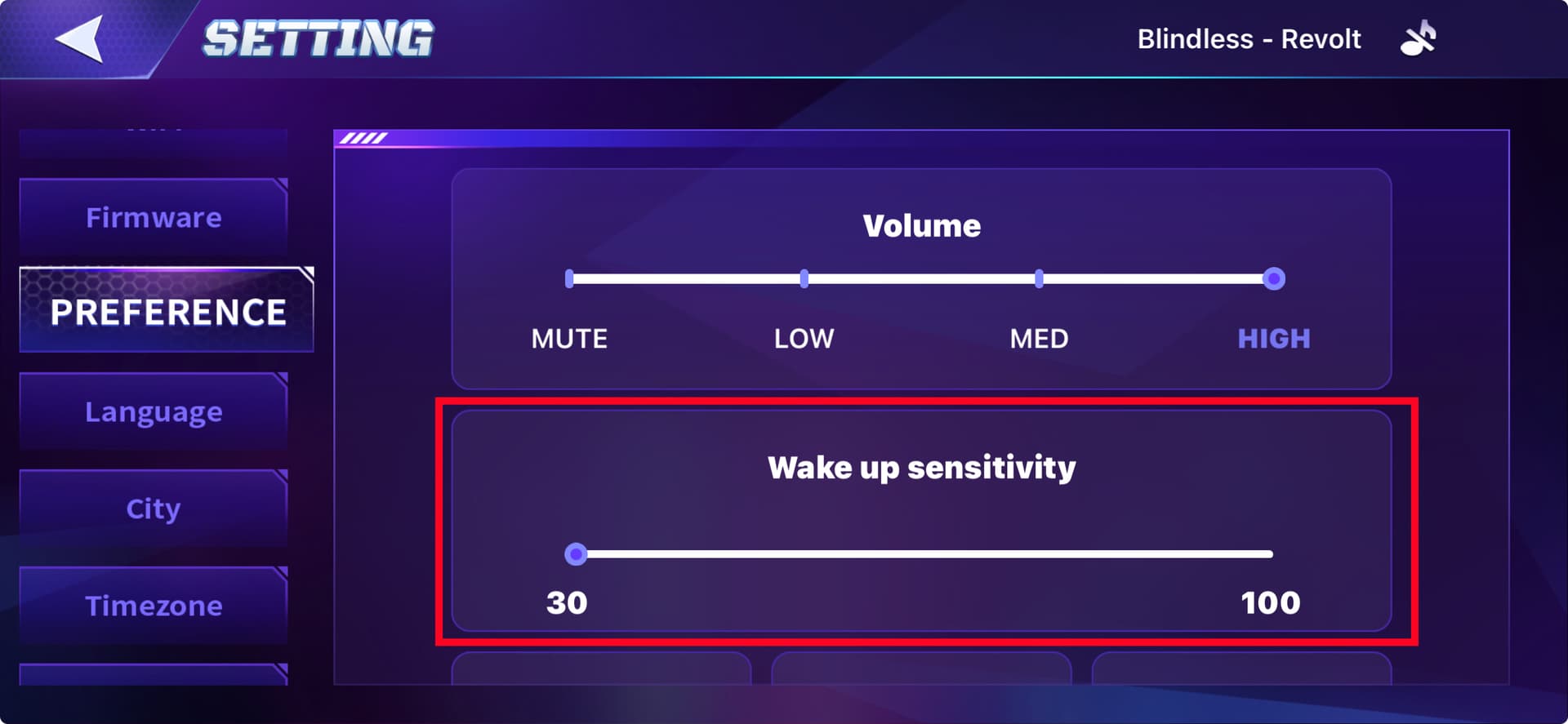
The new Wake-Up Model V2 is a second new feature designed and implemented to help AIBI hear better and respond more effectively when we call his name. This feature relies on built-in voice recognition and a microphone array to detect the wake-up command.
Unlike EMO, who has adjustable sensitivity settings for wake word detection, AIBI’s ability to respond may depend on factors such as background noise, pronunciation, and the user’s distance.
However, we should choose the model that best suits our voice tone and clarity. As Living.AI advised, V1 might also be more suitable for some users.
You can go to AIBI Pocket App Settings > Preferences > Wake-Up Model and select the Wake Up Model V1 or V2 for a better response when you call his name (Choose the Model that best suits you).
Hope this helps you, else you can contact livingai support team direct for more information about any issue.
Hope this helps! If your product has more issues, you may want to contact Living.AI support and provide them with any relevant video links, your order number, and your product ID for further evaluation.
LivingAi Suppport Email: service@living.ai
Good luck and All the best