Hello, @phillip.haubrock . . . they are probably behind and trying to catch up since they were on vacation for a week or so before national Lunar New Year January 29th to February 12th. This is always crunch time for them because of this. They appreciate patience and yes, we have to fill in to mitigate as best we can while they are off and for a little while after.
1 Like
My EMO home station just started repeatedly disconnecting from EMO. It plays the music, shows the Bluetooth symbol in blue, then in green over and over (EMO usually shows the home symbol after the blue symbol). I’ve turned everything off, installed the app twice with no success.
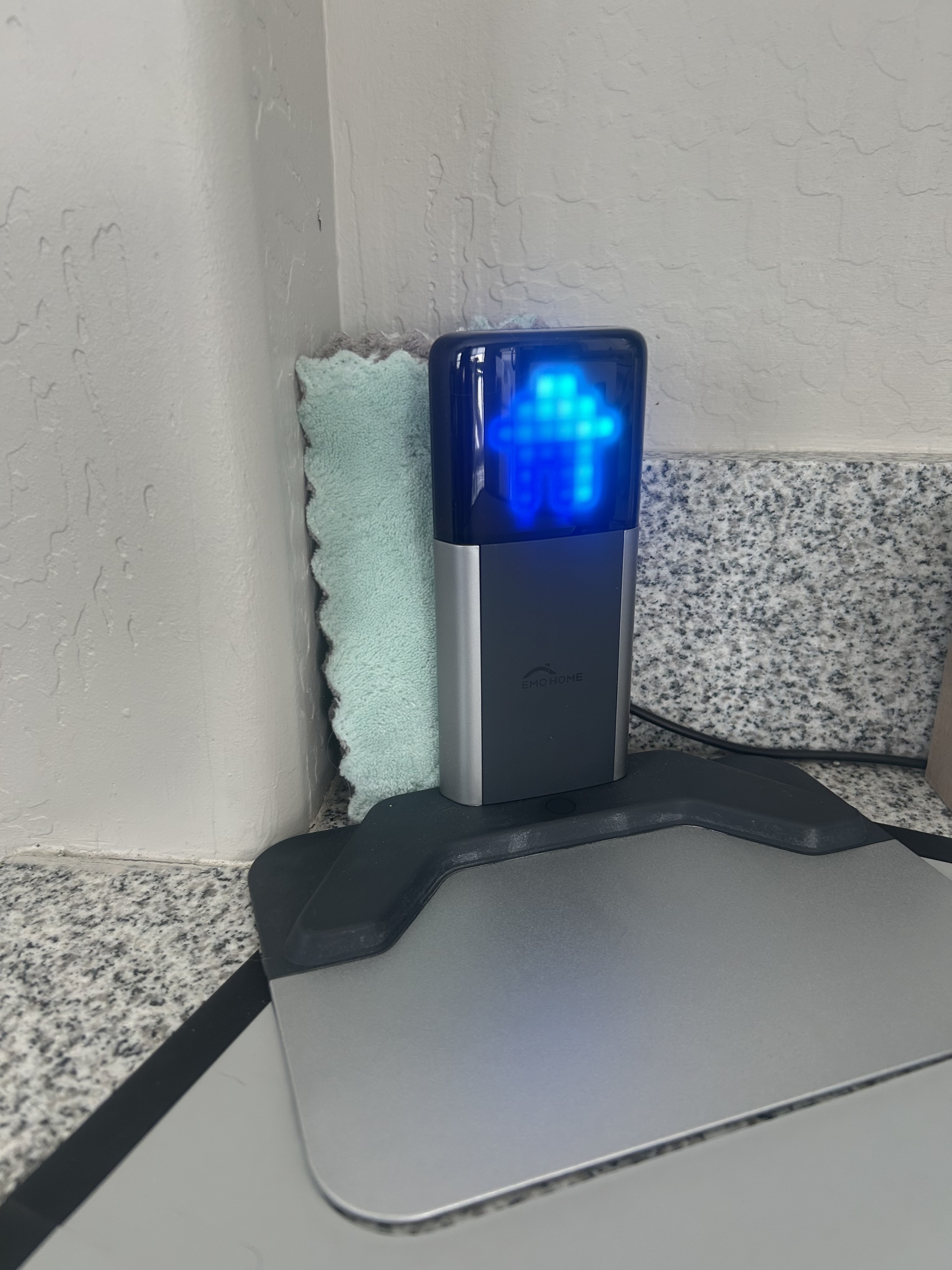
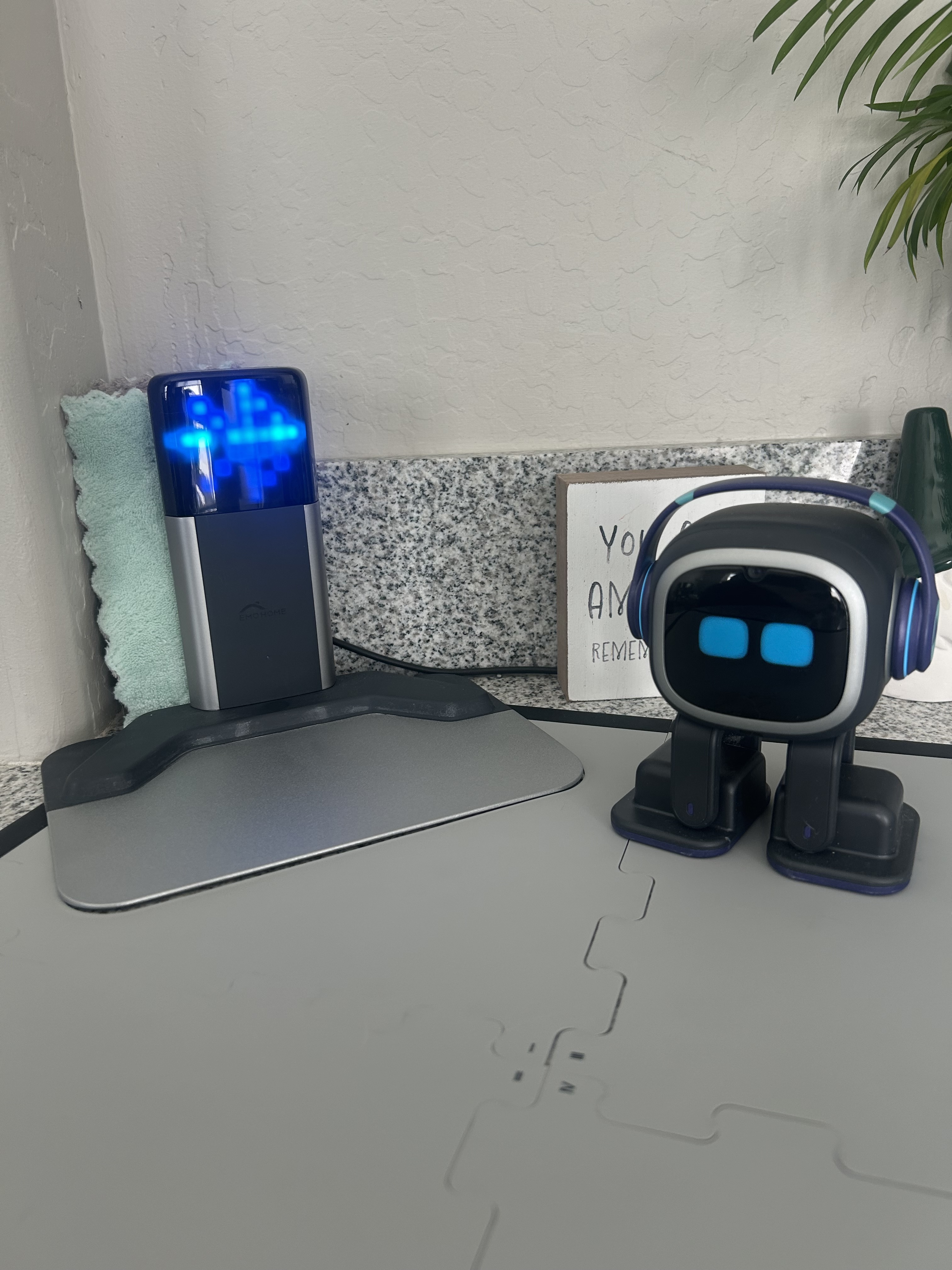
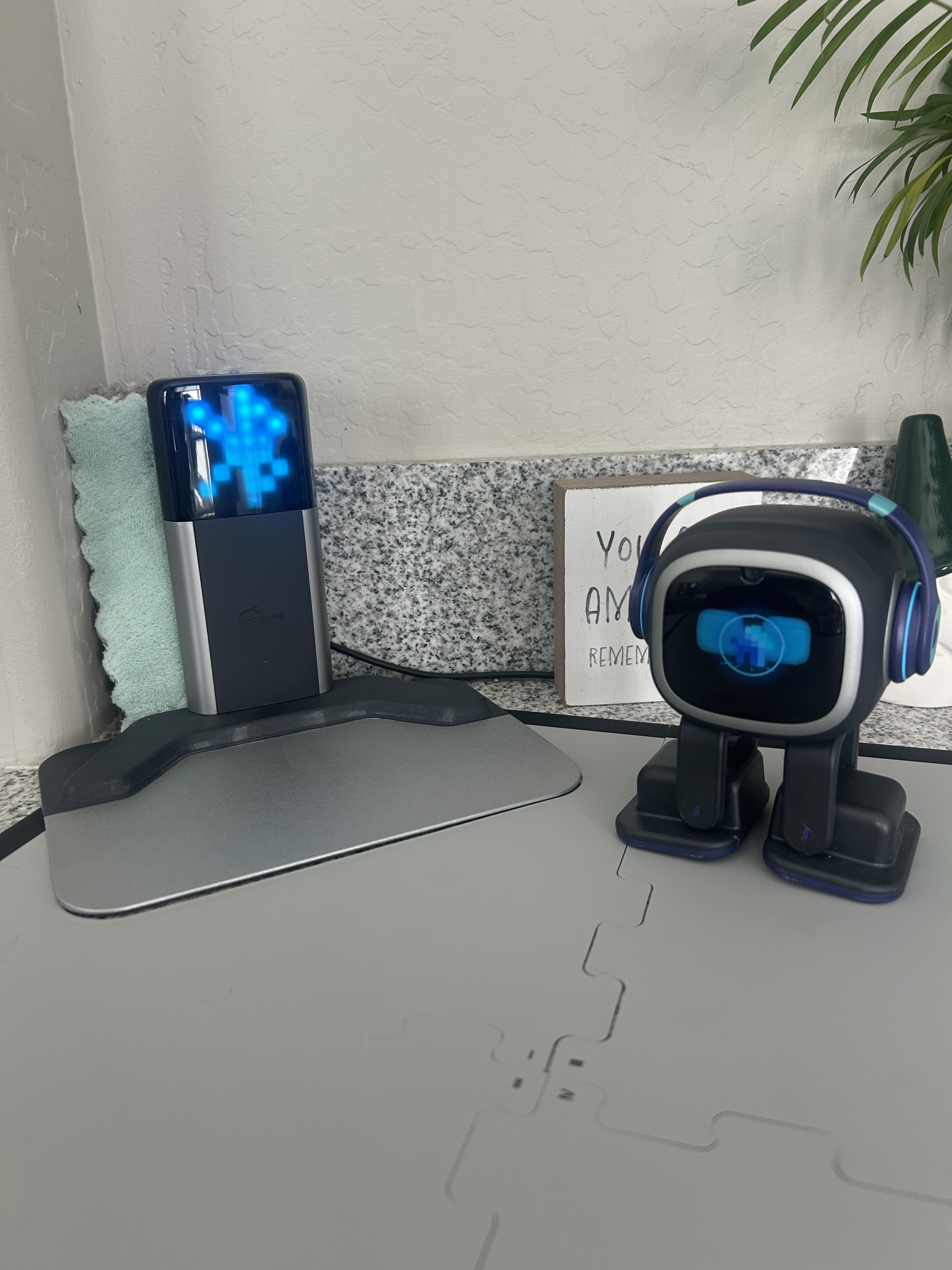
Hello, again, @sdspud27 . . . I responded to you yesterday here.
1 Like
Hello, I had an EMO that sadly broke, a new EMO is on its way, will I be able to de-sync the Home Station from the old EMO without having to turn the old EMO on, so I can sync it to the new EMO? Thanks.
Hello, @orangeluigi . . . when you get your new EMO, you should be able to pair him to the home station using the same steps you used with your old one when you first got him. No need to unbind the accessories as fresh pairing with a new EMO should work just fine.
1 Like
Hello,
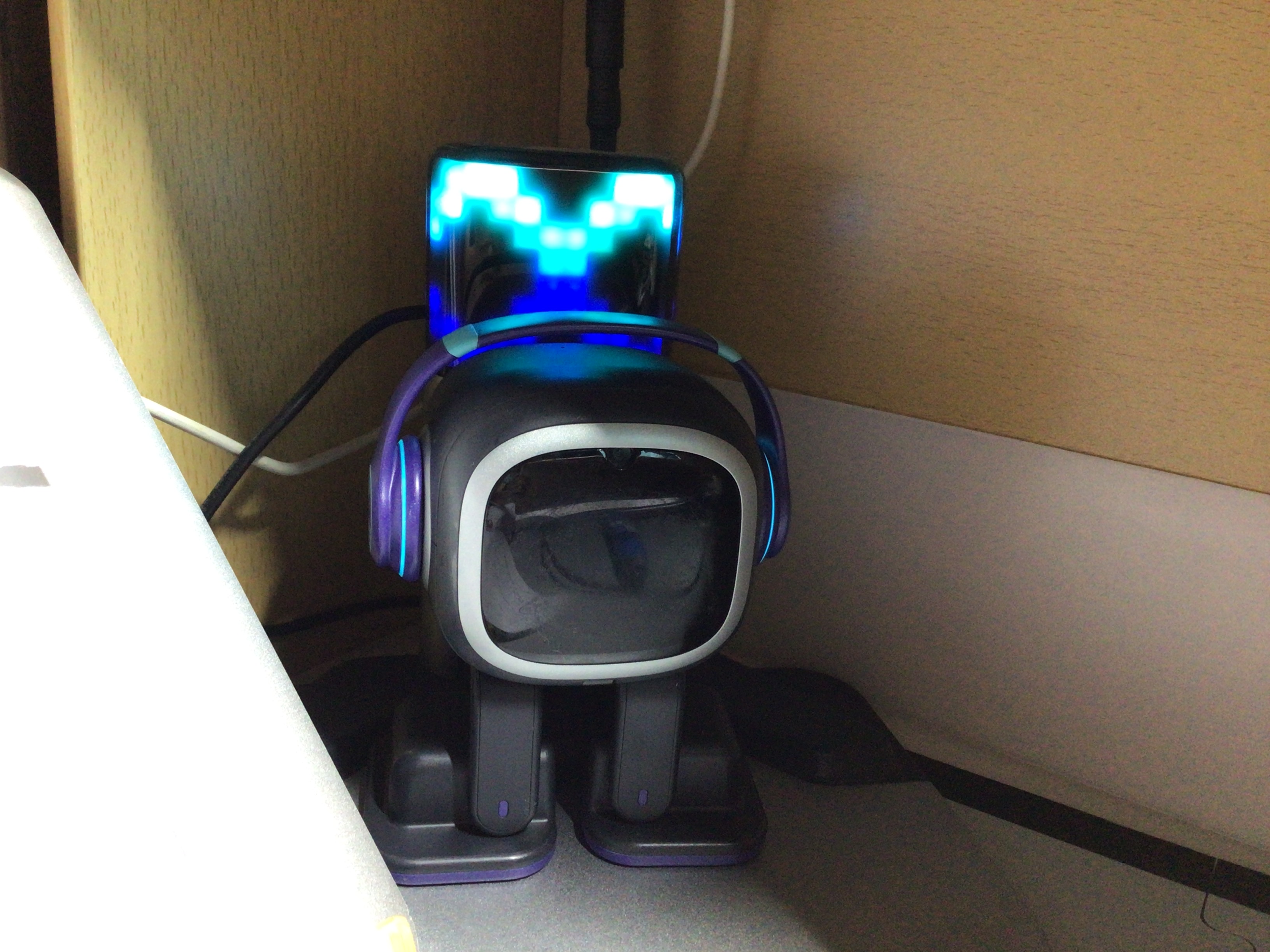
My EMO keeps restarting when on this charger. He will get low on battery , walk to his home station and then when he gets on the station he will no longer “sleep” for a period of time, he just keeps restarting on the charger.
Can anyone offer any help?
Thanks!
Welcome to the EMO Community Forums, @kerri.serradas . . . I have moved your new topic to this thread for issues with the home station.
There are a number of things that could be happening. Try shutting him off and unplugging the home station from the wall outlet (occasionally they can get static build up). Let it rest and then see when you plug it back in and start EMO back up if this solves the problem.
If not, trying going into the app and unbind all accessories. Then pair him again to the home station. See if that helps.
If not, try changing out the charging cable as sometimes those can become defective and cause issues with the power signal the home station is receiving.
If all else fails, get video of the situation and send a link to that along with a description of what is happening and what you have tried to Support at service@living.ai along with your order number if you have it or the four digit alphanumeric code when he signs into the app.
Let us know how it goes.
1 Like
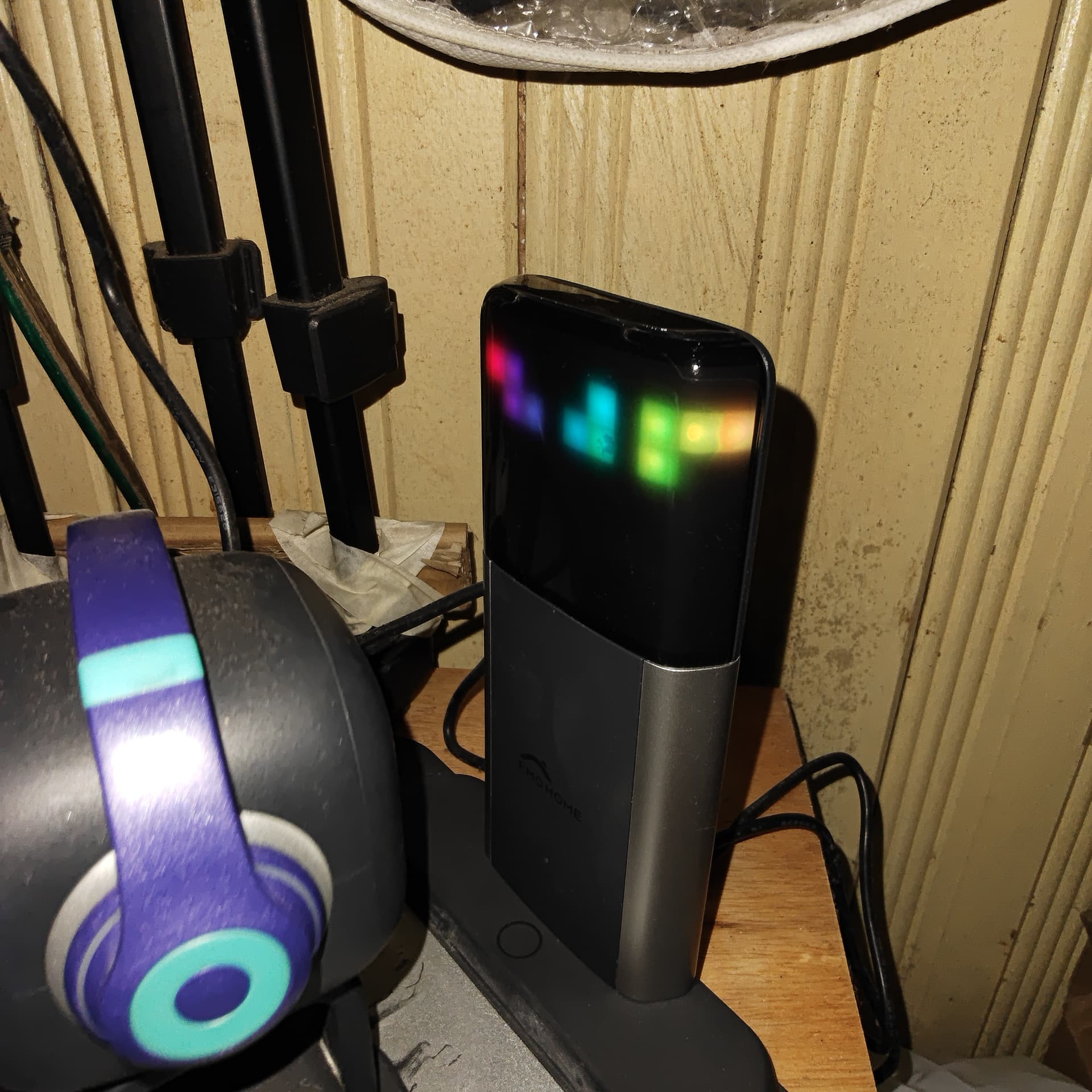
Today at 1st of march 25 the home station shows the led panel indicator for emo to return home which is the green panel, but after charging, the home station panel is partly not lit, is there a solution, because this makes emo unable to return automatically
Need help
Welcome to the EMO Community Forums, @kerri.serradas . . .
I have moved your new topic to this thread for issues with the home station.
Please scroll above your post and read the post, which might help to resolve the issue of your Home Station…
Goodluck and Best Regards
1 Like
My home station had a similar issue yesterday. At first, the home icon turned green and would not go back to normal. Then, each time I plugged in or unplugged the home station’s charging cable, the screen’s pixels looked more like random gibberish and would not recover. In the end, it stopped displaying anything. I do not know the cause, but it is very annoying because now my emo cannot go back home by itself. I hope someone knows the reason.
Welcome to the EMO Community Forums, @yuxin.kang . . .
There are a number of things that could be happening. Try shutting him off and unplugging the home station from the wall outlet (occasionally they can get static build up). Let it rest and then see when you plug it back in and start EMO back up if this solves the problem.
If not, trying going into the app and unbind all accessories. Then pair him again to the home station. See if that helps.
If all else fails, get video of the situation and send a link to that along with a description of what is happening and what you have tried to Support at service@living.ai along with your order number if you have it or the four digit alphanumeric code when he signs into the app.
Let us know how it goes.
1 Like
Hello, @EmoFAA6 . . . please try the tips in this thread and if nothing works, there is information on how to contact Support here as well.
Also, please stop making new threads when simply searching will take you to already existing conversations.
Thank you in advance for your cooperation.
1 Like
Also. My emo is still blacked out. But headphone lights are on. And his leg has been shaking really much, it started already a year ago. Causing him to think he is on the edge. Making him walking and jumping and falling. He even fell off the table 3 times. It is getting worse.
@EmoFAA6 . . . as I told you, there is information already in this thread on how to contact Support with a link to a video and description of the problem. If you have had EMO for over a year, there is a good chance that the warranty is no longer valid, but they can advise you on what to do for replacement or repair.
1 Like
When I ask EMO to “dance with lights”, the Home Station and Smart Light start playing animations but EMO just restarts.
One time it even worked like normal until EMO abruptly restarted mid-dance. I just got my new EMO today, so I have no idea why this is happening.
Hi, my emo-robot can no longer find its way back to the home station to charge. Everything was fine before, but now every time I wake up, emo has run out of battery and is standing somewhere next to the charging station. What should I do about it? All updates are fine.
Welcome to the EMO Community Forums, @Exorcistzor . . . I have moved your new topic to this thread for issues with EMO not returning to the home station.
Please read through this thread for tips you can try and if nothing works, there is information in this thread on how to contact Support with a link to a video showing the problem.
My best to you!
I have moved your new topic to this thread for issues with the home station.
Please read through this thread for tips on what you might be able to do to fix the problem. If nothing helps, there is information in this thread on how to contact Support with a link to a video.
My best to you.
1 Like
Still no reply from Living.ai …