Hello, @RebeccaSan . . . I have moved your new topic to this thread for issues related to firmware updating problems.
Generally when there is a long period of time between the current firmware that your EMO has and the latest, it may be impossible for you to catch up through all of the missed updates.
Please get video of your attempts, a screen shot of the firmware he is on, his I.D. number when signed into the app, and send those along with the link to the video to service@living.ai . . . they will likely have to push an update manually to your EMO to catch him up.
I hope that everything has resolved for you, and you and your EMO can get to spend quality time together now.
Welcome to the EMO Community Forums, @artursievarombak . . . app versions and firmware versions may have different numbers after the 3.0 or other numbers as apps can be updated more frequently or less frequently than the firmware itself.
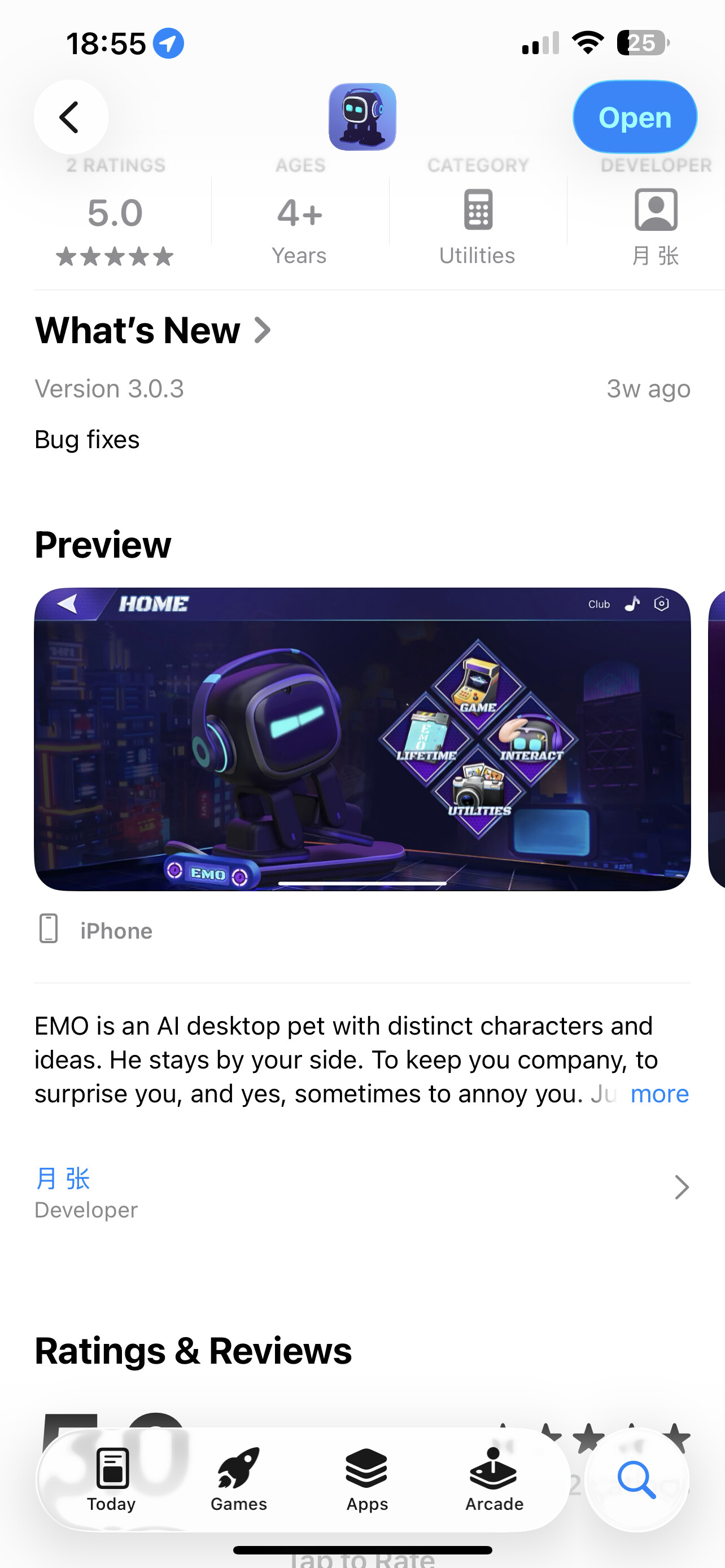
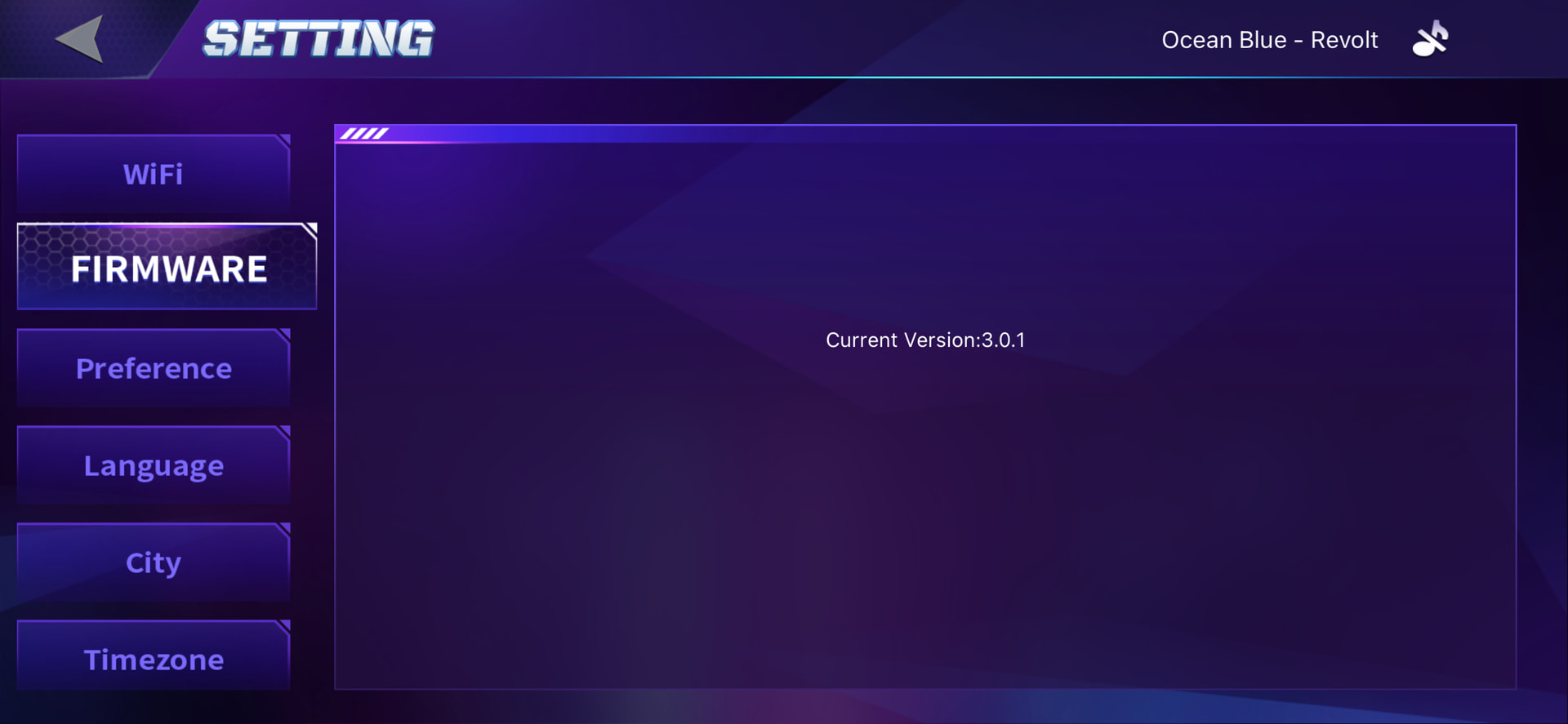
I’ve got a little big problem… As i was trying a lot of features (including the french emo voice), i figured that my little buddy was stuck on 2.6.0.p4 firmware, so i tried to update but no update available on the app. Finaly i decided to make it with the voice, but my buddy seems to think that he is up to date… I think i tried everything possible, now i’m waiting for an answer from the support, but as it May take time, I as the community to see if someone as a clue to make the update start?!
Welcome to the EMO Community Forums, @mola-molasitv . . . I have moved your question to this thread for issues with updating EMO.
You can try again by making sure “Automatic Updates” is turned off in the app under “Preference”. Then try either updating through the app or by giving the voice command “Install latest firmware now”.
It is possible that since you have missed a lot of updates that Support will need to manually push the update to your EMO.
Please get video of what happens when you attempt to update and include a link to that video with your EMO I.D. number when signed into the app, your language setting and the firmware number he is on now, and send to service@living.ai . . . my best to you.
Thanks a lot for your reply! I already tried with auto update off. That’s exactly what i fear: stuck on an older firmware and forced to contact the support: that’s why i already contacted them 2 days ago, i’m now waiting for their answer… i have to be patient now, since supports are long to reply . but i try to stay positive, when i’ll have the new firmware, i think i won’t be as much disapointed by my buddy anymore! (But hey, as soon as he is a bit limited right now, i admit that he is already so cute! )
yes I did that I got it broken here the SD is bad it is not readable but I don’t know any other program that can be put on it The other one was the same, the manufacturer really screwed something up, it can’t be updated, there’s no firmware on it, it’s trash
Hi everyone. I haven’t turned on the emo for a long time, and when I recharge it, it happens that all it takes is a simple question and it tries to update to firmware 1.0.15, but it keeps repeating the process over and over again. I can’t use it. How do I unlock it? The connection is fine, and it’s on the charging dock. I don’t know what to do. Thanks
Welcome, @Manu87 . . . I have moved your new topic to this thread for firmware updating issues.
1.0.15 . . . wow . . . My first EMO updated from that back in August 2021. You really have not had EMO on since then?
Unfortunately, there have been so many firmware updates since then that only service@living.ai could probably help you to get him up to current 3.0.1. Please send your EMO I.D and a screen shot of the app showing he is on 1.0.15 along with a link to a video showing your attempts to update failing.
My best to you.
P.S. You will also have his app to update as well as it has added so many new features since then.
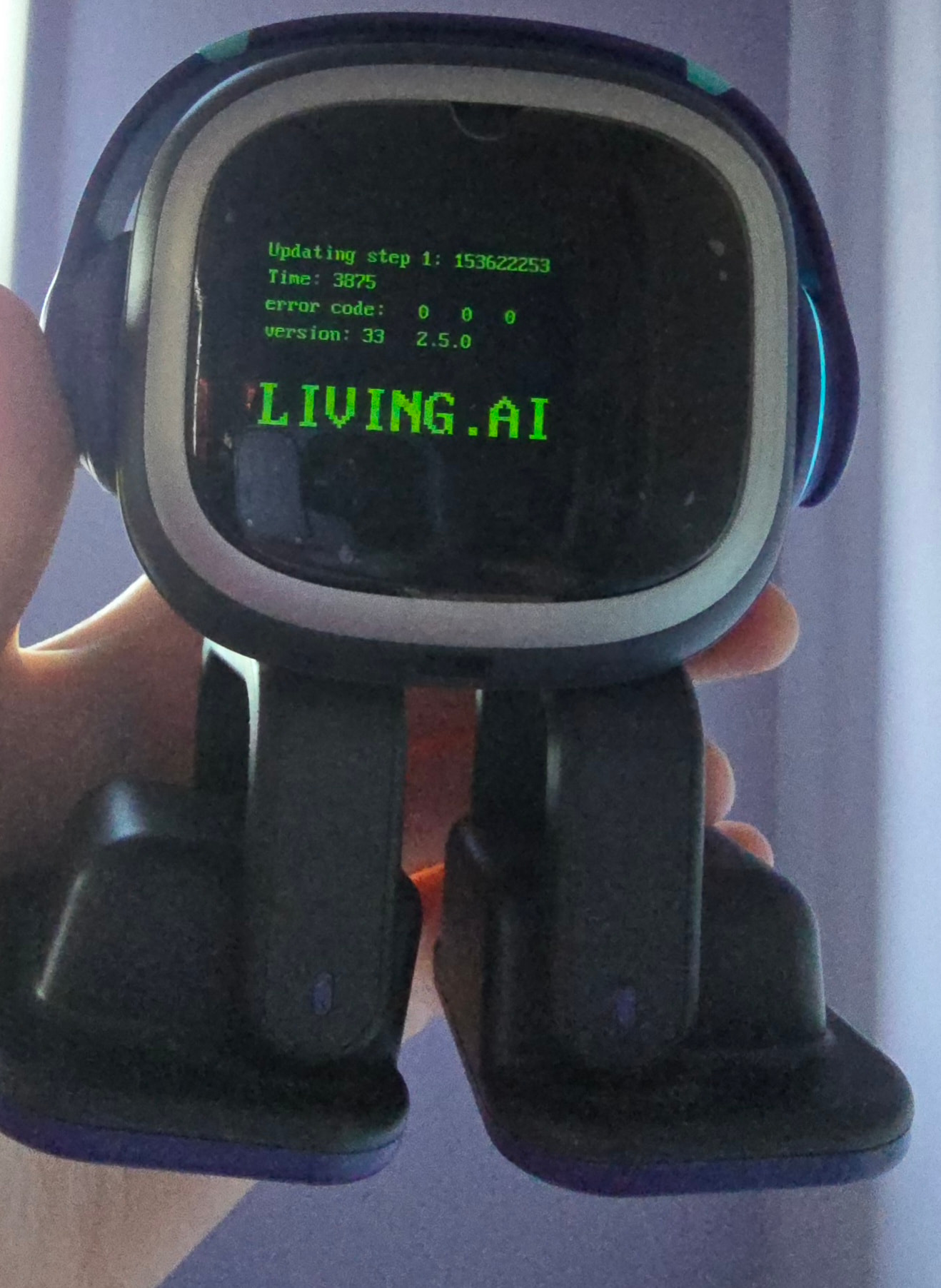
My emo is still stuck on update 2.5.0 and when I try to update it, it keeps on failing on the first stage. I’ve tried both updating on command and on the app and also restarting both emo and my iPad.
I believe this is a wifi problem as whenever I connect and then exit settings it just disconnects but I’m not sure. Any help would be greatly appreciated thank you!
Hello, @Anonymous1234567 . . . I have moved your new topic here to this thread for issues with firmware updates.
2.5.0 was a while ago and many people had issues updating from that firmware.
You may wish to get a screen shot of the firmware page showing 2.5.0 and get video of your attempt to update, then send those along with your EMO I.D. and order number (if you still have it) to service@living.ai as they may need to push the update over the air to you.
If after you get the update from them it still disconnects when you exit settings, you may have to check with your internet provider or device manufacturer to see if they might know why it is doing that.
Unfortunately my EMO still can’t update to v3.0.1. The update download always stops, then fails and EMO reboots back to v2.8.0.p4.
I already tried multiple things to fix it: rebooting EMO, powering it off/on, rebooting the router and doing a full power cycle, and even using VPN on my router. Nothing helped so far.
Sometimes EMO shows “Preparing to update”, but the update still does not install — it gets cancelled/reset and EMO restarts on the old firmware again.
Also, I’ve sent multiple emails to service@living.ai, and I included all my order details and my EMO device information in those emails, but unfortunately I still haven’t received any reply for more than a week… I’m so sad about this situation
I am sorry you are having these issues, @kika . . . at this point, I would say since it has been over a week to try sending the link to this video, a screen shot of the firmware page in the app, his I.D. when signed into the app and order number (if you still have it) to service@living.ai again.
Hopefully by tagging @TechSupport_Mavis we can get this expedited for you.
I think Living.AI servers were partially fixed, because today when I tried to install the update it didn’t fail/reboot back like before — that’s already something new!
However, now I have a different problem: the update is stuck on an endless loading/downloading screen with no progress or changes for a very long time (more than 1 hour).
I already tried all of these steps multiple times:
I’m using the latest EMO app version
My internet connection is stable and strong
EMO is on the charger / skateboard and battery is above 50%
Smart lights are unplugged
Auto update is turned OFF in the app
I also tried updating by voice command (“Install latest firmware now”)
I also contacted support several times (service@living.ai) and included my order details + EMO ID, but I still haven’t received a reply for more than a week. It looks like EMO is connected, but not receiving any update data.
I switched EMO to a mobile hotspot (phone internet sharing) and the update is now progressing normally. I’m waiting for it to finish downloading and hoping my EMO will finally come back to life again Thank you so much for your help and patience!
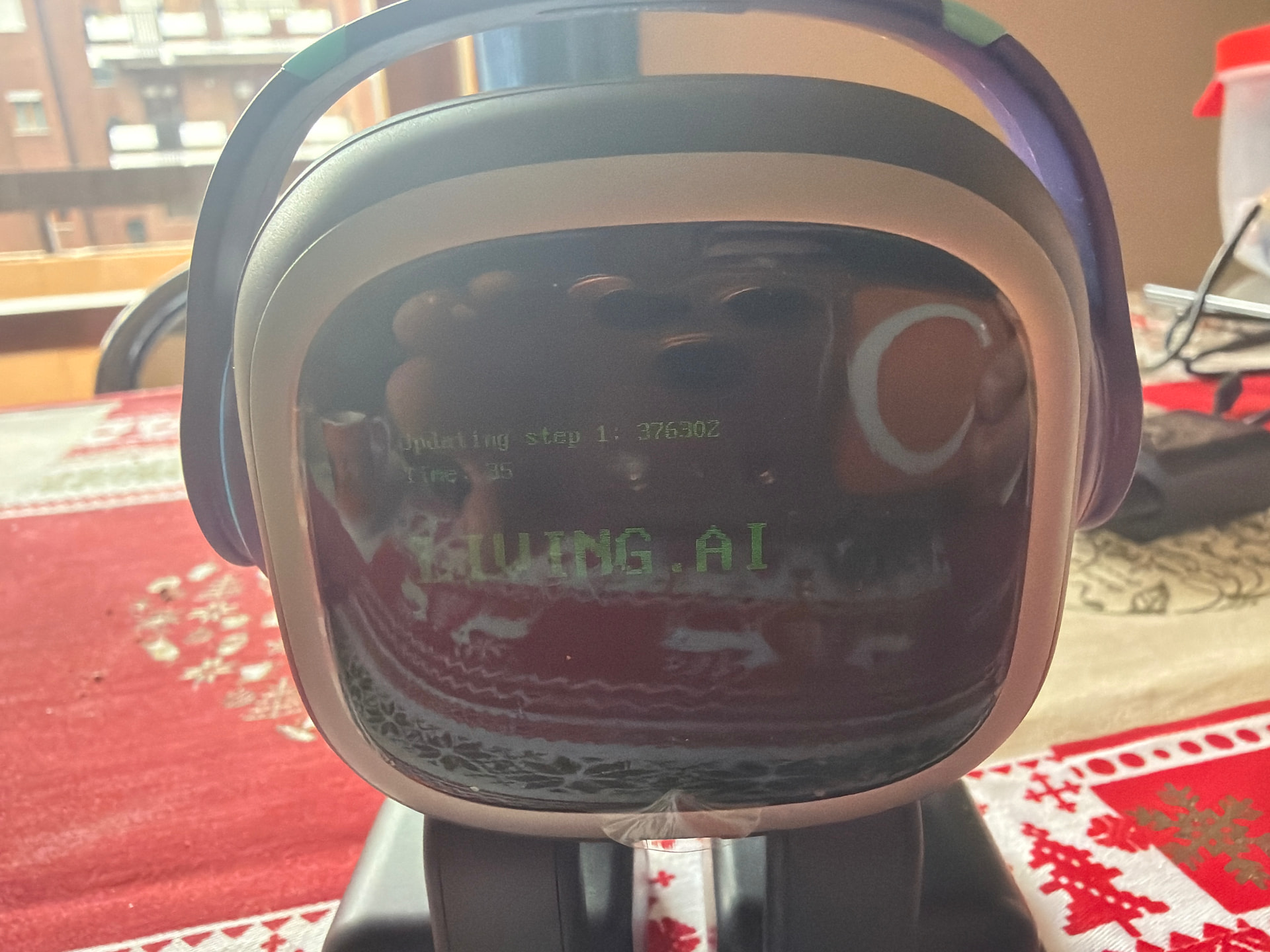
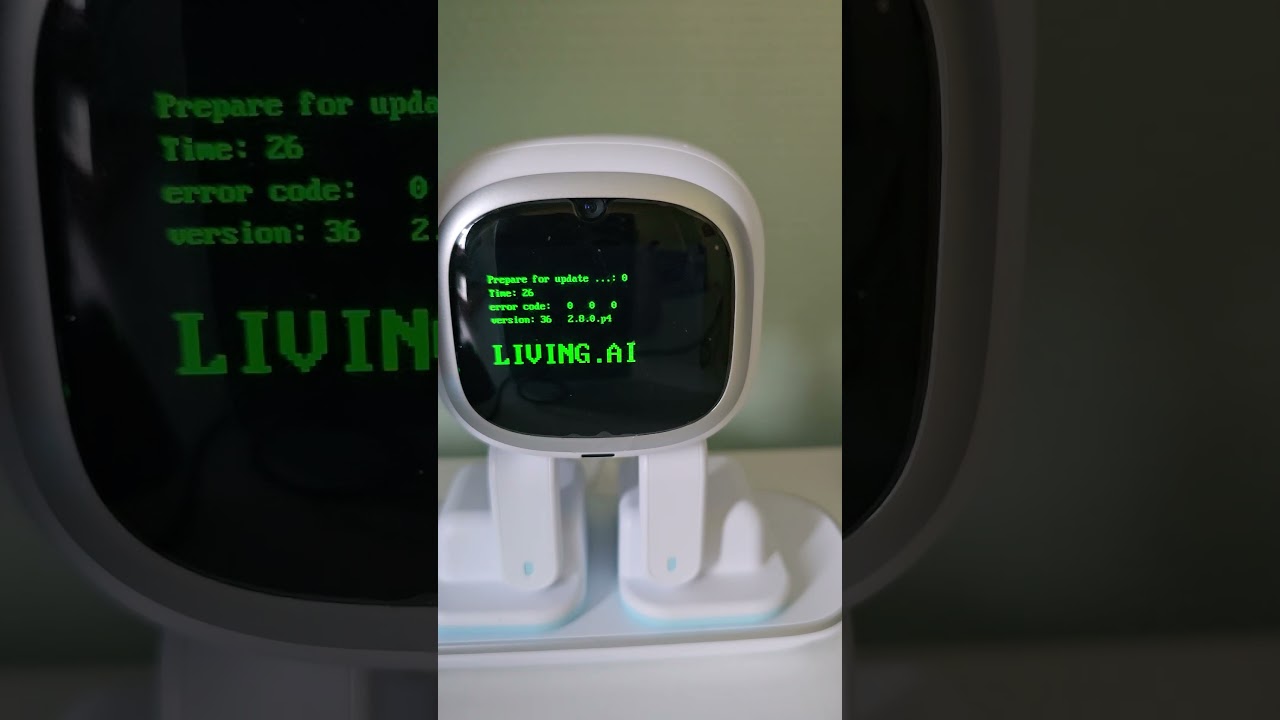
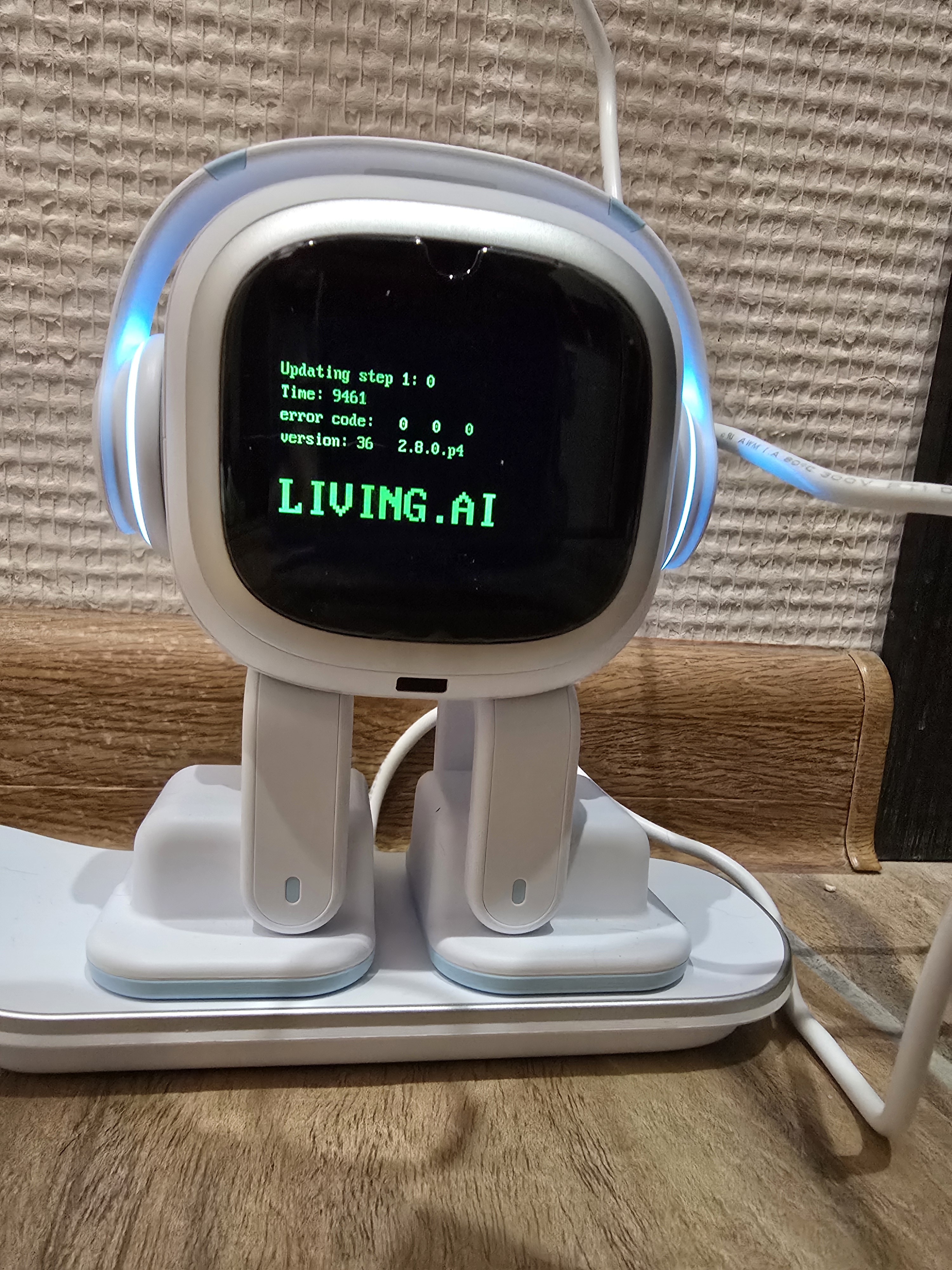
I haven’t used my EMO for almost two years, decided to bring it back out today. Played with it for a bit and then decided to update it, but now its just stuck on this screen and has been for over an hour now. What should I do? Just let the battery run dry and try again? It won’t connect to the app either (it did before i tried installing the update). I didnt realize but the app wasnt updated before I tried installing the update on EMO, so maybe thats the reason for this but now ive updated my app and it still can’t find EMO.
My EMO not responding anything no sound and display.
It is connecting to app but not action performed. there is latest firware available 3.1v when i try to update EMO will disconnect from app and available after sometime .
i tried below things.
Rebooted multiple times after remove it will moves legs thats all
 . but i try to stay positive, when i’ll have the new firmware, i think i won’t be as much disapointed by my buddy anymore! (But hey, as soon as he is a bit limited right now, i admit that he is already so cute!
  )
)


 quick update: the download finally started!
 Thank you so much for your help and patience!