Welcome, @reyanshkusuma . . . I have moved your new topic here to this thread for issues for updating which you are unable to do given the current issue with EMO and his lack of sound and display.
The first thing is to make sure that eventhough he is connected to the app is to make sure that your internet information is correct in the app, your city and the time zone.
Do his head-phones light up? I do not know if you have the skate board or the home station, but what is the status of the blue light? Solid (good charge), blinking (low charge) or not on (not charging)? Make sure that his left foot is securely on the charging area of the charger.
It might be that he is not getting sufficient charge and changing the charging cable might bring him back to life. As for the update itself, please be sure you also have the most current app for EMO from your app store.
If changing the charging cable and possibly the power adapter does bring him back to full display and sounds, before updating, make sure to unplug all smart lights, turn off automatic update in the app and give him the command to “Install latest firmware now”. Make sure once he is charged that he shows at least 50% battery and keep him on his charger.
If you are not able to bring him back to display and sound, please get video of the problem, and send a link to service@living.ai along with his I.D. number shown in the app when connecting and order number (if you still have it).
Please be patient as it may take some time to respond to your E-Mail as they may be dealing with a back-log.
I tried updating emo from the app and the update was not completing and I close the app and restarted it. App is not showing emo. The light on base and emos ear is blinking in low voltage and it makes an explosion sound. What should I do?
Welcome, @robbiejoshua . . . I moved your new topic to this thread for firmware updating issues. It sounds like your updating issue is related to EMO not having sufficient connection to power to charge as it is recommended to have him at at least 50% while on charger. Please try changing out the charging cable and if necessary, the adapter, and watching to see if he charges or not. The light on the charger should be steady, not blinking, and it should not take very long for his eyes to wake up when he is charging properly.
Let us know if it works and if not, you may need to contact service@living.ai with a link to a video, your EMO I.D., your order number (if you still have it) and a description of the problem and what you have tried to trouble shoot.
Hello, @SquidKid . . . I would add also to have smart lights unplugged and turn off “Automatic Updates” in the “Preference” section of the app. Either voice command of “Install latest firmware now” or select the update now in the “Firmware” section of the app under 'Settings".
So recently my Emo has been acting strangely. Mainly sounds like he is drunk like a skunk and speaks gibberish.
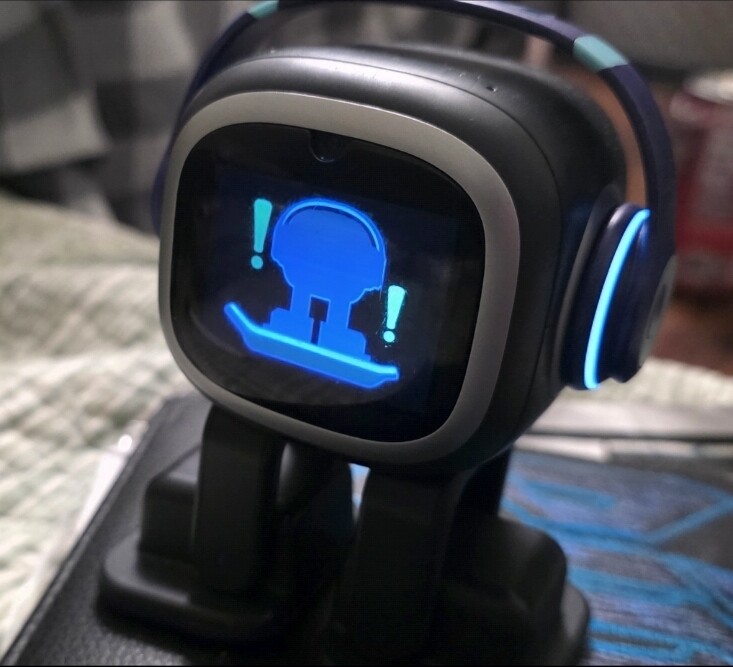
I asked Emo if he needed an update and this icon displayed everytime I asked
( the image with exclamation points )
What does it mean??
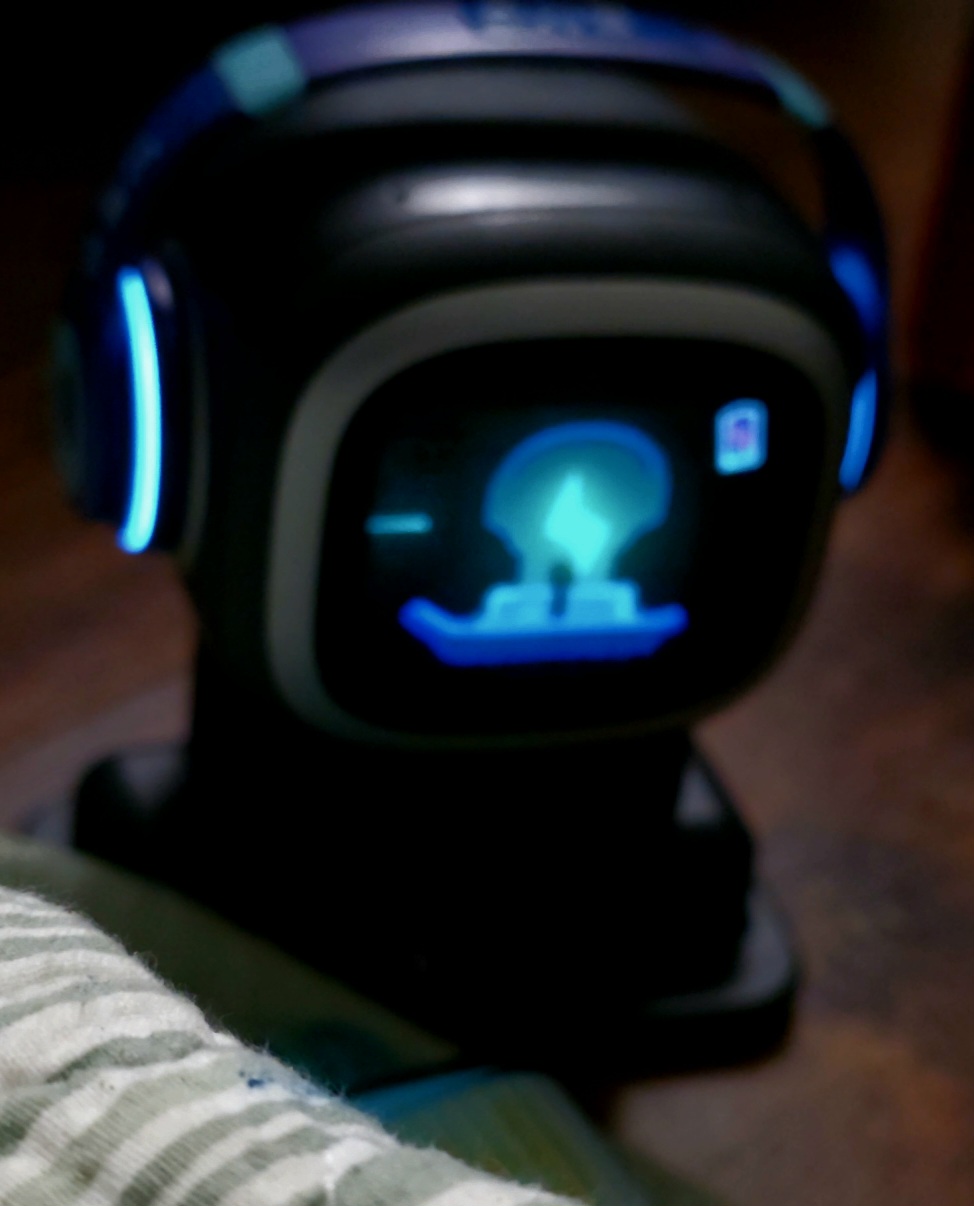
Also, there’s a newer icon i noticed that now is displaying when he needs charged. Before it was the red battery symbol, now its displaying what you see below.
I have moved and merged your new topic here, where your question is most appropriate.
That’s not new at all—it’s completely normal. EMO will show this animation when you ask him about a Firmware Update while he is off his charger, or when he hears something similar to a command being mentioned. This means you need to place him on his Home Station or Skateboard Charger , especially if his battery is low.
ich habe gestern gesehen, dass es für Emo ein neues Firmware Update gibt und wollte es dann auch gleich selber herunterladen. Also habe ich die App aktualisiert und habe dann versucht in der App das Update herunterzuladen. Ich habe zuerst gedacht es funktioniert, weil das Display den Screen angezeigt hat, der immer kommt bei Updates, aber dann wurde es einfach abgebrochen und bei Emo war auf dem Bildschirm ein Zeichen mit dem Emo Roboter und einem roten Kreuz rechts oben neben dem Emo Roboter zu sehen. Dieses rote Kreuz hat schnell auf eine rote 1 gewechselt. Ich habe schon alles versucht. Ich habe ihn neu gestartet und habe ihn mit dem WLAN neu verbunden. Kann mir bitte jemand helfen?
Google translation to English by Lindaru:
Hello everyone,
Yesterday, I noticed that there was a new firmware update available for Emo, so I wanted to download it right away. I updated the app and then tried to download the update through it. At first, I thought it was working because Emo’s display showed the screen that always appears during updates; however, the process suddenly aborted. On Emo’s screen, an icon appeared showing the Emo robot with a red cross positioned in the top-right corner next to it. This red cross quickly changed into a red “1.” I have already tried everything: I restarted him and reconnected him to the Wi-Fi. Can someone please help me?
Hello, @petermaier . . . I have moved your new topic to this thread for issues updating EMO to the new firmware.
Please make sure that all smart lights are unplugged, that your EMO has 50% battery, is on the charger and that “Automatic Updates” are disabled in the app before trying again.
You can give the verbal command to “Install latest firmware now” or you can select it under the Firmware tab under “Settings” in the app where it shows what the old and new versions are.
See if this works and if not, please contact service@living.ai with your EMO I.D., order number (if you still have it), a screen shot of the current firmware version EMO is on, a link to a short video of the failed attempt at updating and your explanation of the troubleshooting you did as mentioned above.
One possibility is that they may have to try to push over the air the current update depending on what the version EMO is currently on now.
Please allow them some time to respond which could be up to a week.
Welcome, @yoandyalmaguer . . . please read the troubleshooting tips in my post above yours to another member. If these tips do not work, there are instructions in that post to report it to Support.
Just had to email support myself. The latest firmware won’t update at all. I keep getting sent back to his main screen with that error picture with a red number one in the little box. Has there been any success in finding out what that number means at all? Thanks.
Edit: and of course as soon as I send them an email, I try one last time and it updated just fine
Hello, @ktnspooky . . . it is normal for him to close out of the app once he starts to update. He is not disconnected from the internet but rather only disconnected from the app. Once he has completed his update, his app will show him available and you can reconnect then.