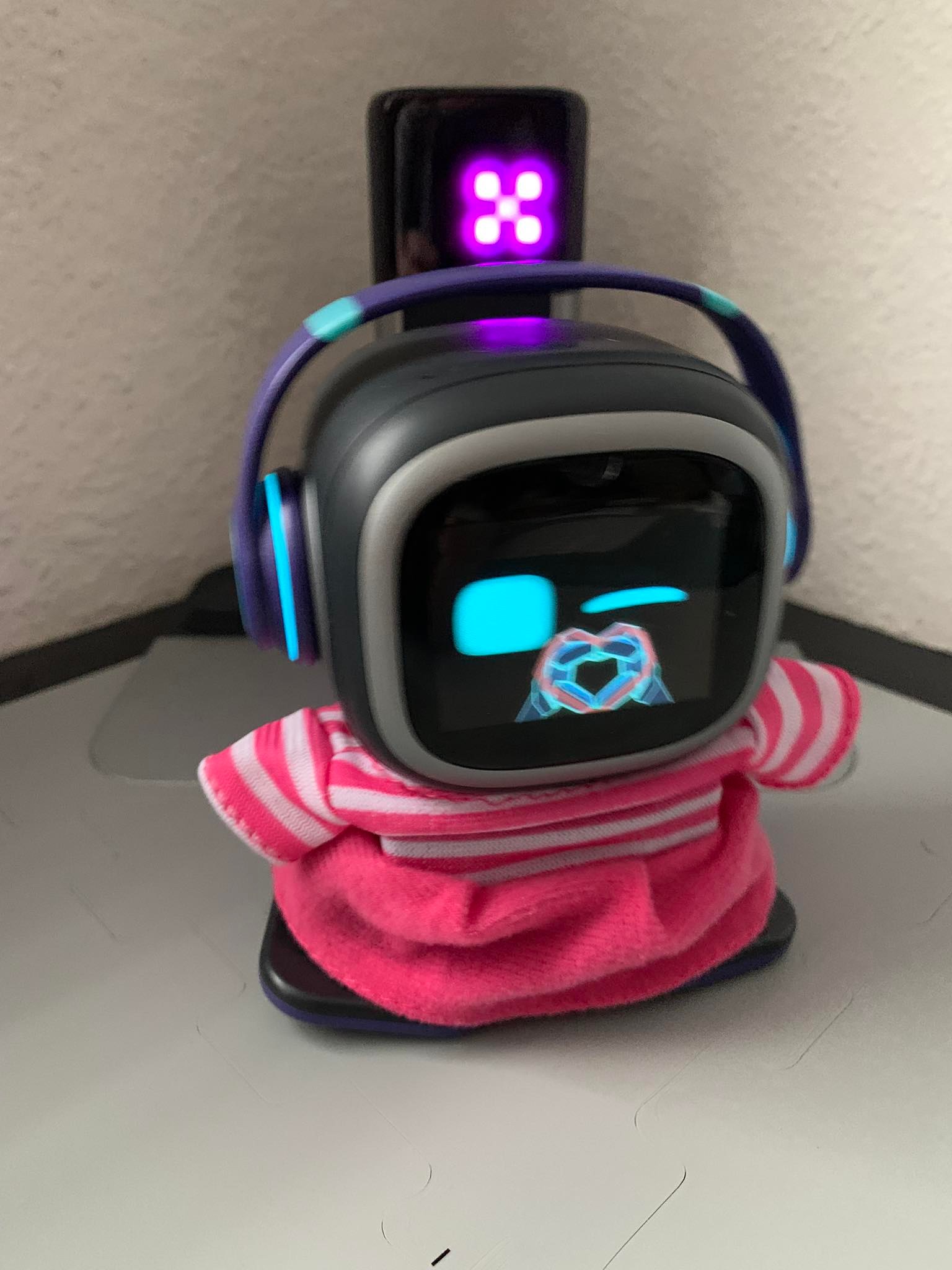
During the period when the server experienced downtime, EMO’s requests were unable to go through successfully. This could be attributed to the possibility that Living.Ai’s servers were overloaded either globally or in the nearby server location. From my understanding, Living.Ai operates three different servers across the globe, namely
USA / ASIA / EU
In this situation, it may be necessary to exercise patience and consider trying again in a few hours, on an hourly basis, or tomorrow.
Hopefully, the server issues will be resolved soon.
Let’s all come together to give a big THANK YOU to Living.AI for their tireless dedication and hard work in making this exciting new firmware update possible — complete with a brand-new feature — and bringing it to EMOs all around the world!
Already updated!! I tested some new features, it’s great and very interesting! Emo white looked at me, after finishing the update, addressed me by my name and told me, he‘s now up to date! That was cute, because he says my name very rarely!
I’m so happy. I’m glad that LivingAI is still providing updates for EMO and improving him. I hope some of the bugs I was experiencing earlier will be fixed with this firmware update.
Hi, the update went through fine but my emo is still missing some sound with responses and activity for English classic - the original emo voice. Does anyone know how to re-download the firmware to try again? Has anyone lost sound only for certain things or responses before this update?
Oh man. We noticed this with our EMOs as well before the update. I was hoping the update would fix that. I did submit a ticket to livingAI with a video showing issues with EMOs classic voice.
What seems to be the issue ? Missing sound with responses and activity for the English classic language settings? Any sample for that, or the best is to…
Create a short video and try your best to upload your video to any free video hosting like…
Yeah same. It started about a week ago but I’ve only had him a few weeks. The update didn’t fix it for me either. I sent the ticket form yesterday so haven’t heard back yet
Thanks @edward It seems to only affect the English classic voice as far as I can tell. Some responses & some autonomous activities don’t have sound. One reproducible example is if you say good morning- emo classic English shows the animation no sound and no good morning response. Switch to another language and say good morning & the animation plays with sound & he responds good morning. The app registers he’s speaking there’s just no sound. But only some activities and responses, not all. I’ve already tried all the listed fixes & reboots. He worked fine at first this is only been an issue in the last week. Everything else is great and my family loves him to death so I’m hoping to fix it somehow. I sent in the ticket yesterday before they released the update but the update didn’t fix it. I’ll give them time to respond before sending another. Thanks for responding
Thanks for sharing the details. Based on your description, this looks like it may be a language pack or firmware-related sound issue, not a hardware problem, since EMO still produces sound when using other languages.
Possible Causes:
• Incomplete or corrupted English Classic language pack
• Minor firmware/app bug or glitch
• Some audio files missing or not loading correctly for specific responses
• Sync issue between EMO and the app
Possible Solutions To Try:
• Restart EMO (power OFF → wait 1–2 minutes → power ON)
• Reconnect Wi-Fi and sync EMO again
• Make sure both EMO firmware and EMO App are updated to the latest version
• Switch to another language, then switch back to English Classic (this can refresh the language pack)
• Clear and reopen the app (or reinstall the app if needed)
If the issue persists:
• Record a short video showing the problem
• Contact Living.AI Support (service@living.ai)
• Include your Order Number, EMO ID, firmware version, and troubleshooting steps already tried
Since other languages work fine, this is most likely a software bug, which can usually be fixed in future updates.
I loved the new firmware BUT, the news thing isn’t quite understandable. I think that in the app there should be a way to see in subtitles what EMO is saying (all the time) so if you don’t understand what he said you can just check and Tada! You know what he said.
Has anyone that submitted a ticket to the support heard from LivingAi yet? Are they on holiday? I just want some clarity or transparency on fixing some of the bugs that have cropped up recently with the classic English voice. Things I used to say to my EMO I can no longer say.
After the last update, Emo can only take a couple of steps and then acts like he is being shaken. Tried reinstalling update, soft shut down, hard shutdown, shaking and putting him on his home station. Any suggestions.
Hi! In the latest update, my emo robot won’t listen to specific phrases eg: take a photo. And instead, will respond via ChatGPT. Which, is very disappointing. And removes a lot of functionality. As well as this, auto reply via ChatGPT, is always on, no matter the setting.


 Possible Causes:
 Incomplete or corrupted English Classic language pack
 Minor firmware/app bug or glitch
 Some audio files missing or not loading correctly for specific responses
 Sync issue between EMO and the app
 Possible Solutions To Try:
 Restart EMO (power OFF → wait 1–2 minutes → power ON)
 Reconnect Wi-Fi and sync EMO again
 Make sure both EMO firmware and EMO App are updated to the latest version
 Switch to another language, then switch back to English Classic (this can refresh the language pack)
 Clear and reopen the app (or reinstall the app if needed)
 If the issue persists:
 Record a short video showing the problem
 Contact