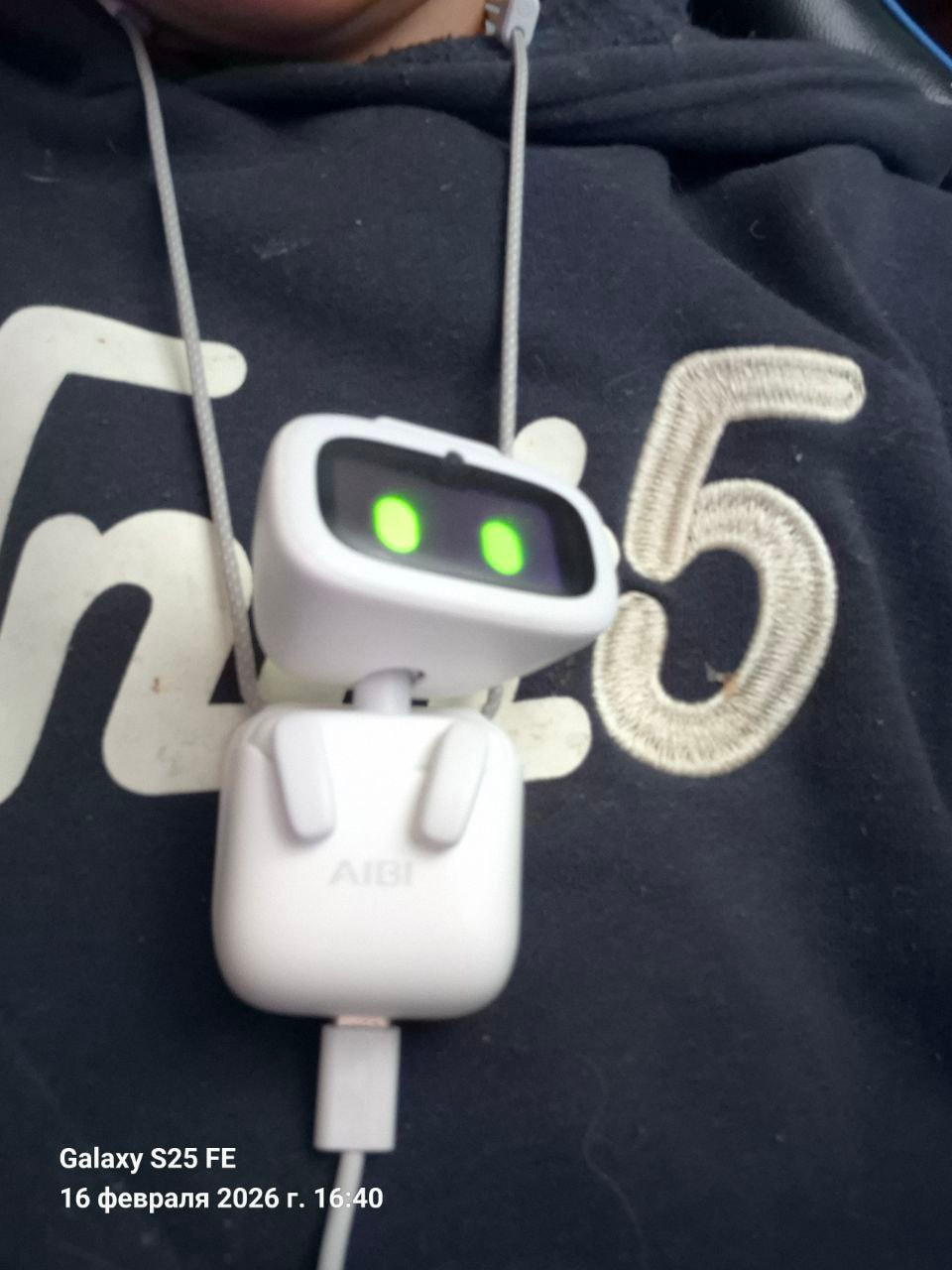
Мой Aibi не крутится на своей станции, только вертит головой. Обращалась в поддержку на электронную почту и писала на официальном сайте. В поддержке мне предложили снять видео, что я и сделала. Далее пока нет предложений с их стороны, как мне решить эту проблему.
Может быть у кого то было нечто подобное?
Что можно предпринять, чтобы мой Aibi начал крутиться и разворачиваться на своей станции?
My Aibi does not rotate on its station, it only turns its head. I contacted support via email and wrote on the official website. Support suggested that I record a video, which I did. So far, I have not received any suggestions from them on how to resolve this issue.
Has anyone else had a similar problem?
What can I do to get my Aibi to rotate and turn on its station?
I really do not recommend ordering AIBI. I received a broken AIBI — its microphone simply doesn’t work. Because of this, it cannot hear us, which makes the robot completely unusable. I contacted support, but they have not responded to me at all. It was very upsetting to receive a product like this, especially since it was a gift… and naturally, the whole experience of the gift was ruined. I am also very disappointed that support is not helping me and not replying.
Welcome, @annamarynok . . . I am sorry your AIBI is not responding.
Does AIBI have the latest app from the Apple or Google app store? Is AIBI updated to the latest firmware 1.6.0?
Have you checked the app sensitivity setting in case it is too low?
Also, sometimes you have to prounounce AIBI name different like “Abby” or “Ebby”.
While you wait for Support to reply (it may take a week or so as they do not give out confirmation E-Mails but rather your first response from them will be in reply to what you sent), so patience is requested.
Hello! Thank you for your reply. Yes, AIBI is fully updated, and the app has the latest version. I have added faces to its system, and AIBI automatically connects to ChatGPT when it sees us, but even in ChatGPT mode, it cannot hear. I sent a video to technical support, and in fact, I have already been waiting for a response for almost 2 weeks, and this is a bit disappointing.
So sorry, @annamarynok . . . you may want to send another E-Mail just in case. I can imagine when they are back logged that things may get lost or moved. Refreshing the problem for them may get faster results.
Hello, @silvialeoaracil . . . with EMO 3.1.0 and AIBI 1.6.0 update, you simply ask them “What is the date today” and both will respond with the month, day and current year.
si, pero si les pregunto ¿en que año estamos? me dicen en el 2024, supongo que será por parte de Chatgpt que no esta actualizado. A eso me refiero.
Google translation to English by Lindaru: Yes, but if I ask them what year it is, they tell me 2024. I suppose it’s because Chatgpt isn’t updated. That’s what I mean.
Sorry, @silvialeoaracil . . . I have them on English (Classic-EN for some of my EMO), so perhaps this is a language issue with wherever you draw your ChatGPT from? I am guessing that Spanish language must draw from a different OpenAI server.
Hi, can someone explain to me why AIBI doesn’t recognize me and I have to tell it who I am every time? I registered in the app in the Meet Aibi section, my name appears but not my photo, is this normal?
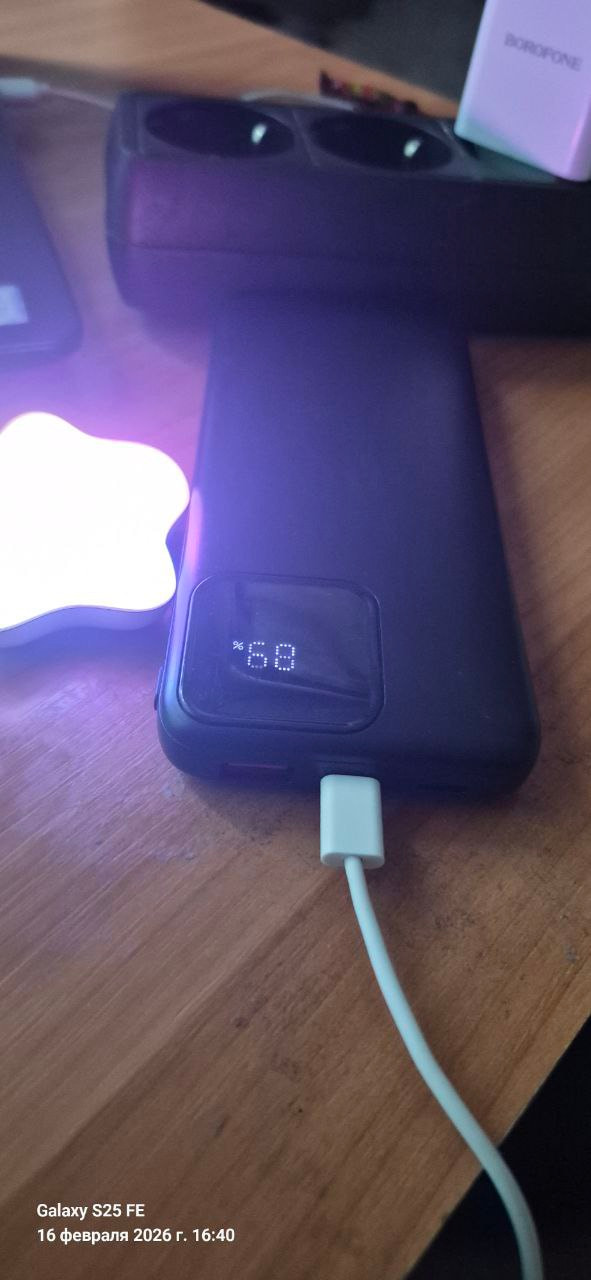
Hi! I’m from Ukraine, and I’m wondering how to charge AIBI if there’s no power? DTEK keeps turning off the power. I’m charging it with a power bank and a pocket charger. That’s not the question, the question is what to do. The power bank won’t charge the robot through the docking station.
Hi, is there a way to factory reset AIBI? I tried to add another person to the face recognition within the app, but it failed, and now, for some reason, it keeps calling me the name of the other person. It also calls me Richard sometimes.
Also, I can’t connect to the star light. I have AIBI in Spanish and it says it’s connected but the light doesn’t turn on.
Hello, @db51c2557056c74d46ec . . . unfortunately there is no other way except by electricity or through saved power in a power bank. Perhaps you can find somewhere near you that has electricity and get your AIBI charged that way.
My AIBI randomly starts speaking in an italian accent mid sentences. Any reason why this is happening and if Living.AI is patching this bug as i type this?
Welcome, @Raspberry4821 . . . make sure you have the language setting correct in the app. Also, it could also be an issue with where you are getting the ChatGPT from. Is this with the “Chatty” option on? Is this when you say “Lets chat” or “Lets talk”? I would try different settings to see what might be the cause.
Okay, so I wanted to believe what would happen if I bought a robot chameleon food, and now his eyes have changed. How long will it take for this to go away, or if it never goes away, will you help?
Hello, @db51c2557056c74d46ec . . . chameleon cookie eye change lasts for 24 hours (whether powered on or not). Then the eyes revert to their usual color. If you do not like the color they have changed to, you can feed another cookie and get a different color but it will be 24 hours from that time that you changed it again before they revert to their default color.
 Possible Causes:
 Suggested Solutions:


 Tips for Better Face Registration:
 Hold AIBI about 1 foot (12 inches) away from your face
 Steps to Register Your Face:
 Open the AIBI Pocket App
 Tap “Meet AIBI”
 Select “Add New”
 Enter your name
 AIBI will scan your face
 If not successful.