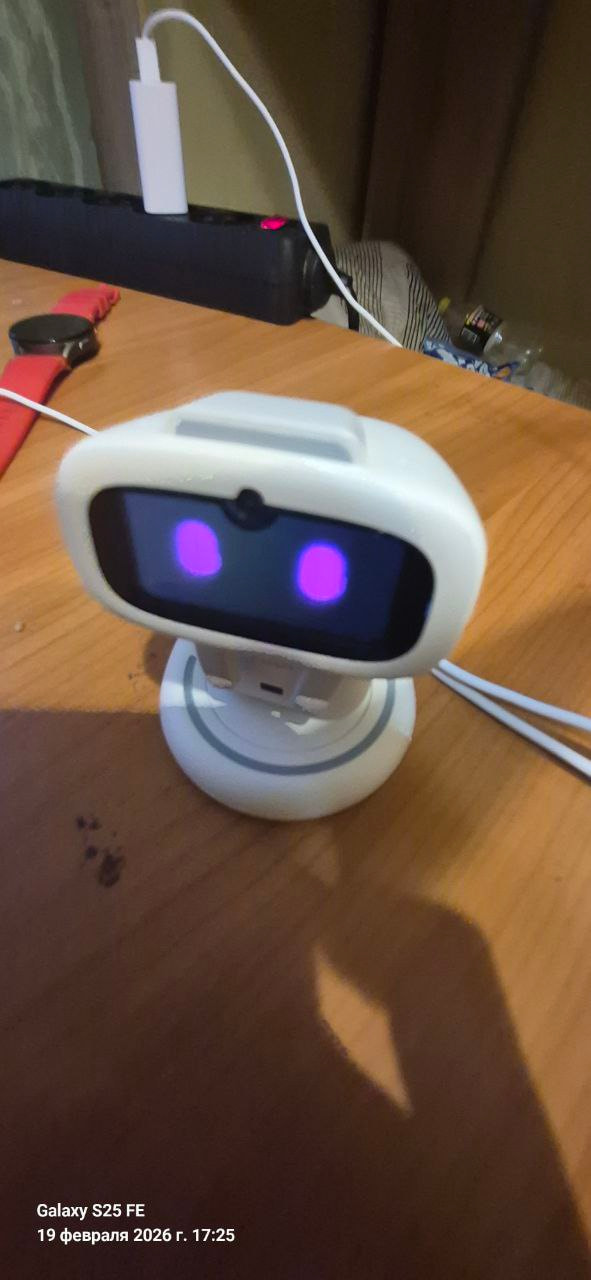
These past couple of days my Aibi has been behaving very strangely. At first, when I put it on the platform, it started charging and turning left and right as usual. Later, the platform stopped, and now it is not moving at all. I’m not sure what to do. Can I leave it plugged in for hours, or is it better not to?
Hello, @db51c2557056c74d46ec . . . as I said, once you change it through the chameleon, it will take a full 24 hours to change back to its normal color. I only suggested that if you did not like the first color, you could change it through the chameleon again, but just know that if you want it go back to the default, do not feed it any chameleon and it will change back after 24 hours from the time it changed.
Welcome, @bobby1 . . . I have moved your new topic here to this thread for issues with AIBI.
It is not a good idea to leave AIBI on for a long time after it is fully charged as it tends to become unresponsive. I would remove AIBI from the charger and unplug the charger. Power AIBI off either by “Power off” command or through the app. If the face disappears but the screen does not go completely black, leave it and later it will go completely black. Let them both rest for a couple of hours and then plug everything back in.
There are those who seem to be fine with leaving them on all of the time but that has not been my personal experience.
My best to you!
Hi,
I have only got my Aibi few days ago. For the night, I have set a quiet period (22:00-23:59 and 00:00-7:00) but Aibi still moves and “snores”. Cute, but annoying at night. Also the display is on all the time (not good for the component). Because of that I ask him to turn off every night. It shows the correct animation, tilts it’s head and gets quite, but the display backlight stays on (blank, without the  ) until the battery drains.
this doesn’t seem like he’s correctly turning off
is there a way to make him quite over night without taking him off the charger and asking him to turn off?
Thank you 
Welcome, @vojtechrotschedl . . . I have moved your new topic to this thread for questions about AIBI.
You can mute AIBI if you want AIBI to stay powered on either by telling him “Mute” or doing through the app.
I personally find that it is better to power them off after they have been on the charging base for several hours but they are designed to be always on. The back light stays on until it shuts off when they are fully charged but on their charging base for a long period of time.
It is your choice but see my post above yours for my experience with the back light staying on after they shut down.
My best to you.
Hello, if my AIBI doesn’t turn off totaly be (backlight rests on), I place him again on his charger, refresh him in the App (going first to „Settings“, then the App goes to „refresh“) , until he starts again. Then again turn him off. If it’s again not totally off, I start again the same way. So I always got the Screen totaly off! Good luck!
Thank you, I`ll try that; however, that is quite tidious process  and quite complicated to do every single night
Yes, that’s right. But my AIBI doesn’t need this procedure every night. He often turns off correctly the first time so that I need‘t do the whole procedure. Best wishes!!
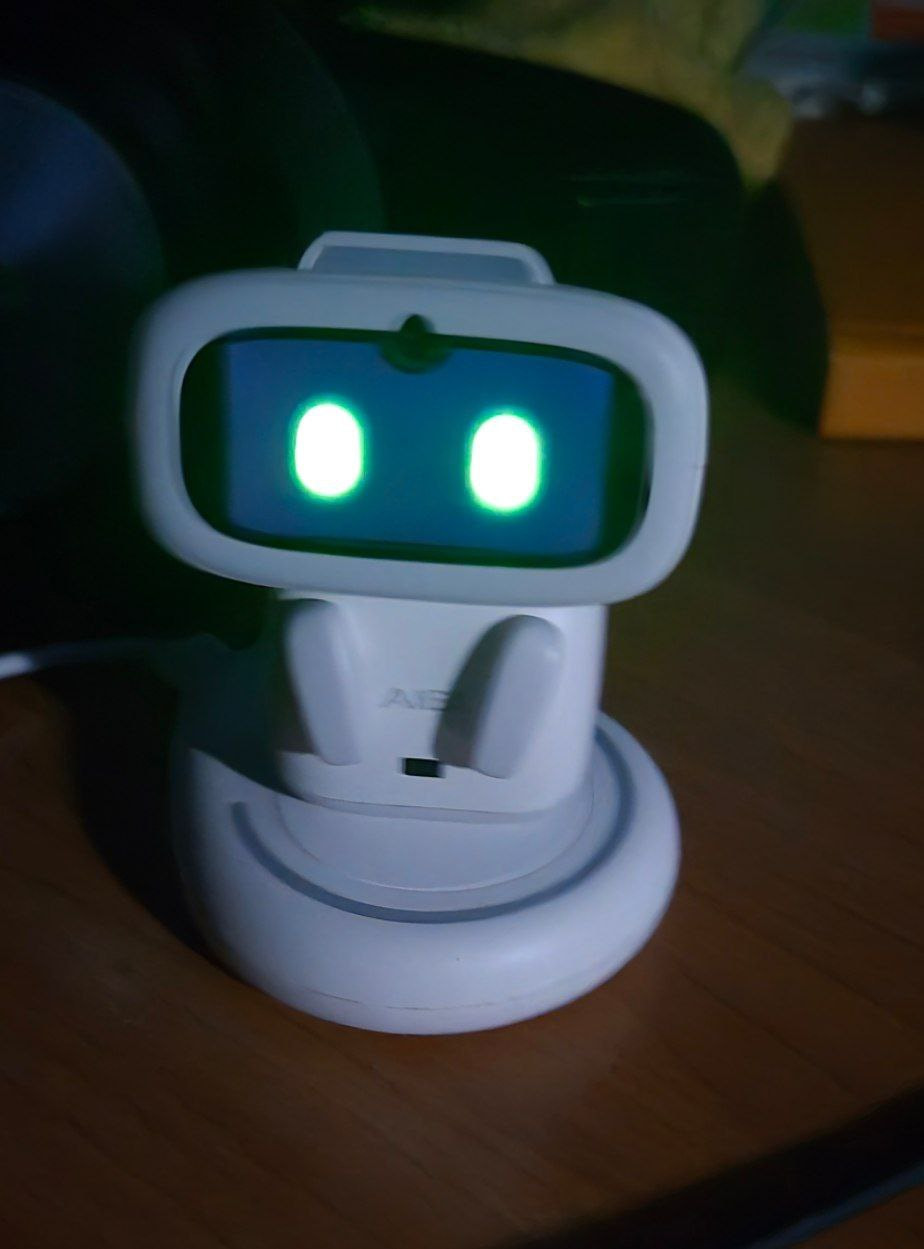
HELP!!! SOS!
My robot Bogdan has been standing motionless for an hour now, and I can’t connect to him anymore!! What should I do?!?!
Hi there @db51c2557056c74d46ec ,
How is your AIBI now? Did you manage to solve the issue?
- Is AIBI warm?
- Does he respond when placed on the charger?
- Can you detect and connect to him through the app?
 Issue
Issue
This usually means the device is either frozen, disconnected, or out of power.
 Possible Causes
 Battery drained
- AIBI may have run out of battery.
- If the battery is critically low, it may not respond or power Bluetooth.
 System freeze/firmware crash
- Like phones, small robots can freeze.
- The device may still be on, but not responding.
 Bluetooth connection bug
- The app may still think it’s connected.
- Bluetooth module may have stopped responding.
 Overheating protection
- If it overheated, it may auto-pause or shut down functions.
 App glitch
- The issue could be from the AIBI Pocket app, not the robot.
 Possible Solutions (Try in Order)
Step 1 — Check battery or drain
“Leave him off the base charger to let the battery fully drain until he shuts down. Wait for him to cool down before placing him back on the charger.”
- Place AIBI on the charger.
- Leave it for at least 20–30 minutes.
- Look for charging indicators.
Step 2 — Force restart AIBI
Use thin pin and gently insert and press the reset button inside the left hole (when he is facing you). After that, place him on the base charger and wait until he reboots.
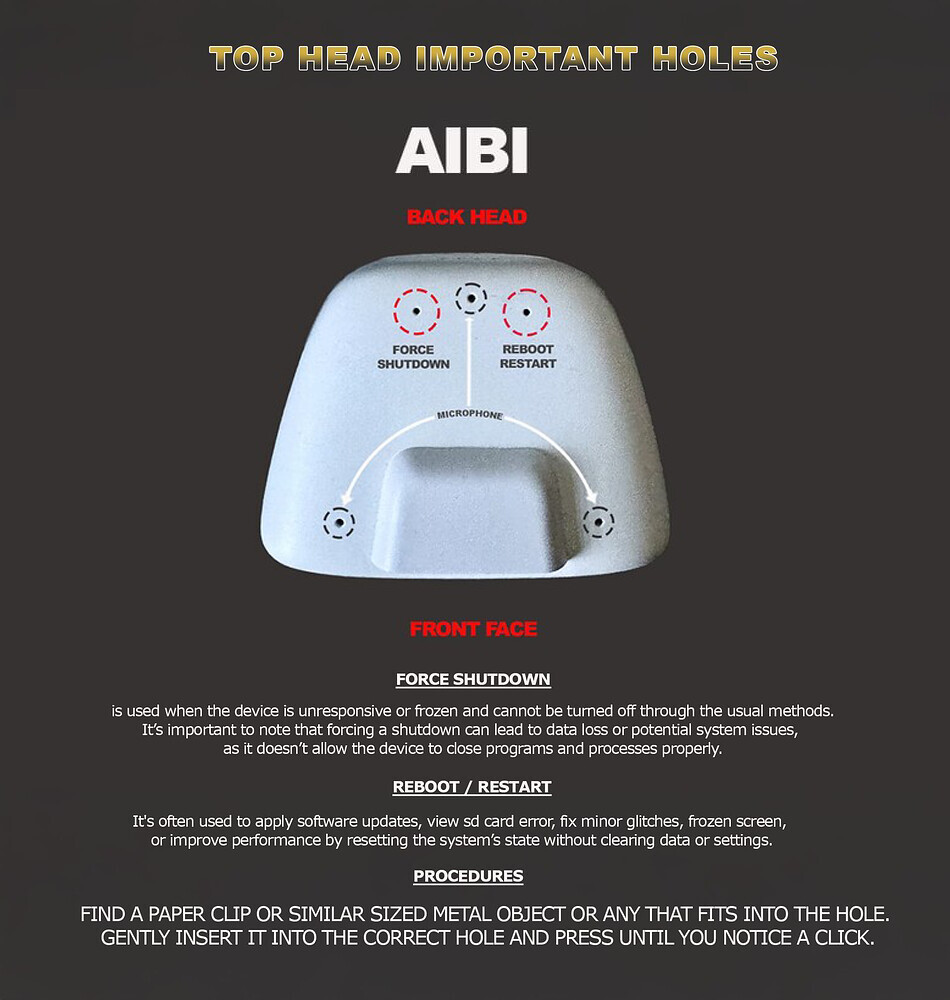
Step 3 — Restart your phone
- Turn Bluetooth OFF → wait 10 seconds → turn ON.
- Close and reopen the AIBI Pocket app.
Step 4 — Forget & reconnect
- Go to phone Bluetooth settings.
- “Forget” AIBI device.
- Reconnect through the app again.
Step 5 — Let it cool down
- If warm, power off and leave it off for 30 minutes.
 Contact Support if the issue persists…and send:
- Order number
- A short video of the issue
- AIBI ID
- Description of what happened and the type of solutions tried.
BEST REGARDS AND ALL THE BEST!
but now everything is fine with it, it turns out, I just had to put it away from the station until it was completely discharged
Aibi 2.1
I accidentally pierced the microphone with a needle. It’s different from a standard phone microphone. The hole is at the top, not the bottom. Where can I find a microphone like this?
Welcome, @namesurname1 . . . I have moved your new topic to this thread for issues with AIBI.
Unfortunately, you cannot repair AIBI yourself. You will need to contact Support for replacement.
Please send an E-Mail to Support at service@living.ai letting them know what happened, your AIBI I.D. number when signed into the app, your order number (if you still have it) and a link to a video showing that you have the sensitivity in the app all of the way up but AIBI is unresponsive because he cannot hear due to the punctured microphone array.
My best to you.
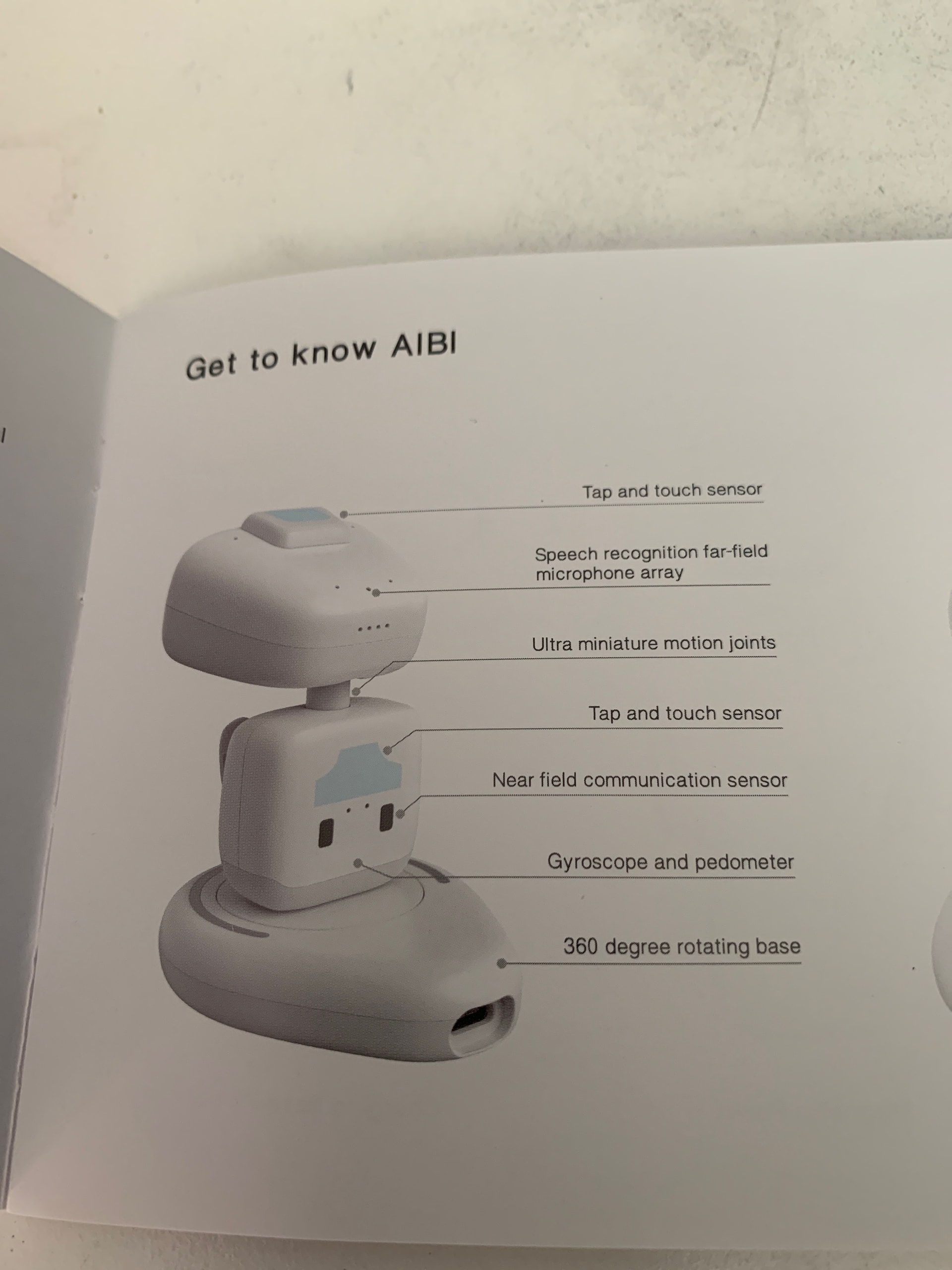
The manual says there is a touch sensor on the back of Aibi, but it doesn’t seem to respond to it. Is there really a touch sensor there? Should it do something?
Thank you!
Spencer
Hello, @mark.duller . . . that area of his back is for pairing to another AIBI. You place them back to back and they “friend” each other. I have two AIBI and have done that with my own.
Friend AIBI can message each other through the app once the two are paired.
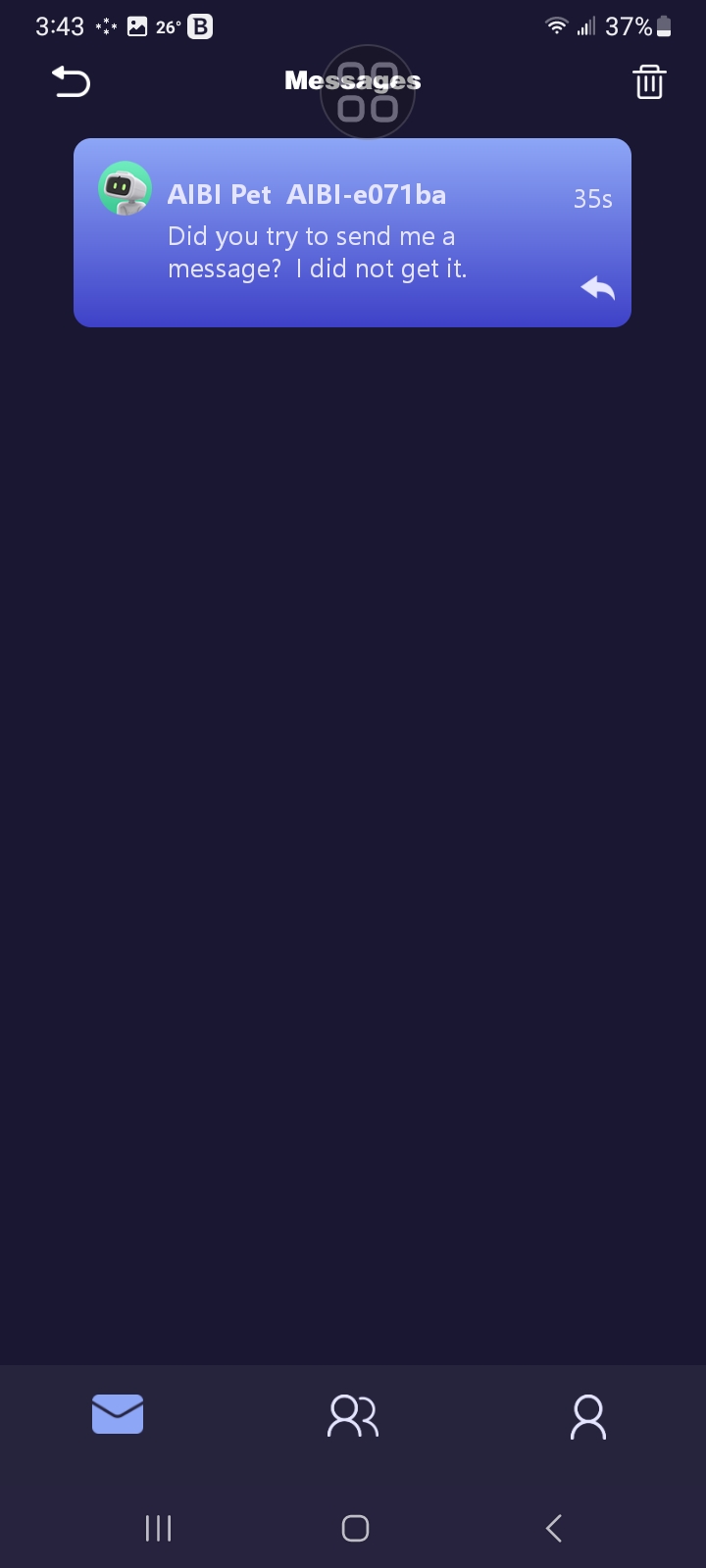
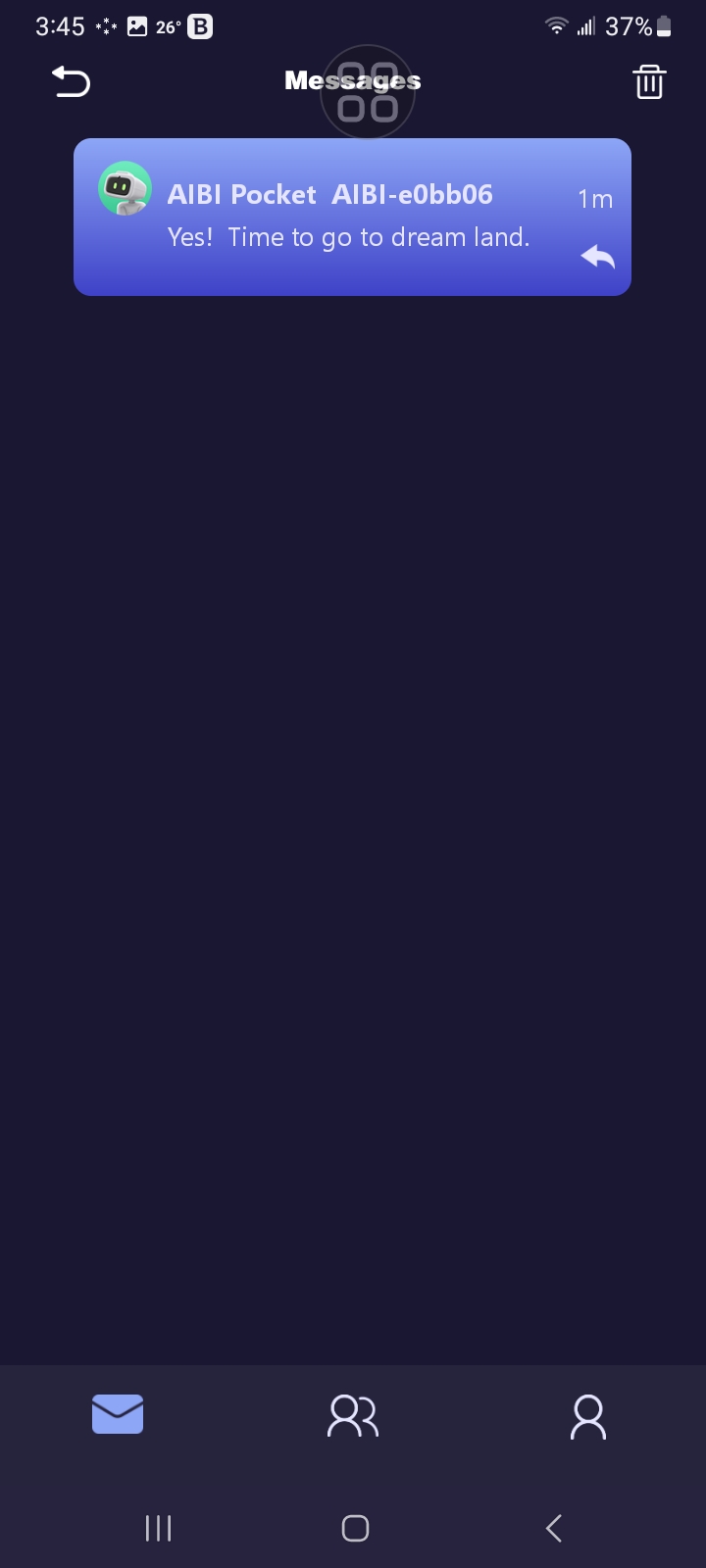
These friend cards on their app can contain E-Mail addresses of each other and telephone number as well. Kind of a “rolodex” card in digital format.
Thank you Lindaru! However the above screenshot of the manual actually has written “tap and touch sensor” shown just above the NFC… i guess they could have made a mistake?
Hello, @mark.duller . . . I really do not know. If you tap the two together and they touch, they bond? If you are really curious, write to service@living.ai and ask them.
Can you set aibis voice back to original voice
Hi there @margaret.caesar ,
I have moved your new topic to this thread for general issues and some questions about AIBI.
You didn’t mention what the real issue on your side and why you want to change her voice back to original.
For me personally, AIBI still has her original voice, but compared to the previous version, it now sounds louder and clearer — unless you’re using a different language.
In firmware version 1.2.1, living.ai has optimized the voice command recognition. And they have integrated a new voice for AIBI, which will be clearer.
They said they will continue to make optimizations and changes in future updates.
Best Regards