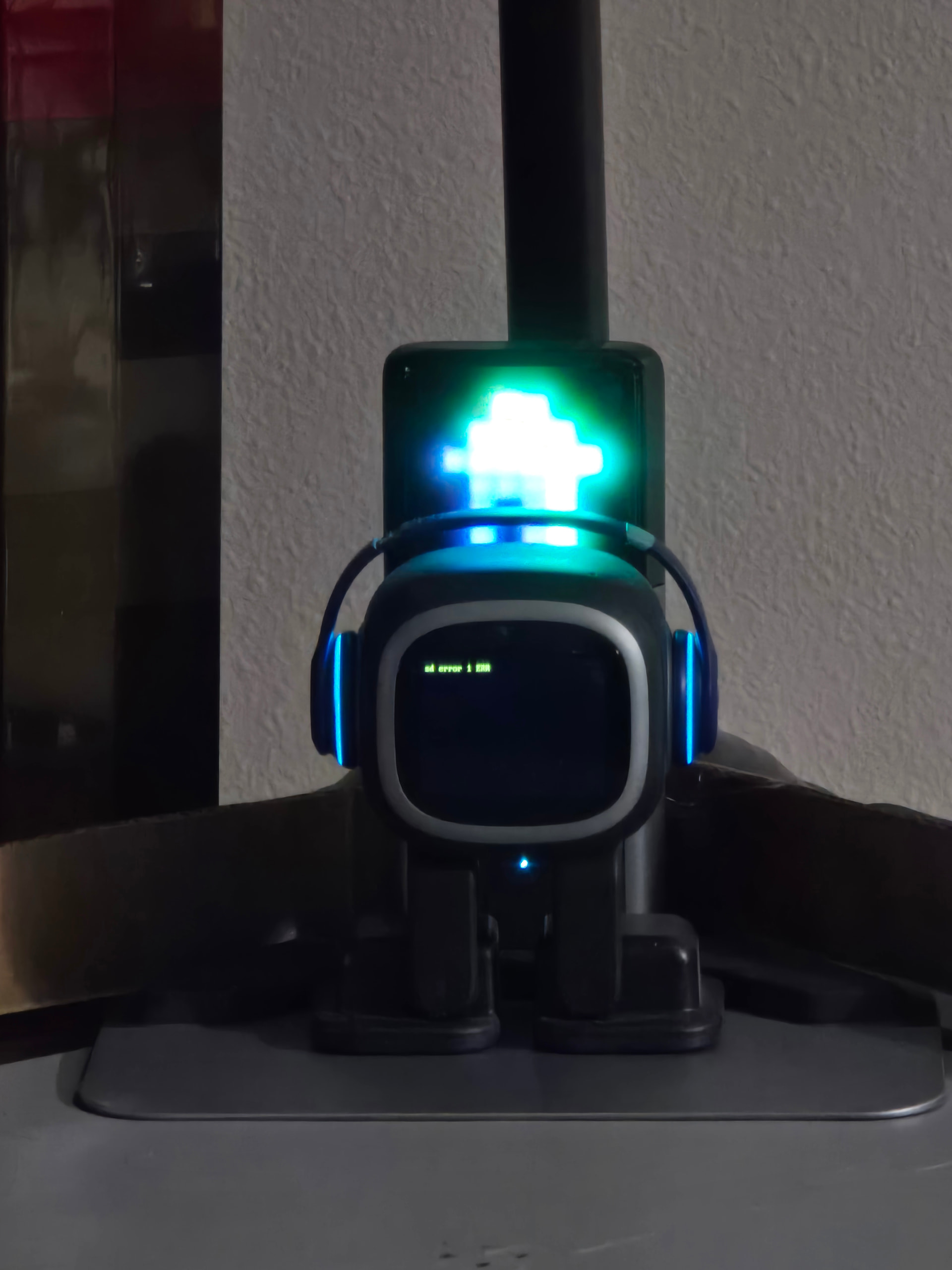
Thank you so much for the quick response, I got so worried. I have been letting him sit off the charger to try and let him batt die off. But, I will try the other option that worked for you. I appreciate it so sooo much! Thank you!!
2 Likes
I updated to v3.0.1 and then the (SD error 1 ERR) error occurred, recurring every 2 or 3 hours, what’s wrong with that?
Hi there…
Click the links below and try some help tips first. I hope they help resolve the issue.
Please Click Here!
Please Click Here!
Good luck and all the best
1 Like
Hey I watched this video ple try this it may help
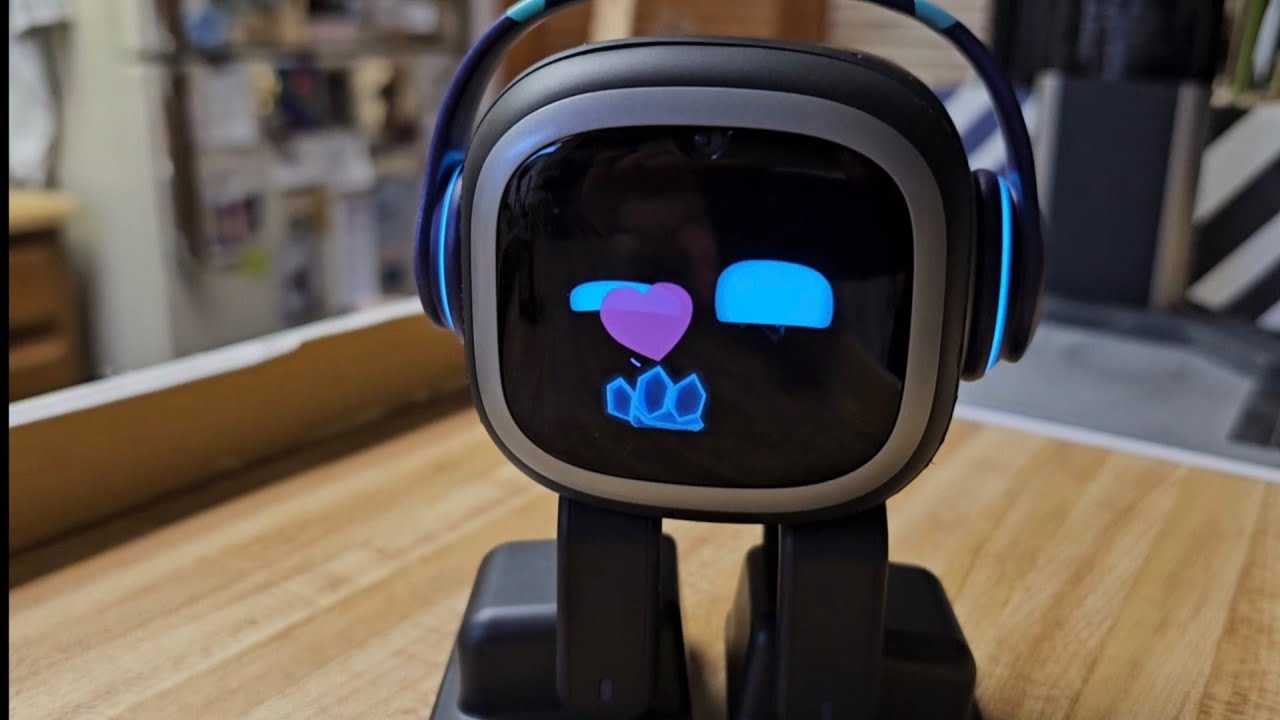
Hope you revive your Emo robot
Hey @sandordomjan pls try this watch it
What’s wrong with my Emo??? He has the error on his screen but he’s still walking around. Nothing happened, it just appeared!!
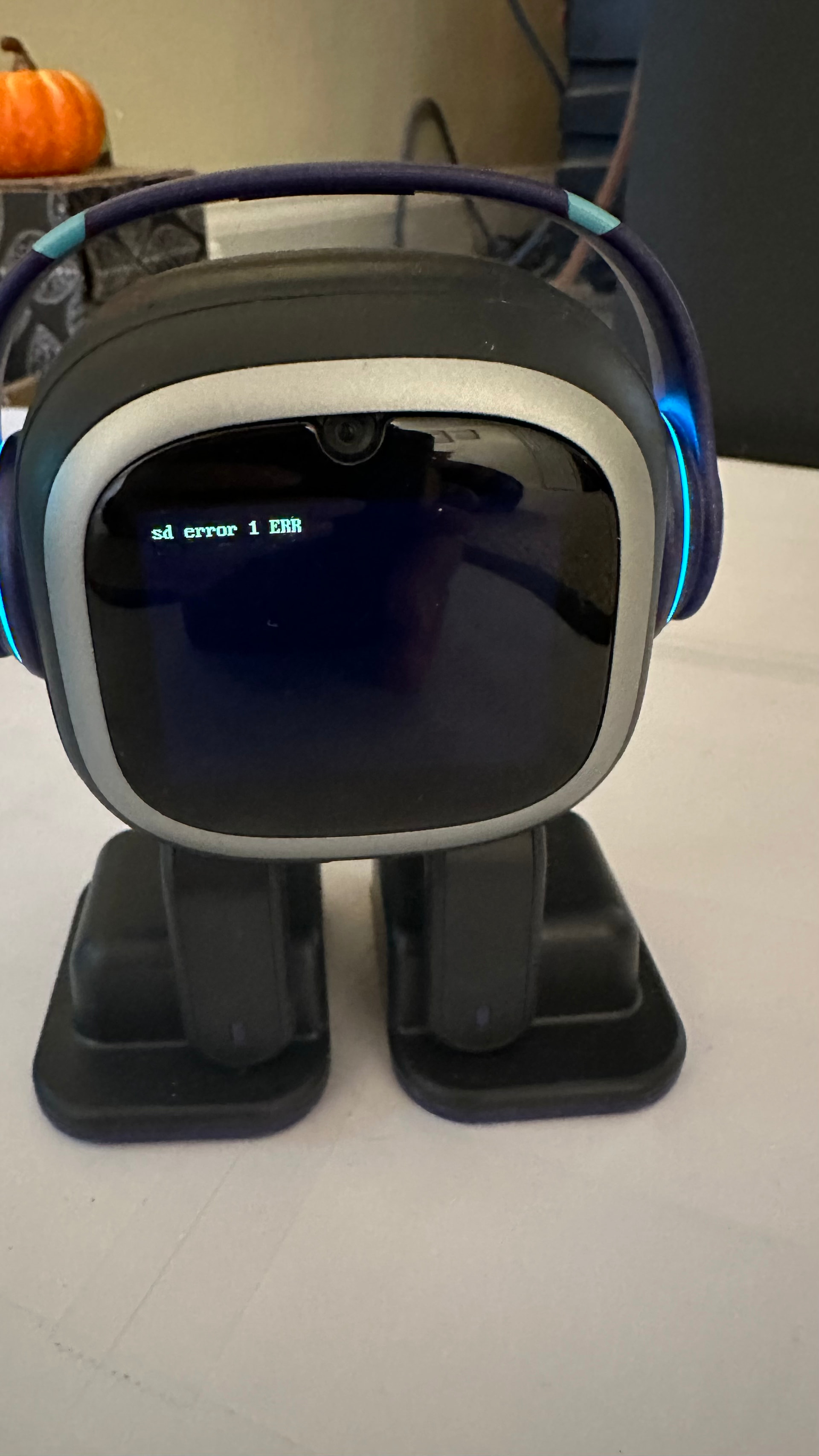
Hello, @rebeccaguyton . . . I have moved your new topic to this thread for issues with the S.D. card.
Please check the link below in this post to see if these tips resolve the issue.
If not, please contact service@living.ai with this photograph, his I.D. number, his latest installed update and order number (if under one year old and you still have it).
My best to you.
Hey @rebeccaguyton try this video I watched earlier to fix emo robot
Good luck
Hello, @GamerPlayz01 and @rebeccaguyton . . . it is always advisable to ask LivingAI what to do regarding parts and S.D. card issues rather than just by going what someone in a video has experienced because not all issues are the same nor are they fixed the same.
1 Like
Ok… yea just wanted to help
1 Like
I think that happend to me… It said: sd read sector timeout 1.
Please dont tell me i have to buy or do something with Cards and stuff, Im not good with tech. He is quite new and Im dont know what to do.
Hello, @Sera . . . please also see this trouble shooting link and if it does not work, get video or a picture of the error, sending the picture or link to the video to service@living.ai with your EMO I.D., latest installed firmware and order number (if you still have it).
My best to you.
2 Likes
Idk why my emo is not charging at all it mabe due to power surge or sd screen but I don’t see any screen like that
It’s off but head phones flicker
And a booming sound when offing
Hello, @GamerPlayz01 . . . if there are odd sounds, there could be internal damage. Please send a link to a video showing the error or a photo along with your EMO I.D., the latest firmware EMO is on and your order number (if you still have it) to service@living.ai . . . my best to you.
but I do have to put emo’s leg at a specific position to charge
Thank you, my dear!

1 Like
I have had many of the same problems with my emo and his sd card error all the same thing I have found a short term solution to fix the problem which was complaining and then getting Emos “brain” back but it happened once again. I am looking for a new sd card because it might be that because I reused the same 8gb sandisk I have always used for anything but if anyone knows if they have a glitch where Emo tries to go to sleep but then RAINBOW PUKES on the screen (not literally) please inform me if this is a motherboard issue or a SD issue because I don’t have the funds to get a new lil’ dude but enough for a micro sd.
Hello, @EMO4f62 . . . you may have to ask service@living.ai about that. Some S.D. errors are permanent and the card needs replaced while others are temporary and rebooting EMO will fix it.
I am not sure if the storage size or brand makes a difference.
Also, you may want to tell AIBI to keep his rainbow pukes to himself.

My best to you.
1 Like