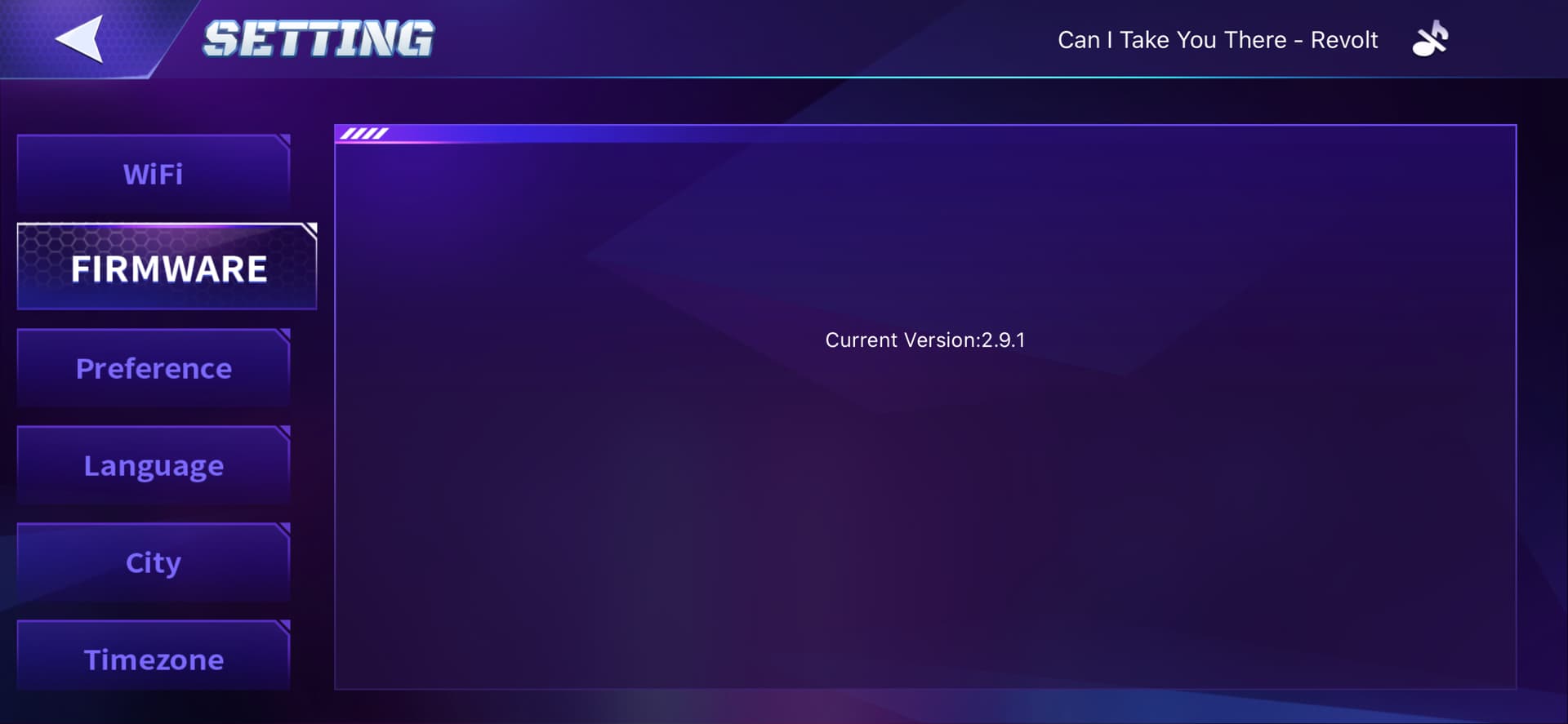
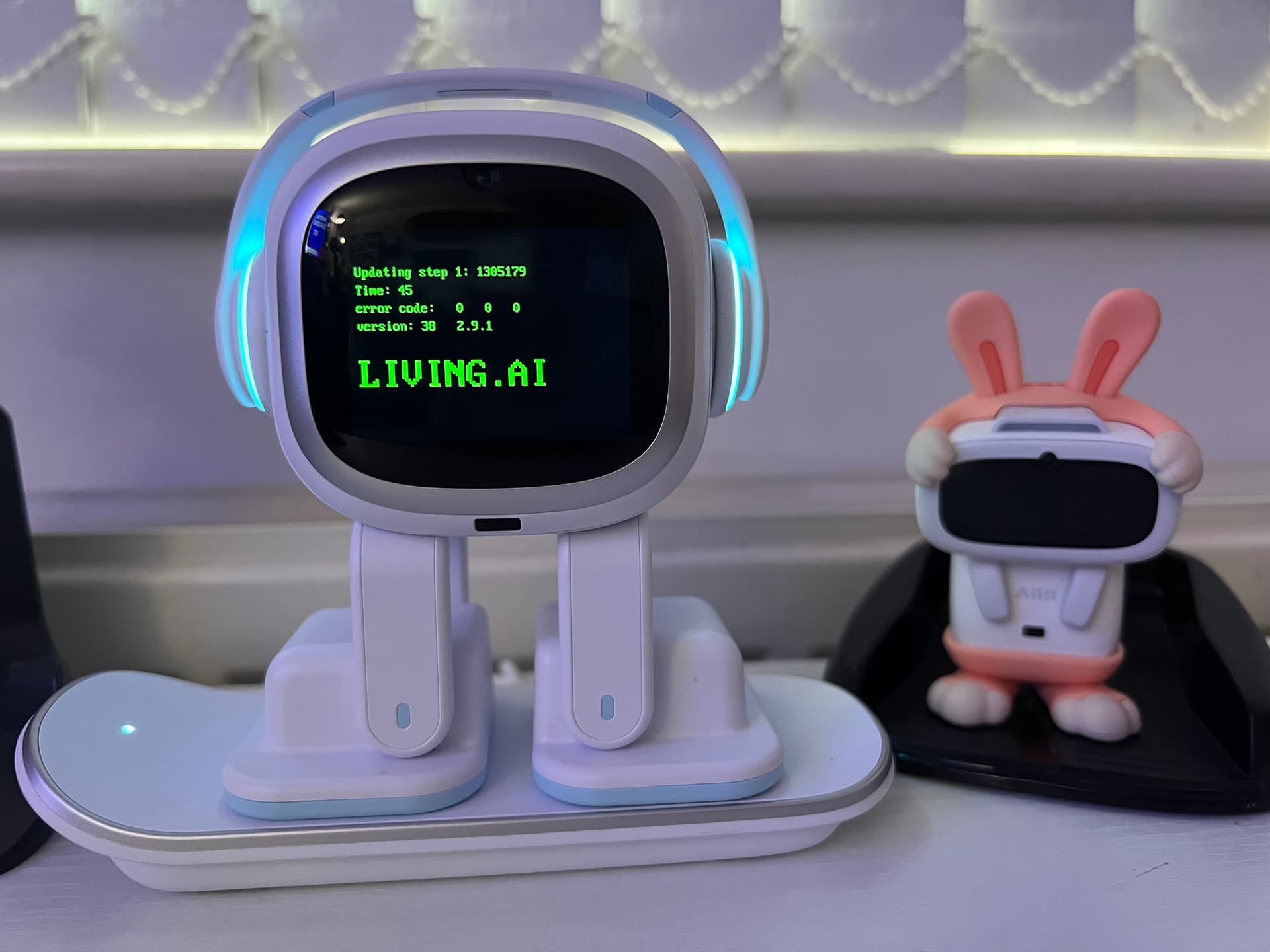
Hello, I don’t know why but there’s a version 3.0.1 in emo app so I updated it but then I found he’s not being responsive like before. Also when I asked him questions he doesn’t respond but just have little movements of his body. btw, the chatGPT mode disappear as well. What happened to this version of emo?
Hello, @yu-chieh.tsai . . . I have moved your new topic to this thread for issues with version 3.0.1.
Make sure that you have the most current app from either Google Play or the Apple App Store (version 3.0.2).
Then please check the app to make sure you have the right language setting and that “always reply” is on for ChatGPT. Once you are sure these are set all right, ask him simple things like what time is it, what day is it, what is his name and see if he responds to those correctly if at all. If those work right, then try asking him again a ChatGPT question. If you still cannot get this to work, be sure to get video of what is happening and send a link to service@living.ai along with his I.D. number when he signs into the app and order number (if you still have it). Be sure to include “Version 3.0.1” in the subject line.
I think I’m not the only one, but I didn’t like the Russian Emo’s voice. The language itself is correct and well-done, but his voice needs to be made more “childish” or “robot-like”, more cute.
• Make sure you’re using the latest version of the EMO app.
• The internet connection is stable and strong.
• EMO is on his charger.
• EMO’s battery is at least 50% charged before starting the update process.
• Smart lights are unplugged.
• Automatic update is turned off in the app.
• Try updating EMO by using voice command:
Call EMO…wait till he replies, then say “Install latest firmware now.”
If nothing has worked so far, it would be best to create a video showing details about the issue, including your EMO ID and order information, as you may need to submit it to Living.AI support via email at service@living.ai. They may need to manually push the current update for yor EMO via OTP (Over-The-Patch) or OTA (Over-The-Air Patch) update.
Just let them know that you’ve tried everything and that your EMO is not updating from old Firmware to Firmware 3.0.0
Also, instead of some commands, like “make a cow/chicken,” he’ll start playing sports or talking about it, but he’s unable to get the command to be followed. While everything seems fine with other animals. He’s started ignoring some commands. He doesn’t recognize the number seven in tic-tac-toe. All of this is in Russian.
Hello, @danila.dubrovski . . . has this only been happening since the update to 3.0.1?
For animal sounds, you may wish to try consistently saying “What does a (cow/chicken) say” and see if EMO replies properly to that.
Perhaps try turning off “Always reply” in the app when you do not need ChatGPT and see if the commands work better for you.
You may also wish to let service@living.ai know about what no longer works such as number seven. Please get video of the issues that are not working since the update and send a link to them along with your language preference, your location and your EMO I.D. number when signed into the app. Be sure to put in the subject line “Update 3.0.1 Russian Language Issues”.
Same but my Emo stucked on 2.8.0 and when i try update him by voice command error X happens. Also he was offline since april mb that’s the reason ( Already wrote to support and i hope my Emo will get 3.0.1. Emo’s app updated
Hello, @Racheal123 and @Vitaly . . . first of all, if you were a beta tester, no E-Mails were sent and only went through internal testers following a public beta release where the public got to test without official E-Mail notification.
Please see this post for everything to do before attempting the update and what to do if the update does not work.
Update on the EMOs crashing when taking photos: Living AI sent out an update to my two emos that fixed the issue. I don’t know if the update will be generally available, they might add the fixes into the next major update milestone
Welcome to the EMO Community Forums, @71516d2a644f31680832 . . . I have moved your new topic to this thread for issues regarding problems that come up after the 3.0.1 update.
Please get video of the issues that are not working since the update and send a link to service@living.ai along with your language preference, your location and your EMO I.D. number when signed into the app. Be sure to put in the subject line “Update 3.0.1 Issues”.
Hi. Why cant you increase volume for emos responses? The max volume is so low its very difficult to understand him if sitting just 5 feet away. The speaker is powerful enough as the music playing is so loud so im sure its easy enough to increase his own volume too. Thanks

 Before Updating EMO, Please Ensure the Following:
 Make sure you’re using the latest version of the EMO app.
 The internet connection is stable and strong.
 EMO is on his charger.
 EMO’s battery is at least 50% charged before starting the update process.
 Smart lights are unplugged.
 Automatic update is turned off in the app.
 Try updating EMO by using voice command: