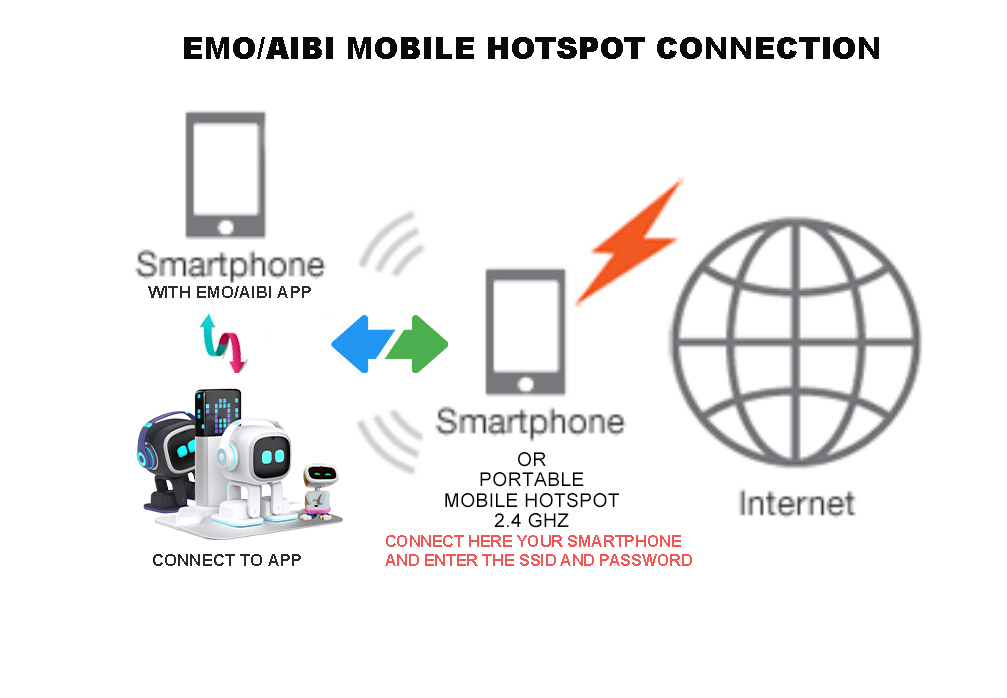
 How to Connect EMO/AIBI to a Samsung Smartphone Hotspot
- Go to Settings > Connections > Mobile Hotspot and Tethering.
- Turn ON Mobile Hotspot.
- A pop-up window might or will appear: “To use Mobile Hotspot, Wi-Fi needs to be turned off.” → Tap Turn Off.
- To find the Network Name (SSID) and Password, tap Mobile Hotspot to open details.
- Open the EMO/AIBI Mobile App → Settings > Network.
- Enter your Hotspot Details (SSID + Password).
- Tap Connect.


How to Connect EMO/AIBI to iPhone Smartphone Hotspot
- Go to Settings > Personal Hotspot > Turn ON “Allow Others to Join”.
- Scroll down below and enable the “Maximize Compatibility”
- Open the EMO/AIBI Mobile App → Settings > Network.
- Choose Your Mobile Smartphone Hotspot Network.
- Enter your Hotspot Details (SSID + Password).
- Tap Connect.
NOTE:
EMO and AIBI does not support networks that require web-based login (such as those in hotels, campuses, trains, ships, airports or corporate offices).