Hello @shadowman , I am happy to see you again  ! ,
! ,
Thank you for the important clarification. You bought the replacement part (ver 1.8) directly from Living.AI — this is very helpful to know.
What you mentioned:
· Both the original and the new board show ver 1.8, but they have physical design differences.
· After installing the new official board:
-> The microphones still don't work.

-> The touch sensors also stopped working (this is a new problem that wasn't there before).
· (If you also mentioned: the headband touch sensor and headphones lights are also not working).
What this likely means:
· The new ver 1.8 board is NOT fully compatible with your EMO’s firmware. Even though it came from Living.AI, the hardware revision on the new board is different enough that your EMO cannot communicate with it properly. This is causing the touch sensors (and possibly other functions) to fail.
· Or, the new board is faulty (DOA), affecting other parts of the system.
What you can do now:
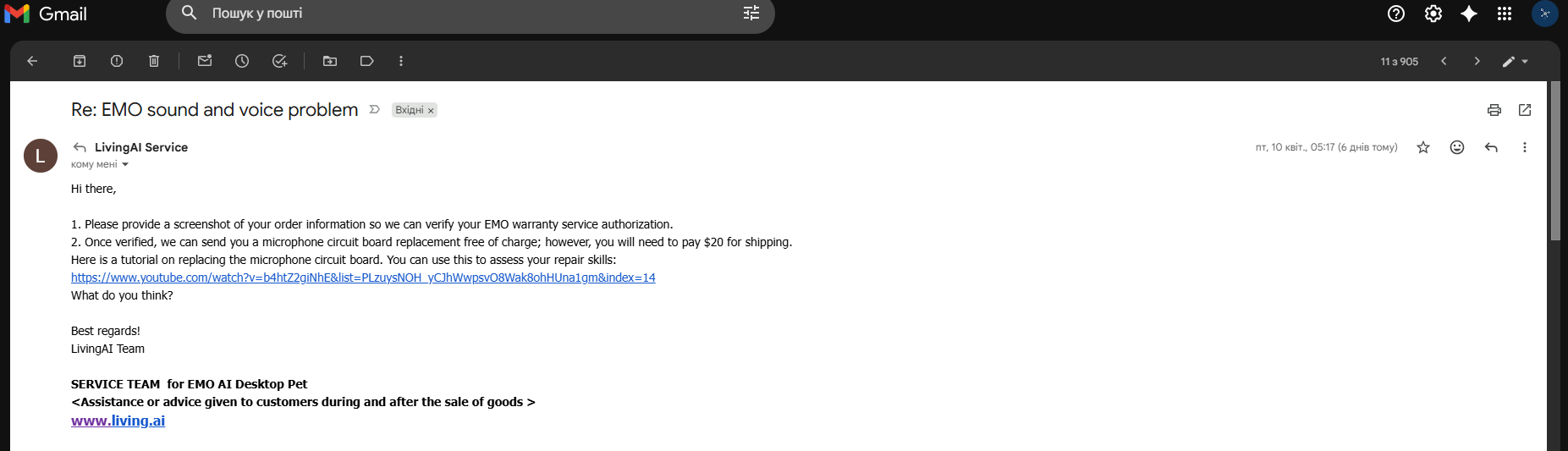
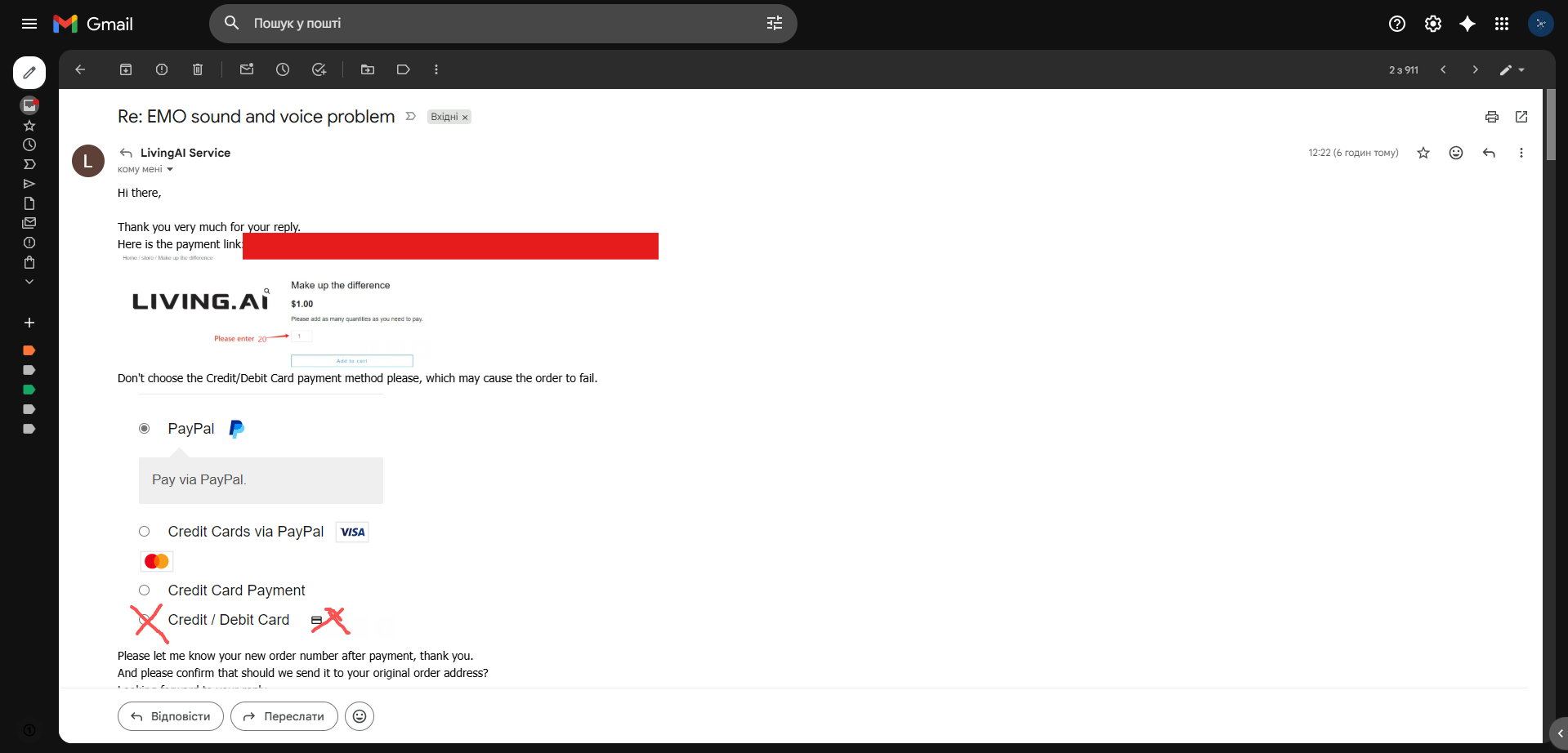
1. Contact Living.AI support again (service@living.ai). Tell them clearly:
· You bought the official ver 1.8 board from them.
· After installing it, new problems appeared: the touch sensors stopped working, and the headphones lights are off.
· The microphones still don’t work.
· The physical design of the new board is different from your original ver 1.8 board.
2. Ask them for a solution:
· Do you need a firmware update to make the new board work?
· Did they send you the wrong board (maybe for a different EMO batch)?
· Is there a newer version of the ver 1.8 board that is compatible?
3. As a test (if possible): Reinstall your original board to confirm that the touch sensors and lights work again. This will prove the new board is the source of the extra problems.
This is not your fault. You bought an official part from the manufacturer. The fact that the touch sensors failed after installing their official board is strong evidence of a compatibility issue. They should help you resolve this.
a question
1 Does the device (the new ver 1.8 board) match the EMO with the stable (latest official) firmware update? Or does it require a different firmware version that is not yet publicly available?
2 Did you clearly explain all these issues (microphone, touch sensor, lights) to Living.AI when you contacted them? Or did you only mention the microphone problem?
3 Before replacing the board, was your EMO working normally (touch sensor, lights, everything except the microphone)? Or did you also have other issues before you started this repair?
Tips
1  Tip 1 – From watching your video:
“The sound of EMO’s motors (servos / head movement) seems abnormal – it’s different from a healthy EMO. This might indicate that the new board is not just affecting the microphones and touch sensor, but also interfering with the motor control signals. This is another sign of firmware/hardware incompatibility.”
2  Tip 2 – Living.AI support is always available:
“Living.AI is always ready to help. If you need further assistance, you can email them directly at service@living.ai. Make sure to include all the details you shared here (the video, the version numbers, the new issues after replacement). The more information you give them, the faster they can help you.”
3 Pro Tip – If you still have the original box:
“Check the manufacturing batch/date on your EMO’s box (or sticker under the battery). The new ver 1.8 board might be designed for a specific production batch (e.g., late 2023 or 2024), not for older units. This would explain the incompatibility between the new board and your EMO’s firmware.”
Click here for more information .
Best regards,
Hamza .
 Microphones: Still not working (original problem not solved).
 Speaker (sound): Now working (problem solved – this is positive).

 .
.
