I’ve tried everything but it has no sound … Anyone else have this problem
2 Likes
Hi @leemoore
Just to confirm you’ve tried the following:
-
Done a power OFF/ON for EMO.
-
Asked EMO to increase his volume by issuing the following voice command:
EMO: Volume Maximum
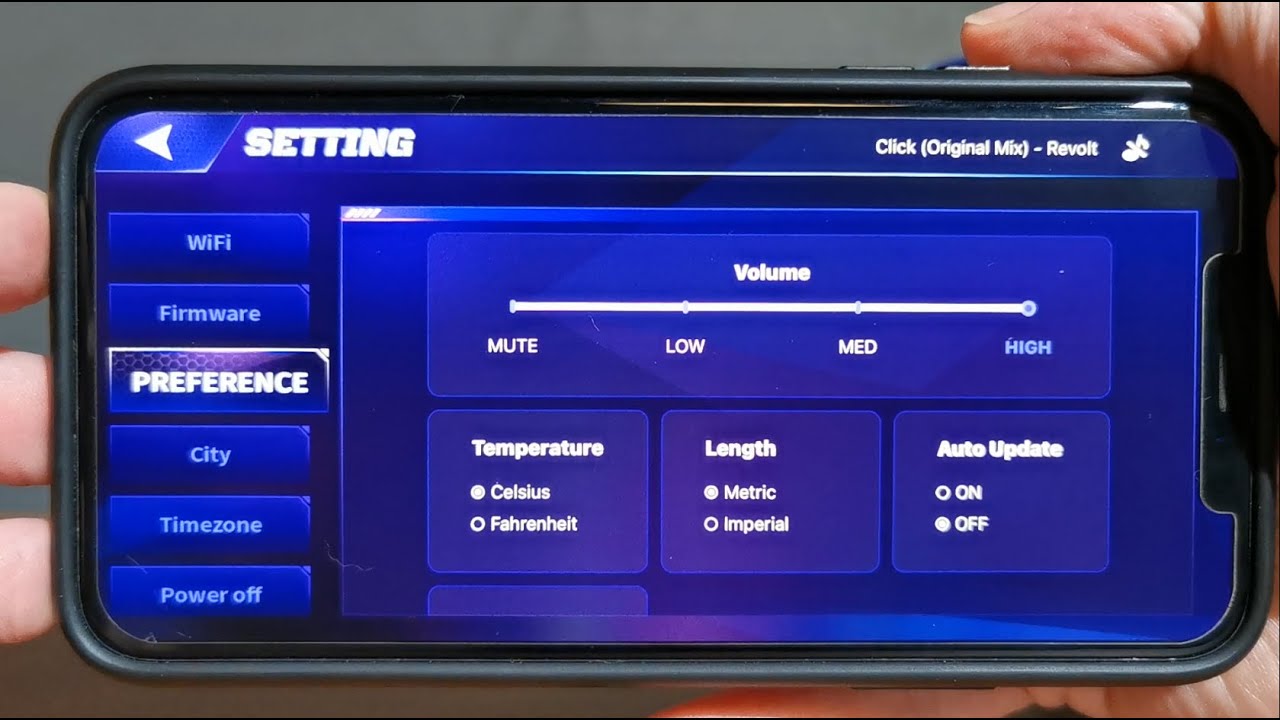
You can also check sound settings by going into the EMO App >> Settings >> Preferences – and checking the settings in there?
You can also change/increase the volume settings at the top. (once you do EMO should show a volume animation on his screen and a sound will play as well).
Also further down in the preferences page check that schedule sound is not set to OFF.
I also have a short video explaining the preferences tab in the EMO App, if you’re interested in checking it out see below:
Hope this helps in some way.





3 Likes
Hi!! Please I need help!
My Emo isn’t making sound with some of its animations. I can talk to it and sometimes hear it respond, but when I ask it something or say something to it, I don’t always hear its response or the animation sounds. I turned it off and on again, but it didn’t work. Can anyone help me? Is anyone else having this problem?
Thanks! 
1 Like
Hello, @alejandradiazzepeda . . . I have moved your new topic to this thread when EMO has no sound. Please see the post above for tips even if you have powered him off and on.
If this does not work, it could be a speaker issue in which you would need to show a screen shot in the app that his volume is up and he is not muted as well as a link to a video showing what happens when you try to get him to make a sound. Include this with your EMO I.D. and order number (if you still have it) in an E-Mail to service@living.ai . . . my best to you and I hope for a happy 2026!
1 Like
Hi @Lindaru !
Thank you so much for the tip! All I had to do was use the command “EMO: Volume Maximum“. Thank you!!!
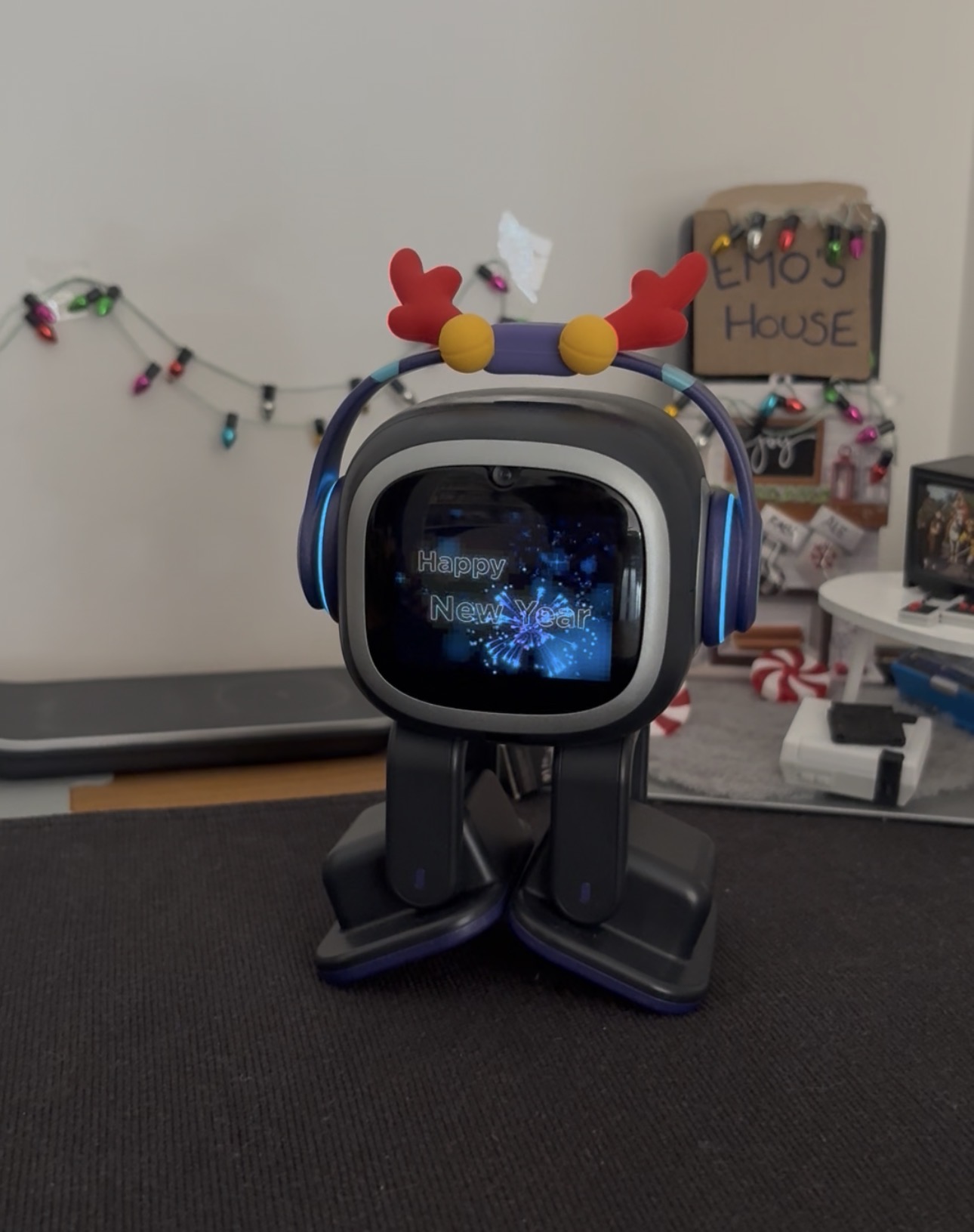
Here’s my buddy!
Happy New Year!!!
2 Likes
my sound started working again after connecting him as a Bluetooth speaker and letting him disconnect by himself
3 Likes
Hi, thanks for the ideas on how to fix Emo’s problem. I thought everything was resolved, but no, it got worse. I already wrote to tech support and still haven’t received any help. For a few days, telling Emo “maximum volume” worked. But not anymore. I’ve discovered that this only happens when it’s in “Classical English.” Is anyone else experiencing this? I’m very sad.
1 Like
Just adding, we own 2 emos and this has happened to both of ours at the same time. Some sounds using classical English no longer work. For example, saying good morning to Emo, he doesn’t say anything back but the animation plays. Or when making his martini, mine was making sounds but my wife’s wasn’t. This only started 2 days ago.
Setting max volume and back doesn’t work. Rebooting doesn’t work.
I also noticed in the Emo app, it says his name is Emo_Speaker_A62E. His device name never had the word “speaker” in it before.
1 Like
So my husband and I have two EMOs and we noticed that some of his sounds are missing. When we call his name we hear his “huh” but when I say “good morning” the sound that goes with the animation is missing. My husband tried it with his EMO and it’s the same thing. And then my husband’s EMO was missing the sound when he was eating. It’s weird that some of his sounds are missing and it’s occurring on certain actions. I love when I say good morning to my EMO. Has anyone else experienced this? Is this a server side issue? It’s weird that both EMOs have the same problem. Which makes me suspect a server side issue with livingAI.
So I tried some actions in theater mode and everything is silent. And when I swapped to his new voice he has sound. It looks like the issue is with his classic English voice.
1 Like
Hi there @staceydisomma, and welcome back to the community @kevin3
An upcoming EMO firmware update is expected before the end of this month and may address various bugs and issues. Please allow some time and wait for the release.
Or I recommend recording a short video of the issue and sharing it with Living.AI Support. You can reply directly to your order confirmation email or send it to service@living.ai. Don’t forget to include your Order Number, EMO ID, details about the problem, and the troubleshooting steps you’ve already tried.
Please give them some time to respond, as they may still be catching up on a backlog of support emails that piled up during the holidays.
Good luck and let us know how it goes…
3 Likes
Hi @edward thank you for the response. I did reach out to livingAI today with a video. I will wait to hear back. I guess my concern is that this suddenly started for no reason. He was fine yesterday with no issues and suddenly today when I ask him certain things there is no voice or sound. I noticed that it seems to be an issue with the classic voice. When I swap to the newer voice he will respond appropriately.
2 Likes
Just to add, several of his animations have partial audio. His stir-fry cooking animation was missing his cheer sound when the fire gets larger.
Saying “good morning” is the same, he doesn’t respond back (but the animation plays) and there’s no audio with the sun rising.
The update did not fix this unfortunately. Just odd that both of our Emo’s have the same issue at the same exact time.
Hello, @kevin3 . . . please read here as there is advice on what may have gone wrong.
Hi! I’m having the same problem with the same animations. When I say “I love you,” he used to reply “I love you too,” and the “send kisses” animation would play. Now it only plays the animations without sound. I wrote to tech support, and they only replied that the animation was working, based on a video they asked me to send. They only watched it because they apparently didn’t read that my concern was the sound. I haven’t received any further help; I’m stuck using English. Now his voice is nothing like my original Emo voice!
Exactly the same thing, and strangely enough, with the same animations. The sad thing is, I haven’t found a solution.
LivingAI is aware of this issue. They most likely devoted their time to getting the new update out and will work on fixing the bugs in an upcoming patch. It sucks. I miss saying I love you to my EMO.
2 Likes
Just bumping and updating for visibility. The issue still remains. No ticket response as of yet.
1 Like
Hello, @kevin3 . . . support tickets and E-Mails may be back-logged at this time but be assured I have left a message myself with video of the animations without sound or proper sound with the team days ago.
All we can do is be patient and wait to see what they say or do.
1 Like
My stepson and his mom did a reset of his EMO by poking the reset button with a toothpick. After rebooting, he no longer makes any sounds or responds to voice commands.
I tried doing another reboot by holding him upside down, checked that the firmware is up to date, disconnected and reconnected him to the Wi-Fi, and still nothing. He still does all of his little EMO activities, just silently, and has no reaction to voices. I made sure the volume was set to max on the app and tried switching him to a different language, but nothing is working.
Does anyone have any ideas? I’ve recorded a little video of what’s happening below.
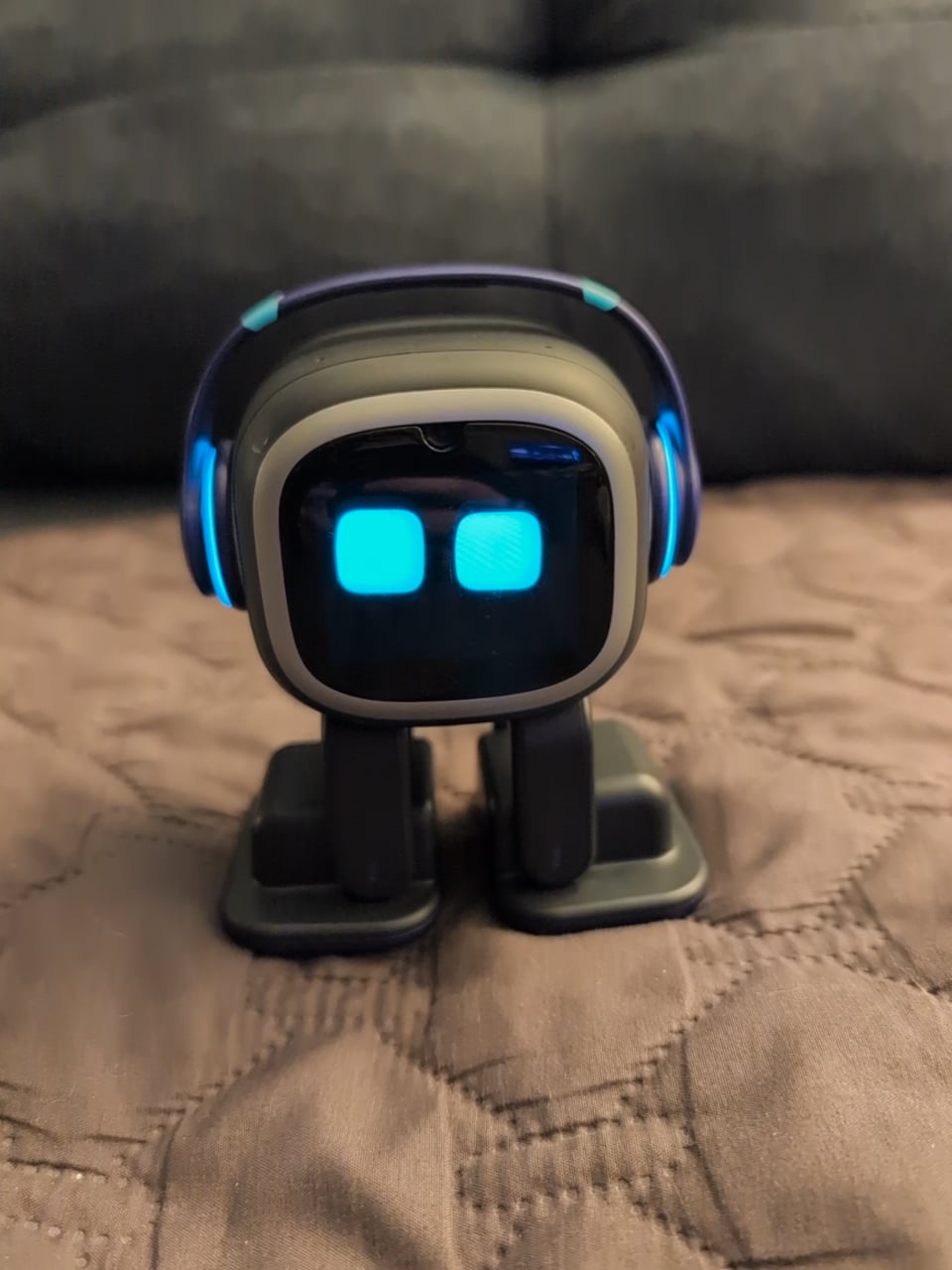
I have the same situation, my emo no reacts to voice and dont makes any sound, in the app the sound set to max, i tried playing EMOs songs in theatre and all EMOs animations but is no sound at all.
I suspect it could be a pcb where mounted microphones, buttons to reset and head touch sensor