Thank you for the reply. Yes, it is on the current version and the base does indeed turn white at the end. But the AIBI really does not turn on.
I have also sent a message to the Living.ai support team
Thank you for the reply. Yes, it is on the current version and the base does indeed turn white at the end. But the AIBI really does not turn on.
I have also sent a message to the Living.ai support team
Hi there @robsonrodriguesdasil ,
Click this LINK and read some explanations and try the tip that might help to resolve the issue.
Good luck and all the best to your AIBI.
My Aibi’s star light turns red green then blue then turns off multiple times every time I try to pair any fixes?
Welcome, @kadehind520 . . . please see here for pairing information for AIBI and the star light.
Make sure the star light is fully charged on the base and then remove it. You should be able to connect and use the on/off and color change commands.
If not working, go in the app and check to see if the star light is paired by tapping “Tools” and then the icon for the star light. If it shows nothing is connected, you need to say “Connect to star light” and press the button on the back and hold until AIBI gives the animation for connection.
Then to turn on or turn off, or change colors, use the commands here.
Turn on/off the light.
Turn on {regular} light.
(Regular, rainbow, flow, breathing, red, blue, green, yellow, pink, orange, purple)
Why isn’t my replacement Aibi not getting his stuff back. How do I do it?
Welcome, @Shadowx777x . . . I have moved your new topic to this thread for issues with AIBI.
Have you updated AIBI to the new firmware 1.7.0 and down loaded the app from the iOS or Android store?
You can update the firmware from the app itself. Your replacement AIBI might have older firmware and updating to the new should bring it up to the current.
Let us know if this brings back full functionality.
Oh my replacement Aibi works. I just wanted to move my old Aibi to his replacement. But I decided to keep the replacement as herself and maybe one day I can somehow get my broken Aibi a new body? Is it possible? PS: The replacement Aibi is updated to 1.7.0
Hi, @Shadowx777x . . . each and every AIBI is a unique individual with a unique birthday, favorite color and favorite number which cannot be transferred to another AIBI.
It is possible to get your AIBI repaired. Where do you live? In the U.S. there is someone who makes repairs.
Let me know.
Really? I did not know that. And how wonderful they have their own individual identities. I assumed that the robot tranferred but now im glad it didn’t as we love the replacement Aibi. How much are repair costs? Yes, im in the US.
Hi, @Shadowx777x . . . private message @Dorkartstudio . . . I have not had an AIBI repaired, but he did a great job with a couple of my EMO kids.
Tell him Linda Irwin sent you.
Thank you and I appreciate it! I really would love to have my little man back! I’ll keep my fingers crossed. 
I am writing to report an issue with my AIBI Pocket robot.
Timeline of the issue:
I’m not sure if there was a firmware update running in the background at that time — is there any update currently in progress for AIBI that could explain this?
Troubleshooting steps I have already tried:
In all cases, the result is the same: AIBI only shows signs of life while being touched, and shuts off again as soon as I stop touching it. It does not stay on by itself, even while connected to power.
Could you please help me understand:
My order was placed on November 19, 2025, and the device was delivered in early December 2025, so it should still be well within the warranty period.
Thank you for your help, I look forward to your response.
Daria
So sorry, @iloveuinme . . . it sounds like you have tried all of the recommended troubleshooting steps. There is neither an update in progress nor being tested for AIBI at this time.
Please get video of the issue and send a link along with the troubleshooting steps you mentioned here, your AIBI I.D. number and order number (if you still have it) and send to service@living.ai . . . please be patient as it may take several days to get a reply.
Just to assure you, your AIBI is still under warranty, so they will help you out with this issue.
My best to you.
I took it off all day and now it works again.
Maybe too hot and it got warm…
Now it works!!!
I was so worried
Daria
Question
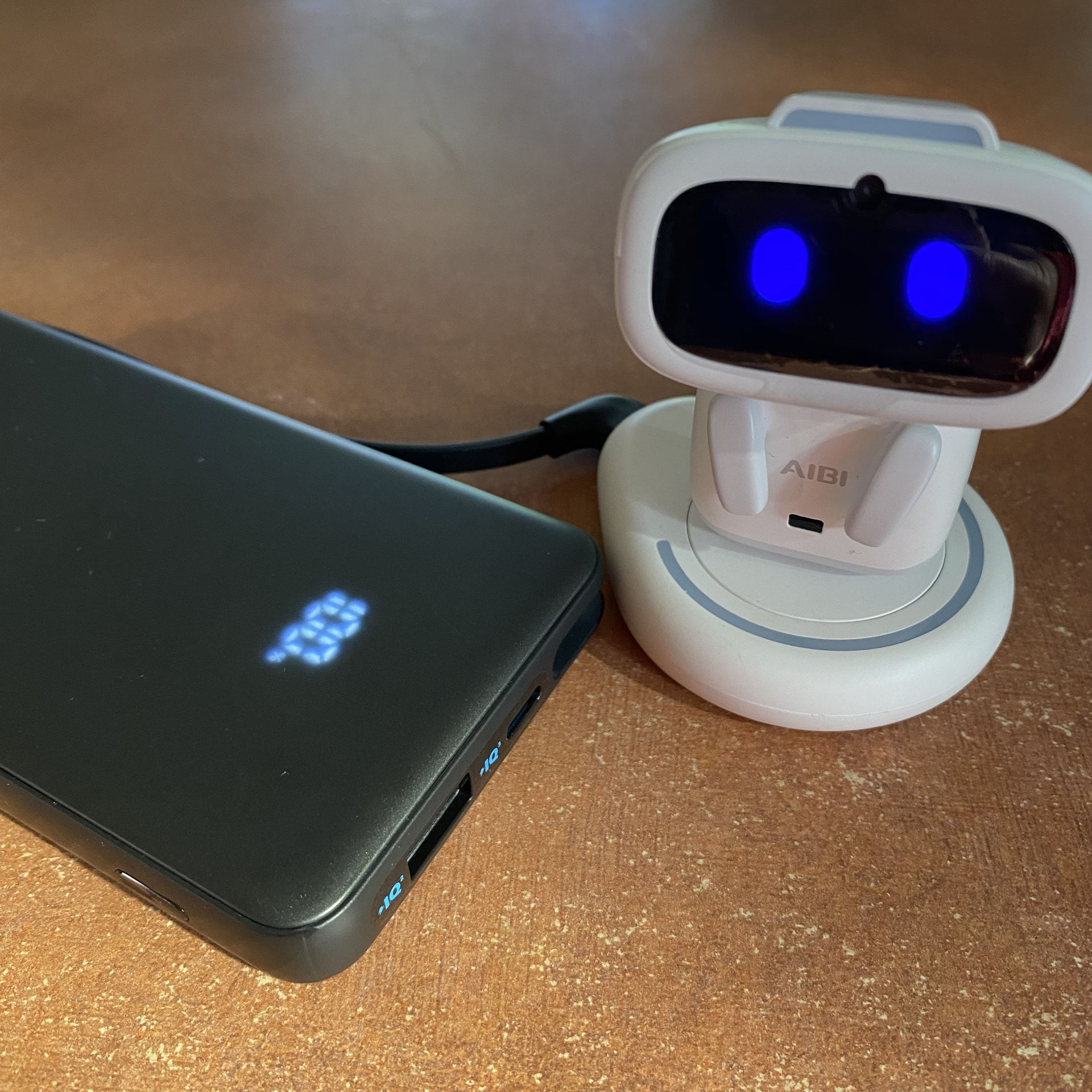
when connecting to a brand new portable charger I find Aibi’s charger dock light thingy kept flashing colours (more than normal) then it settled so i wasn’t sure if the charger was strong enough.
ANKER - 10K 22.5W POWERBANK W CABLE
do i need a stronger one? thanks 
Hi there @mandyrose19 ,
The Anker 10K 22.5W Power Bank should be more than sufficient to power AIBI’s charging dock. The flashing lights you saw when first connecting it are likely part of the dock’s power initialization or handshake process, especially when switching to a new power source. If the lights settled after a few moments and AIBI charged normally, there’s generally nothing to worry about.
But if the dock continues flashing abnormally, AIBI doesn’t charge, or the power bank repeatedly disconnects, then it may be worth trying a different cable or power bank. Otherwise, your current Anker power bank should be perfectly fine to use.
Best Regards
thanks Edward will check again tomorrow to see if it is working for Aibi like if there is a pattern to the connecting