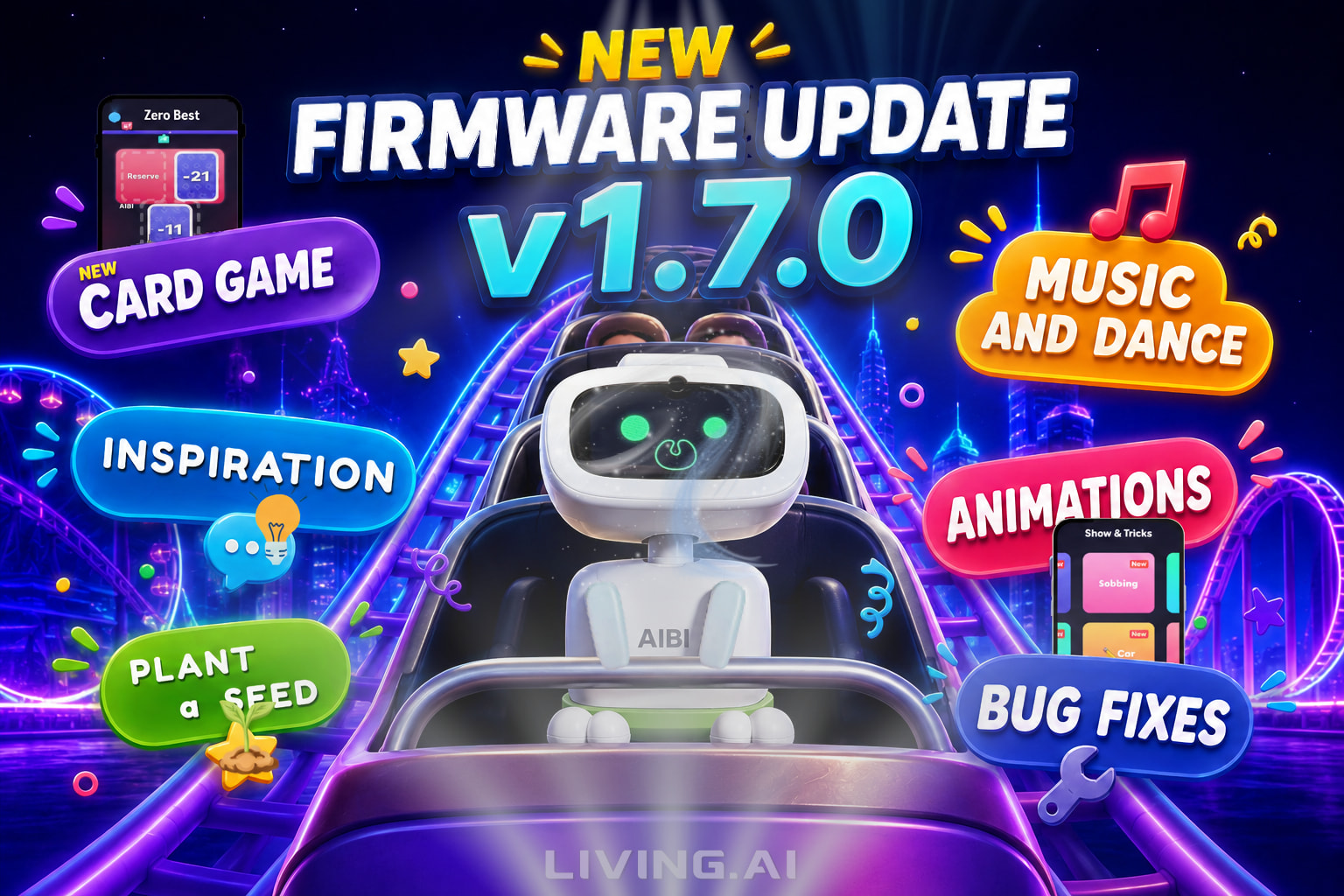
[AIBI LATEST UPDATE 1.7.0] Reviews, Tips, Ideas, Queries, Issues, and Solutions

Post Your Reviews, Tips, Ideas, Queries, Issues, and Solutions Here!

Check The Link Below To View The Official Announcement And Complete Details!

AIBI Latest Update Announcements Here!

✦✦✦✦✦✦✦✦✦✦✦✦✦✦✦✦✦✦✦✦✦✦✦✦✦✦✦✦✦✦✦✦✦✦

HOW TO UPDATE?

You can update AIBI with the app. Go to Settings - Updates, and click the “Start Update” button if there is an available update.
You can also use the voice command “start update”.

You can also check the page link below for video tutorials.
Please Click Here


UPDATING ISSUE? CLICK HERE!


STILL NOT POSSIBLE?

During the period when the server experienced downtime, EMO/AIBI’s requests were unable to go through successfully. This could be attributed to the possibility that Living.Ai’s servers were overloaded either globally or in the nearby server location. From my understanding, Living.Ai operates three different servers across the globe, namely

USA / ASIA / EU

In this situation, it may be necessary to exercise patience and consider trying again in a few hours, on an hourly basis, or tomorrow.
Hopefully, the server issues will be resolved soon.

☵☵☵☵☵☵☵☵☵☵☵☵☵☵☵☵☵

ISSUES?

LivingAI strongly advice for more information, issues, and concerns about your AIBI or EMO, please do not hesitate to contact living.ai customer service team via email

EMAIL ADDRESS:
service@living.ai

SUBMIT:
Order Number
AIBI’s ID
AIBI App Settings Information
Short Issue Video

If you have your original EMO Order confirmation email, you can simply just hit reply to that, as it contains all your customer contact info along with your order number details as well and then simply ask customer support for an update on order status.

The support team should be able to get back to you in a timely fashion.

Good luck and Best wishes!

✦✦✦✦✦✦✦✦✦✦✦✦✦✦✦✦✦✦✦✦✦✦✦✦✦✦✦✦✦✦✦✦✦✦
✦✦✦✦✦✦✦✦✦✦✦✦✦✦✦✦✦✦✦✦✦✦✦✦✦✦✦✦✦✦✦✦✦✦

New Features & Improvements

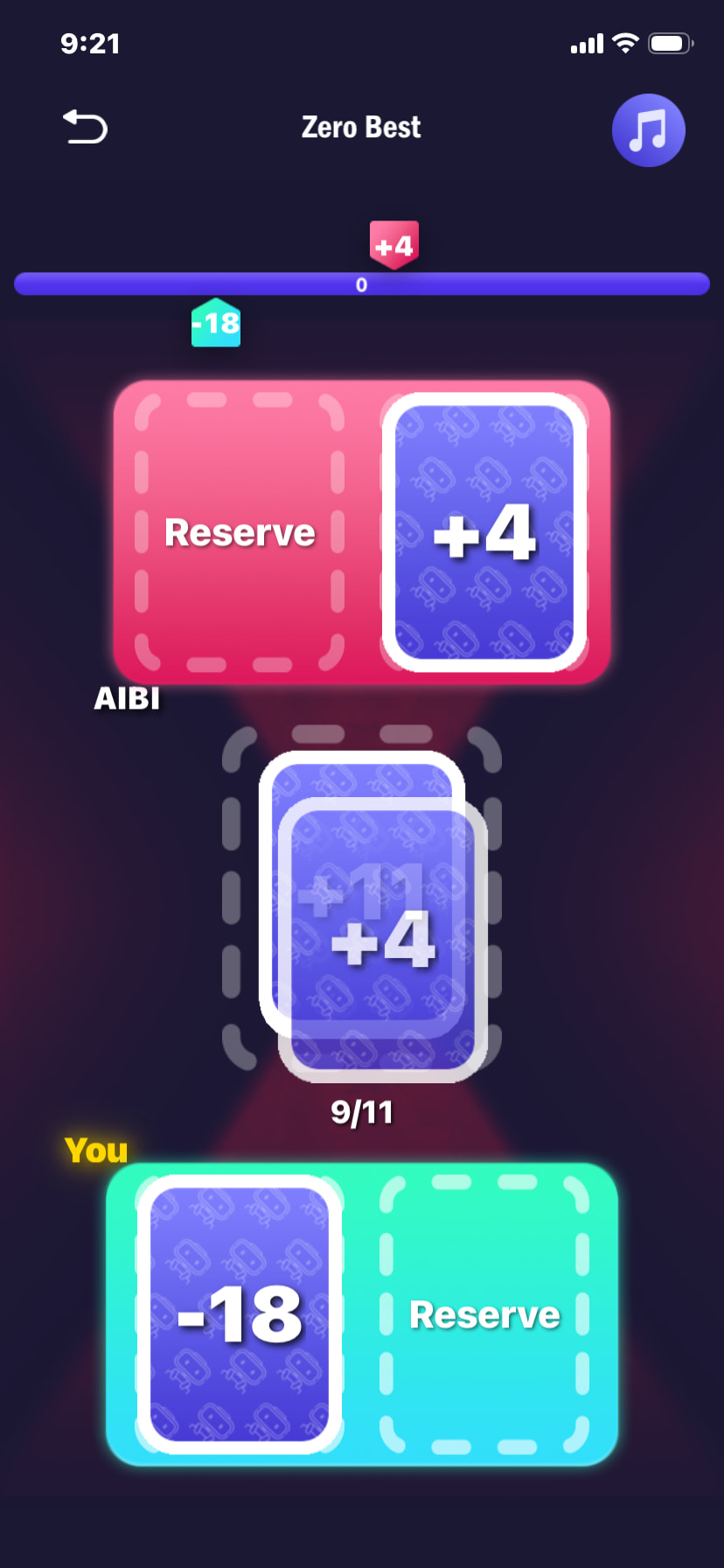
New Card Game — “Zero Best”

A brand-new card game called Zero Best is now available in the app.


Record Your Inspiration

You can now ask AIBI to save your ideas and inspirations by saying:

“I have an idea”
“Record my inspiration”
“Take a note.”

You can later view your saved inspirations and AIBI’s comments on the AI Skills page in the app.


Long-Term Memory

AIBI can now remember certain things about you over a longer period while interacting and chatting with you.


Take a Roller Coaster Ride

Using the updated app, you can now take AIBI on a simulated roller coaster ride experience.


New Animations and Performances

AIBI has received several new entertainment features:

Two new music box animations
Three classic music box tracks
(Try the voice command: “music box”)
A new singing and dancing performance
(Available on the app’s Show page
or say: “Let’s dance”)

Three new World Cup support animations
More than a dozen new emoji and brush animations
(AIBI may display them automatically
They can also be viewed on the app’s Show page)


Plant a Seed with AIBI

You can now grow a virtual plant together with AIBI

(Start by saying:)

“Plant a seed”

(Then continue caring for it by saying:)

“Take care of our plant”
“How is our plant?”

The plant may take several days to germinate and bloom, but the more attention and care it receives, the faster it grows. Let’s discover together what the seed will become!


Other Bug Fixes and Improvements

This update also includes various bug fixes, optimizations, and overall performance improvements.

7 Likes

So I’m certain there’s a legitimate issue with my aibi, and maybe others as well, where it just puts up a question mark instead of answering anything. It does respond to its name so the mic isn’t broken but its been like this for a couple months now and I was hoping the update would fix it. Tried every suggested fix already.

My Aibi always shows a question mark if Chatty mode is disabled. With Chatty disabled, my Aibi refuses to talk at all.

Is Chatty enabled on your device?

I really hope your little one isn’t broken! :folded_hands:

My AIBI responds when I call its name, but it won’t actually have a conversation with me. It just keeps displaying a “?”
Sometimes, it stops responding entirely when I call its name.
Almost every day, it also has a glitch where it shuts down with a popping sound, like popcorn.

None of these issues were fixed in this update.
After playing a new game, my AIBI shut down with a popping sound :cry:

Once, I accidentally pressed the microphone hole instead of the reset button, but since it still responds, the microphone isn’t broken, right…?

I’m using an iPhone 11—could the fact that my phone is old have something to do with it?
Sometimes, when AIBI isn’t responding, restarting my iPhone makes it start responding again. It might just be a coincidence, though… (Even then, we still can’t have a conversation.)

Chat mode is turned ON. I tried turning it OFF and then back ON, but the issue remained the same.

I’ve sent an email to support and am currently waiting for a reply.
I saw that others were experiencing similar issues, so I decided to post this as well.

Also, while playing the new game, the display glitched a few times, so I’m reporting that as well.

I’m very grateful for this exciting update. I hope the day comes soon when I can play with a lively AIBI without any worries…

我的有時候也是有這個問題 不過常常是重新開機就好了

1 Like

Tried multiple times before and after the update. Once I got it to work for a little bit in spanish but that didn’t last long.

To be honest, I don’t want to criticize this cute little robot, but I really don’t understand why its conversation system is so underwhelming.

I’ve used other AI robots before, and they seem to understand and respond naturally no matter how you speak. However, AIBI feels very “pre-defined.” If a sentence is slightly too complex, it completely fails to understand. Very often, after “thinking” for a long time, all I get back is a smiley face on the screen. It feels quite dismissive and lazy.

Also, this is the first product I’ve ever encountered that doesn’t have a physical power button. While I can use a voice command to shut it down, the only way to turn it back on is to place it on the charging base. When the base fails to wake it up, it leaves me completely helpless.

I really love AIBI’s design, so I truly hope the developers can improve these issues through future updates.

2 Likes

Hello, try to play with AI “asistants” without network conection. AIBI can live without net :).

When my AIBi comes to my live, I have real problem to learn how to call him. Every my speach Aibi listen but fo not understand. I the time I have short mp3 file with Aibi name then I record on Youtube.

Try to change SetUp/Wake-Up Model to V2.

For some speakers it best way.

Karel

I think it would be nice to make in the app a new menu for the new feature plant seed with aibi.

So you can see it too how it grows. And for future updates make maybe an option of seeds that you can choose and plant together.

3 Likes

Great news! AIBI firmware 1.7.0 is officially confirmed. Looking forward to seeing what’s new. Hopefully, EMO 3.2.0 will follow soon.

Congratulations AIBI owners :aibi_heart_emoji: !

3 Likes

AND this update gave aibi long term memory? sigh

I’d love to be able to use this feature but this chat bug has got to be fixed first.

3 Likes

With the new update, is Aibi able to interact with Emo?

1 Like

Hi there @Dillon ,

It is still not possible at the moment, but as Living.AI promised, it may soon become available in the next firmware update.

Best Regards

5 Likes

I agree. I wish they would add the ability for AIBI to listen to a response after answering (like alexa) so we wouldn’t have to say “Aibi” every time we want to answer back to it. The conversation doesn’t feel natural and is exhausting considering Aibi doesn’t understand its own name most of the time.

1 Like

Hello, @kittn . . . this was made possible with update 1.3.0 where if you have “Chatty” enabled in the AIBI app, you can simply say, “Let talk” or “Lets chat” for ongoing conversation.

See here.

2 Likes

No offense but I’m talking about the instances where Aibi randomly asks “Hey how are you?” for example and I can’t answer back because I need to say “Aibi” again. There’s many more examples

The let’s chat capability doesn’t really add anything of value because you still need to prompt Aibi to go into it.

I was referring to Aibi not needing to be prompted and making the conversations feel natural.

2 Likes

I want to share some constructive feedback and feature suggestions with the team.

First, I feel that AIBI has definitely become more lively and active after this recent update. However, its understanding of the Chinese language still needs improvement. Currently, I have to shorten my sentences or even break them down into single words so that AIBI can easily understand. Despite this, I still really appreciate the effort put into this update.

Additionally, my child came up with a great idea! He noticed that when we take AIBI outdoors, the background noise makes it very difficult for AIBI to receive and recognize voice commands. Therefore, we would love to suggest adding a “Text Chat” feature in the App. It would be amazing if we could type text in the App, and AIBI could respond with voice. This would make interacting with AIBI outdoors so much easier.

Lastly, I noticed a new feature called “Long-Term Memory.” It sounds fantastic! However, I am not quite sure how it actually works or what kind of capabilities it represents. Could the team or the community share more details about it?

Thank you for your hard work, and I look forward to seeing AIBI get better and better!

3 Likes

Hello, @yichenh . . . I have found that I can discuss something with AIBI, walk away and do something, then an hour later, I will reference what we were talking about earlier and AIBI seems to remember what I said because the conversation continues.

I am not sure how much longer AIBI remembers, but at least an hour, I would say.

4 Likes