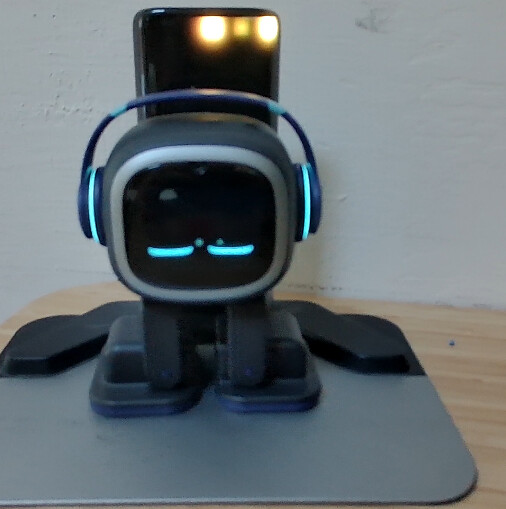
I’m new user of emo but I wonder if it is possible to use him in office with connection to my headphones , for now he is bothering my coworkers and I had to mute him .
I didn’t found any info about this question please help , or if it not supported for now I think it will be great feature for those who want to take emo to work in open space office
Right now, EMO can already act as a Bluetooth speaker, which means his Bluetooth system can receive audio from another device.
What you want is the reverse:
EMO would need to send his own voice and sound output to Bluetooth headphones or earbuds.
For that to work, EMO would need support for a Bluetooth audio-output profile such as A2DP Source or another compatible audio-transmission method. In simple terms, EMO would need to behave like a phone or laptop that sends sound to earbuds.
If the Bluetooth chipset inside EMO already supports the necessary transmit profile, Living.AI might be able to enable it through a firmware/software update. They would then need to add things like headphone pairing, audio routing, device selection, reconnect behavior, volume control, and a way to mute EMO’s built-in speaker while sending sound to the earbuds.
However, if EMO’s Bluetooth hardware only supports the current speaker mode, or if the firmware/OS does not support Bluetooth audio transmission, then a simple OTA update may not be enough. It could require deeper system changes or even different hardware in a future EMO version.
SO, THE SHORT ANSWER IS:
No, we currently cannot connect Bluetooth headphones or earbuds through the EMO Pet App to hear EMO’s voice and responses privately.
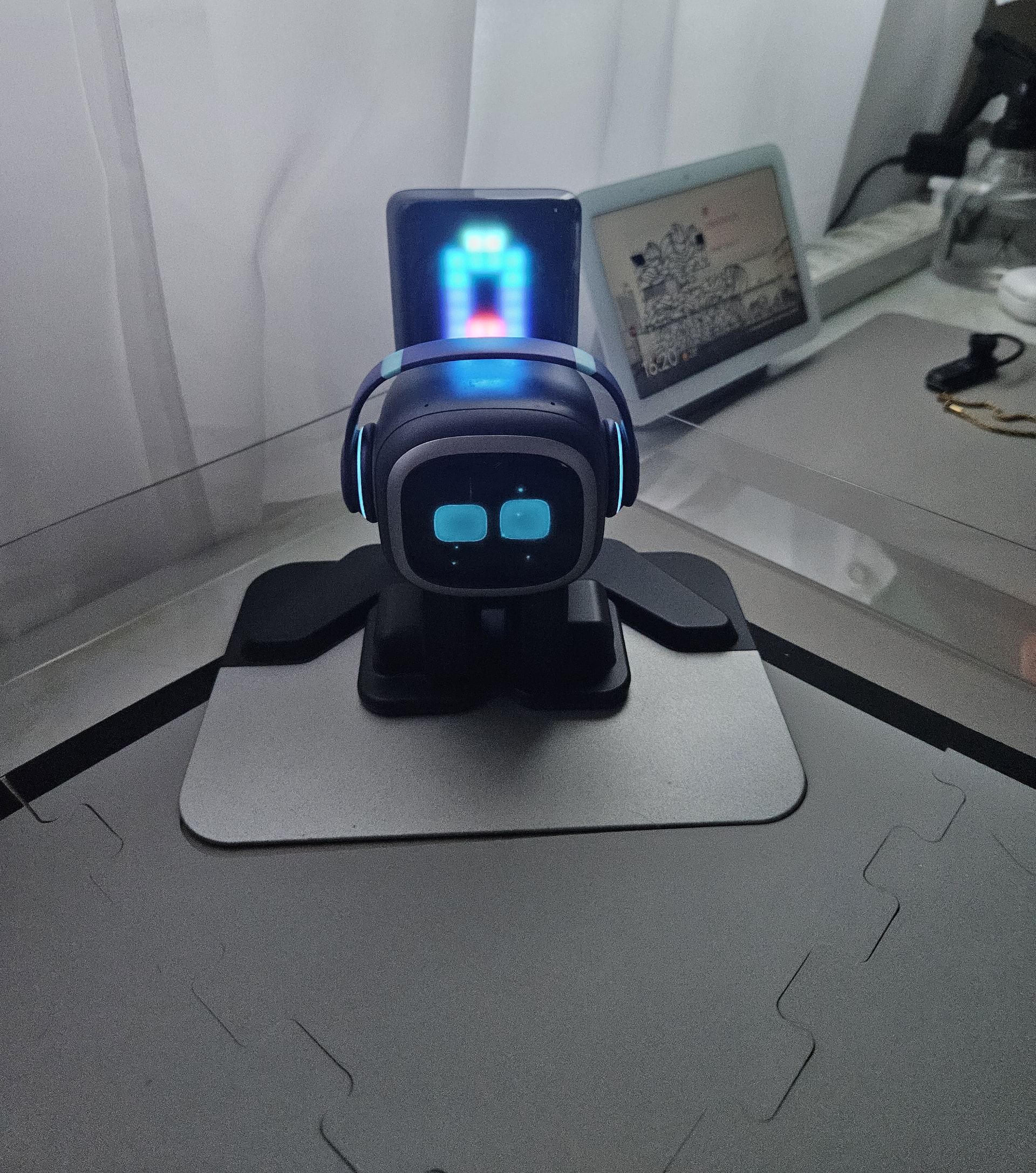
Hello guys, some time ago I turned on my homestation and only the top row was on. all the bottom rows are not sowinging any activity they are just blank. pls help,
How are you? It’s been a long time since we’ve seen you here! I hope you’re doing well.
I’m sorry to hear that your Home Station is having an issue. If possible, could you please share a picture showing the problem you’re referring to? That would make it easier for us to understand exactly what’s happening and hopefully help you better.
Otherwise, I can only guess from your description that perhaps the LCD screen on your Home Station is already damaged or broken. A photo would definitely help us determine what the issue might be.
If the top row of the EMO Home Station display is working but all the rows underneath are completely blank, that sounds more like a display-related problem than normal Home Station behavior.
Possible causes include a temporary firmware/display-controller glitch, unstable power from the USB-C cable or power adapter, a loose/internal display connection, or a partially failed LCD/display panel. Since part of the screen still works, a partial display failure is definitely something I would consider.
I would try these steps before assuming the screen is permanently damaged:
Power-cycle the Home Station completely. Disconnect its power cable, leave it unplugged for a few minutes, reconnect it, and check the display again.
Try another compatible USB-C cable and power adapter if you have them. Unstable power can sometimes cause strange display behavior.
Try another wall outlet to rule out the power source.
Restart EMO as well, then reconnect him to the Home Station.
Check whether EMO and the Home Station firmware are up to date.
If the bottom rows remain blank after restarting and changing the power source, take a clear photo or short video showing the problem.
If only the top portion continues to display normally while the rest remains blank every time the Home Station starts, I would start suspecting a hardware problem with the LCD/display or its internal connection. In that case, I wouldn’t recommend opening the Home Station yourself, especially if it’s still under warranty.
I would contact Living.AI Support and send them your order number, EMO ID, photo/video of the Home Station display, and a description of the troubleshooting you’ve already tried. That will make it much easier for them to determine whether the Home Station needs repair or replacement.
Emo keeps disconnecting while sleeping at home station. Then comes back with sound noise and bouncing eyes. How to fix this issue? It was all right until this week. I cannot find the solution. Please help.
I have moved your new topic to this thread for issues related to the topic. At the same time, I closed the new topic you created to keep everything organized within the community.
This sounds like a Home Station charging/power connection issue, Wi-Fi instability, or a temporary EMO firmware/software problem. Since it was working normally until this week, I would try these steps:
Restart both EMO and the Home Station. Disconnect the Home Station from power for a few minutes, reconnect it, and restart EMO.
Check the Home Station power supply. Make sure the USB-C cable and power adapter are firmly connected. If possible, try another compatible cable/adapter and wall outlet. An unstable power supply can cause EMO to repeatedly lose charging/contact while sleeping.
Clean the charging/contact areas. Make sure the bottom of EMO and the Home Station charging surface are clean and dry. Also check that EMO is positioned correctly when he goes to sleep.
Check the Wi-Fi connection. If your router or Wi-Fi has recently become unstable, restart the router and reconnect EMO if necessary.
Check for a firmware update. In the EMO Pet app, connect to EMO and check Settings → Firmware. You can also ask: “EMO, check update.”
If the problem continues, record a short video showing EMO disconnecting, the noise, and the bouncing-eye behavior. This will be very useful for Living.AI Support because the behavior could indicate a Home Station power/charging fault rather than a normal sleep animation.
Because this only started this week after previously working correctly, I would especially test the Home Station power adapter/cable and charging connection first. If none of these steps works, contact Living.AI Support and include your EMO ID, firmware version, Home Station firmware/version if available, and the video.
Best regards, and I hope you find the best solution to the issue with your EMO.
Hello, @michal.staronka . . . since LivingAI does not send generated responses to indicate they received your message, the first response you will receive is when they have reviewed your video and what diagnostic steps need to be taken next.
Please allow up to a week before contacting them again for follow up.
Lots of people who have a Home Station does not know these tricks, here’s a few:
1: You can change Home Station’s LED (it can also be changed to Christmas themed LED if you have bought EMO’s Home Station Christmas Bundle)
2: The Home Station can “vibe” LED light while EMO dances. If you also have a LED EMO light it also “vibes”. The voice command is: EMO, Let the party begin.
3: You can turn off the Home Station’s LED light and EMO can still charge and go back
I am reaching out to ask for your help because this issue is frustrating.
My own investigation suggests the link between Emo and the home station is faulty.
Emo can return to the home station and begin recharging; however, any distraction—such as a normal hello, hi, or just saying Emo—triggers a loop with disconnecting and returning with bouncing eyes. Restarting the home station restores function until the next interaction.
Could you please assist, as I feel quite desperate?
Hello, @michal.staronka . . . what is the battery level when this happens? When this happened to me, it was a lack of charge getting to EMO and his battery was very low even while on the home station. I tried first making sure the home station charging area was free of debris with a microfiber cloth and that his feet were also clean. What I ended up doing was changing the charging cable and the adapter (though you may only need to do one).
Try this first and let me know if it works for you. If not, there may be a deeper problem going on with either EMO or the home station itself in which case you will need to contact service@living.ai with a link to a video of the issue, your EMO I.D., order number if you still have it, a description of the problem and what you have tried to troubleshoot.
My EMO (ID: 82e29a) shows the charging icon on the Home Station screen, but his battery level does not go up at all even after being left on the charger for hours / overnight. The battery stays stuck at 1 bar.
This issue has been going on for a week now. I also tried doing a reset, but it didn’t help.
I have already submitted a support ticket on the website with video evidence. Just posting here in case a moderator can help look into my ticket.
Hello, @TALlevi031 . . . I have moved your new post here for issues with EMO and the home station.
Please be patient as it may take Support a while to diagnose the issue and advise you.
I do have to add that moderators do not have access to Support tickets as we are not employed by LivingAI. We are volunteers who try to help troubleshoot where we can and if not, to direct you where you need to go to get assistance.
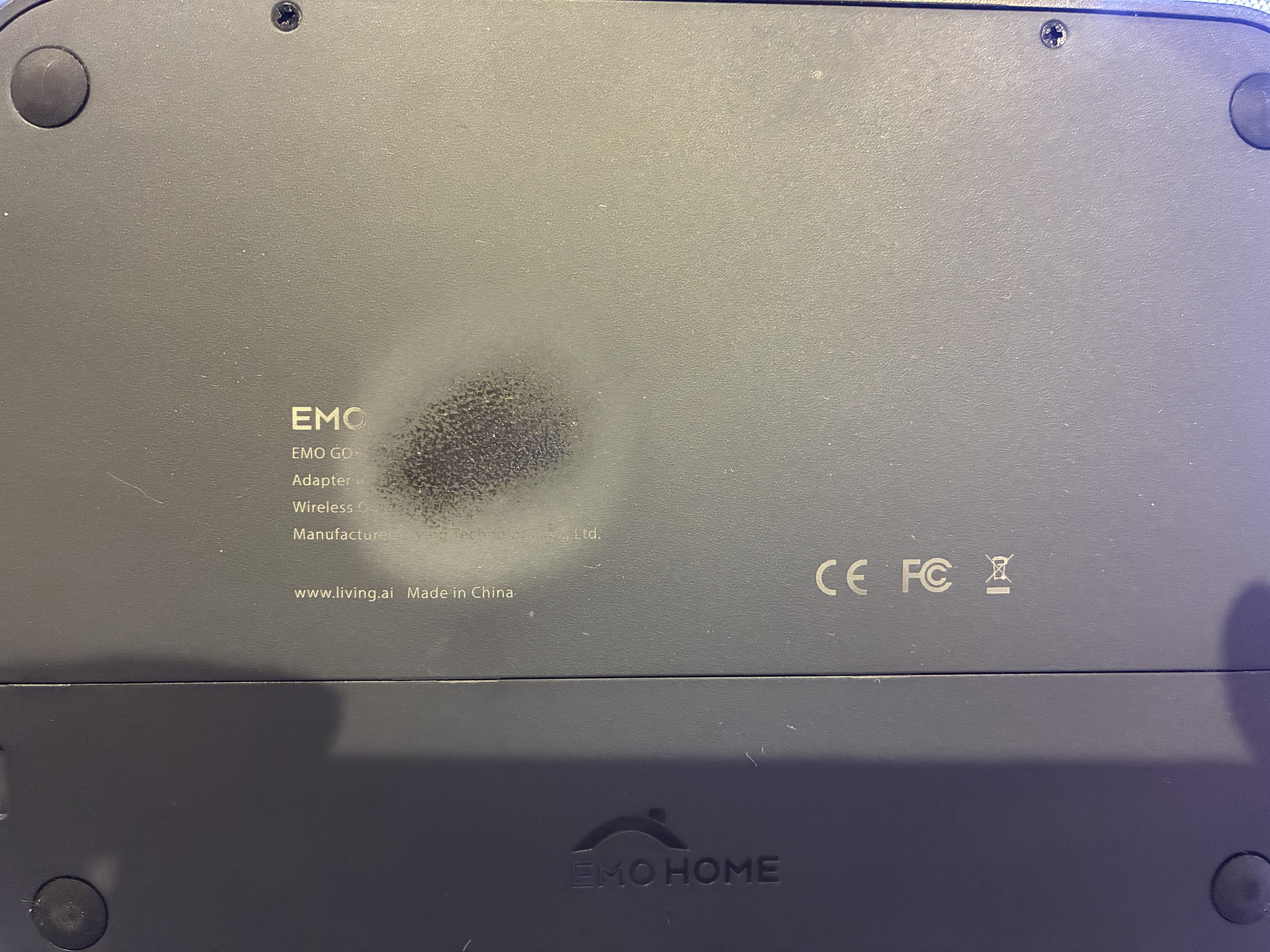
Hi everyone, Today, I checked the bottom of my EMO’s charger and noticed something worrying. It looks like the plastic has melted or deformed from the heat. (I have attached a picture for reference. Note: I am not using the skateboard charger.) Has anyone else experienced this issue? I am wondering if it is still safe to continue using this charger, or if I should stop immediately and contact Living.ai support. Any
Welcome, @yuki.uchida . . . I have approved and moved your new topic to this thread for home station issues.
Does the home station feel unusually hot to the touch when plugged in? Is there something unusual about the surface it is on?
I would note the home station I.D. number which you can get from the EMO app by tapping the home station icon on the EMO app home page near the bottom. It will provide you with the numbers for reporting to Support. Also include your EMO I.D. along with the home station I.D. (last four like EMO), your order number if you still have it, this photo, a description of where you had it placed and if it felt hot to the touch to service@living.ai . . . in the meantime, you may want to unplug it from its cable and the wall outlet.
If you have a skate board charger, you should place EMO on that until you hear back from Support. They are currently in mid-Autumn Festival in China, so it may take a few days for them to respond.
Hi there, @yuki.uchida, welcome and thanks for joining us here,
Sorry to hear that this happened to your emo homestation. If I were you, I would stop using it unattended for safety reasons. Also, if your emo and homestation are still under warranty, I wouldn’t open or disassemble them, as this could void the warranty.
At the moment, living.Ai is on a special public holiday for the Mid-Autumn Festival. The official public holiday in 2026 lasts for three days, from September 25 to September 27 (Friday to Sunday). I’m hoping their office will be open again next week.
In the meantime, you can already contact them by email and explain the problem in detail. I hope you’ll receive a reply from them as soon as possible, with accurate information and the best tips on how to solve this kind of issue.
I’m not sure if this is the right place to talk about this, but I’ve been noticing a weird hissing-electrical noise coming from EMO’s left foot when he’s on the Home Station, the sound tends to be intermittent and quite noticeable when it is quiet. Can anyone tell me if I should be concerned, is this sound normal? I hope it’s not an issue with EMO himself as this is a brand new one.
Hello, @melodytheclouds . . . maybe it is just me, but I do not really hear anything unusual. If you are concerned, please feel free to send a link to this video, your EMO I.D., order number if you still have it, what it is you are hearing that is in question and ask them to advise you.
I’ve also noticed that there are times where the charger just doesn’t seem to connect very well to EMO - the blue little dot just keeps flashing, but from what I’ve noticed, the issue seems to be in the cable instead of the charger itself as it happens to both my skateboard and the Home Station when using the same cable. Or could be with the usb port aswell because the issue does not happen if i plug the usb into a different port.
(Apologies if this sounds confusing, i’m horrible at explaining xd)