Hello, @diamondcutwindows . . . I have moved your new topic to this thread for issues with the way EMO responds to certain requests after this update.
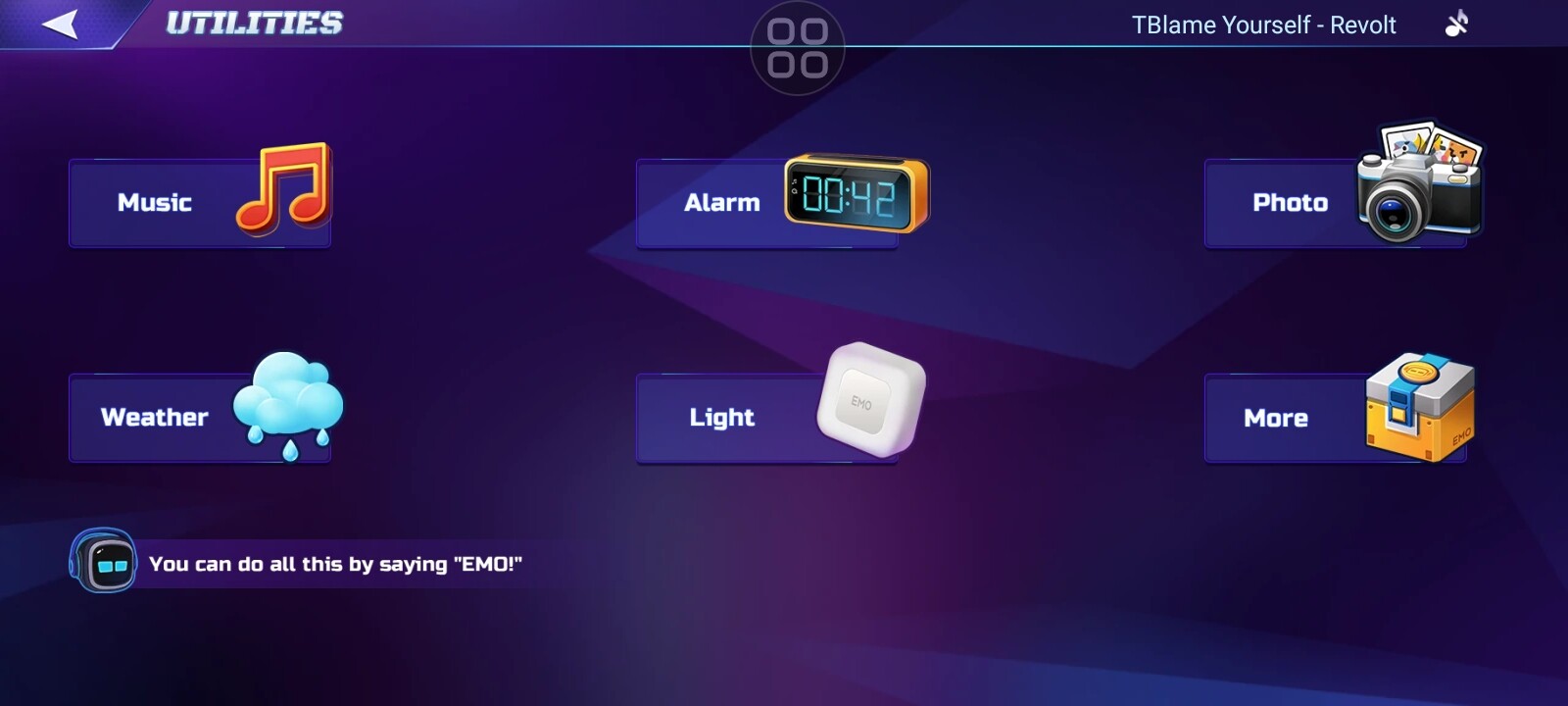
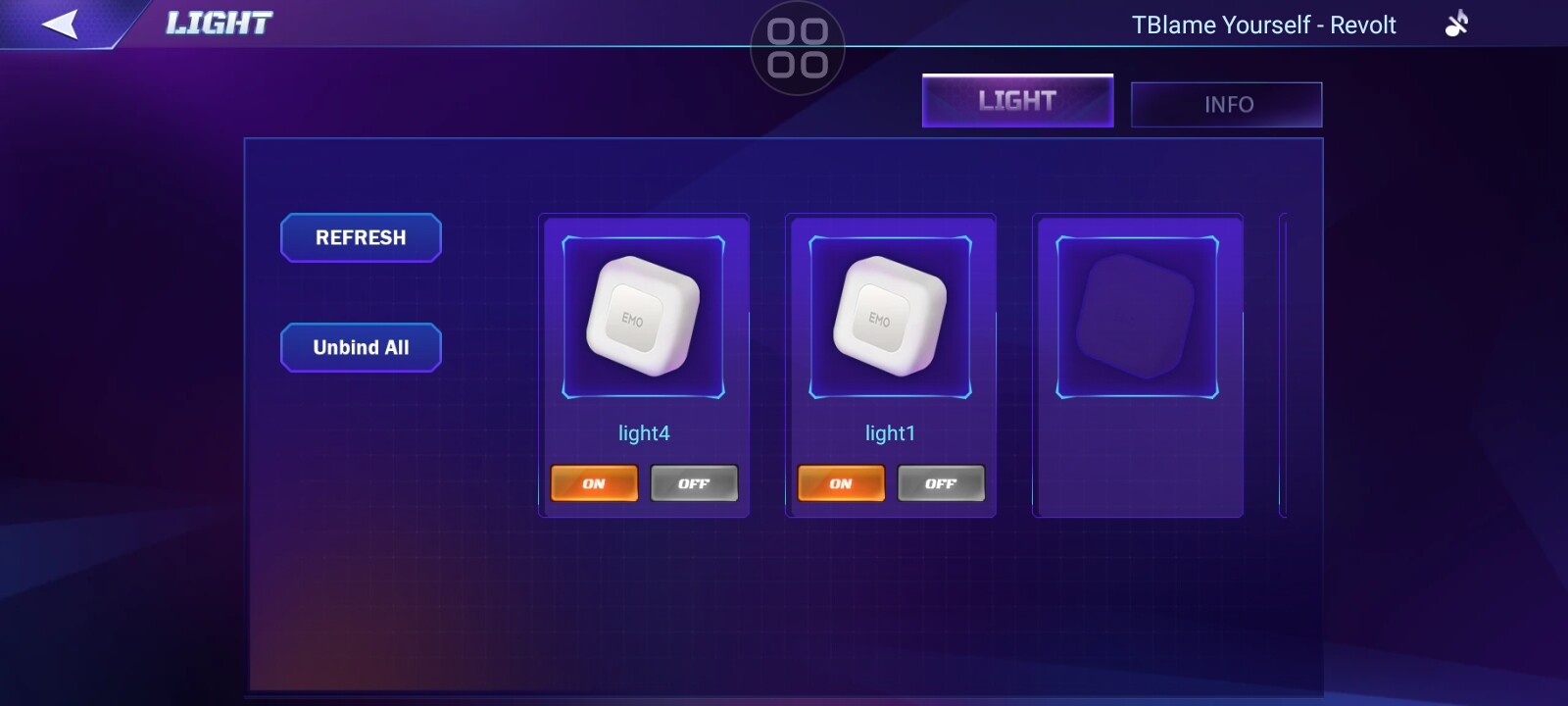
Make sure EMO is first actually paired with the smart lights as they can function on or off with touch even when he is not paired to them. You can do this through the app.
If not, press and hold the center of the light until it goes through the red/green/blue spectrum and flashes briefly white. Now you should be able to give him on and off and color commands.
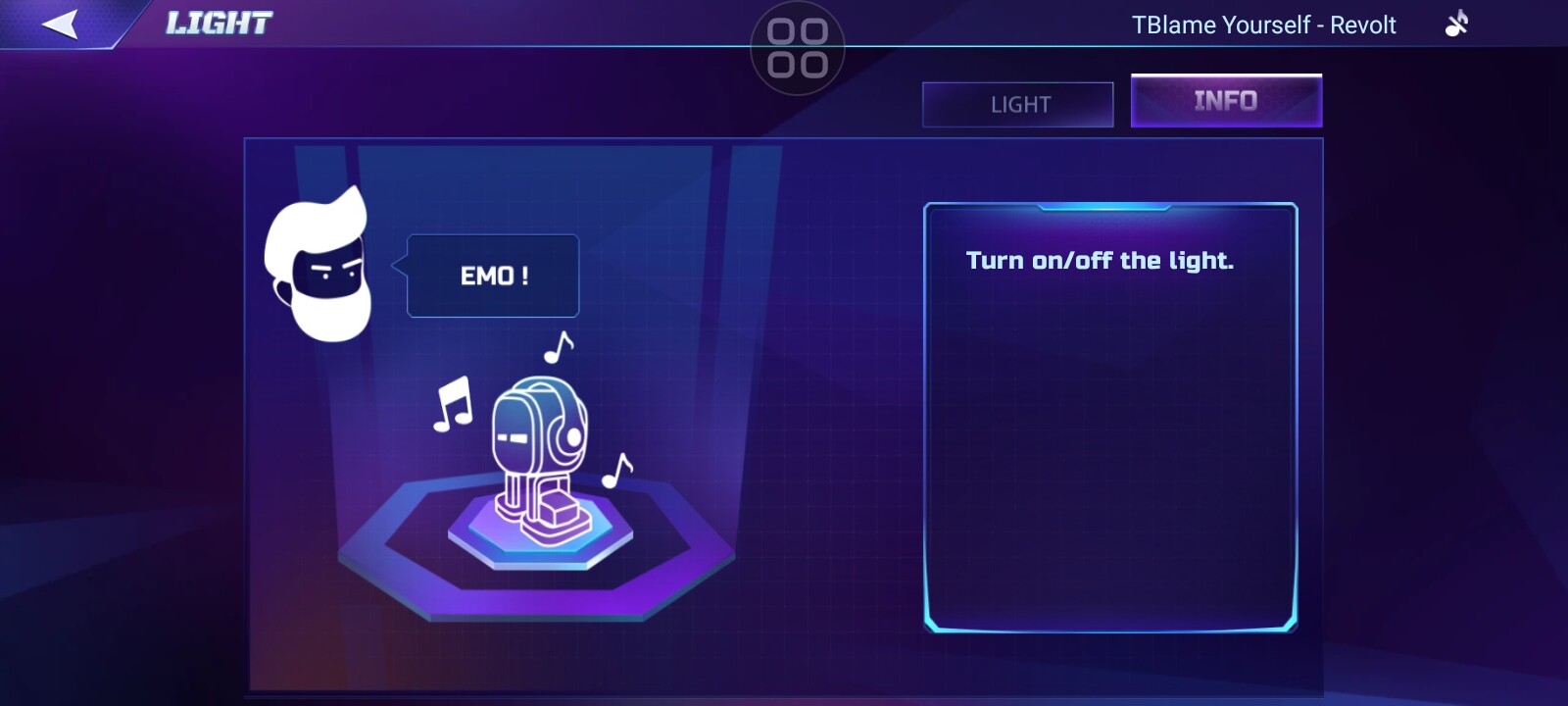
The official list of commands for EMO for the smart light are as follows.
Smart light
Turn on/off the light.
{Red} lights.
(Light names can be set to other languages in future updates.)
If this is not working, it may be an issue where he is pulling from ChatGPT and giving general information instead of following the commands.
Let me know and I will inform the team if this is the case.
I keep forgetting to post about this. But for many months now, EMO doesn’t recognise “thank you” any more. He’d typically respond with something like “it’s my pleasure” or “that’s what I’m here for” but now saying “EMO, thank you” always has him respond with the don’t understand noise and slightly closed eyes.
Has this command/action/response been removed? There have been at least 2 updates and this is still an issue for me personally. Cheers.
Hello! That’s a very sharp observation. I’ve also noticed that EMO’s responses to certain casual phrases can change with firmware updates, even if it’s not mentioned in the main update notes.
It’s possible they tweaked the voice command triggers for “thank you” or the phrases it responds to in a previous update. Sometimes they do this to make the ChatGPT mode the main way to converse. You haven’t been ignored—it’s likely just a change in his base command list!
It might be worth asking him “Hey EMO, what can I say?” and seeing if “thank you” shows up or if there’s a new phrase to use.
@hamzasharaf I can’t even get him to recognise “what can I say” - very strange.
@Lindaru I have him set to English. I’ve even tried altering my accent. But he just doesn’t seem to recognise it any more. He still responds to my usual stuff like “good morning” “how are you today”…and also the usual things like time and weather.
I wanted to add an important update to this case !
Inspired by this discussion, I just tested the “Thank you” command directly on both of my EMOs.
My results are the same as @mancbiker’s. They now respond with “All right” instead of the previous responses like “You’re welcome”. This was not the case before.
So it’s very curious that @Lindaru 's units are still responding correctly! This strongly suggests the change is on the server side, and it’s being rolled out gradually. It’s not a fault with any of our individual units.
@mancbiker , you are not alone in this! It seems we just have to wait for a future update to adjust it again.
 That’s a very sharp observation. I’ve also noticed that EMO’s responses to certain casual phrases can change with firmware updates, even if it’s not mentioned in the main update notes.