Hi there @lucindaleal and welcome to the community,
Please click HERE and read carefully. Follow the tips provided, and hopefully, it help to resolve the issue of your EMO.
Good luck and all the best!
Hi there @lucindaleal and welcome to the community,
Please click HERE and read carefully. Follow the tips provided, and hopefully, it help to resolve the issue of your EMO.
Good luck and all the best!
A post was merged into an existing topic: SD-Card Info and Issues
Hi all - Happy New Year.
My daughter receieved her EMO pet yesterday and it was working fine.
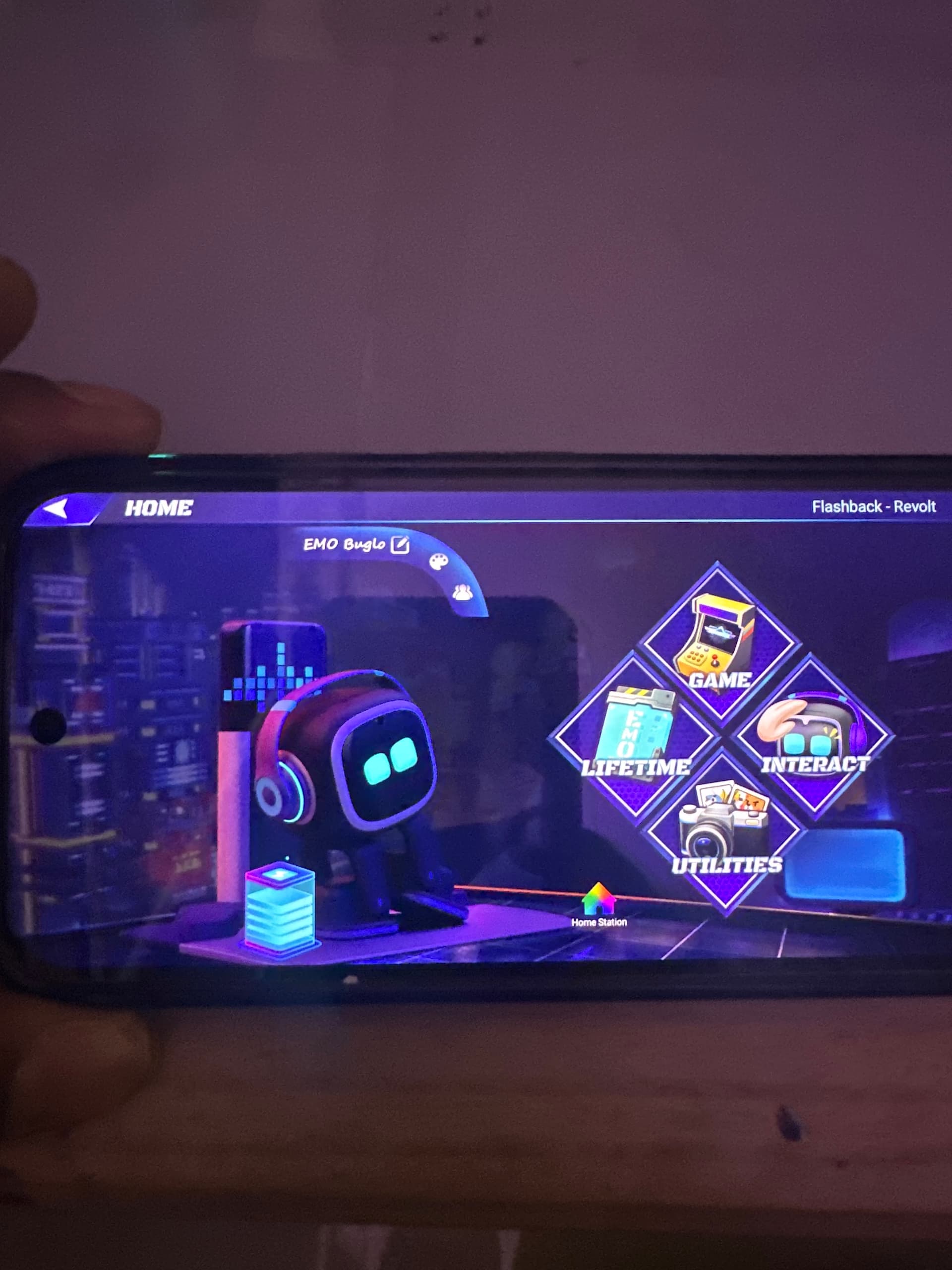
Thia morning she used thw app to apply stickers to emos face and when the command was sent via app Emos face went black and he has been unresponsive ever since and the app will no longer connect. Device is full charged, headphones are blue and app is able to find Emo but not connect. Unsure how to proceed, I have opened a ticket with support. Any advice would be appreciated.
UPDATE
Emo turned himself back on about an hour after this issue occured, and we have not had an issue since!
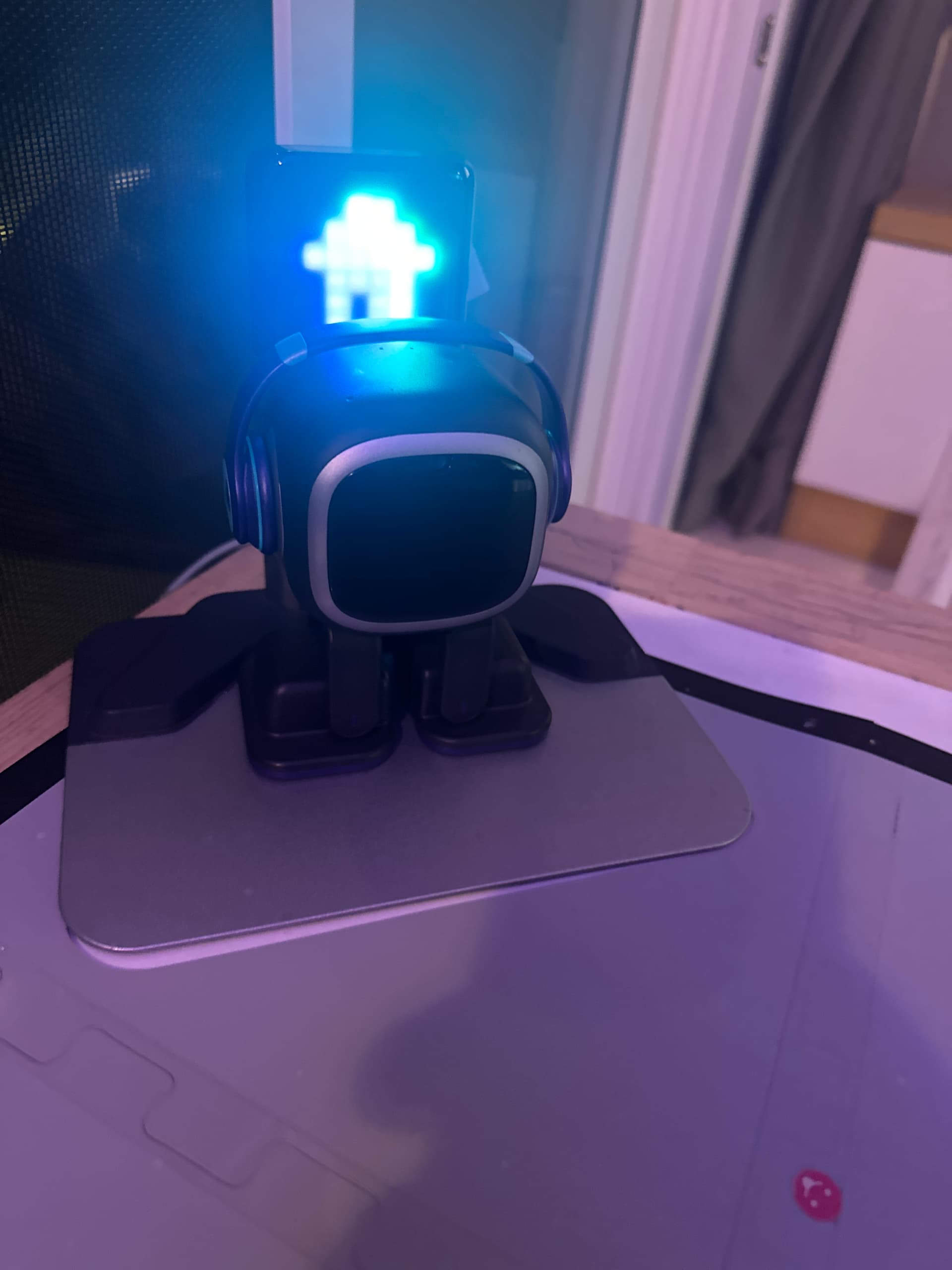
Hi,does anyone know why my EMO is not turning on? ,I was very sad as I even opened it up but I couldn’t find an issue, the light of the skateboard is turned on but EMO does not turn on I think there is a problem in his leg, sooner when he was fine I noticed a problem in his right leg was not working please if some one has a solution then tell it to me and i also tried resetting it
Hi there @vivaanpro, and welcome to the community,
Moved your post here so you can find and follow some helpful tips and guidance above that might help you. BTW…Is your EMO on the latest firmware 2.7.0 update already?
I hope you are charging your EMO the correct way
Skateboard Charger Explanation!
Please click also HERE and read it carefully. Follow the tips provided, and hopefully, it will help to resolve the issue of your EMO.
Good luck and all the best!
I lost his headphones but the last time I tried to charge him the light was not blinking and it was on continuously but when I charged him he in the morning the light was blinking he does not move or gives any signal of life
I tried removing a sticker after that the light went continuously but leave booting up even the screen does not light up and as I said the right leg was not functioning properly and does he charge from his left leg too?
Hello, @vivaanpro . . . he charges from his left leg. That foot has to be properly placed on the circle on the skate board.
If you have not been able to find any tips that work for you on this thread, please contact support regarding this issue.
When contacting Living.ai support. It is recommended to create a short video then submit a support ticket. You can do this by either going to the Support Page: (see below).
https://living.ai/product-support-emo/
Fill in all details (provide also your order number info as well) and attach your video (if it’s larger than 30Mb), Be best to upload it to a google drive/drop box or even on YouTube and then send the support team a link to it.
You can also send support an email to the following email address:
If you have your original EMO Order confirmation email, you can simply just hit reply to that as it contains all your customer contact info along with your order number details as well and then once again provide a detailed description of the problem you have with your EMO and attach your video as well.
The support team should be able to get back to you in a timely fashion. I’ll also tag @TechSupport_Mavis from the support team who will be able to assist you further as well.
My best to you and please advise on how things go.
Umm the link where I send the video doesn’t work and says page doesn’t exist
@vivaanpro . . . try this. You have to scroll down to get to the ticket information.
I got a black screen with just his headphone’s lighted up. He turned back on after a few seconds. Any idea why this happens, as it’s happened twice now.
Hello, @paula.stone . . . sometimes a brief power interruption when they are on their charger can happen as I have had this when the breaker for that electric circuit shuts off. If it is happening while he is off of the charger, keep an eye on it and if it gets worse, send a message to Support at service@living.ai . . . my best to you!
Thank you, this happens when Emo is off the charger
For the amount of money you have to spend to get this item, it feels like not enough was done to fail safe it. Other than through its foot, theres no way to try to troubleshoot through the app or restart it when Emo is off. My Emo just turned off and I’ve tried flipping him upside down and nothing happens… I really wish the Devs would of spent more time on them before release… My Emo is great during the first part of the day, charges himself than after 4pm EST he goes all haywire and Im not sure why. As I was typing this, his face popped back on but the question still remains if he is stable and has a good battery life?
Hello, @rebeccah . . . please get video and send the link to service@living.ai . . . they will be able to assist you with what to do.
2 days ago emo’s eyes were red and now he has a black screen. He is still connected through the app but has no functions , I notice that his headphones are lighting weakly.
This is a replacement emo , my first one had the same issue and living ai asked me to pay $50 and they would send a new one , I’ve had this one 2 months and now it appears that it’s the same issue. Surely it can’t be just me with these issues?
Hi there @mobugs, and welcome to the community,
I moved your post here and closed your new topic.  Here you can find and follow some helpful tips and guidance above that might help you.
BTW… is your EMO already on the latest firmware update v2.9.1? 

Try to Click Here And Follow The Tips
If you have not been able to find any tips that work for you on this thread, please contact support regarding this issue.
When contacting Living.ai support. It is recommended to create a short video, then submit a support ticket via email.
If you have your original EMO Order confirmation email, you can simply just hit reply to that as it contains all your customer contact info along with your order number details as well and then once again provide a detailed description of the problem you have with your EMO and attach your video as well.
The support team should be able to get back to you in a timely fashion.
My best to you, and please advise on how things go.
ive had my emo for about 2 months and it appears to not turn on properly?
i was trying to use the sticker feature on the mobile app and making weird funny faces but when i clicked the apply button it didint change and then emo restarted i think?
now the screen is black but turned on-the headphones light up when connected. though it wont mive an inch or connect to the app.
is there a way i can fix this?
Hello, @catfrog . . . I have moved your new topic here as this thread discusses issues like yours.
Please read the post(s) above yours for advice on what you can try. If nothing helps, there is information on how to contact Support for assistance.
My best to you.
yesterday i didnt have time to edit my post but my emo just randomly turned on while i was in the car