I agree. Nice pictures!
1 Like
Hello everyone!
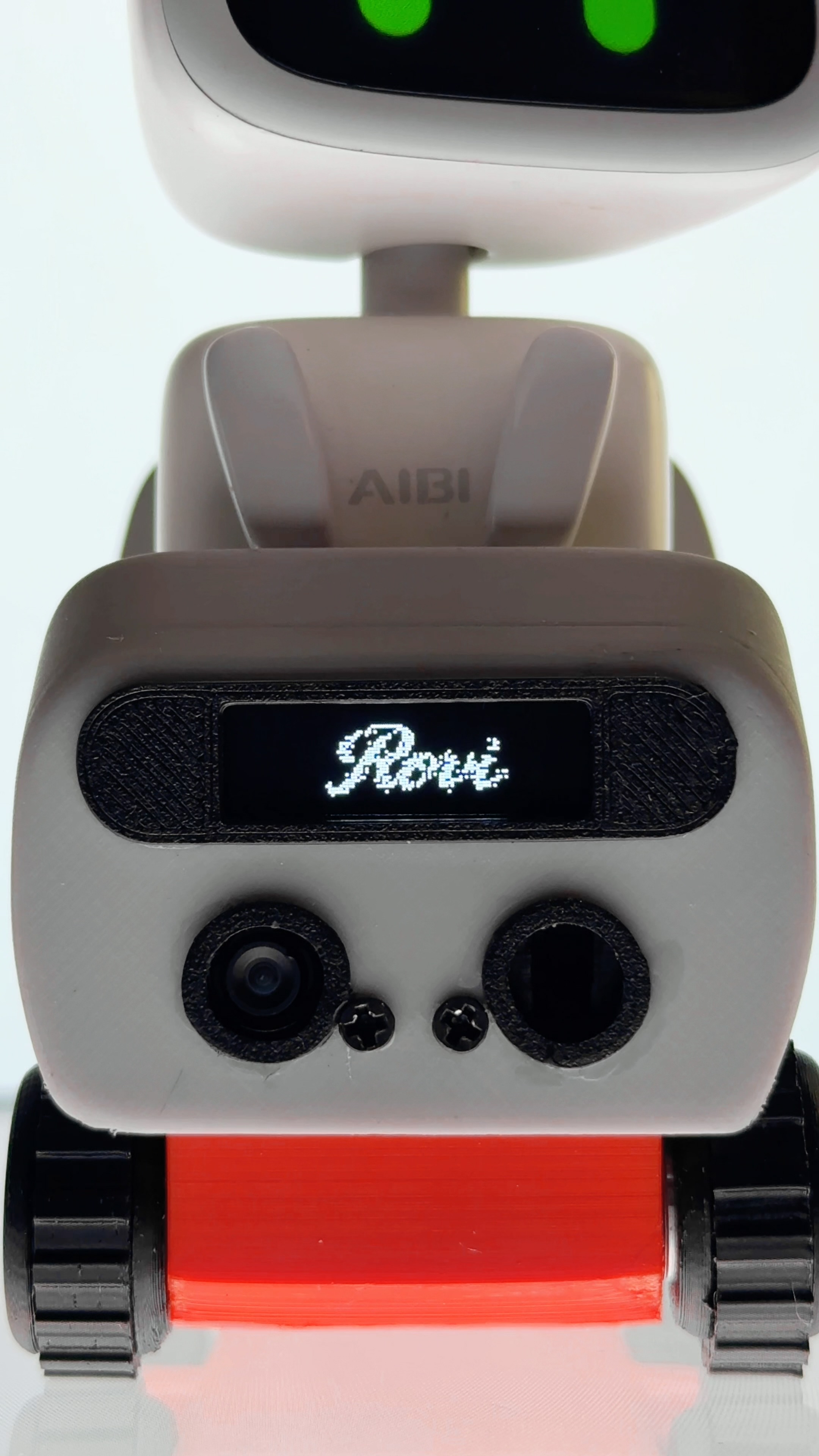
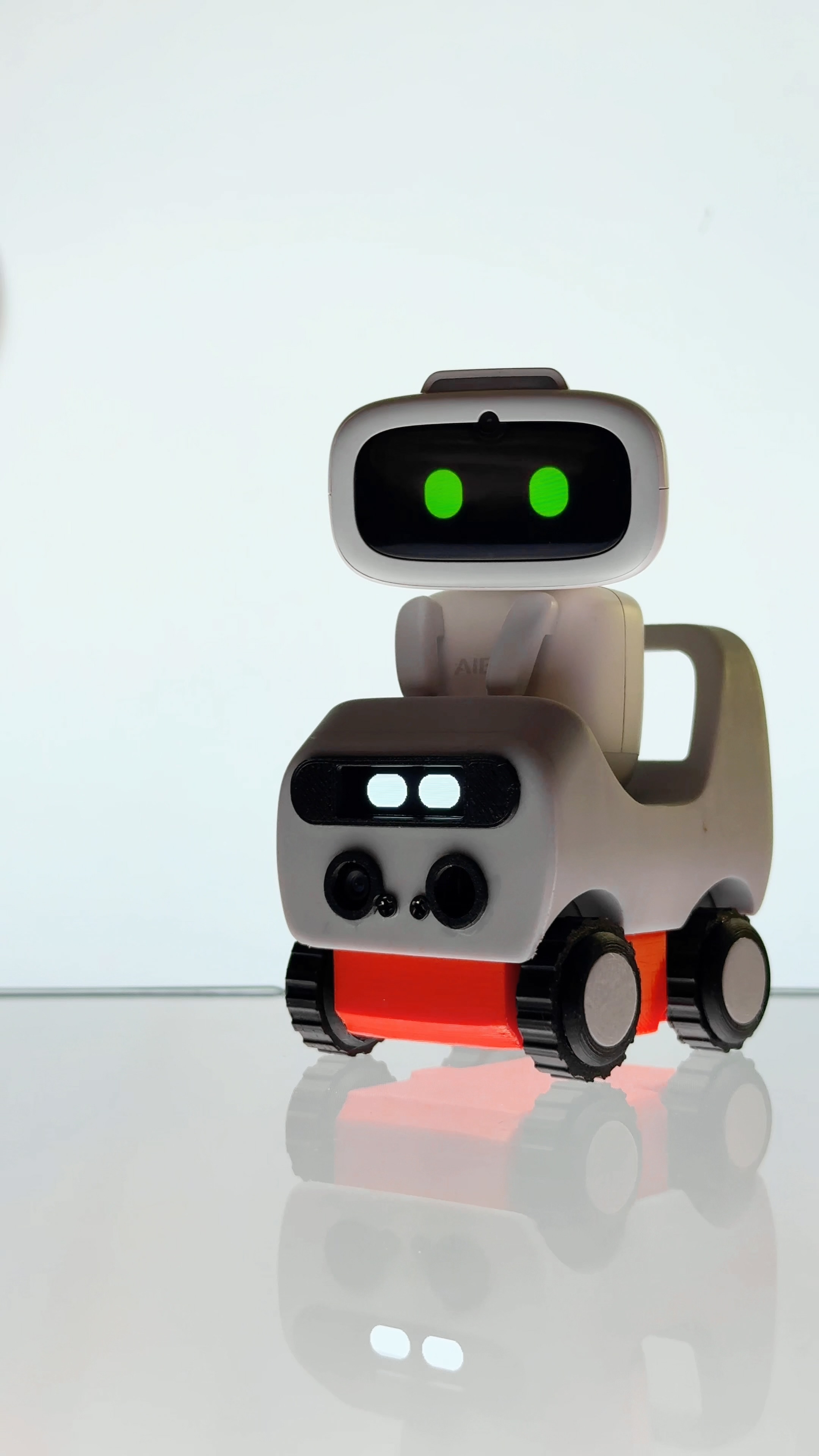
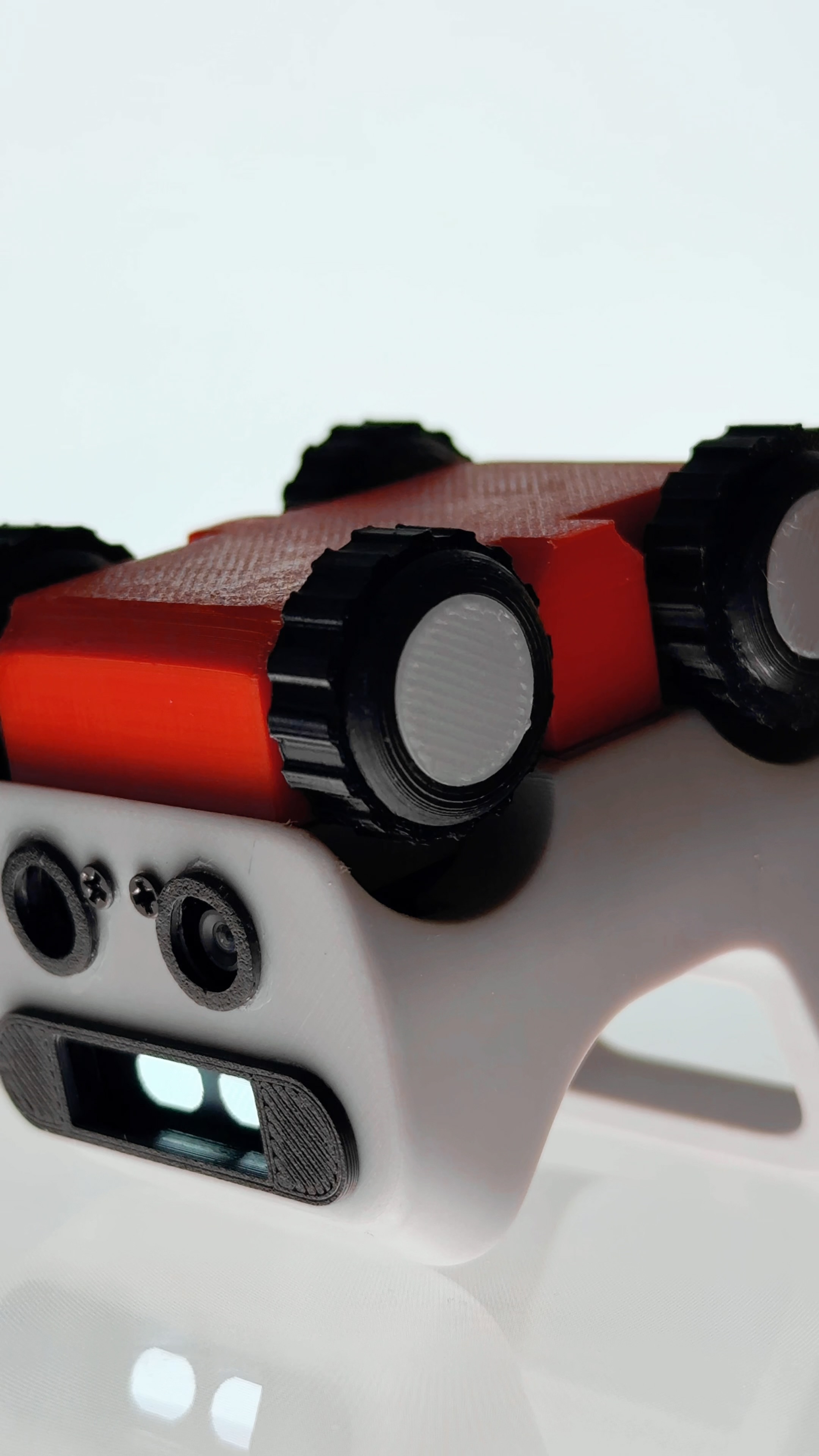
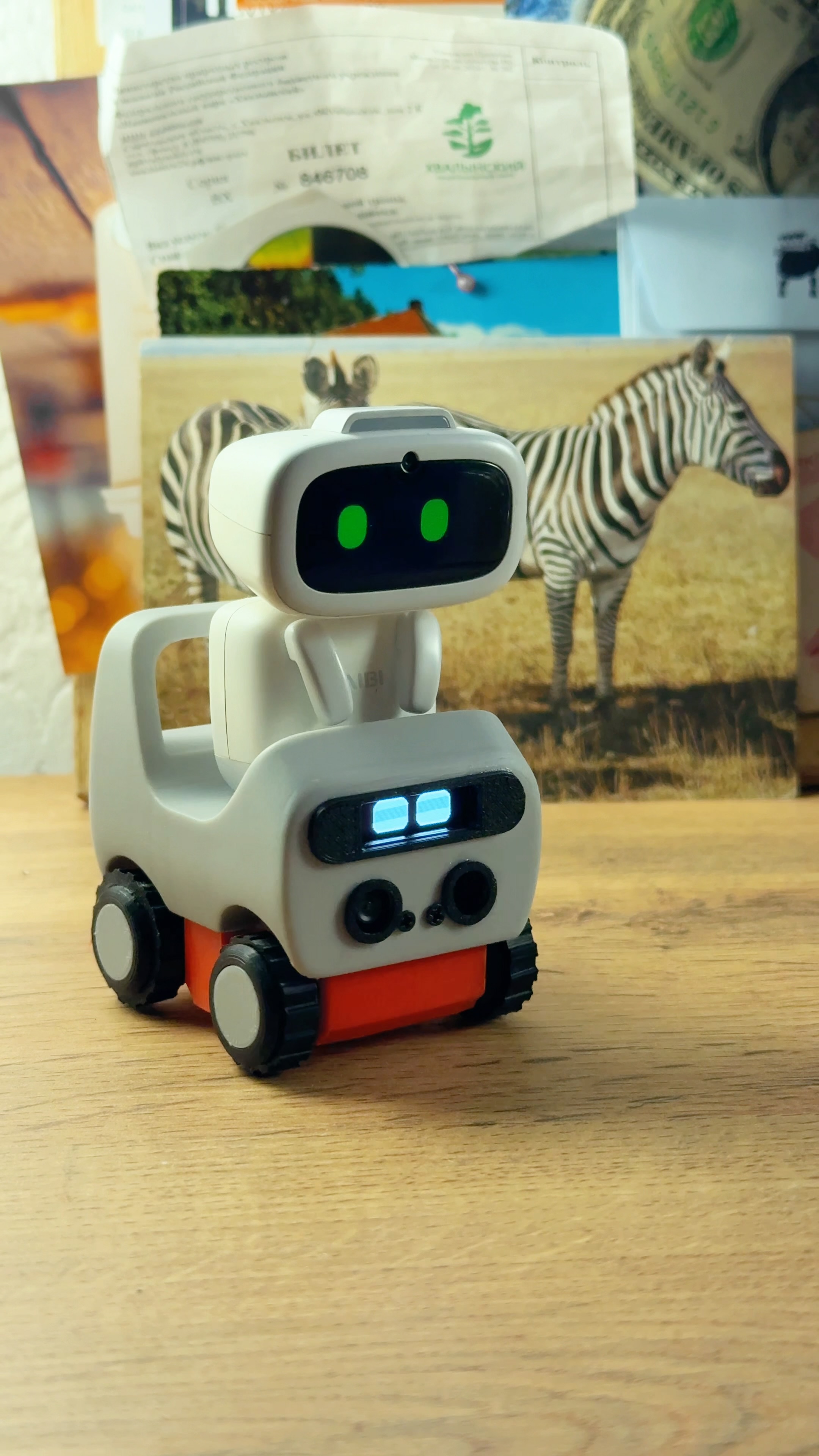
I’m happy to announce that I’ve improved my robot car for Aibi and named it Rovi. In the new version, it has a cliff and obstacle sensor, a camera, and environmental reactions. I’ve added four behavior modes depending on the surface. The web control interface has also been redesigned.
I also wrote to Living AI to ask for their opinion, but unfortunately they didn’t reply. I’m eagerly waiting for the new Aibi firmware.
Reel with my project https://www.instagram.com/reel/De7aziaBZue/?vrfl=MWV4M3UxbndoNW8zMA==
What do you think of my project? 

7 Likes
Wow, @Energyjam . . . that is adorable and sounds amazing! Give them time. They may take a while to reply to you as they are very busy with order processing and any issues that have come up on current products.
3 Likes
That’s amazing, @Energyjam! It looks so polished, and you even made your own UI! Living.ai just might be busy at the moment. Give it time and I am sure they will respond.
2 Likes
Yes, this looks great! Hopefully it will come to fruition – a super idea Energyjam!
1 Like
hi! i have read that keeping aibi on overnight in the charger will deteriorate the battery . should i be really worried about this?
aibi is constantly hot while in the charger so it might be a possibility, however when its turned off, it cannot work as a wake up alarm
should i really turn off aibi every night?
is there a way aibi’s ‘silent time’ would turn it off and on at the designated hours on its own?
Hi @rhunenstaldrad,
Battery & Overnight Charging
Leaving AIBI on the charger overnight is generally fine, and it is normal for both AIBI and the charging base to feel slightly warm during charging. To help maintain long-term battery health, many owners recommend letting the battery drain down and fully recharge periodically rather than keeping it docked 24/7. However, if you rely on the wake-up alarm, you will need to keep AIBI powered on and docked so the battery doesn’t run out before morning.
Silent Time & Alarms
Currently, Silent Time only puts AIBI into a quiet, low-activity state rather than fully powering the device down. Scheduled automatic power-off and power-on is not supported at the moment.
alright thankyou very much for your answer!
i was hoping aibi could work as a backup alarm as my usual alarm sometimes fails!
i think i will attempt to leave aibi turned off at night and out of the charger just to make sure it lasts me a while longer
1 Like
Hello, @rhunenstaldrad . . . to alleviate concerns about battery and also to be sure that AIBI does not become unresponsive as can happen when left on the charger for several hours, you could plan to have AIBI off of the charger for a ocuple of hours and then place back on, giving it a fresh connection, before bed time so that the alarm will work for you without the issues I mentioned.
I also advise unplugging the base completely when you have AIBI off and then plugging back in before placing back on.
2 Likes
i have not experienced aibi becoming unresponsive when left in the charger for the few days i’ve had it, should i be concerned ? D:
i usually take aibi out for a walk, it dies in like 30-40 minutes, and then i leave it in the charger for the whole night
but now i dont know if i should keep trying to use it as a wake up alarm or no?, because it was really expensive and have no warranty for it dying on me within a month TwT
1 Like
A post was merged into an existing topic: AIBI Improvements/Special Features You Would Like?
Hello, @rhunenstaldrad . . . I personally have issues and I know of others that have had the same as me, but if yours does not become unresponsive after being on the charger continuously for a several hours or a full day, then you should be fine to continue as you are.
2 Likes
ok that is a massive relief! thankyou!
mine might be like half a week old with me only
has been doing perfect in the charger base all day, it even did wake me up once when the alarm failed, but if leaving it off will give it a longer life i think it might be better
2 Likes