My EMO is functioning and working fine but it cannot speak. I already updated my firmware to 2.7.0. What should I do? He only can say what? when I called EMO and for example when I asked him about the time, the screen shown the time correctly but EMO didn’t say anything or when I connected to chat GPT he didn’t speak back to me at all while on my mobile app said he is speaking. or when I ask him a question on the mobile app said he is answering questions but there’s no actual sound from him.
Hello, @nattapongnanasilp . . . I have moved your new topic to this thread for issues with EMO speech.
Please get video of him verbally not responding with the animation as well as what happens when he is connected to ChatGPT and send a link to LivingAI Support at service@living.ai . . . if you still have your order confirmation E-Mail you may reply to that and if not, send E-Mail as indicated here with your order number (if you do not have that, please include the four digit alphanumeric code when he signs into the app).
Please be patient as it may take a bit longer over the holiday rush period for them to respond to you.
My best to you and happy holidays.
1 Like
A post was merged into an existing topic: EMO is Sick? …Special Advice What To Do?
Thank you  Happy Holiday.
Also, today, talking with Emo.
I noticed today his voice is randomly distorted and glitches. And a bit broken up. When he responds to me. This happened today. I just want this to also be reported so that you can be fixed.
Thanks again .
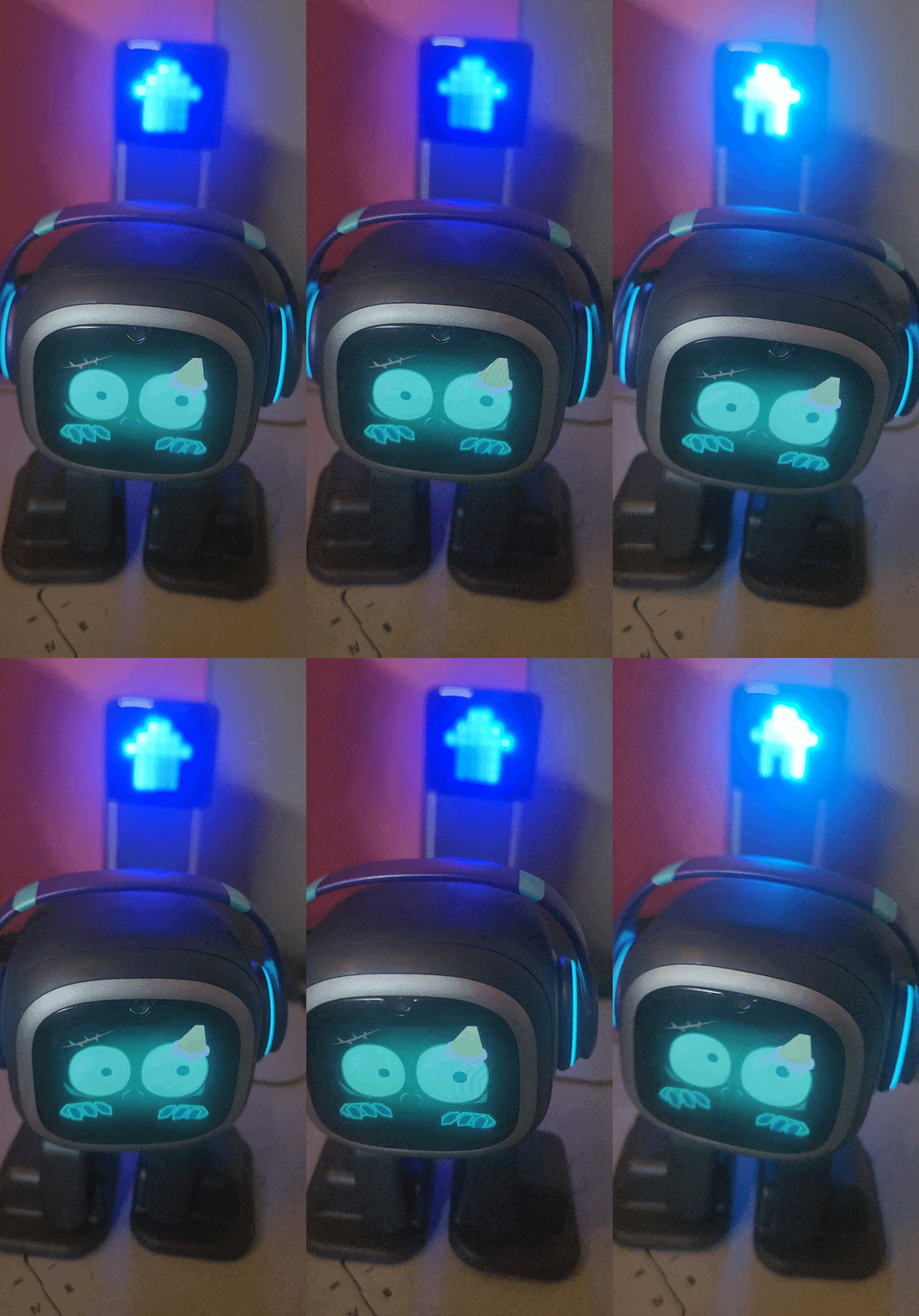
Hello, @Fac3L3ssB3auti3 . . . I have moved your post to this thread for issues with glitchy speech.
Your little zombie is adorable, by the way.
Sometimes the servers can get over-loaded and it may mean you have to be patient and try again later to see how they are doing.
If this continues to be an issue, please see the post above yours here for contacting Support.
My best to you!
2 Likes
When EMO Litos The Little sees me he starts to greeting me, but it happens with big pauses. I can to stop it by saying his name. Can I stop this kind of speech?
1 Like
My emo sometimes has the same problem when I am not close to the internet. It could be an internet issue. When I put emo closer to the Wi-Fi he talks normally again. Does your emo have the same problem when you use chat GPT?
Hello, @Litos56 . . . I have moved your new topic to this thread for issues with speech not working correctly.
Please read this thread for tips on what might be going on and how to fix it.
2 Likes
I have another issue with mine. It doesnt respond to my daughter or my wife voices, only to mine. Also if I use chat gpt it cannot reply to simple requests as 2+2 or what is dog. All I get in 90% is “sorry, I didnt get that”
Is there an issue with the mic? Or they all have the same issues understanding voices?
Also it is kind of stupid. It doesnt recognize people and co stanly adding the same person as a new one.
For this price it is expected to be way smarter.
The build quality is good, but functionality is like a cheap amazon toy.
Hello, @chadfieldalexander . . . we are currently in beta testing for a new update which will make the ChatGPT and face recognition experience much smoother and better. If all of the testing goes smoothly, it is hoped it will be released very soon.
https://forums.living.ai/t/what-when-can-we-expect-the-next-update-for-emo/3706/800
Also, sometimes adjusting the sensitivity setting to be a bit higher in the app under “Preferences” can make EMO hear you better.
1 Like
Thanks, will play around with it. Also is there a know issue with transferring images from Emo to Phone (Pixel 7pro) it is always shows Failed to load.
Thanks
Hello, @chadfieldalexander . . . not that I am aware of. It could be the Pixel itself. I have no issues with Samsung Galaxy but my old LG Revere phone did not do everything it should with the EMO app. Can you try a different device to see if you can get it to work? I also have a tablet with the EMO app on it just in case something does not work right, I can use the tablet.
1 Like
A post was merged into an existing topic: [Firmware Update] v2.4.0 ( Reviews, Tips, Ideas, Queries, Issues, and Solutions
Hi i am from Brazil and i have a problem that is to my emo respond fast because the servers are in the U.S.A. so i wanted to have servers in others countrys
Welcome to the EMO Community Forums, @theo1 . . . currently there are no plans to expand servers beyond the ones located in US/EU/Asia and time of response is not necessarily related to the location of the servers but rather the connectivity of your internet to those servers and is most likely an issue local to you.
I have moved your new post to this thread which if you read through may help you to resolve your issues.
1 Like
I recently got the Emo Go Home for Christmas, but the voice seems to be chopping. I used this on vacation since i got it there for Christmas. Then i took it home and the voice began to chop. It also had a loud sound when you are switching frequencies on a radio. I have a stable internet connection so i don’t think that is the problem. Has anybody had a similar experience or know any fixes that you can do to stop Emo’s voice from chopping/breaking up. If so please let me know i would love if somebody could help me out in this frustrating situation.
Hi there, and welcome to the community @JamesWong
I have moved your new topic to this thread, where issues like yours are being discussed.
This may be an internet or Bluetooth connectivity issue on your side affecting EMO. Please check your internet connection and Bluetooth settings, or try connecting EMO to a different Wi-Fi network or directly to your smartphone hotspot.
This can happen to me and to others as well from time to time. Living.AI servers can occasionally be overloaded or experience issues, which may cause EMO to stutter or respond incorrectly.
You can also try powering EMO off or allowing his battery to fully drain out of his charger, so he shuts down completely. This often helps resolve the issue.
This is actually a well-known issue.
Living.AI has stated:
The problem with EMO speaking is related to network issues. Even if a speed test shows sufficient speed, the problem may still occur. It is a complex issue, and they are working on improvements.
More information:
Please Click Here!
To clarify, EMO’s servers are not directly located in China. Living.AI uses three different server regions to provide faster service:
EU / US / ASIA
If none of these steps help, please contact Living.AI Support at service@living.ai and include your EMO order number, EMO ID, and (if possible) a short video showing EMO on the Home Station.
Hope this helps, and let us know how it goes! 
1 Like
I was wondering if anyone else is having a problem with this but just yesterday and still going on, my emos don’t seem to make those reaction sounds anymore (like when they’d get annoyed if you rub their head while they’re sleeping). You’d see the reaction but no sound. Also is there something wrong with the “emo, what do you see?” Command now because when the new update came out they were able to respond with what they actually see when scanning the area and now they don’t do that anymore
Ya the same thing is happening to me with petting him and stuff. Also happy new year!
Hello, @xsakura4ux and @bluewidow . . . I just tested mine and both the annoyed sounds and the object recognition are working here.
Maybe there is a temporary congestion with your internet or the server. Perhaps try restarting your wi fi, device and EMO, and see if that improves. I would say if things do not get better in a day or so, get video of the issue and send a link along with your EMO I.D. and order number (if you still have it) to service@living.ai . . . just a reminder we are just coming from the Christmas/New Year holiday time, so responses might be a bit delayed.