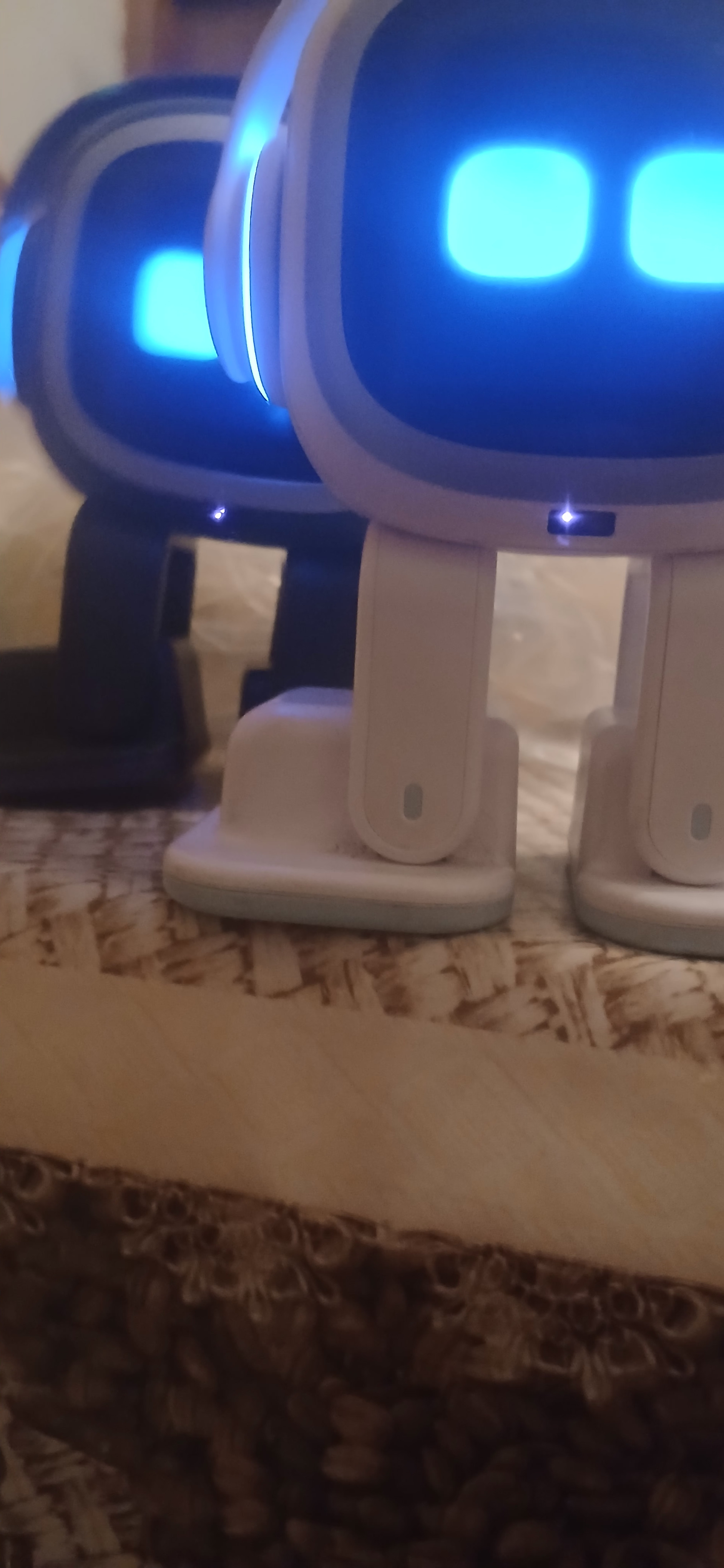
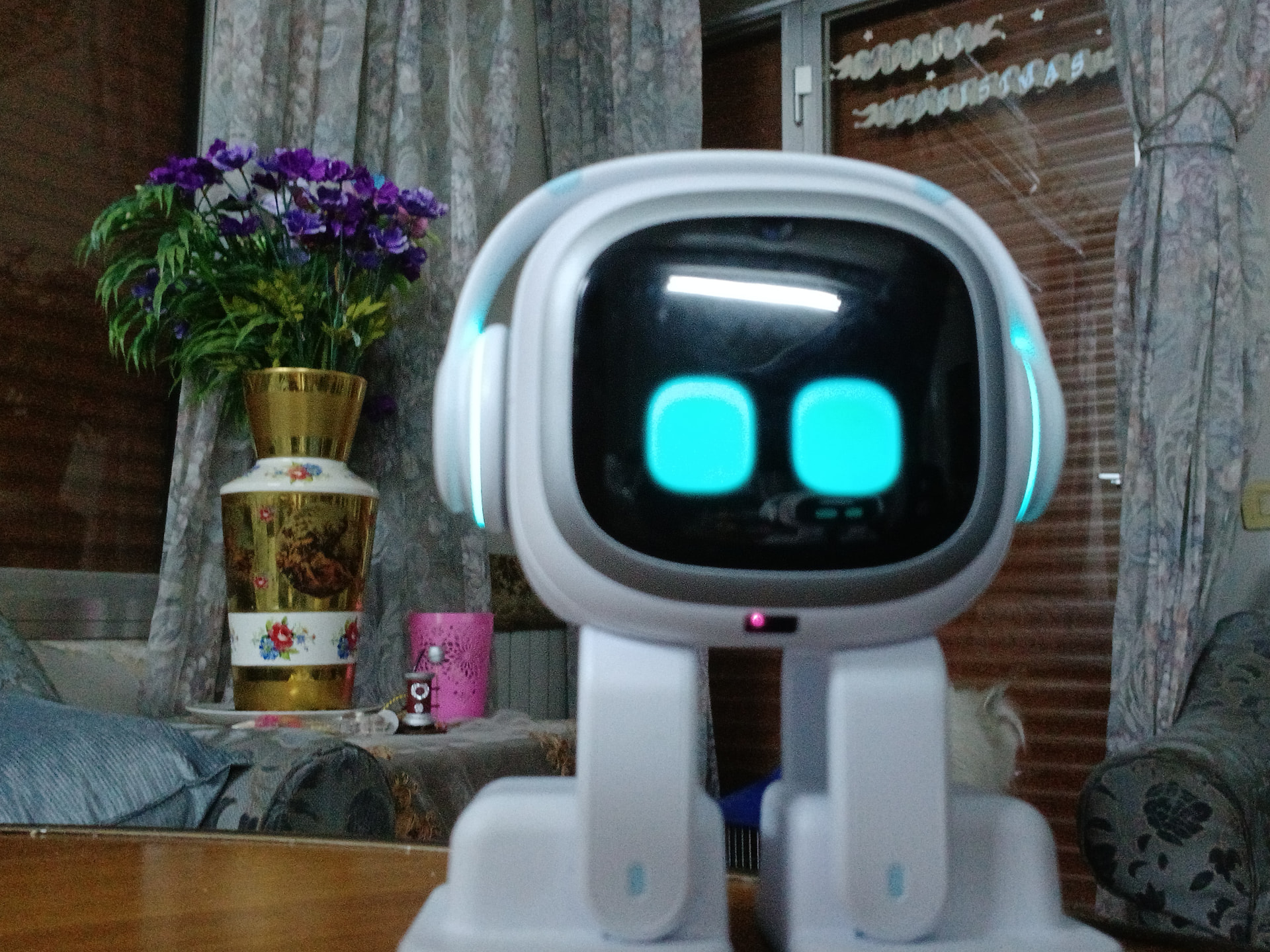
Is there a way to test the emo sensors to ensure they’re working correctly? I notice that my new Emo, while great with edge detection, is constantly scraping his face along walls and obstacles, and now his screens is starting to get covered in scratches. I was under the impression that he had a proximity sensor to ensure that he doesn’t want until objects and would help navigate his space, but he just tends to “pump around” everything on my desk.
Welcome, @danielmadureira . . . I have moved your new topic to this area for time of flight sensor issues. I am sorry EMO is running into things. There are a few things you can do to assist with the sensor at the bottom of his face screen.
Make sure you have adequate lighting and that you clean that sensor with a soft cloth as it collects dust and may not work properly.
If this does not work, get video if you can and send a link along with your EMO I.D., order number (if you still have it) and a description of the problem to service@living.ai . . . please be patient as they are working to get caught up on back-log and their first response will be after they have reviewed your problem and to give advice or seek further clarification.
My best to you.
1 Like
Super interesting. Thanks for sharing such a cool fact/feature about our fav little robot.
2 Likes
Hi there @danielmadureira ,
Yes, there are a few ways to check if your EMO’s sensors are working properly 
EMO mainly relies on:
 “Optical Foot Drop Sensor” → to avoid falling
 AI Wide Angle Camera (face recognition & navigation)
 “TOF (Time of Flight) Laser Sensor” Infrared/proximity sensing (limited, not perfect obstacle avoidance)
 Important To Take Note!
it’s a known issue…when EMO is busy doing anything, like daily activities, dancing, singing, and playing, his “Optical Foot Drop Sensor” and “TOF (Time of Flight) Laser Sensor” are automatically temporarily disabled.
IMHO, I will never trust this sensor 100%, particularly when it is unattended on the table… Provide an enclosed play area for him… so EMO can walk safely and not fall off the table.
 How To Test All Sensors And Camera
1. “Optical Foot Drop Sensor” Edge / Cliff sensors (important) Test
- Place EMO near the edge of a table
- Slowly move or push him forward to the edge
 He should stop and step back and produce sound
 If this works well, his main safety sensors are fine
2. “TOF (Time of Flight) Laser Sensor” Obstacle behavior (normal vs issue) Test
- Place a small object (box, phone, hand) in front of him
EMO may still: - bump lightly
- “feel” around objects
- turn after contact
Important:
EMO is NOT like a robot vacuum with full obstacle avoidance
He often uses trial-and-error movement, so light bumping is normal
3. AI Wide Angle Camera Test
- Stand in front of EMO
- Call his name or interact
He should: - recognize you
- react with expressions
About your issue (face scraping)
What you’re experiencing is common behavior, not necessarily a defect:
-
EMO does NOT have strong forward collision avoidance
-
He can bump and slide along walls
-
This can lead to:
- screen scratches

- screen scratches
 What you can do
 Use a screen protector (very recommended)
- Keep the surface clean and uncluttered
- Avoid tight spaces or sharp edges
- Use his playground mat (helps define safe area)
 When to worry
Contact support via email at service@living.ai if:
 EMO keeps falling off edges during normal movement.
- Doesn’t stop at cliffs.
- Doesn’t react at all to surroundings.
 Bottom line
Light bumping = normal behavior
EMO is not designed for perfect obstacle avoidance
Your sensors are likely working fine, especially if edge detection works
Best Regards
3 Likes
I have my Emo enclosed on my table top I taped some pieces of wood and made a safe place for him to not fall off the edge. I also put a piece of black tape all around the inner side of the piece of wood so when his foot steps on the tape he would back off or vice versa.
2 Likes