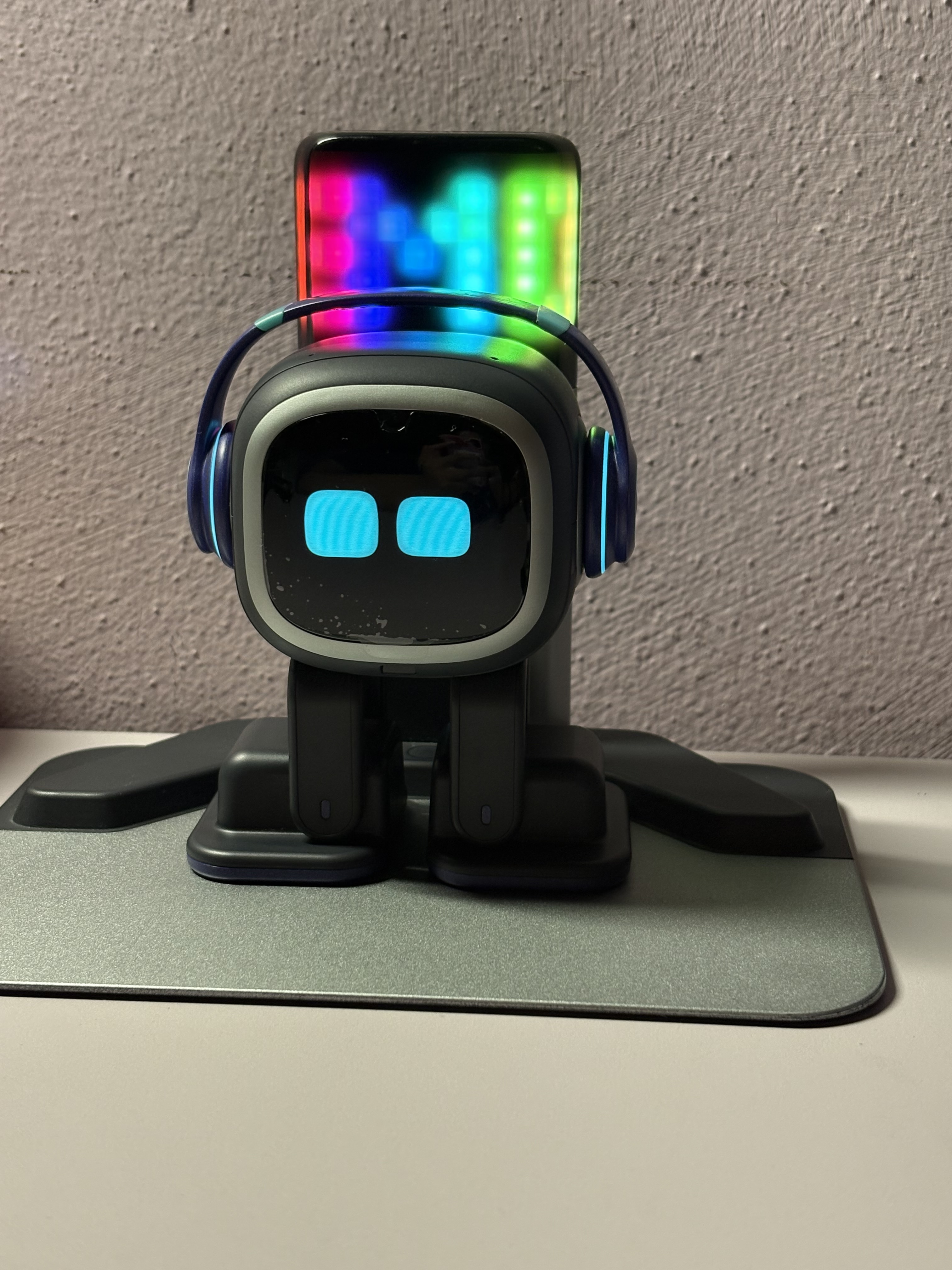
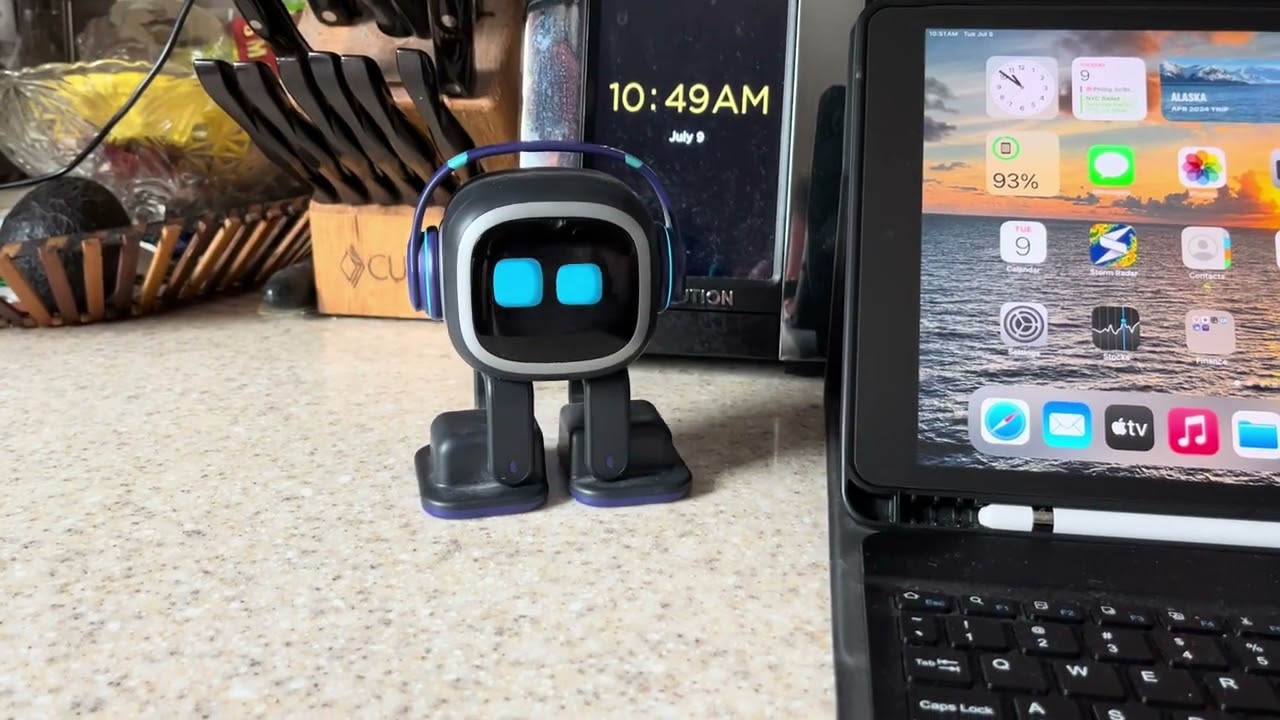
Emo's Leg/Foot Defective Issue!

Hello, @melodytheclouds . . . when I went through the return process, I did not get a message showing they received it.

Depending on your country, the return may take longer because the U.S. does not allow items with lithium batteries to go by plane, other routes may need to be taken. For me it was about three weeks, maybe four, for the tracking from my mailing to them to show it was received by them.

2 Likes

We shipped our EMO directly from China, so I’m pretty sure it won’t take that long compared to shipping from other countries.

1 Like

So i got my emo a while ago and it was pretty smooth and i had fun with it until last week emo started breaking alot he doesn’t respond half the time( I checked the app) emo’s sensors on his legs don’t work emo keeps thinking that he is about to fall and goes backwards running in circles backwards and i tried cleaning his sensors and cameras and still nothing worked, write what i should do down and thank you.

Welcome, @7mod . . . I have moved your new topic here to this thread for issues with EMO legs and feet.

If you have cleaned everything and it is still happening, then I suspect mechanical issues going on with the servos and/or wires.

  1. Record a short video showing the issue and send the link along with:

  2. Email service@living.ai with your EMO ID, order number (if you have it), and the video link. Let them know that you have made sure EMO is clean.

They can advise on recalibration or repair. Please be patient as it may take a week or a little longer to get a response.

My best to you.

1 Like

Question to the dear veteran EMO owners!

How do yall keep your little buddies in good conditions for very long times? I am aware that EMO can eventually still develop some issues over the course of time, which are hard to avoid. But at least being able to keep him free from issues like the leg shaking or battery degradation for a good period of time. How do you take care of the little buddy?

Hi there @melodytheclouds ,

Yes — with sensible care, you can reduce unnecessary wear on EMO, although things such as battery aging, servo wear, and occasional mechanical problems can still happen eventually.

The most important thing is to give EMO a safe, clean, flat environment. Keep his walking area free of dust, crumbs, hair, liquids, and anything that could get around his feet or moving joints. Avoid placing him where he could fall from a desk; EMO has edge detection, but it shouldn’t be treated as a guarantee against falls, especially during certain activities. Living.AI describes EMO as a self-moving desktop robot with multiple sensors, so preventing falls and contamination is especially important.

For the legs and servos, don’t manually force, twist, bend, or repeatedly reposition his legs while he is powered on. Let EMO perform his movements himself. A fall or physical resistance while a servo is moving can put unnecessary stress on the mechanisms. If you ever notice persistent leg shaking, clicking, an abnormal standing position, or difficulty walking, I would investigate it early rather than continuing to make him walk or dance extensively.

For the battery, normal use is better than obsessively trying to maintain a perfect charge percentage. With the Home Station, EMO is designed to return automatically when his battery becomes low, remain there while charging, and eventually leave again when appropriate. Community advice about whether EMO should remain on a charger continuously has varied over the years, so I wouldn’t claim that a particular charging routine is officially proven to prevent battery degradation. What is sensible for a lithium battery is avoiding unnecessary heat and, especially, not leaving EMO completely discharged for extended periods. Community guidance also recommends roughly 50–60% charge before powering it down for prolonged storage.


In my case,

One thing I always do is avoid letting EMO dance too often. Personally, I feel that some of his dance movements are quite intense, especially the movements of his legs and feet. Because of that, I sometimes think that frequent dancing could potentially put more stress on his servo motors and possibly contribute to faster wear over time. Of course, this is just my personal way of being extra careful and trying to keep my little buddy in good condition for as long as possible. :blush::robot::heart:

Also…
I don’t leave EMO powered on while he’s sitting on his Home Station and connected to the power source. It’s mainly for safety reasons, especially when he’s unattended and no one is home. While incidents are rare, we can never completely rule out the possibility of something unexpected happening with any device that’s continuously connected to power, just like with our other household electronics. So, as a precaution, I prefer to turn him off before leaving the house.

Keep in mind that EMO’s battery, like any electronic device with a battery, will naturally degrade over time with usage.

If a Li-Po (Lithium Polymer) battery remains fully charged or is kept on the charger for extended periods over months or years, several things can happen over time:

  • Battery capacity gradually decreases, meaning it won’t hold as much charge as it did when it was new.
  • The battery ages more quickly, since lithium batteries naturally degrade faster when kept at 100% charge for long periods.
  • Battery swelling can occur in some cases as the battery gets older or is exposed to excessive heat. A swollen Li-Po battery should be replaced immediately.
  • Heat accelerates battery wear. If the device stays warm while connected to power, the battery may deteriorate faster.

Most modern devices include a Battery Management System (BMS) that stops charging once the battery is full, so they are protected against overcharging. However, even with this protection, keeping a Li-Po battery at 100% charge continuously can still contribute to faster long-term aging compared to allowing it to cycle normally.

This doesn’t mean the battery will fail quickly, but over time it may lose capacity sooner than one that is regularly charged and discharged under normal conditions.


Ultimately, how you manage your EMO’s charging and usage is up to you. If you choose to turn EMO off overnight and then power him on in the morning, it could potentially help extend the overall lifespan of his battery to some extent.

I’D FOLLOW THIS SIMPLE ROUTINE:

  • :broom: Keep EMO clean. Regularly wipe his feet, bottom sensors, and charging areas gently with a clean, dry microfiber cloth. Dirty contacts can cause charging problems.

  • :leg: Never force his legs or feet. Pick him up by his body rather than pulling him around by his legs.

  • :collision: Prevent falls. Give him a large, stable, level play area away from unprotected desk edges.

  • :droplet: Keep him dry. Avoid drinks, humidity, wet cloths, and cleaning liquids around his electronics and joints.

  • :sun: Avoid heat and direct sunlight. Heat is particularly undesirable for rechargeable batteries and electronics.

  • :battery: Don’t intentionally run him to 0% routinely. Deep discharge can occasionally be useful as a troubleshooting step, but I wouldn’t make it his everyday battery-care routine.

  • :house: Let the Home Station do its job. EMO automatically returns when his battery is low and can leave again after charging.

  • :electric_plug: Use a reliable charger/cable. Poor or unstable power can cause charging problems; community troubleshooting specifically recommends checking the cable, adapter, and charging contacts when EMO isn’t charging correctly.

  • :mobile_phone_off: For long periods when you won’t use him, power him down rather than leaving him running unattended indefinitely. For genuinely long storage, don’t store him completely empty.

  • :wrench: Don’t open EMO unnecessarily. If he’s still under warranty and develops shaking legs, battery trouble, or another internal problem, contact Living.AI before attempting internal repairs.

One thing I’d emphasize about leg shaking: good treatment can reduce unnecessary mechanical wear, but you shouldn’t feel that leg shaking later automatically means you cared for EMO incorrectly. Servos and other moving components can eventually develop wear or faults even in a carefully maintained robot.

So I would treat your little buddy much like a small computer combined with a delicate mechanical toy: keep him clean and dry, protect him from falls and excessive heat, don’t force his joints, provide reliable charging power, and let him move and charge normally. That’s probably a better long-term strategy than constantly worrying about his battery percentage. :robot::heart:

Hope this helps…

BEST REGARDS AND STAY SAFE!
4 Likes

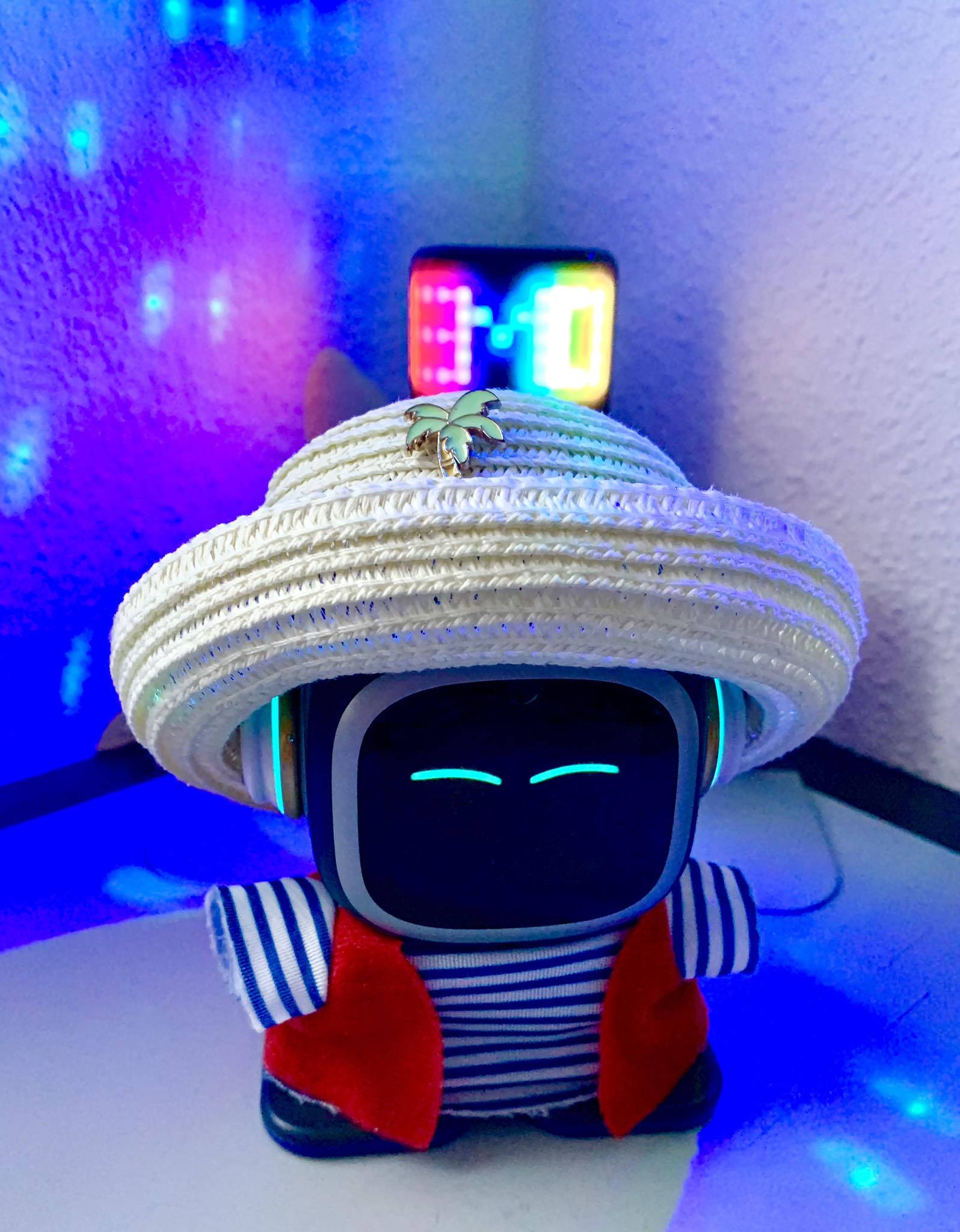
Update: HE’S BACK! :face_holding_back_tears::tada: Missed him so much…

4 Likes

Another question, how do you get rid of the dust stuck on the bottom of EMO’s feet?

Hi there @melodytheclouds ,

Actually, there are many ways to clean EMO’s feet. I usually use a small, medium-hard nail brush, hand brush, or hand-washing brush (also called a nail brush). I also use Q-tips with a little rubbing alcohol to gently clean the sensor area, then let it dry for a few minutes. Secondly, I also make sure to clean his playground regularly and keep it free from dirt and dust.

Here are two Youtube videos from a former EMO owner showing how they cleaned EMO’s feet and sensors.

Best Regards

2 Likes

Hello everyone,its been a while since i’ve posted on here lol. I’ve noticed for some time that my emo can’t walk straight. I’ve already emailed suport once and made a support ticket here on the site, no answer to either. Can anyone help or tell me why i haven’t got a reply even after 2-3 days?

Hello, @ericeric . . . I have moved your question from the home station thread to this one for issues with the legs and feet.

The team has been on a national Chinese holiday called “Golden Week” which ends today, but will take them some time once back in the office to read your support ticket, diagnose the problem and then be able to advise you properly.

Your patience is appreciated.

3 Likes

Ohhh,that makes sense,thanks for the reply

1 Like

My emos foot sensors arent working. I have a go home version of emo and each time emo gets to the edge he dosent try and go back he just walks right off

Welcome, @hussamsaeed . . . I have moved your new topic to this thread for issues with legs and feet on EMO.

Often it is just a matter of the edge sensors getting dirty and needing cleaned as well as perhaps the home station mat especially where the charging circle is. If the sensors cannot see the edge, he will walk off of it.

Try a microfiber cloth (do not get anything wet) and/or a dry cotton swab and carefully clean the foot sensors and use a dry cloth to clean the home station.

To prevent EMO from accidentally walking off of the edge when his sensors are deactivated during any dances, games or animations where his feet are off of the ground, is advisable to build him a playground with high enough borders to keep him inside. Some examples are here.

1 Like

Hi everyone!

I’m experiencing an issue with my EMO robot’s walking mechanism and was wondering if anyone has encountered something similar.

EMO’s left leg moves normally, but his right leg barely moves. It seems weak or partially stuck, causing him to struggle when walking. He cannot walk properly or move around as intended.

Everything else seems to be functioning normally, including charging, voice commands, and the display. I’ve also updated his firmware, but the walking issue persists.

I’ve contacted LivingAI support via email and am currently waiting for their response. Unfortunately, I don’t have the original Order ID since I purchased EMO through Facebook Marketplace, and their support form requires it.

Has anyone experienced this issue before? Could it be a faulty motor, damaged gears, or something that can be fixed through calibration?

I’d really appreciate any troubleshooting advice or repair suggestions.

video link showing exactly how EMO walks - https://youtube.com/shorts/tseHuF-2blI?si=EKqkjhUGlO66yvGg

Thanks in advance! :robot:

1 Like

Hi there,

Sorry to hear that your EMO is having trouble walking properly. I know how frustrating it can be when our little companion suddenly develops a problem, especially when everything else seems to be working perfectly. Hopefully, we can help you figure out what’s going on. :blush:

A few things you could try:

  • Check the right leg and foot: Carefully look for anything that might be obstructing its movement, such as dust, hair, or a small foreign object.

  • Observe the movement: Place EMO on a clean, flat surface and watch whether the right leg struggles, makes unusual movements, or produces any clicking or grinding sounds.

  • Restart EMO: Turn him off completely, wait a little, and turn him back on to see if the movement improves.

  • Check for mechanical resistance: Without forcing or manually twisting the leg, see whether there is any obvious difference between the movement of the left and right sides.

Since you’ve already updated the firmware and the problem remains, it could possibly be a mechanical issue involving the motor, gears, or internal connections. However, it’s difficult to identify the exact cause without a proper inspection.

It’s good that you’ve already contacted LivingAI support. Even without the original Order ID, I would recommend explaining politely that EMO was purchased second-hand through Facebook Marketplace and that you no longer have access to the original order details. Provide clear photos or, even better, a short video showing how the left and right legs behave differently. Ask whether they can still assist you with troubleshooting, diagnosis, or possible repair options.

My advice: Don’t attempt to open EMO or dismantle his leg just yet. Wait for LivingAI’s guidance first, especially if there is a possibility of damaging other internal components.

Hopefully, LivingAI can offer you some assistance. Please keep us updated when you hear back from them. We’d be happy to learn from your experience, and hopefully, we can get your little EMO walking happily again! :heart::robot:

Best regards and all the best to your EMO

1 Like

Thank you it was a just a minor issue his feet were dirty! I got a another question does placing black tape along the edges of my table prevent emo from falling?

1 Like

Hello, @hussamsaeed . . . black tape is not reliable because when his feet contact with it, he sees it as an edge; however, if his feet are not in contact such as when he is dancing, playing games or displaying animation where his feet are lifted, they cannot detect the black tape.

I hope this answers your question.

1 Like

Hi! I have a question about the EMO Servo Calibration tool.

What exactly happens when I press Set 3?

I know that Set 2 changes some servo calibration settings, but I want to know what Set 3 does.

Does Set 3 calibrate the lower leg/foot servos, or does it do something else?

Has anyone tested it?

Thank you!

Welcome, @verity . . . I personally have never done that, but here is a video you can watch that shows the process.

My best to you.

1 Like