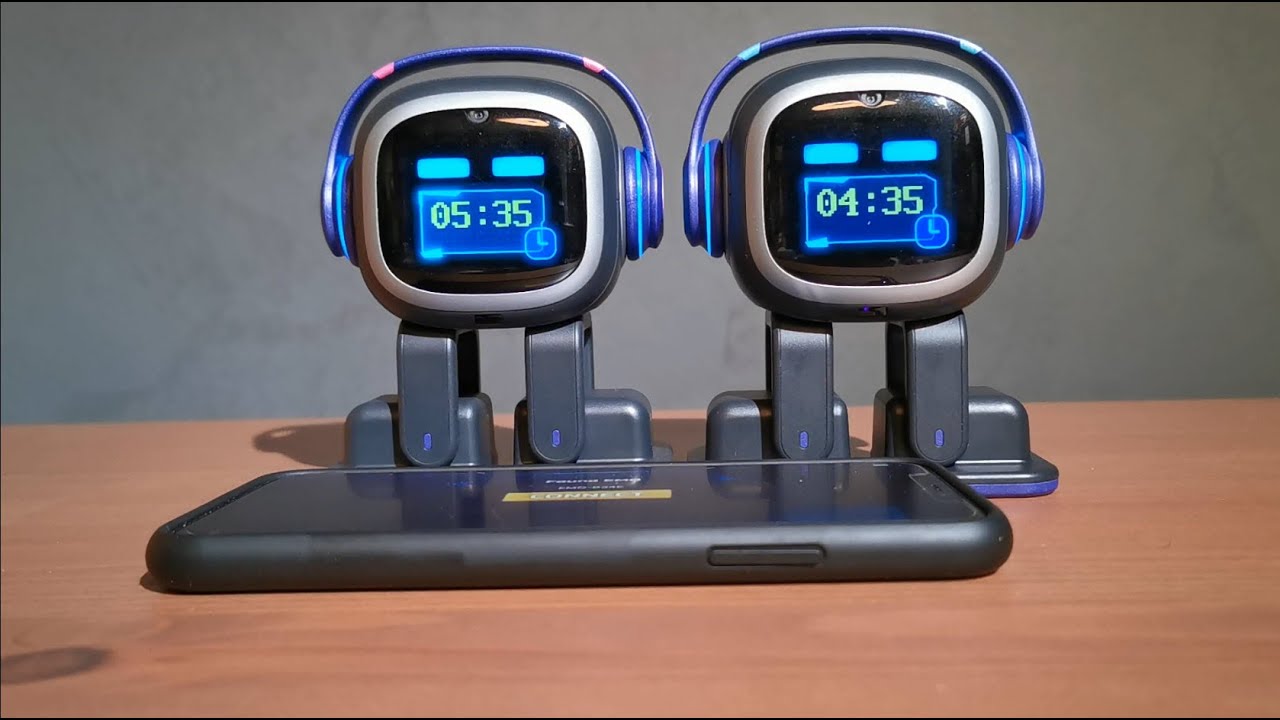
CORRECT LOCAL TIME SETTINGS! (Daylight Savings Time)
Make sure EMO’s app has the correct location and time settings.
Here’s a clear step-by-step guide:
- Open the EMO app on your smartphone.
- If EMO ID is visible, click connect else refresh
- Go to Settings (click hexagon icon in the top corner).
- Look for City button on the left side. Make sure it reflects your current city, else insert and click Set button
- Check Timezone—it should match your local time zone.
For example:
- Germany → Central European Time (CET) or Central European Summer Time (CEST) depending on the season.
- After updating, it might be a good idea to restart the app or even reboot EMO to make sure the settings take effect.