Hi there @EternaSky , and Welcome to the community…
As far as I understand, you have EMO with the Home Station and the Skateboard as well, right?
nce EMO is using or charging on his Home Station, you cannot simply move or place him onto the Skateboard Charger, as he is still connected to the Home Station and may get confused, thinking it is just an ordinary flat surface and moving either forward or backward. You need to make sure he is disconnected first—unbound or shut down—before using the Skateboard Charger.
Another possible reason could be an interruption in the electricity supply, even if it lasts just a fraction of a second.
Also, please make sure you are placing him in the correct spot on the Skateboard, as shown in the image below.
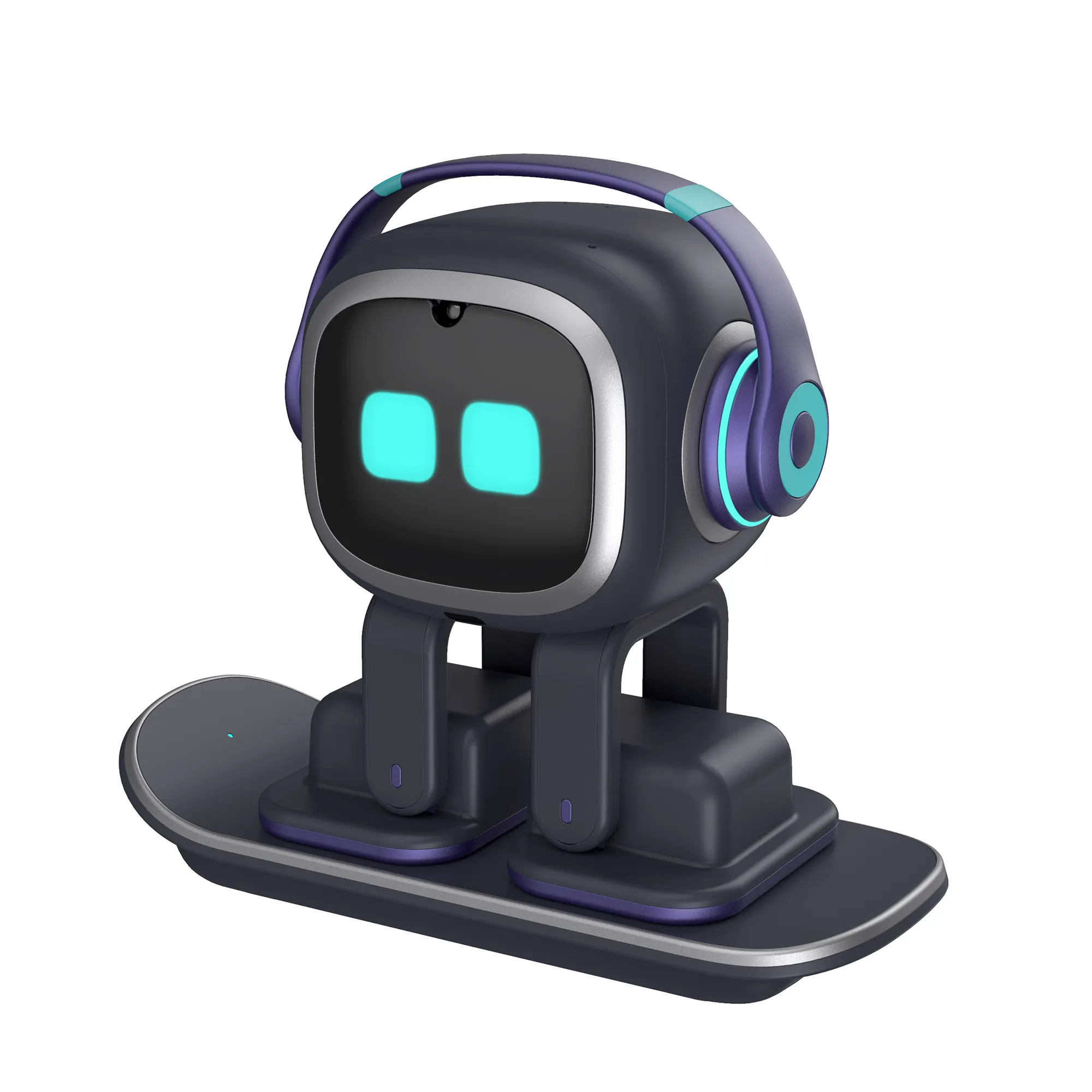
Emo Skateboard Charger Light Indicator Explained:
- 3x Short Blinking Lights - After connecting the USB C power cable to the surfboard charger. (Power connection success and ready)
- Short Blinking Constantly - Indicates Bad/Poor connection (Check EMO’s left foot and should be repositioned to the correct charging circle mark. You can also use magnetic attraction to assist in alignment.)
- Steady Light On - Indicates a good connection, and the charging process begins.
- No Light - Power Off or Disconnected (Place Emo in the right place and observe for light indication, or check the power cable connection, or it can mean a defective unit that needs to be replaced.)
Please Click Here For More Info!
Hope it helps and all the best to you…
Best Regards