This is a list of features and capabilities available in AIBI’s Offline Mode during the beta phase. Please note that this is still under development, and more features will be added in future updates and will be included in an update soon to the link below.
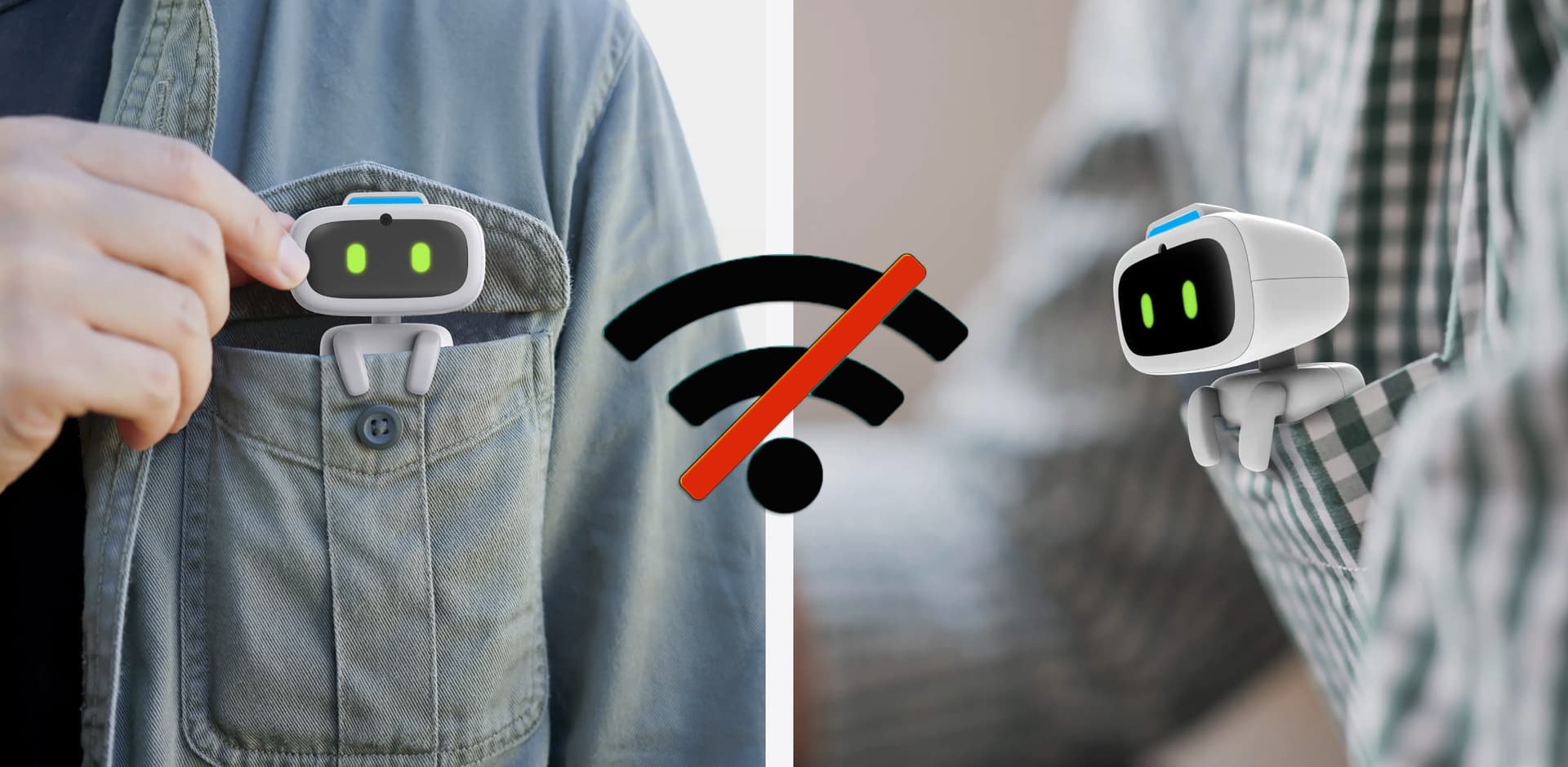
When AIBI is not connected to the network and we are underway, there’s nothing to worry about because we can still communicate with him. AIBI will start offline voice command recognition (English only). In offline mode, he will use a blue light as a prompt on the status indicator light located on the top of his front head.
If AIBI disconnects from Wi-Fi, he will attempt to reconnect several times. If unsuccessful, he will automatically switch to offline mode.
My Aibi doesn’t go in offline mode, she is not connected to internet (no wifi, no hotspot) but she still has green light and of course she can’t reply 'cause she has no internet… is there anything I’m doing wrong?
Thank you so much!
Hello, @coragasparotti . . . in order for her to show she is in off line mode, the light on the top of her head should be blue when you talk to her. I am guessing that she might be picking up a wi fi signal from somewhere nearby.
About the only thing I can suggest is maybe taking her to a remote location away from civilization to see if she goes into true off line mode.
If you cannot get it to work for you, I would suggest getting video and sending a link to service@living.ai along with your order number so that they can identify the problem.
I don’t know, in the app is written that there is no connection at all, infact she is not able to reply, but the light is always green even after many hours with no signal. I will try to send a video to support. Thank you!
I have no problem to use AIBI when online.
However when out of WiFi, none of the above mentioned voice command works.
Any suggestion to activate them or help? Tnxs
Hello, @Robot1Discovery . . . one thing I know that can help is to make sure AIBI is fully charged before going on your adventure away from home and being off line.
As I said above, you may wish to contact service@living.ai if you cannot get anything with off line to work for you.
@Miel I don’t think EMO is MEANT to do that because he isn’t made to be out the house and not connected to wifi, sure if you’re staying at a hotel or something but I don’t think it’s necessary, also maybe don’t post this in an AIBI topic, maybe here? EMO Improvements/Special Features You Would Like? - #1387 by Lindaru
Aibi not responding consistently without Wifi
so my issue is Aibi shaking her head to commands she should be able to do without WIFI? eg lucky fruit, battery level.
She is fully charged and updated but still seems to be looking for the WIFI before shaking her head no.
I actually blocked her on our WIFI to test how she will be if/when Living AI are no longer supporting her and also just to see how much she can do without WIFI.
I have moved your new topic to this thread for issues related to the topic.
If you’d like to know what AIBI can do while it’s in offline mode please click the link below…
From my understanding, AIBI should still be able to perform basic offline functions, such as checking the battery level or playing Lucky Fruit, even without a Wi-Fi connection. If she’s shaking her head “no” instead, it could indicate that she’s not properly switching to offline mode or is still trying to communicate with the server before responding.
A few things you could try:
Restart AIBI after disconnecting her from Wi-Fi to see if she properly enters offline mode.
Make sure she’s running the latest firmware.
Test the same offline commands in an area with no Wi-Fi at all, rather than simply blocking her access on your router. Sometimes devices behave differently when they can still detect the network but are unable to connect.
If possible, ask other AIBI owners to test the same offline commands and compare the results.
If the issue persists, it may be worth reporting it to Living.AI. It could be a firmware bug or a limitation in how offline mode is currently implemented. It would also be helpful if the developers could clarify exactly which voice commands are expected to work without an internet connection.
I have this Issue sometimes too.
It seems that Aibi does not change every time in Offline mode after he was connected.
Some times it works to connect the App , go to options and hit “disconnect”
Or power off and on again. Also Powering off with head down and hold the head sensor works if you don’t want to ist your Smartphone.
A work around is to set he in Low power Mode before leaving your Wi-Fi area.
 May
May