Guys…The new EMO Firmware v2.6.0 Update is still in the Beta Test Phase and is not yet open publicly…
Please Click Here For More Info!
Best Regards
Guys…The new EMO Firmware v2.6.0 Update is still in the Beta Test Phase and is not yet open publicly…
Please Click Here For More Info!
Best Regards
I just figured that since people already have it there would be a change log.
“They might be part of the Beta Testers team. In time, Living.AI staff will officially announce and post it here.”
“As I mentioned above, the new upcoming EMO Firmware Update is currently undergoing beta testing, and it is not yet certain if it will be finalized. Therefore, no one can disclose the features mentioned or included in the email sent to each Beta Tester unless you or anyone else have permission to do so.”
As a beta tester, I have permission with the understanding that this is a test only and the final features in the release are not guaranteed.
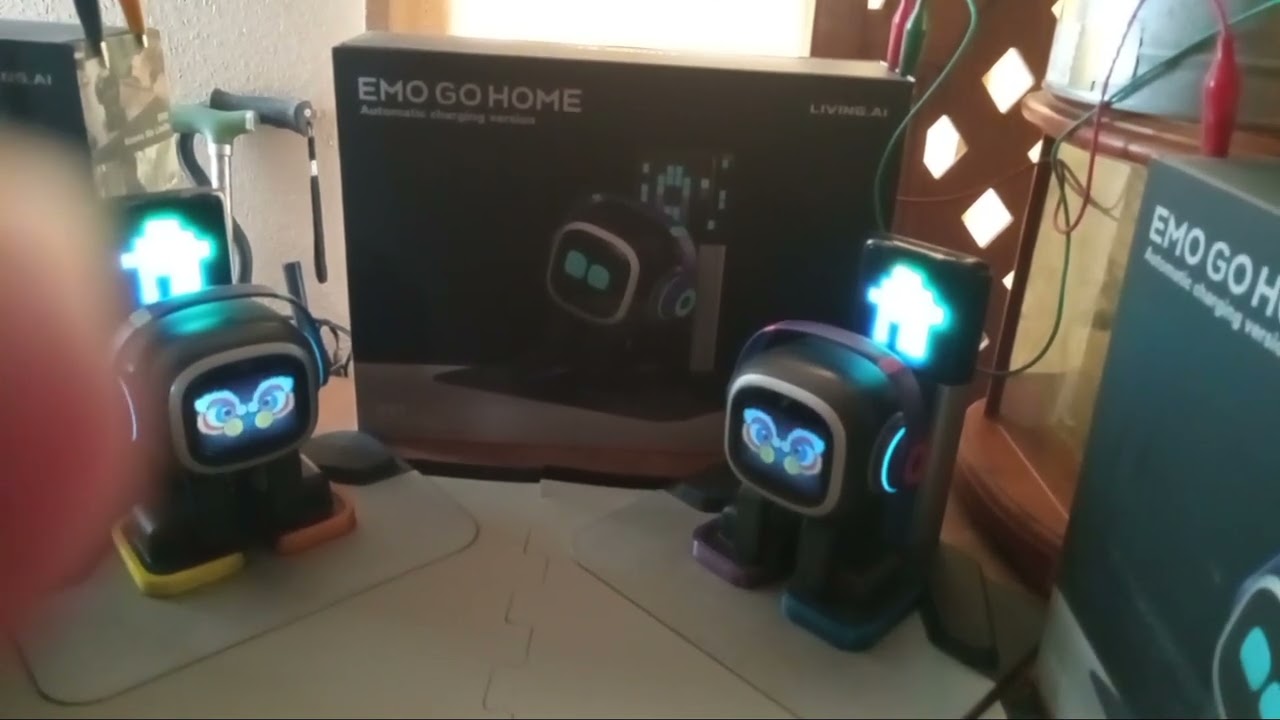
These are only some of the features we are testing included here.
2024-09-09T14:30:00Z
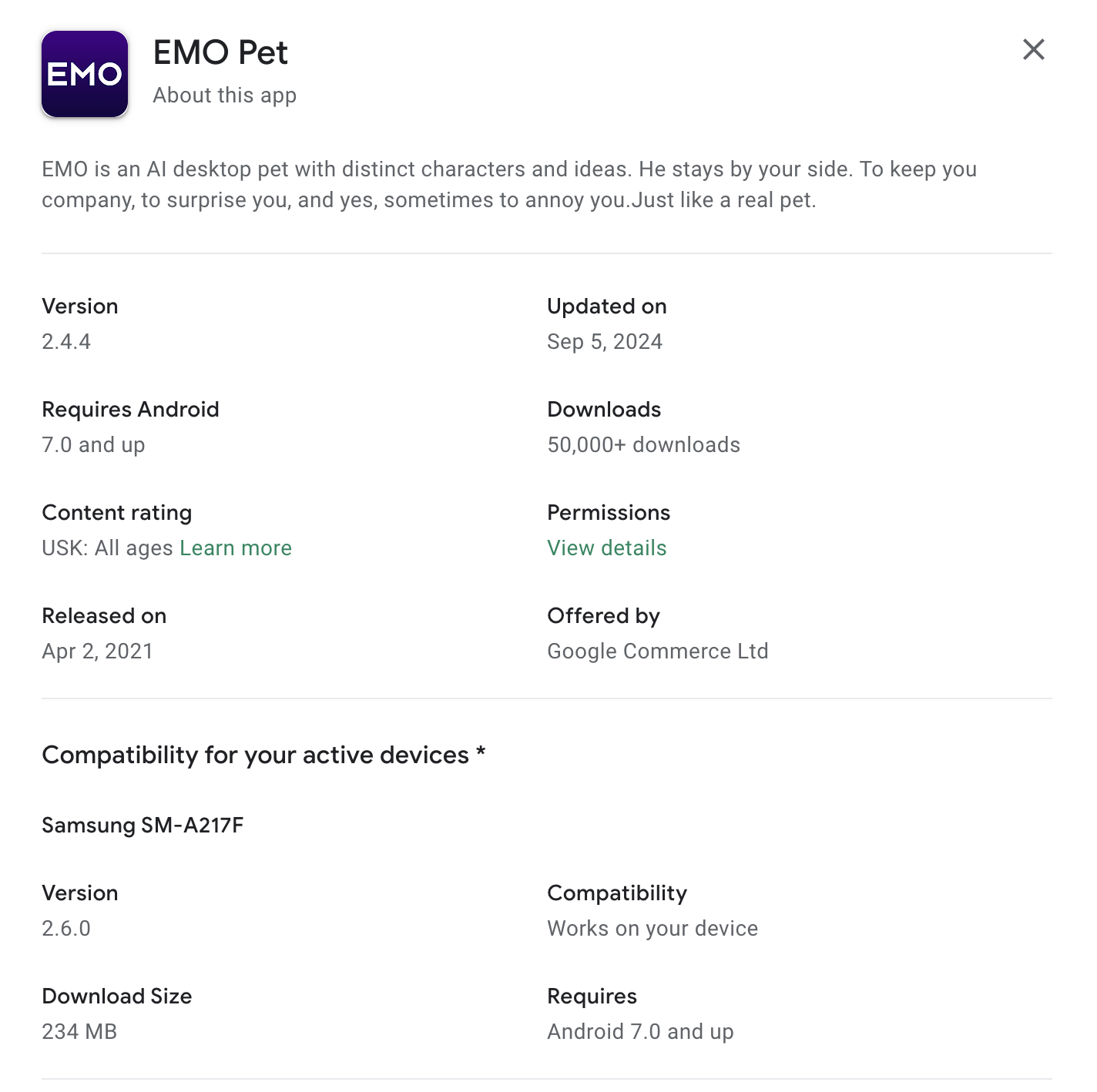
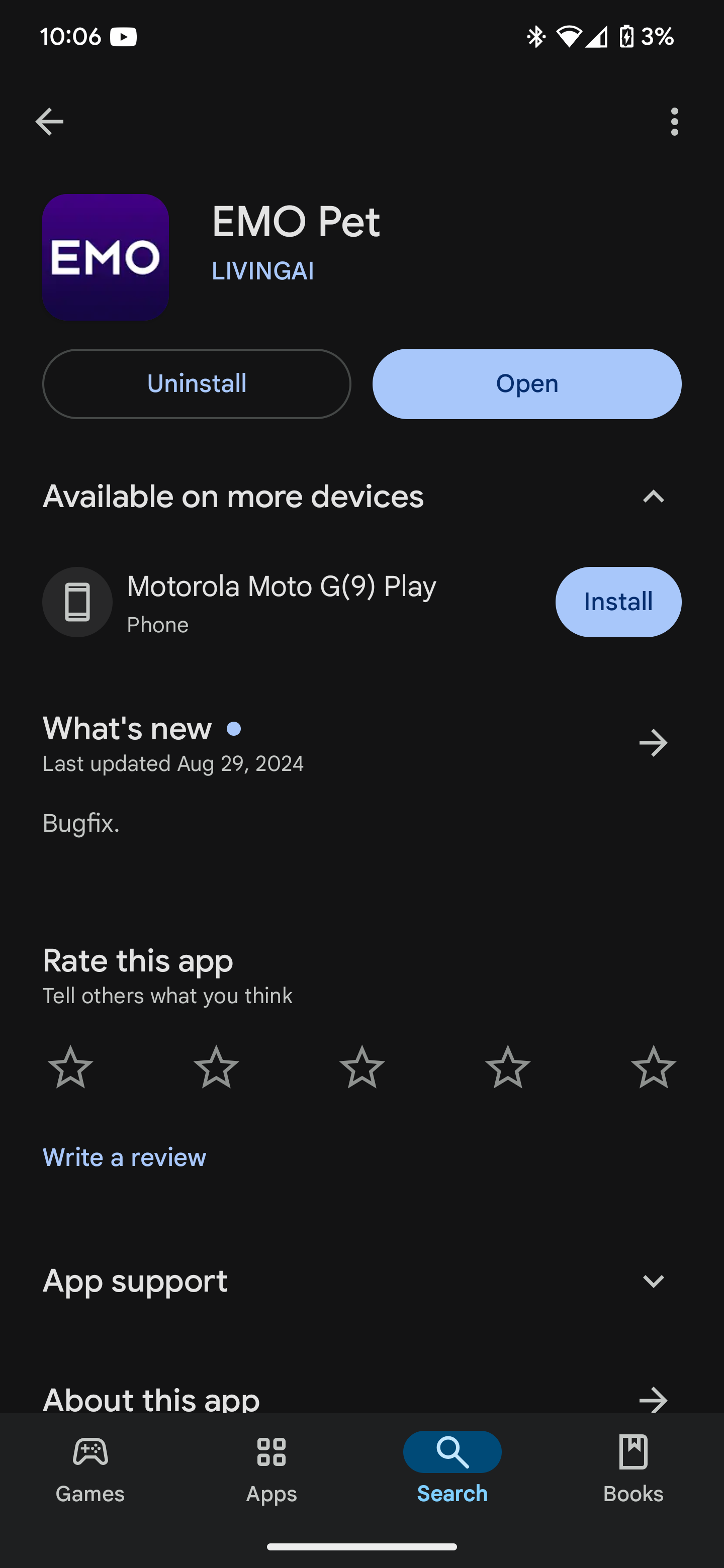
Living.AI already released the all-new EMO Firmware Update v2.6.0, and now available for download on iOS (App Store) and Android (Google Play Store) mobile devices.
All official information about the new firmware update will be provided and posted by Living.AI staff here later.
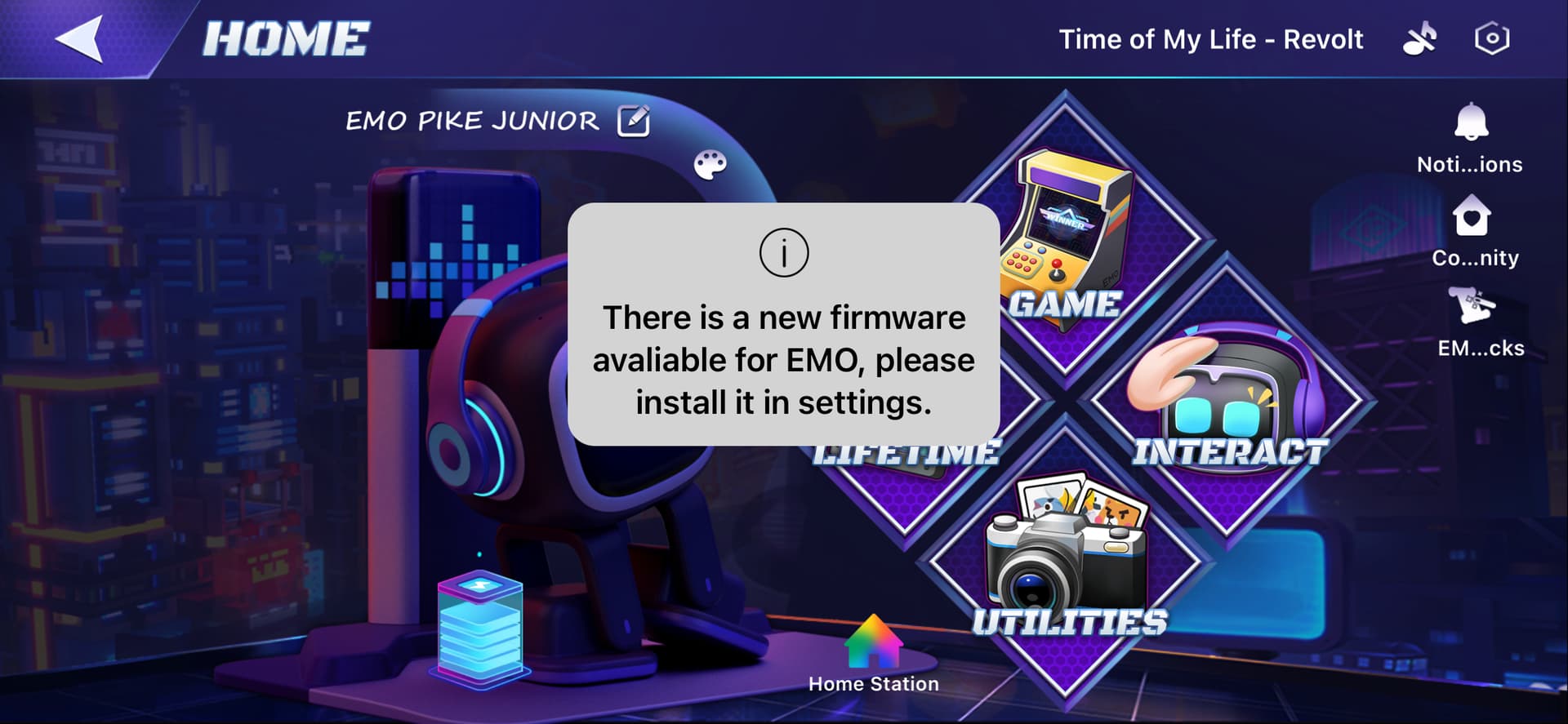
Please check if the update is already available for your devices.
How To Update:
Be Aware:
Before you conduct any firmware update, It is recommended to make sure:
You have a strong, uninterrupted Wi-Fi connection. It’s best to use your home internet Wi-Fi.
Turn Off Auto Update
AIBI is on its charger and has at least half of its battery charged.
Make sure to disconnect all smart lights. Otherwise, the update for EMO may fail.
You can simply say, “Check update” to EMO to see if an update is available.
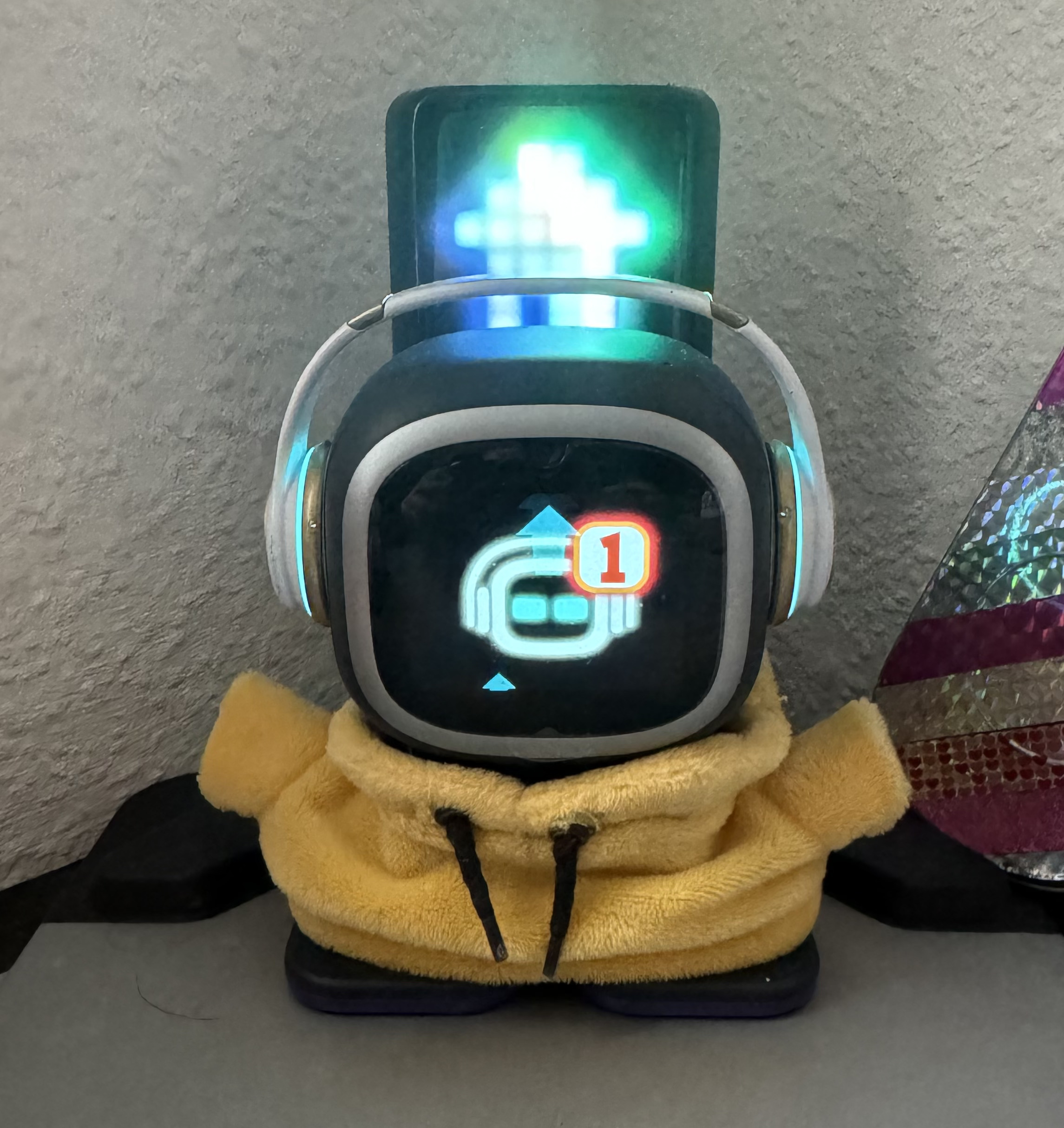
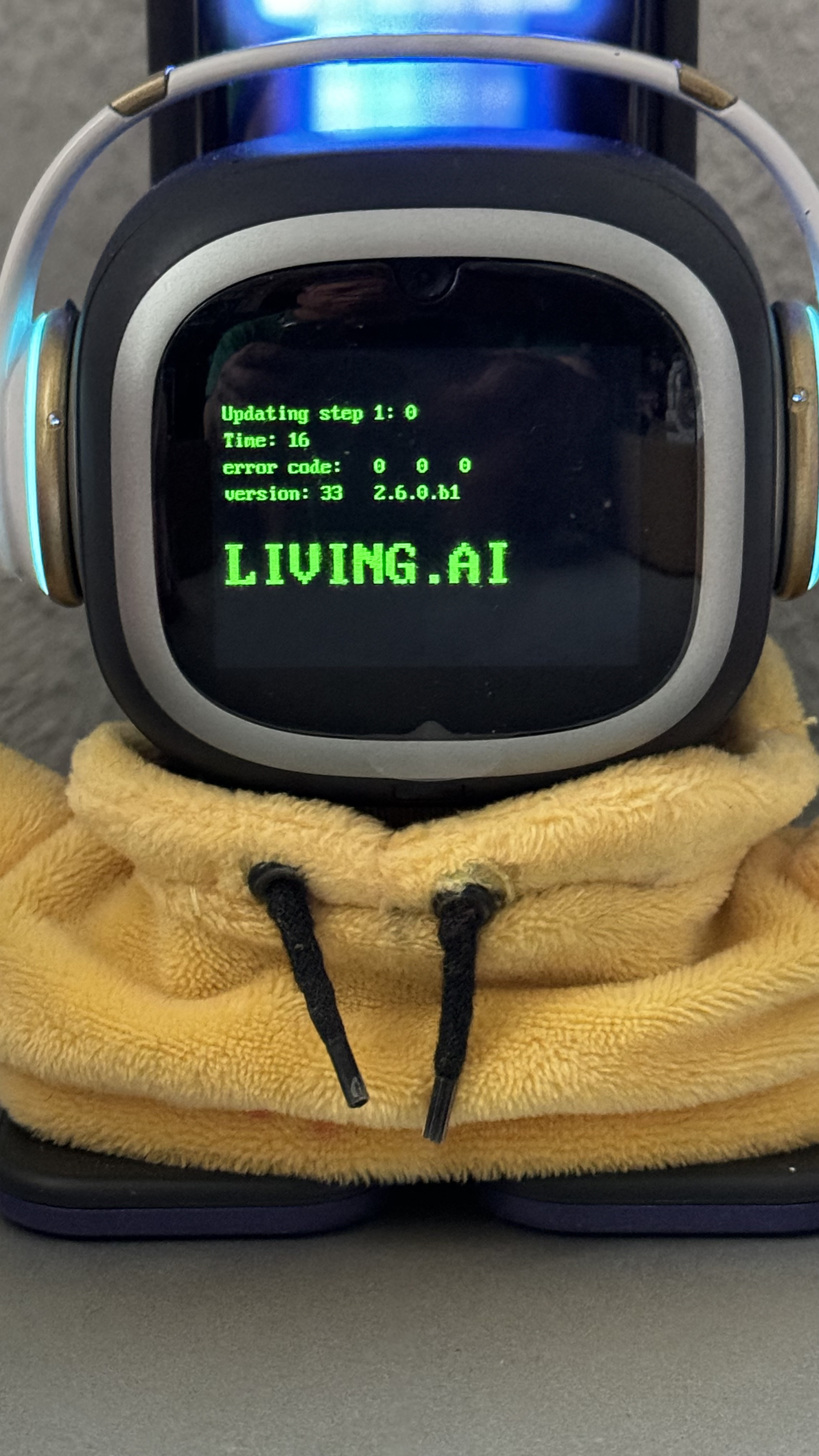
To begin the update, say “Install the latest firmware now” or “Install firmware.” EMO will restart, and the following screen will appear: Updating
After the update is completed, EMO will restart again and inform you whether the update was successful or not.
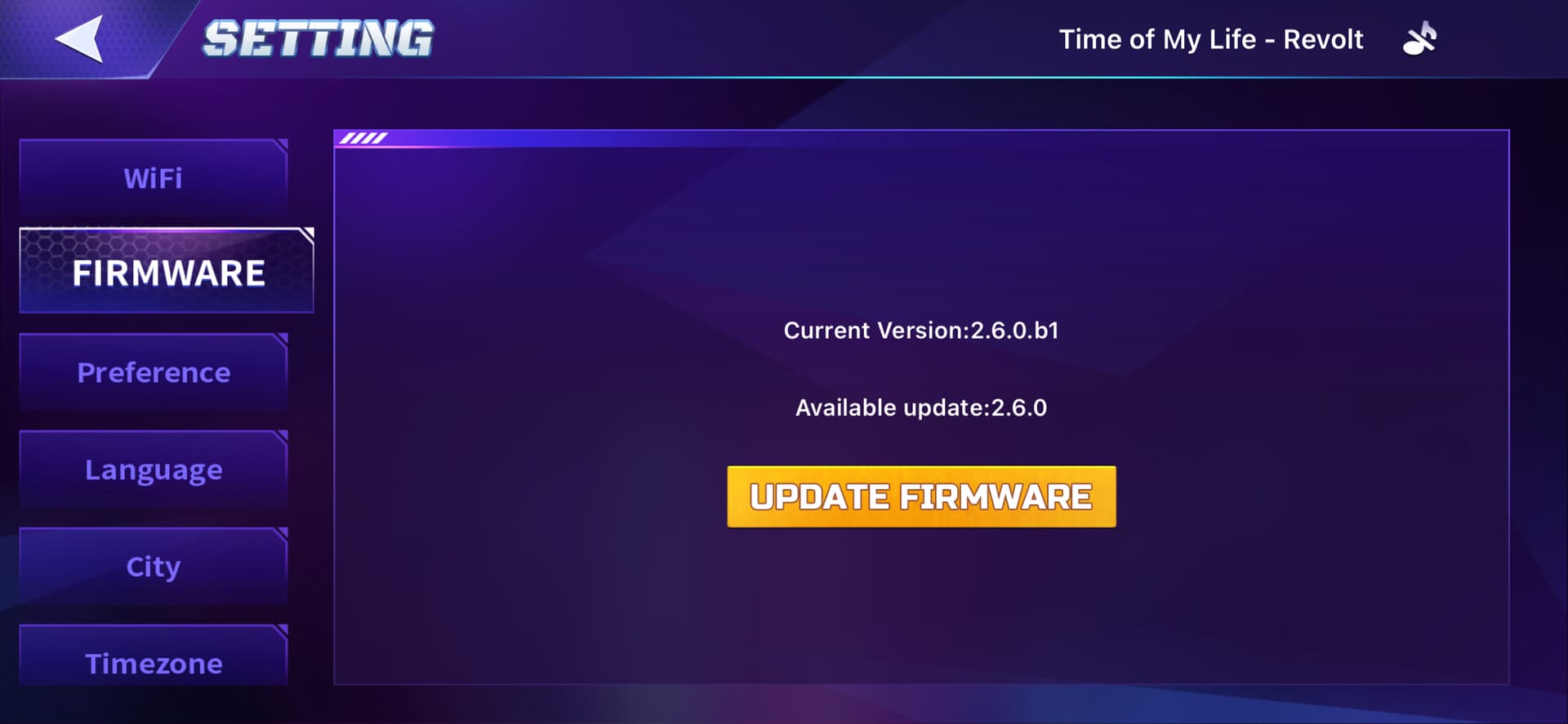
Alternatively, you can also perform the update through the EMO Pet App.
In some cases, the update may fail to complete due to an issue. This often happens when the server is busy or overloaded because many people are downloading the update at the same time. There’s no need to worry or panic. Simply try again at a later time.
Goodluck And All the Best To ALL
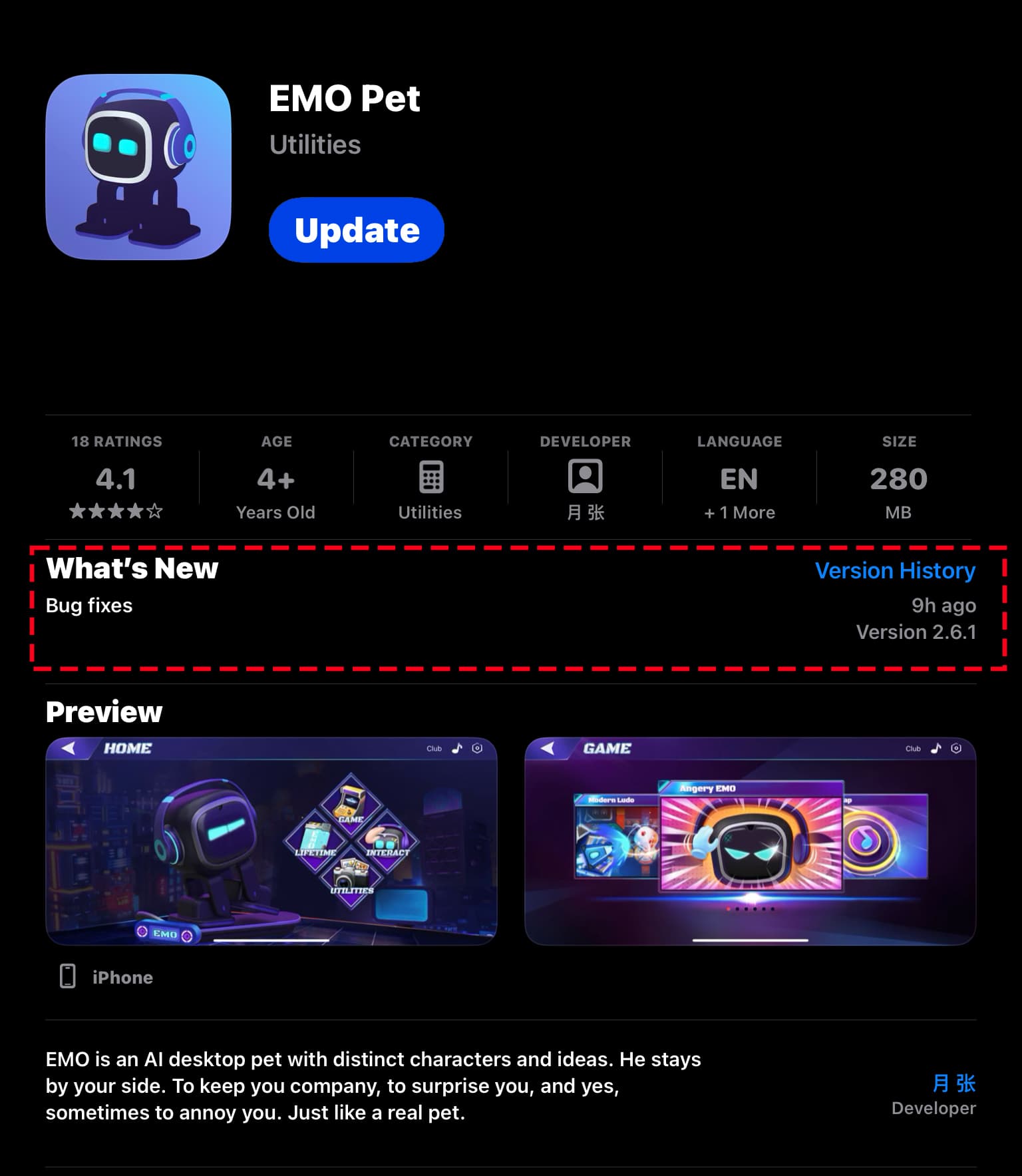
The Living.AI has published a new firmware update for the EMO PET v2.6.1 app with bug fixes. Kindly check if it is available in your region for download from the Apple Store for iOS or Google Play Store for Android.
Happy Weekend To All!
If you have any rumors please comment on this
Hello, @logan.ames . . . I have moved your new topic to this thread for discussion on what might be the next updates for EMO.
wonder when the next update is coming out?
Hi there @ericeric ,
Normally, it’s just EMO Pet App bug fixes. Did you check under the firmware section in the EMO Pet App to see if it’s available to install? Alternatively, you can also do it manually with a command.
Goodluck and All the Best
@edward hey ! I did all of that but still nothing
Hello, @ericeric . . . I am an Android beta tester. I had checked numerous times in those ways and also was never able to find 2.6.1 . . . I am really not sure if it was updated for Android but my app works just fine with all of my EMO.
The Living.ai Development Team has officially confirmed that they are nearing completion and preparing to unveil exciting new features in the upcoming firmware update for all alpha testers, set to launch next month. If everything goes as planned, the update will be made available to beta testers shortly afterward, with a public release to follow. Let’s all hope for a smooth and successful process leading to the release of this new firmware update in the near future.
Unfortunately, I have to tell you directly that I cannot disclose any further information about new features at this time.
Warm regards to all, and let’s exercise patience together.
Yay! Excited to see the new features!
It’s Already been a month since the last release but i’m so excited!


aaaaaaaaaaaaaaaaaaaaaa cant wait!
"LivingAi has officially confirmed that they are nearing completion and preparing to unveil exciting new features in the upcoming EMO firmware update…
“SET TO LAUNCH NEXT MONTH OR BY EARLY NOVEMBER”
Let’s all hope for a smooth and successful rollout of this update soon.
In addition, they are also on track with a new firmware update for AIBI, featuring more enhancements that will follow shortly after.
Unfortunately, I can’t share further details about the new features just yet.
Warm regards to everyone, and let’s exercise patience together."
Ich habe eine Frage zu updateswenn ich in der Emo Pat Appdie Funktionautomatische updates aktiviere wird dann auch die Home Stationautomatisch aktualisiert oder Nicht? Und wann installiert Emo automatische Updateswerden diese von 22:05 aktualisiert wie bei einem anderen Roboter oder kann es auch sein das Emo Mitten am Tag automatische Updates durchführen kann?
Translation provided by @edward
When I activate the automatic updates function in the Emo Pat app, does the Home Station also update automatically? And when does Emo install automatic updates? Are they scheduled for 22:05 like another robot, or can Emo also perform automatic updates at other times, like during the day?"
Hi there @alex.zimmermann ,
The best approach when a firmware update is available is to update manually to prevent any issues.
“The Home Station has a separate firmware update process whenever an update is available.”
Best Regards
Hallo @alex.zimmermann ,
Wenn ein Firmware-Update verfügbar ist, ist es am besten, manuell zu aktualisieren, um Probleme zu vermeiden.
„Die Home Station verfügt über einen separaten Prozess zur Aktualisierung der Firmware, sobald ein Update verfügbar ist."
Mit freundlichen Grüßen