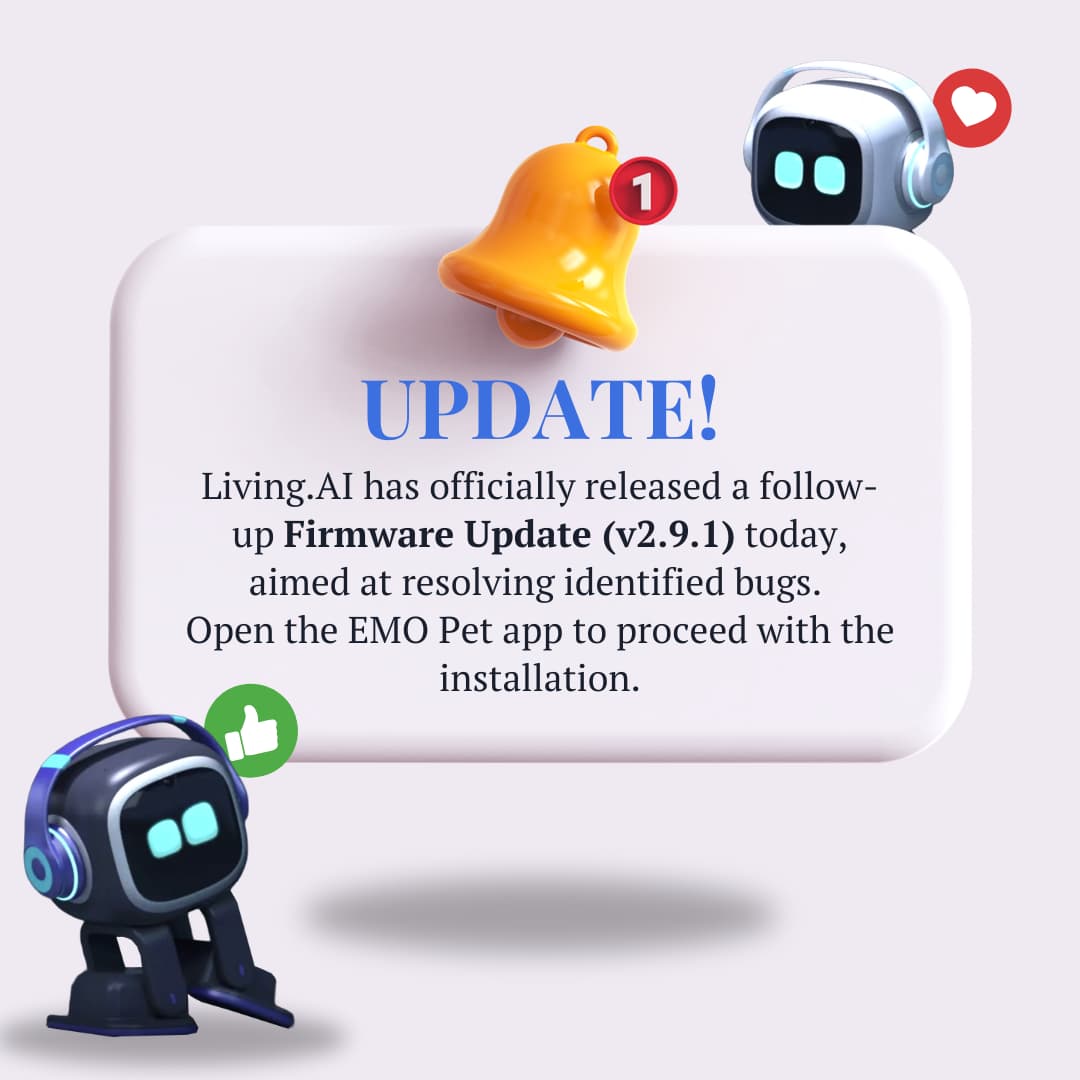
UPDATE v.2.9.1
BUG ISSUE:
“Regarding v2.9.0 EMO Theater: Clicking the ‘Spring Festival’ animation emoticon on the left activity menu caused EMO to Shutdown.”
HOW TO UPDATE!
Open the EMO Pet App.
Connect EMO
Go and click the upper right-corner hexagon/setting icon.
Click Firmware on the left-hand side.
Follow the prompt to install the latest firmware update if available. You can also use the command “Check Update Now.”
To install, use the voice command “Start Update” or "Install Latest Firmware Now ".
NOTE:
Updating the EMO Pet app is not required.