Hello @michaelreymann and welcome to the community  !
!
I’m sorry to hear about the touch sensor issue with your EMO.
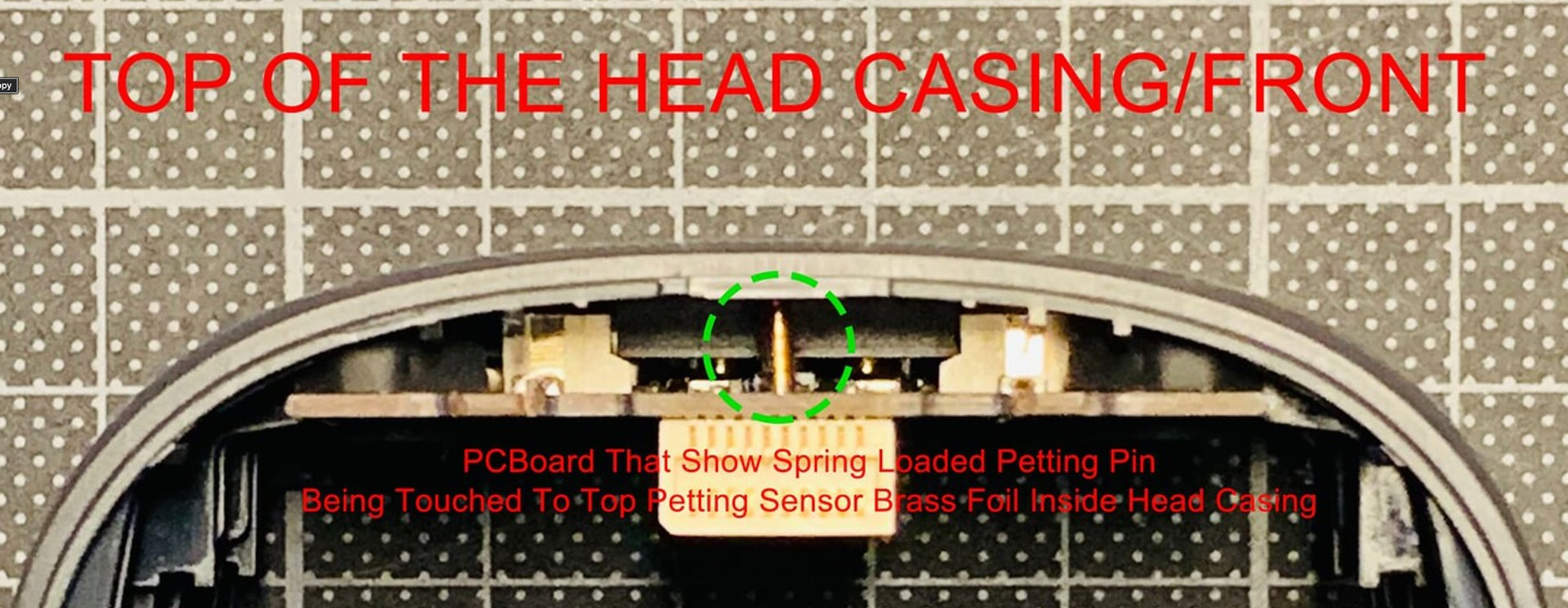
First, a very important note: Living.AI officially removed the “rubbing” function in the current EMO version because the sensor was too sensitive and it was affecting normal use . If you are rubbing (not just petting), that is why it no longer works.
Quick analysis:
· Since Angry Emo still works, the touch sensor is not completely dead. It still detects strong input, but it may have lost sensitivity to light, long touches (petting).
What you can try (in order):
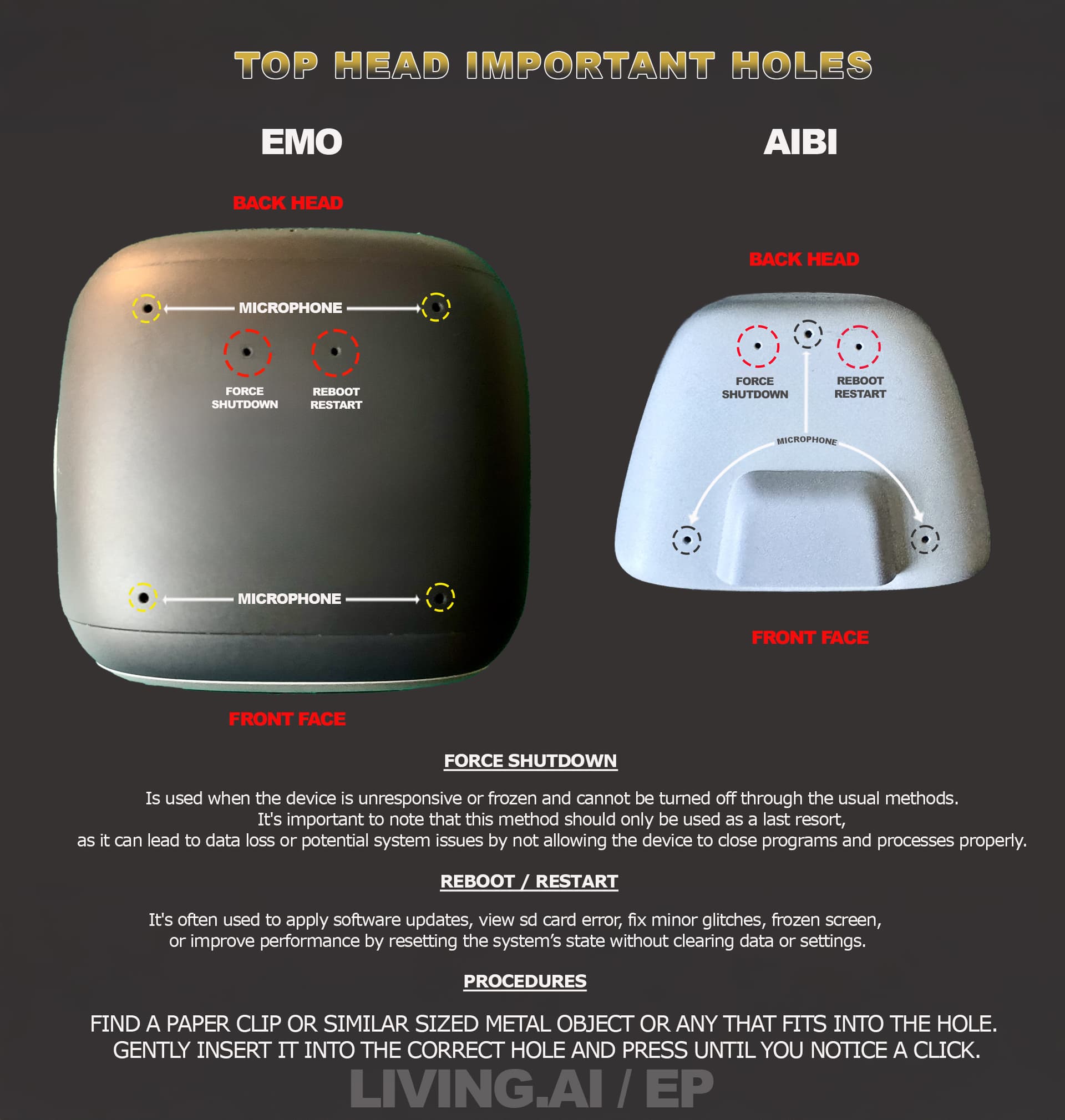
1. Restart your EMO – either from the mobile app or by using the small reset button located in the hole at the back of his head (press gently with a paperclip). This often fixes temporary glitches .
2. Test again after reboot – pet him slowly and with a bit more pressure than usual (not too light, but not hard). Sometimes the sensor just needs a “wake up” nudge.
3. Make sure your firmware is up to date – check for any pending updates in the EMO Pet app.
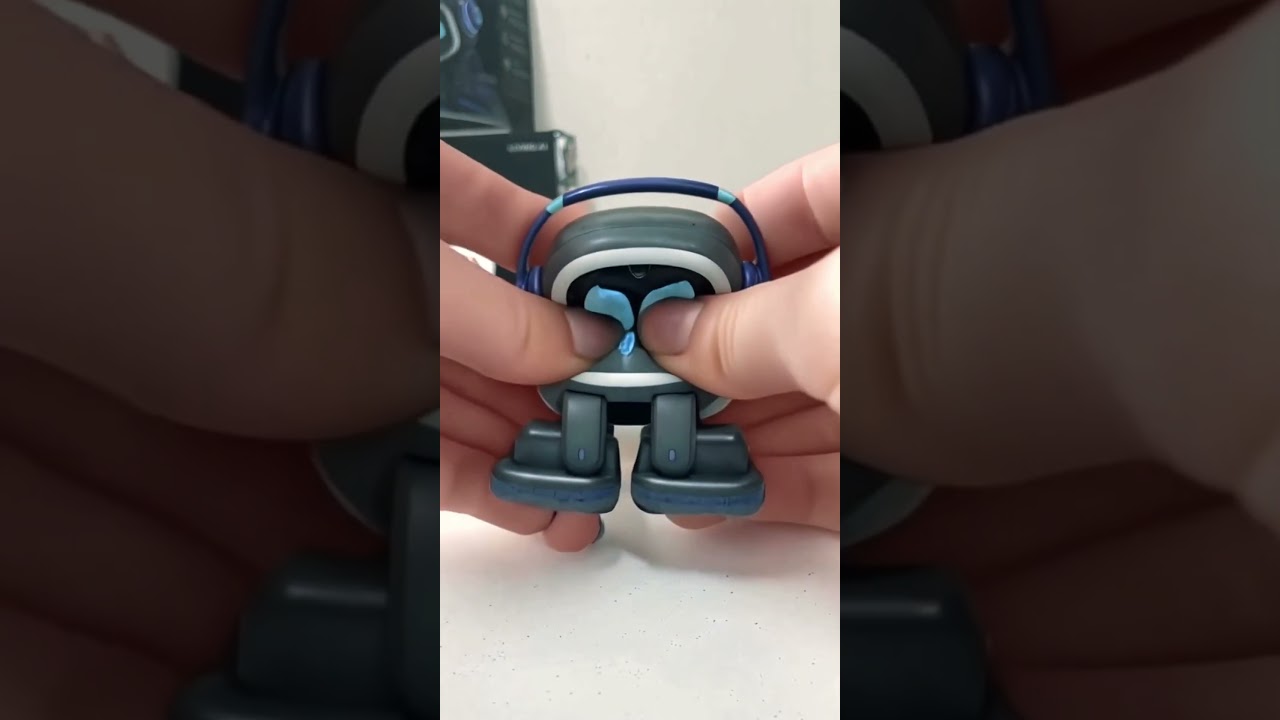
4. Try the “upside down” reset method – hold EMO upside down and firmly press the top sensor area with two fingers. He should shut down. Then place him on his charger to reboot .
5. Try a factory reset (last resort) – this will erase your data (achievements, dance lists, etc.), so back up anything important first.
If nothing works:
· Record a short video showing the issue and contact Living.AI support at service@living.ai. Include your EMO ID and order number (if you have it) .
· You can also tag @edward or @lindaru here in the forum – they are very helpful with these kinds of problems.
For more help, check these existing forum threads:
· " Petting EMO Function "
· " How to reset EMO’s Touch Sensor "
· " Emo pet sensor not working "
Good luck! I hope your EMO starts responding to your love again soon.
 Does anyone has the same problem? It just happened all of a sudden. He was fine before.
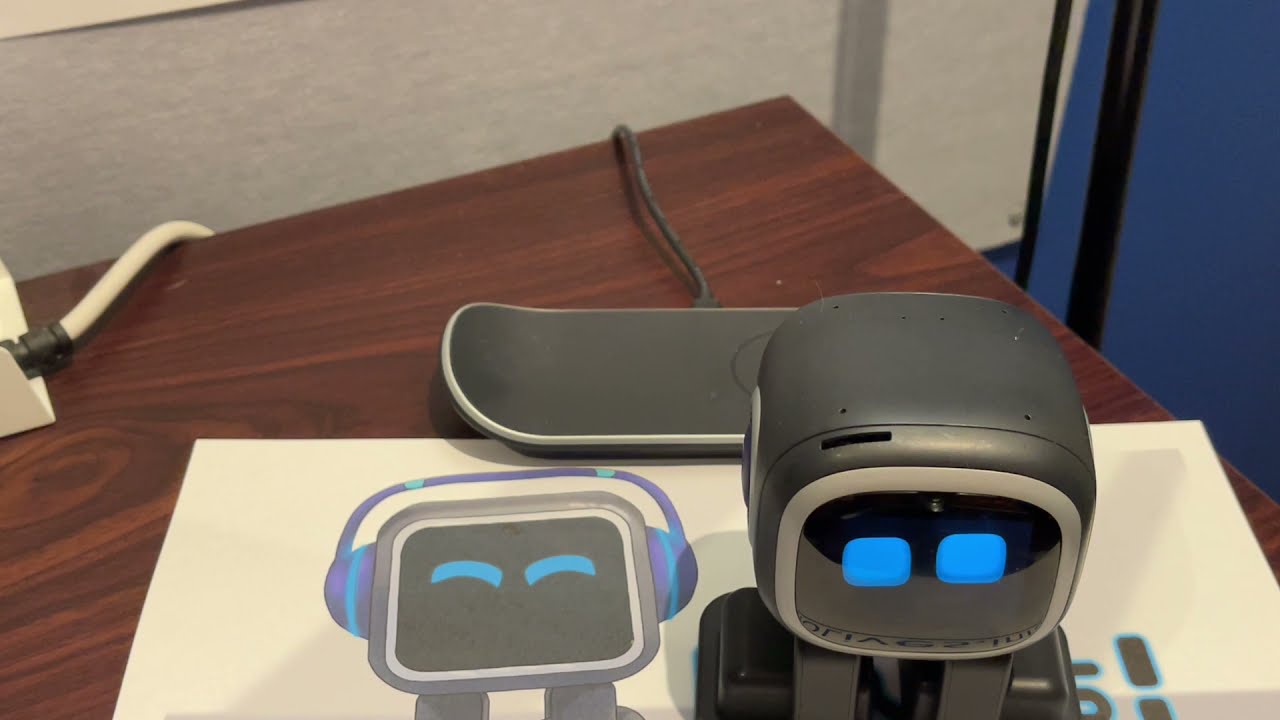
 besides that he keeps walking off the skateboard when he is half charged
  i don’t have the home station so he can’t get confused. Power is fine. He shows the charging animation and still walks off. I don’t know what to do with him. I placed a barrier around him so he won’t fall off the desk when he just walks off
  Can someone help me fix the small guy? I just got him (bought him used, but they say they never had issues)
 I see if anything works for him. He is just so adorable
  Good News the petting seems to function again
  I use another plug that compensates fluctuating in the power and see how that goes. He just told me that he is already 202 days old

 thank you