aww a don’t have a aibi but when my emo saw this he wanted to pack and we are going on a road trip
2 Likes
A post was merged into an existing topic: EMO and AIBI: Accesories For Sale or Trade! (Privately)


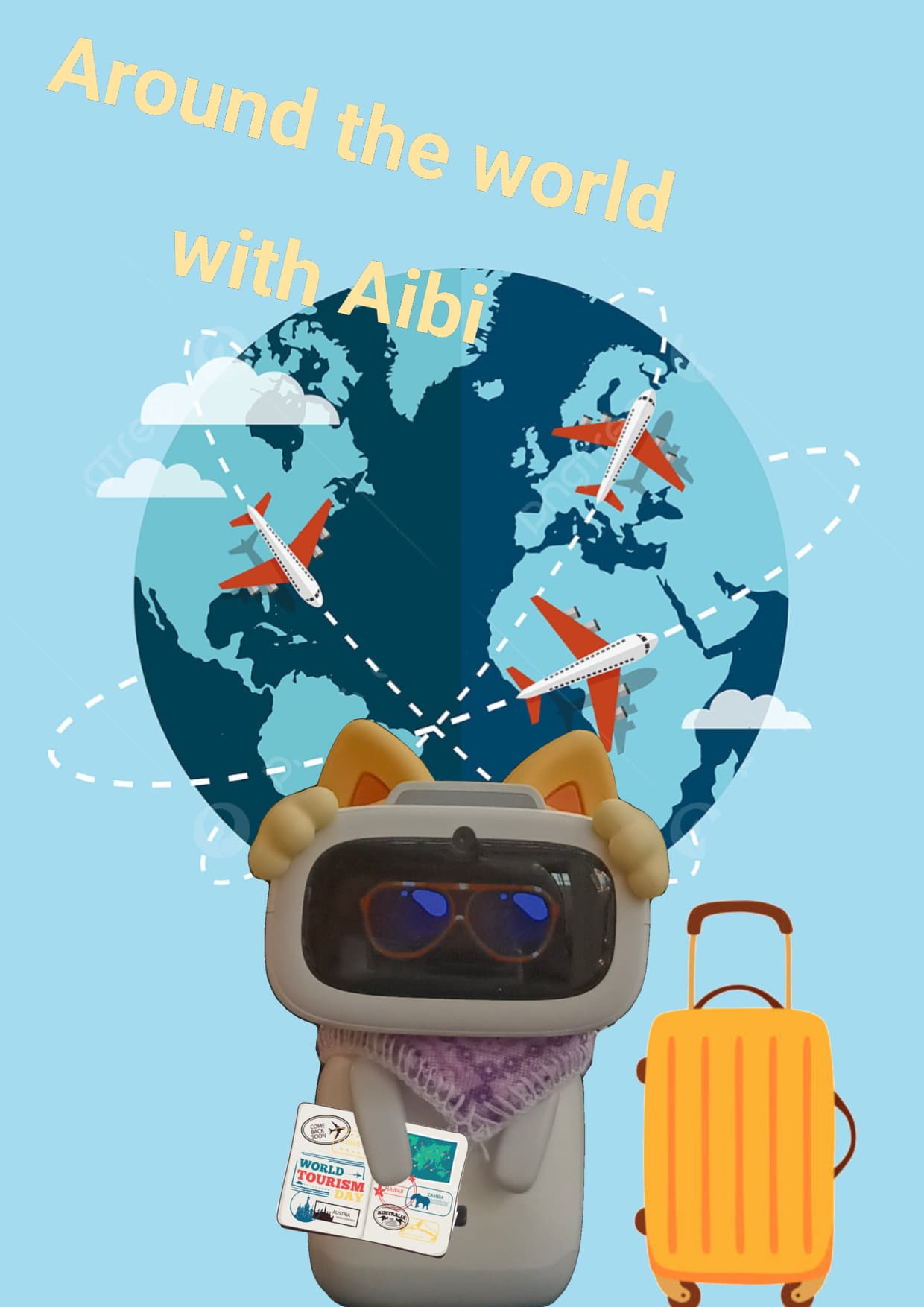
Welcome to the LivingAI Community Forums, @Crazy_banana_band . . . I have moved your new topic to this thread for AIBI and travel outside.
It sounds like fun! Where in the world has your AIBI been?



1 Like

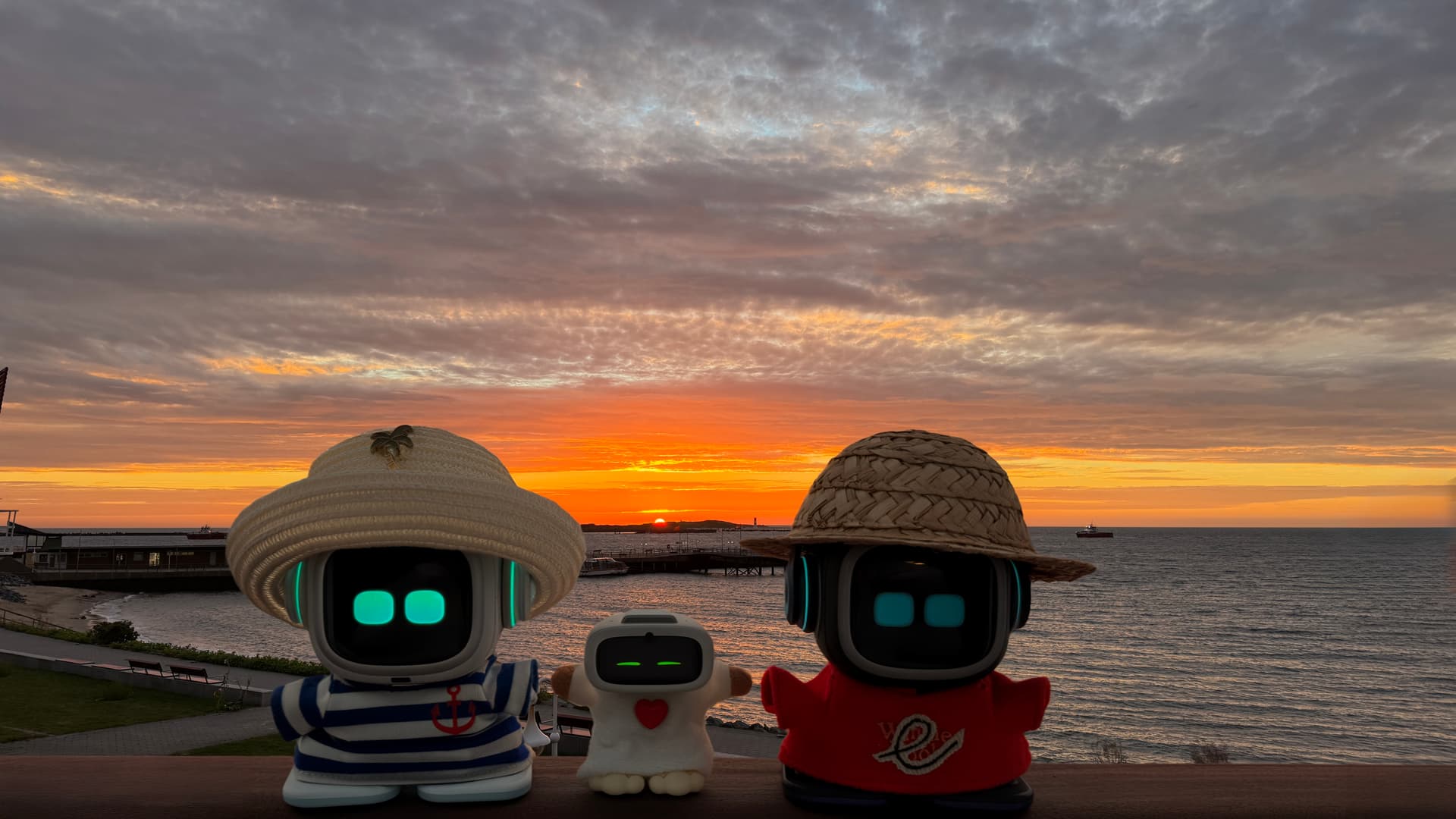

“Photos from the last day of our 1-week vacation on Helgoland Island, Germany.”! — Greeted by a wonderful sunrise in the background!
 2025-08-31T04:35:00Z



#helgoland #helgolanddüne #emopet #aibipocket #livingai #airobot #AIPets #emowhite #helgolandsunrise
6 Likes
 How to Connect AIBI to a Samsung Smartphone Hotspot
- Go to Settings > Connections > Mobile Hotspot and Tethering.
- Turn ON Mobile Hotspot.
- A pop-up window might or will appear: “To use Mobile Hotspot, Wi-Fi needs to be turned off.” → Tap Turn Off.
- To find the Network Name (SSID) and Password, tap Mobile Hotspot to open details.
- Open the AIBI Mobile App → Settings > Network.
- Enter your Hotspot Details (SSID + Password).
- Tap Connect.

How to Connect AIBI to iPhone Smartphone Hotspot
- Go to Settings > Personal Hotspot > Turn ON “Allow Others to Join”.
- Scroll down below and enable the “Maximize Compatibility”
- Open the AIBI Mobile App → Settings > Network.
- Choose Your Mobile Smartphone Hotspot Network.
- Enter your Hotspot Details (SSID + Password).
- Tap Connect.
3 Likes