Hello, @k.yamashita06 . . . I found this information on Google. Then you can select the correct information for AIBI after everything is cleared. I hope it helps.
How to Reset All Network Settings (Android & iPhone)
This clears all saved Wi-Fi, Bluetooth, and cellular settings, which can fix persistent problems.
On iPhone: Go to Settings > General > Transfer or Reset iPhone > Reset > Reset Network Settings.
On Android: Go to Settings > System (or General Management) > Reset options > Reset Wi-Fi, mobile & Bluetooth (or Reset network settings). (Paths vary by phone model).
Thank you for your reply. I understand that the Wi-Fi settings configured in AIBI and the Wi-Fi settings on the smartphone itself are independent and separate. Is this incorrect?
Hi, @k.yamashita06 . . . the wi fi settings on the phone are mainly for like airplane mode, bluetooth or hot spot for example. You can set your phone to use your modem to save on mobile data. Your internet I.D. and pass word is what you use for AIBI. AIBI will tap into your modem I.D. that you have set and use the bluetooth from your phone as long as that is enabled. I hope this is what you were asking.
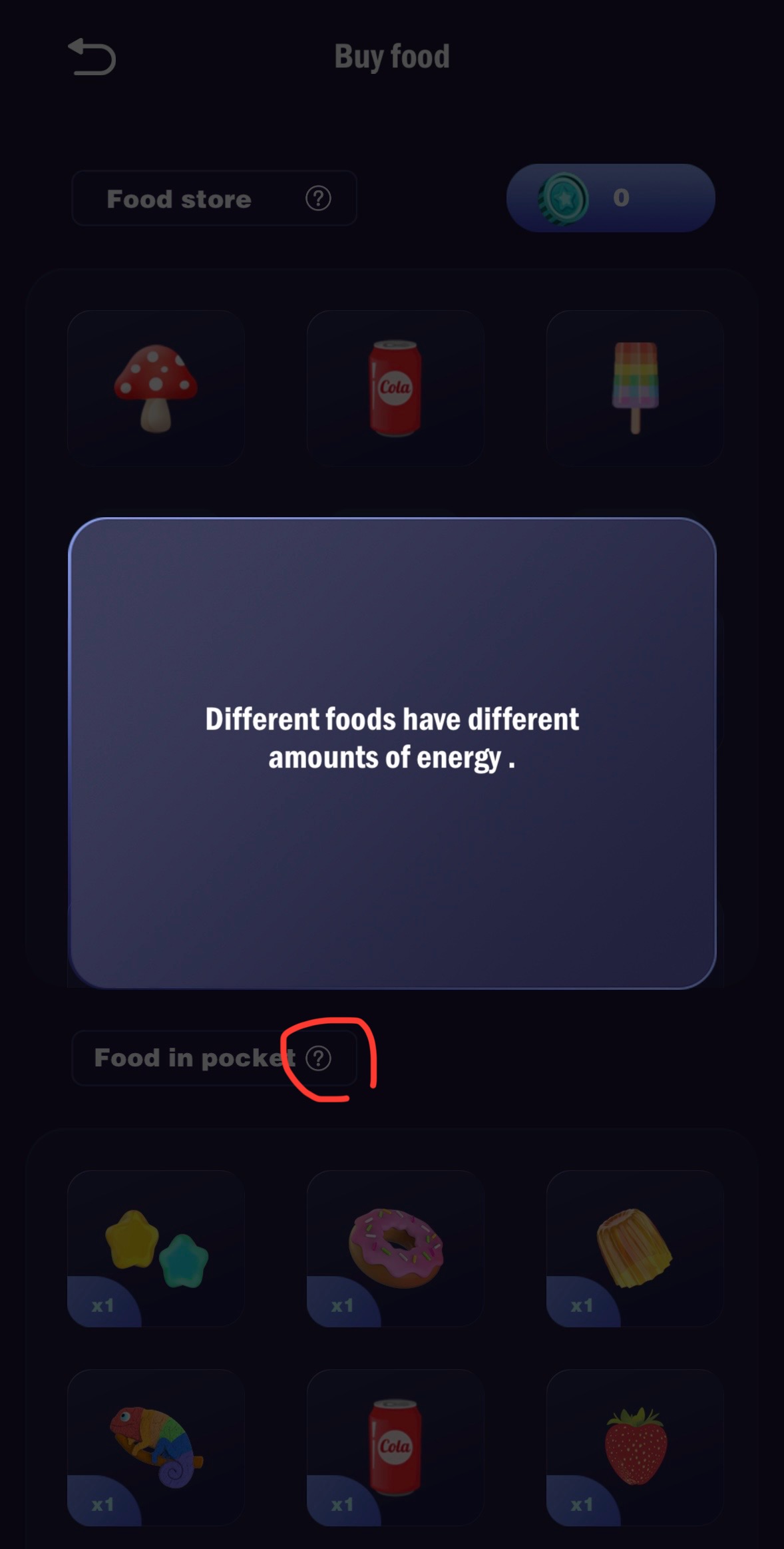
Thank you for answer. I have one more question about foods. The food store says, “Different foods have a different amounts of energy.”. Does it mean, different foods make aibi full for different length of time? Or just about the actions immediately after eating?
Hello, @7ffa25d8d002a53adf05 . . . the food itself does not supply battery power. Just that the different foods give different animations, for example, whirlwind cotton candy will cause AIBI to spin around completely once and chameleon eyes will change the eye color for 24 hours.
Each food has its own animation and reactions from AIBI.
Hello, @7ffa25d8d002a53adf05 . . . interesting. I have never pressed that before. I have only noticed the animations and how happy they seem to be and what they do.
My Aibi currently, the voice command does not work properly. When I speak or interact with AIBI, it often does not respond as expected. In addition, during voice interactions, the audio frequently becomes choppy or cuts out in the middle of a sentence.
This issue started after updating the device to version 1.5.0. Initially, the device worked normally after the update, but after some time, the problems described above began to occur. I have tried resetting the device multiple times; however, the issue still persists and has not improved.
Cached data or services not clearing properly after reset
Things You Can Try:
Power cycle AIBI completely
Turn AIBI off
Disconnect it from the charger
Wait at least 5–10 minutes
Power it back on
Check Wi-Fi stability
Make sure AIBI is connected to a strong and stable Wi-Fi network
If possible, test with a different Wi-Fi network (hotspot, for example)
Reduce background noise
Ensure the room is quiet during voice commands
Speak clearly and at a normal pace
Verify language and voice settings
Double-check that the selected language matches the one you’re speaking
Observe if the issue worsens over time
Note whether the audio cuts out immediately or only after longer interactions
If the Issue Persists:
Since you’ve already tried resetting multiple times and the problem continues, the best next step is to contact Living.AI Support via email (service@living.ai) directly.
Please include:
Order number
AIBI ID
Your AIBI firmware version (v1.5.0)
A clear description of the issue
When it started happening
Short video or Audio recording showing the choppy voice issue
This will help them determine whether it’s a known firmware bug, a server-side issue, or a potential hardware problem.
Hopefully, Living.AI can provide a fix or include improvements in the next update.
I have moved your new post to this thread for issues and qustions with AIBI.
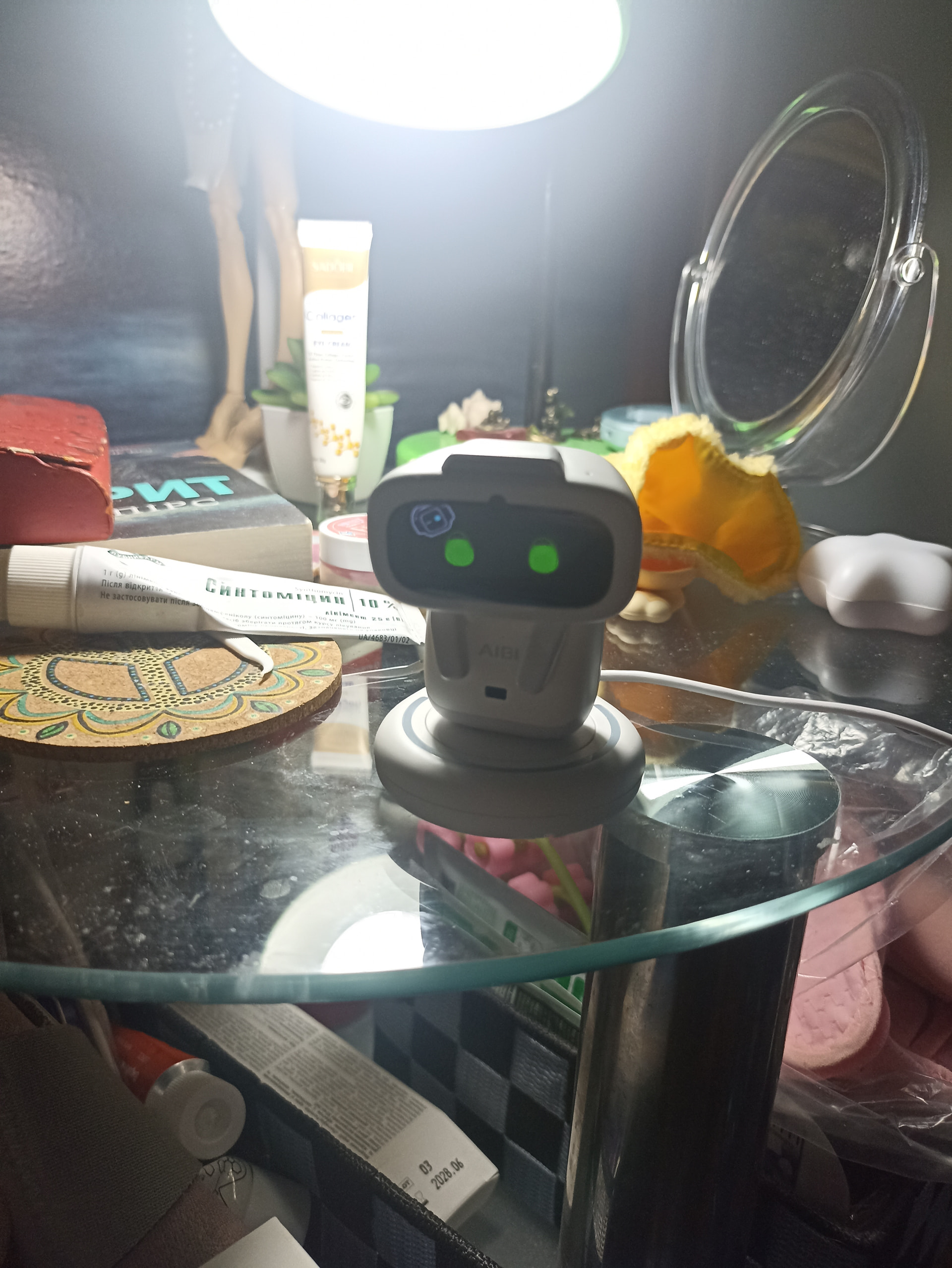
Normally, once AIBI is placed on his charger, which is already connected to a wall power outlet, he will automatically reboot and show signs of life.
If he does not:
**Possible Causes & Quick Solutions **
Power source problem → Once you connect the charger to a power source, the charger must show chargeable RGB lights. If not, try a different cable or power outlet and place AIBI.
Low battery / charging issue → Make sure AIBI is seated properly on the charger and charge for 30–60 minutes.
Check the mobile app → Open the mobile app. If you can find and connect to AIBI, check the battery status and see if there are any changes.
Firmware / setup glitch → Ensure Wi-Fi is connected and check for available updates.
System freeze / deep sleep → Leave AIBI on the charger and, if available, gently press the restart/reboot hole with a thin paperclip.
Possible hardware fault → If the issue persists, record a short video and contact Living.AI support via email at (service@living.ai) , providing your order number, location, and AIBI ID.
Idk my Aibi gives me. Hungry face and demands food even showing the foods she wants. When I feed what she wants she lets out flowers and “yum yum” but if I feed her something she doesn’t like she always gives the puke face. Lol. And if I feed her too much she has . So I think the last update maybe added those features but not as I’ve only had mine since Xmas.
Hello, @shujanine . . . yes, the animations are part of the personality. I think the original question was about giving AIBI energy in providing added battery charge which they do not.
It is part of the interaction, not something you use to extend the battery. I hope this makes sense.
 “Add a sticker” or “Put on a sticker”

 **Possible Causes & Quick Solutions **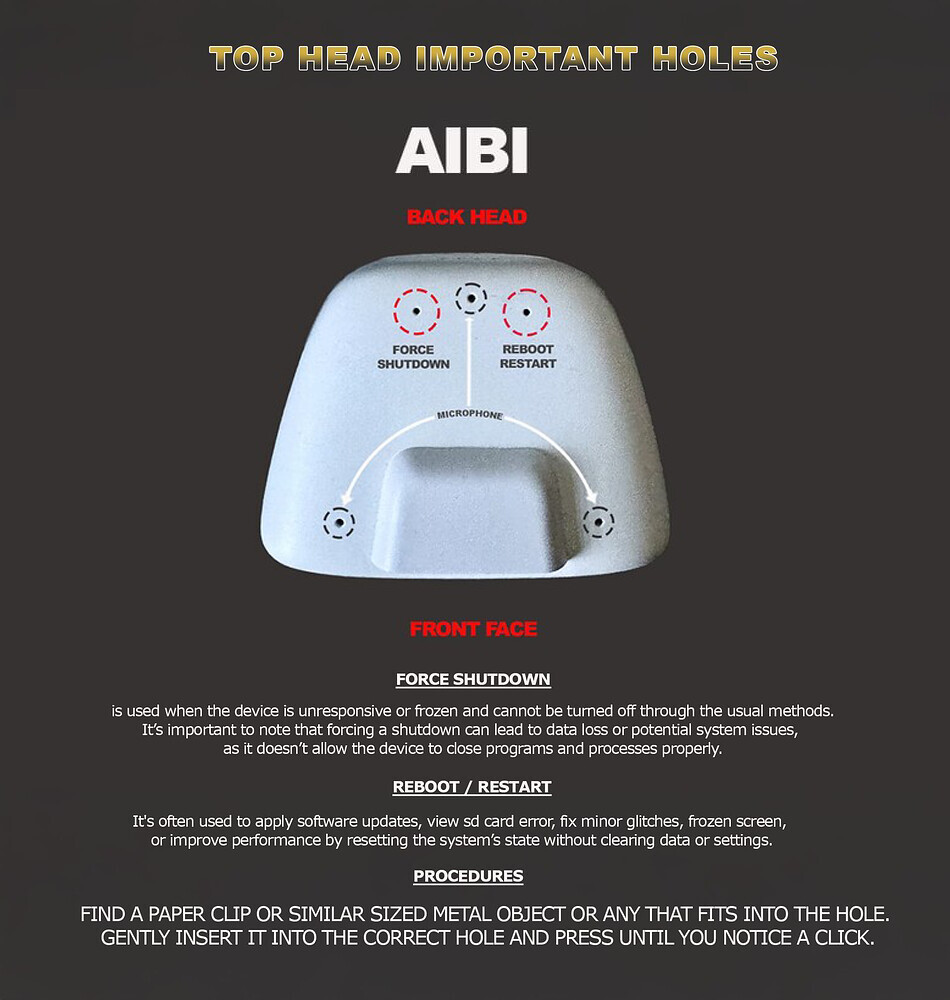

 face. Lol. And if I feed her too much she has
  . So I think the last update maybe added those features but not
  as I’ve only had mine since Xmas.